
Ücretsiz 
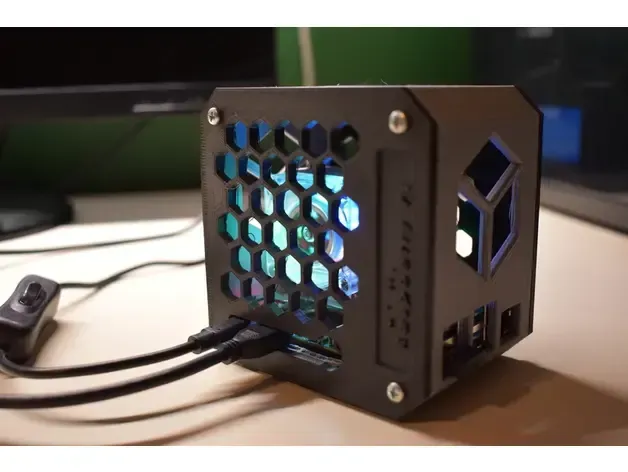
Raspberry Pi 3 (B/B+), Pi 2 B, and Pi 1 B+ case with VESA mounts and more
Thingiverse
This collection gathers 3D models for housing Raspberry Pi Pico W and Pico 2W boards, from simple snap-fit shells to enclosed boxes and modular cases with stands. It is useful when you want a case that matches a specific board revision and the way you plan to use it. Each listing is a starting point for 3D printing, so the dimensions and settings come from the author's model page. Polyzon does not confirm whether models are free, their price, license, official status, affiliation, safety or fitness. Check the current terms at the source.
Bu koleksiyonun metni İngilizce; arama ise her dilde çalışır.
 Bir Polyzon koleksiyonu · 48 model 4 siteden
Polyzon bu koleksiyonu bağlı sitelerdeki arama sonuçlarından oluşturur. Tekrarlar ve önizlemesi olmayan modeller çıkarılır, zayıf eşleşmeler sona alınır, geri kalanlar arama sırasını korur. Modeller yazarlarına aittir; her modelin sayfasındaki koşulları kontrol edin.
Seçim kuralları: Polyzon editör ekibi · Metin güncellendi: 15.10.2026


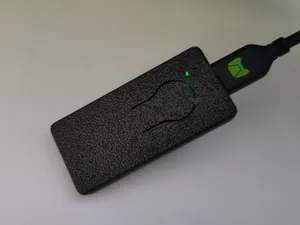
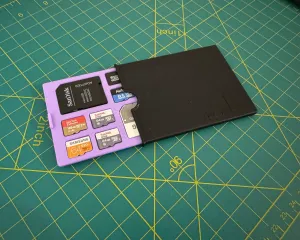


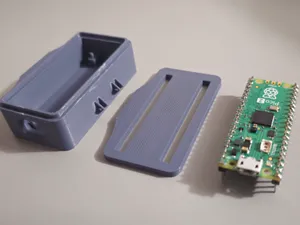
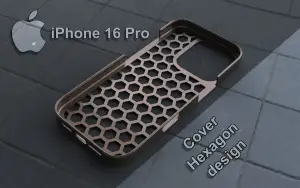


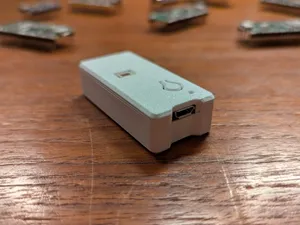
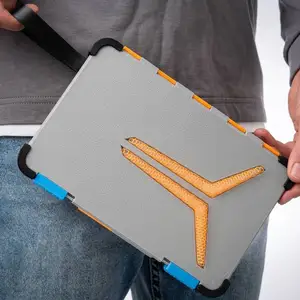

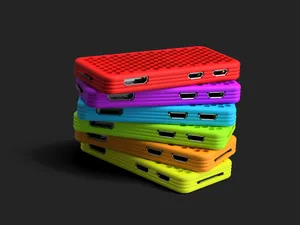
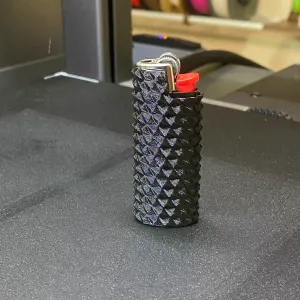

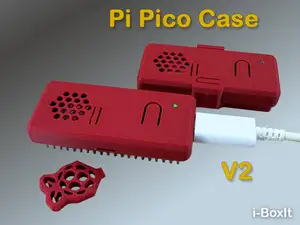
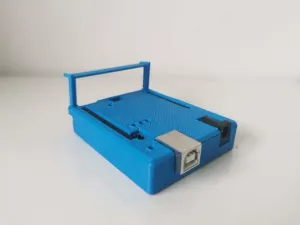

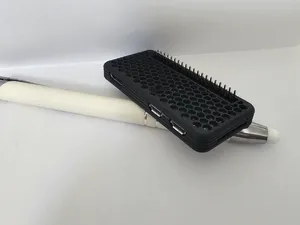
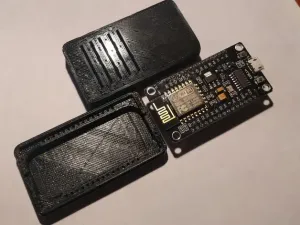

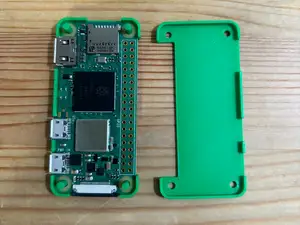

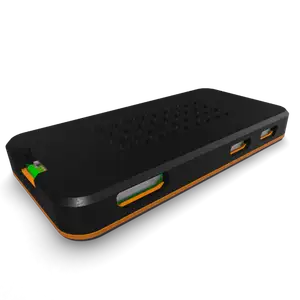
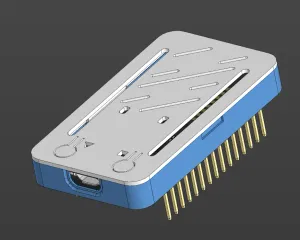

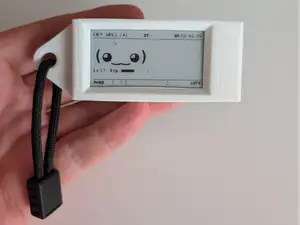
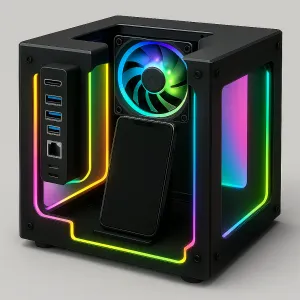

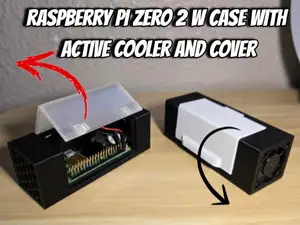
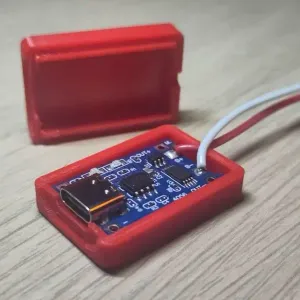

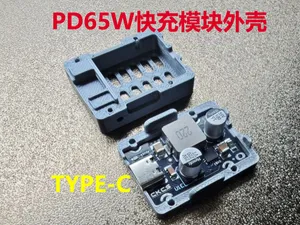
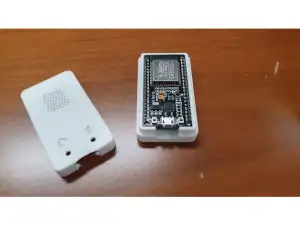

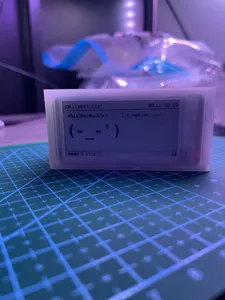
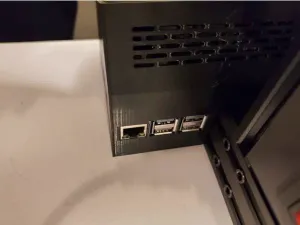

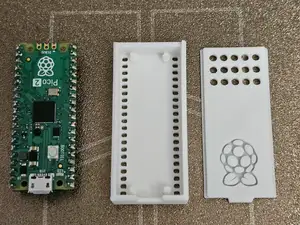
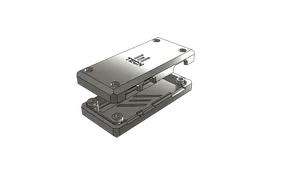
The models fall into a few groups. Snap-fit shells close without screws and keep the board visible or partly open, while enclosed cases cover the whole board and leave openings for the USB port and pins. Modular designs let you swap or add sections, and some cases include a stand, mounting holes or a plate for attaching the assembly to a surface. The differences matter because board revisions vary in outline, connector placement and antenna area.
Before printing, open the model page and compare the stated board version with the one you have. Check the cutouts for the USB connector, buttons and pin headers, the wall thickness, and how the lid or snap tabs are meant to flex. Look at whether the author lists supports, material, layer height and infill, and read the photos of real prints to judge how the parts fit together. A small test print of the lid or a corner can save a full reprint.
If the results are thin, try other words for the same object: enclosure, housing, shell, cover or tray. Searching for the exact board name, such as Pico W, Pico 2W or Pico 2 WH, narrows the list, and adding terms like snap-fit, screwless, modular, stand or VESA shifts it toward a particular style. Related topics such as Raspberry Pi Zero cases, breadboard holders and pin-header covers often appear alongside and can be adapted.


Ev ve günlük yaşamdan CNC'ye kadar tüm konuların kataloğu; bağlı sitelerin hepsinde arama yapabilirsiniz.

