Ücretsiz 
Miter Saw
GrabCAD
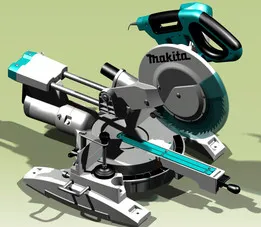
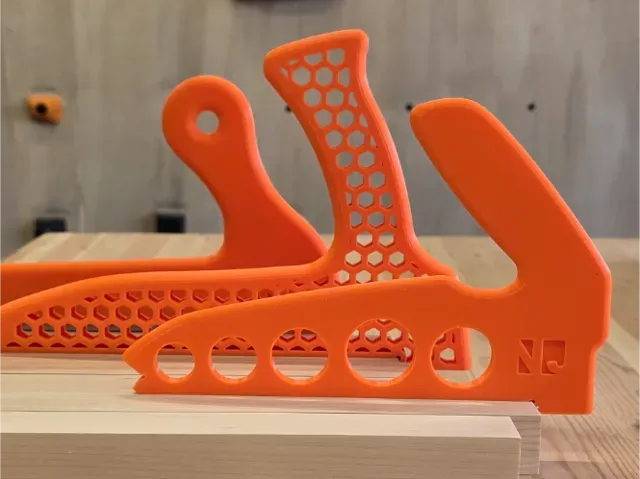
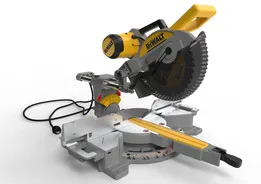
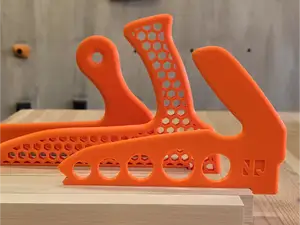
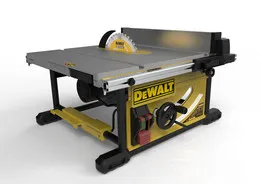
This collection gathers saw-related 3D models: jigs and push sticks for table saws, small bench saws built around rotary tools, support brackets, and cutting accessories. It is useful when you need a jig, a holder or a replacement part and want to compare several STL options before printing. Many files are also modeled around particular miter and table saw machines, so scale and mounting points matter. Polyzon does not confirm whether models are free, their price, license, official status, affiliation, safety or fitness. Check the current terms at the source.
Bu koleksiyonun metni İngilizce; arama ise her dilde çalışır.
 Bir Polyzon koleksiyonu · 48 model 5 siteden
Polyzon bu koleksiyonu bağlı sitelerdeki arama sonuçlarından oluşturur. Tekrarlar ve önizlemesi olmayan modeller çıkarılır, zayıf eşleşmeler sona alınır, geri kalanlar arama sırasını korur. Modeller yazarlarına aittir; her modelin sayfasındaki koşulları kontrol edin.
Seçim kuralları: Polyzon editör ekibi · Metin güncellendi: 12.10.2026



%2Fhttps%3A%2F%2Ffbi.cults3d.com%2Fuploaders%2F5909433%2Fillustration-file%2F6c855986-1c0a-4124-9aa6-815836d80e56%2FCapture%2520d%25E2%2580%2599e%25CC%2581cran%25202017-11-02%2520a%25CC%2580%252016.32.05.png&w=300)

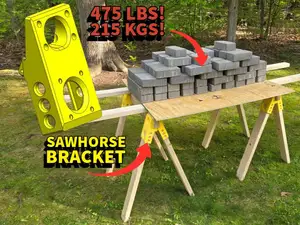
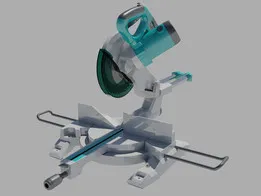
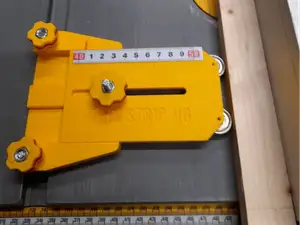
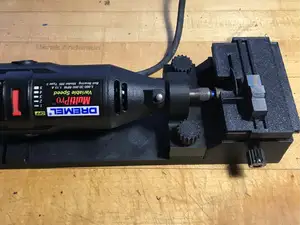

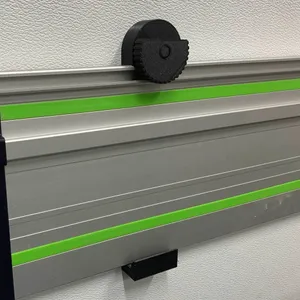
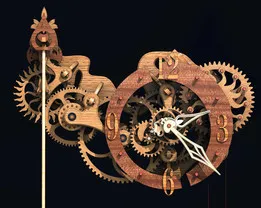


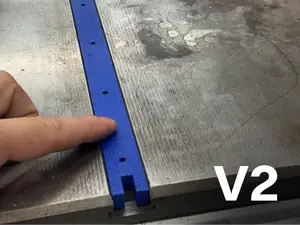
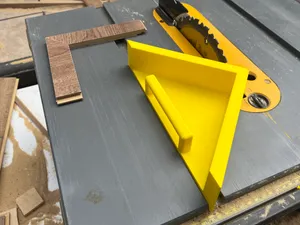


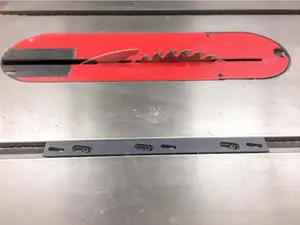
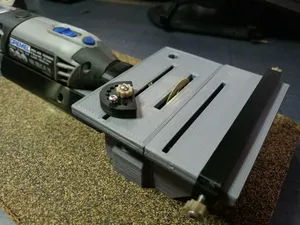


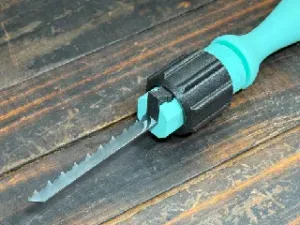
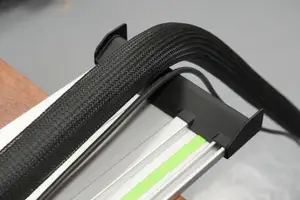
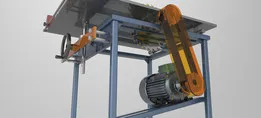
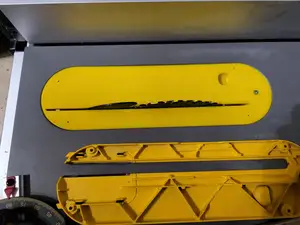

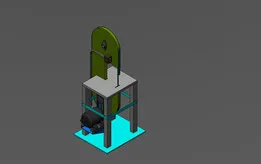
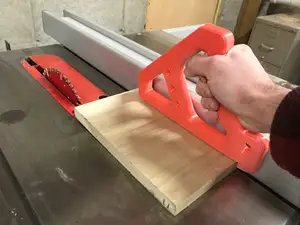
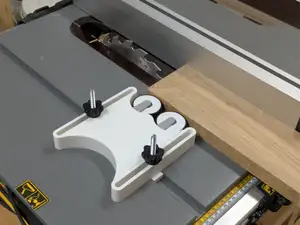
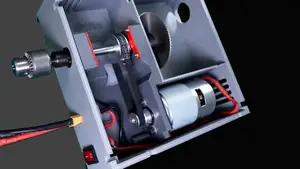


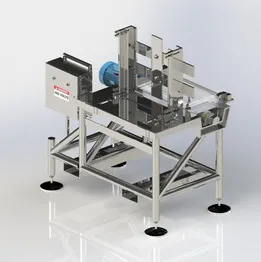
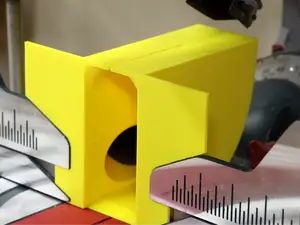
The results split into a few groups. Jigs, pushers and featherboards are shaped by the cut they guide, so their geometry depends on blade height and fence width. Mini and bench saws are usually assembled around a rotary tool, which means the body, the table and the clamping method are separate parts. A third group reproduces or adapts full-size miter and table saws, and a fourth covers support hardware such as folding brackets and rail holders.
When you open an author's model page, check the listed dimensions and scale first, then the number of parts and how they join. Look at whether supports are needed, which material and settings the author lists, and any photos of real prints. For anything that clamps near a blade or a spinning tool, confirm that the mounting holes and clearances match your own machine before printing.
Search terms can be narrowed in several directions. "Jig", "pusher", "featherboard" and "rip" describe guiding accessories, while "bench saw", "mini saw" and "rotary tool" point to small powered builds. "Saw horse", "rail holder" and "bracket" cover support hardware, and "blade", "scraper" and "handle" cover cutting parts. Note that the word also matches a horror-film character figure, so add a material or machine term if those results are not what you want.



Ev ve günlük yaşamdan CNC'ye kadar tüm konuların kataloğu; bağlı sitelerin hepsinde arama yapabilirsiniz.