
Ücretsiz 
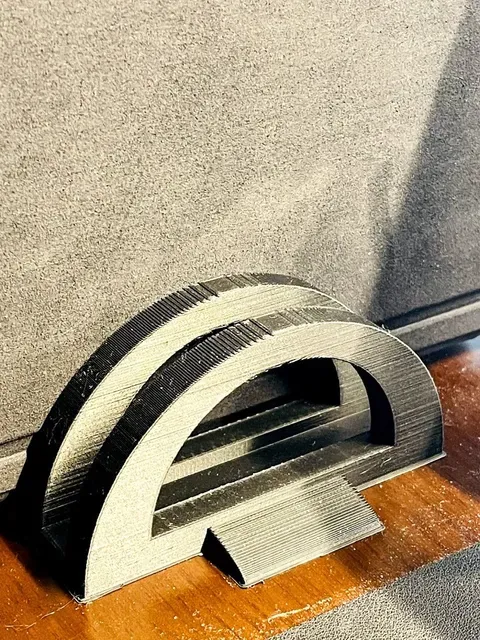
Vertical Laptop Stand for Laptop
Thingiverse
This collection gathers STL files for stands that hold a laptop together with a second device, such as a tablet or a phone. The designs range from vertical docks to adjustable risers and foldable shapes, so you can choose one that matches your desk and your 3D printer's build volume. Polyzon does not confirm whether models are free, their price, license, official status, affiliation, safety or fitness. Check the current terms at the source.
Bu koleksiyonun metni İngilizce; arama ise her dilde çalışır.
 Bir Polyzon koleksiyonu · 48 model 4 siteden
Polyzon bu koleksiyonu bağlı sitelerdeki arama sonuçlarından oluşturur. Tekrarlar ve önizlemesi olmayan modeller çıkarılır, zayıf eşleşmeler sona alınır, geri kalanlar arama sırasını korur. Modeller yazarlarına aittir; her modelin sayfasındaki koşulları kontrol edin.
Seçim kuralları: Polyzon editör ekibi · Metin güncellendi: 15.10.2026




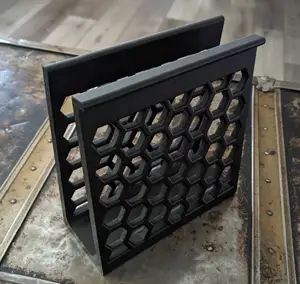


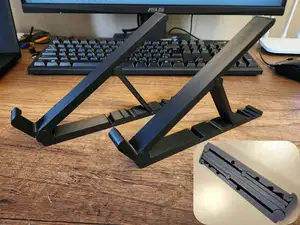


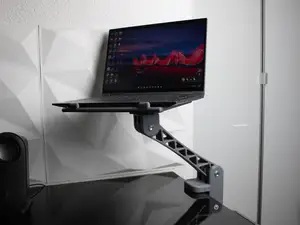


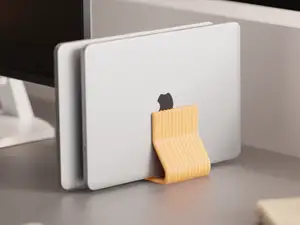


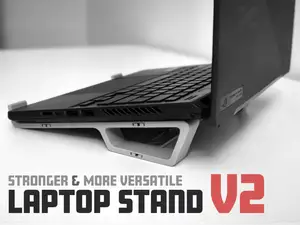


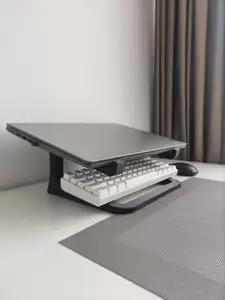


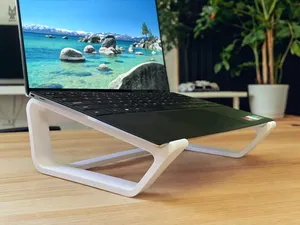


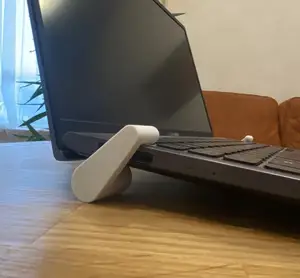

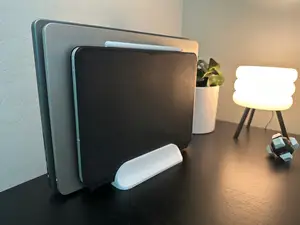


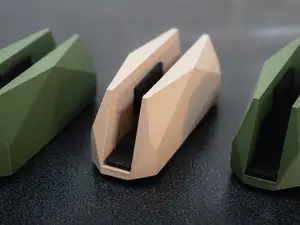


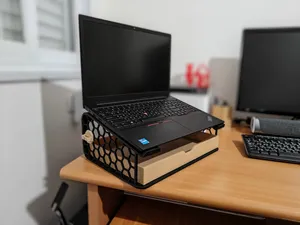


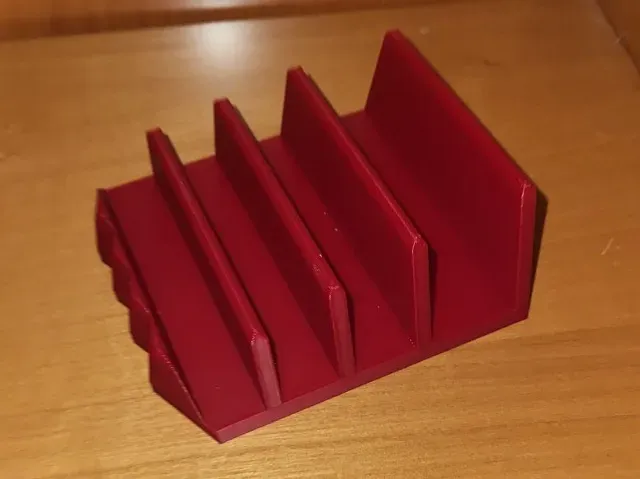
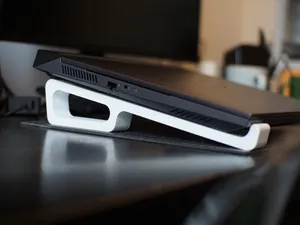
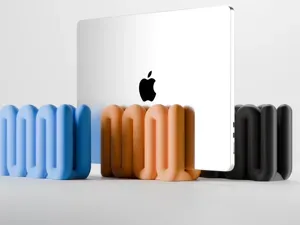
Vertical stands hold devices on edge in slots, and the two-slot versions keep a laptop and a tablet side by side in the same footprint. Adjustable designs change the slot width, which helps when one device is thicker than the other. Foldable and compact stands trade some rigidity for a smaller shape, while risers lift a laptop to a working angle and often offer more than one position. Some models add a third slot or a tray for a phone or earbuds.
Before printing, measure the thickness of each device, including any case, and compare it with the slot width the author lists. Check the base footprint against the space you have, the number of parts and how they join, and whether the overhangs need supports. Look at the material and settings the author notes and at photos of real prints, since slot tolerances decide how easily a device slides in.
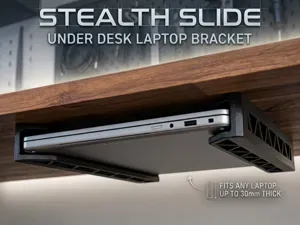
If the results feel narrow, try other words for the same object: dock, holder, riser, organizer or bracket, and add the device type, such as ultrabook, workstation or tablet. Related searches like desk organizers, cable clips, monitor risers or phone stands often lead to files from the same designers. Combining a device type with a mounting idea, for example wall-mounted or under-desk, also changes what you see.



Ev ve günlük yaşamdan CNC'ye kadar tüm konuların kataloğu; bağlı sitelerin hepsinde arama yapabilirsiniz.