Ücretsiz 
Terramaster Drive Tray for TNAS Models F2/F4/F5 DAS Models D2/D4/D5
Thingiverse
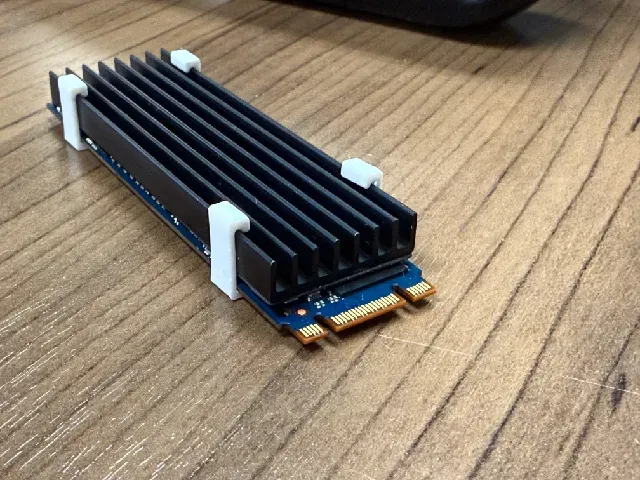
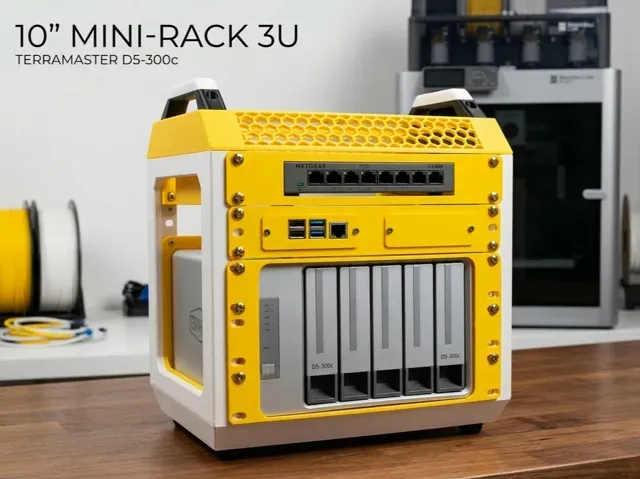
This collection gathers STL files for TerraMaster NAS and DAS enclosures. It includes drive trays, rack adapters, cooling clips and small replacement parts. The models are useful when you need to adapt the hardware or replace a worn component. Polyzon does not confirm whether models are free, their price, license, official status, affiliation, safety or fitness. Check the current terms at the source.
Bu koleksiyonun metni İngilizce; arama ise her dilde çalışır.
 Bir Polyzon koleksiyonu · 48 model 4 siteden
Polyzon bu koleksiyonu bağlı sitelerdeki arama sonuçlarından oluşturur. Tekrarlar ve önizlemesi olmayan modeller çıkarılır, zayıf eşleşmeler sona alınır, geri kalanlar arama sırasını korur. Modeller yazarlarına aittir; her modelin sayfasındaki koşulları kontrol edin.
Seçim kuralları: Polyzon editör ekibi · Metin güncellendi: 13.10.2026


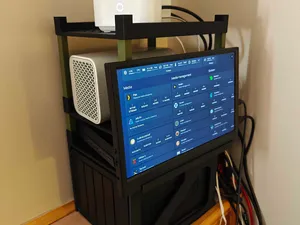


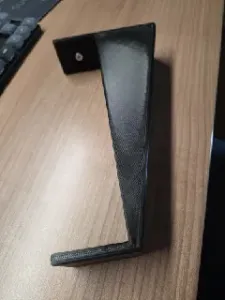
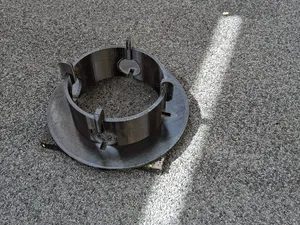


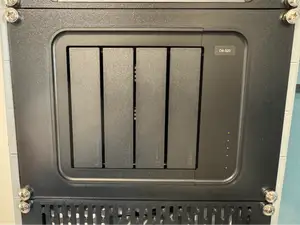
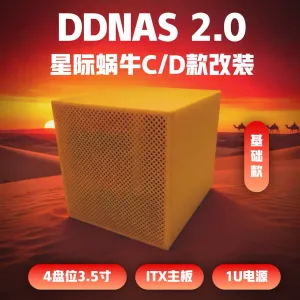




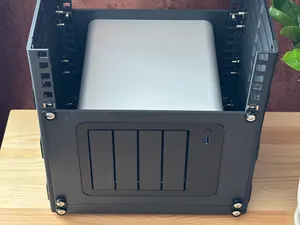
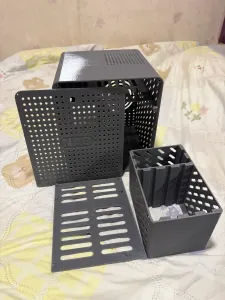


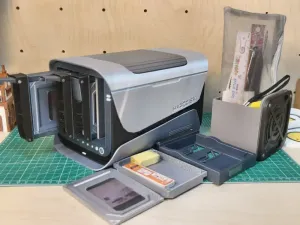

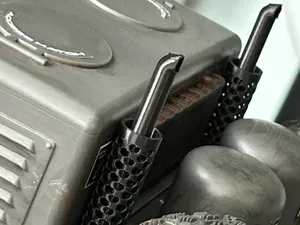
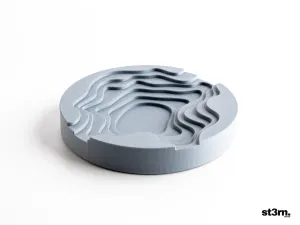

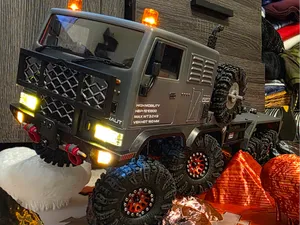
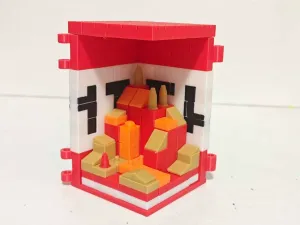
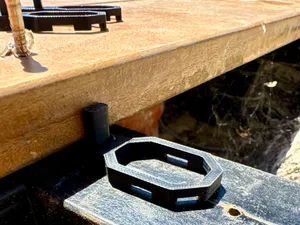

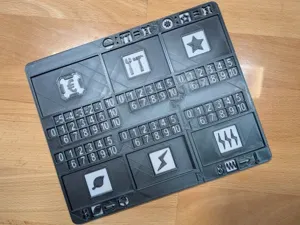
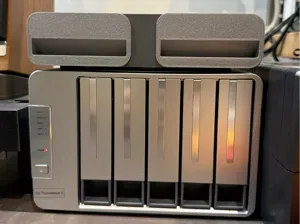

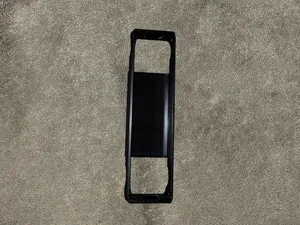

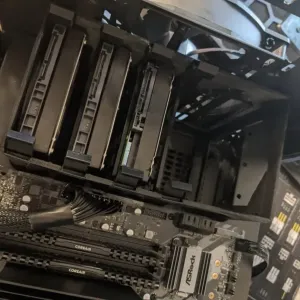
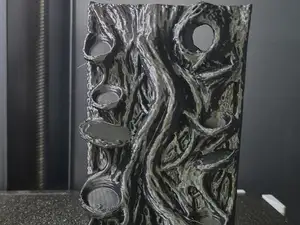
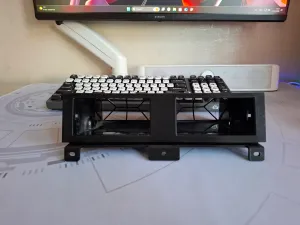
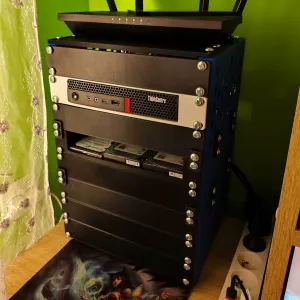
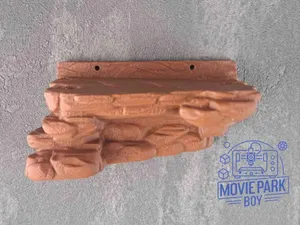
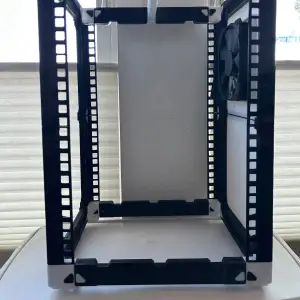
The collection covers several practical part families. Drive trays and bay caddies appear for different enclosure sizes, while rack, shelf and wall mounts adapt the hardware to 10-inch or larger setups. Cooling clips and internal holders address SSDs and small cards, and replacement feet or button guards handle wear points.
When choosing a model, compare the bay layout, latch style and screw positions with the enclosure you have. Check the author's notes for part count, assembly steps, whether supports are needed, and the material and settings they list. Photos of real prints help you judge clearances and how the part sits once installed.
To refine the search, use synonyms and related terms. Try drive caddy, drive tray, rack adapter, wall mount, SSD holder, cooler clip, replacement foot or button protector. Adding the enclosure type, bay count or rack width can narrow the results further.





Ev ve günlük yaşamdan CNC'ye kadar tüm konuların kataloğu; bağlı sitelerin hepsinde arama yapabilirsiniz.