
Ücretsiz 
Reloj Queen Freddie Mercury
Thingiverse
This collection gathers 3D models made for TS100-style soldering irons and the small tools that go with them: stands, storage bins, adapters and bench accessories. Most of these parts are small enough to print on a desktop 3D printer in one sitting, which makes them a practical first project or a quick upgrade to an existing setup. The STL files come from several platforms, so each listing links back to its own source page. Polyzon does not confirm whether models are free, their price, license, official status, affiliation, safety or fitness. Check the current terms at the source.
Bu koleksiyonun metni İngilizce; arama ise her dilde çalışır.
 Bir Polyzon koleksiyonu · 41 model 3 siteden
Polyzon bu koleksiyonu bağlı sitelerdeki arama sonuçlarından oluşturur. Tekrarlar ve önizlemesi olmayan modeller çıkarılır, zayıf eşleşmeler sona alınır, geri kalanlar arama sırasını korur. Modeller yazarlarına aittir; her modelin sayfasındaki koşulları kontrol edin.
Seçim kuralları: Polyzon editör ekibi · Metin güncellendi: 13.10.2026



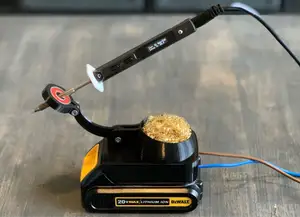

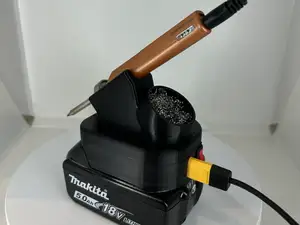

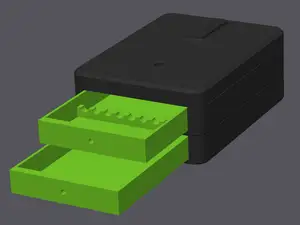

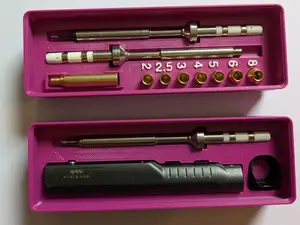

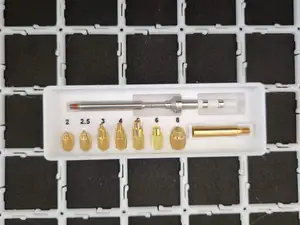

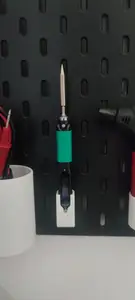


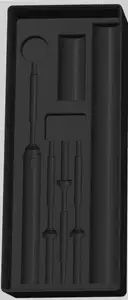


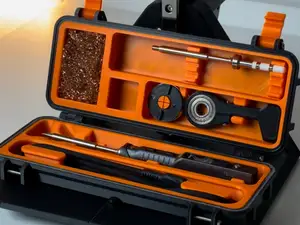




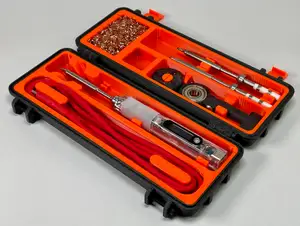


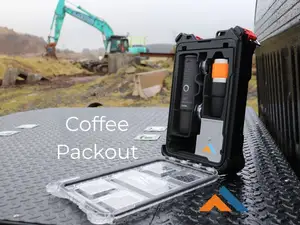


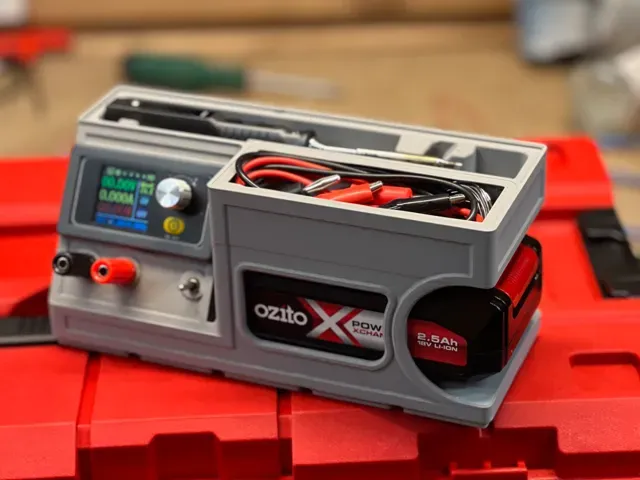
The models split into a few clear groups. Holders and stands keep a hot iron upright or park it on a bench edge, and they differ mainly in how the iron sits and where the cable runs. Gridfinity bins and drawer inserts organize the iron together with tips and cables, while battery adapters and power-bank cradles change how the iron is powered away from a wall outlet. A smaller group covers heat-set insert presses and tip storage, which are useful if you assemble printed parts with threaded inserts.
Before printing, open the author's model page and read what is listed there: the dimensions and scale, the number of separate parts, whether the geometry needs supports, and the material and settings the author names. For holders, check the opening size and the angle the iron rests at, since a small difference changes how the stand behaves on a bench. For bins and adapters, check wall thickness and the hardware the model expects, such as screws, magnets or heat-set inserts. Photos of real prints on the page usually show more than the render does.
If the results feel narrow, try related terms. Searching for the iron model number alone, for the brand of your power tool battery, or for the name of a storage system often surfaces more files than a single phrase. Related topics worth trying include soldering station accessories, tip organizers, electronics bench organizers, cable clips and tool holders for a specific battery platform. Combining one of those with a size or format word usually narrows the list quickly.

%2Fhttps%3A%2F%2Ffbi.cults3d.com%2Fuploaders%2F25113338%2Fillustration-file%2Ff697bb2e-f02a-4210-b5aa-14f7e394f5f6%2F01.jpg&w=300)


Ev ve günlük yaşamdan CNC'ye kadar tüm konuların kataloğu; bağlı sitelerin hepsinde arama yapabilirsiniz.
%2Fhttps%3A%2F%2Ffbi.cults3d.com%2Fuploaders%2F15411533%2Fillustration-file%2F1c40e55f-d4cf-425d-9489-8824a7d6acb4%2FDSC_0829.JPG&w=640)