
Ücretsiz 
Attachment for wire rope
Thingiverse
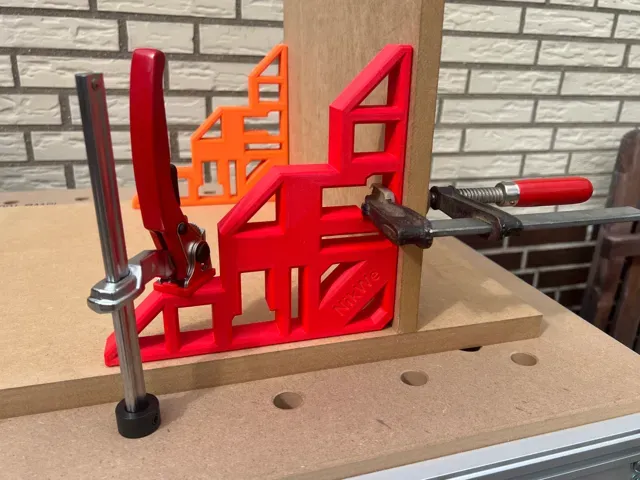
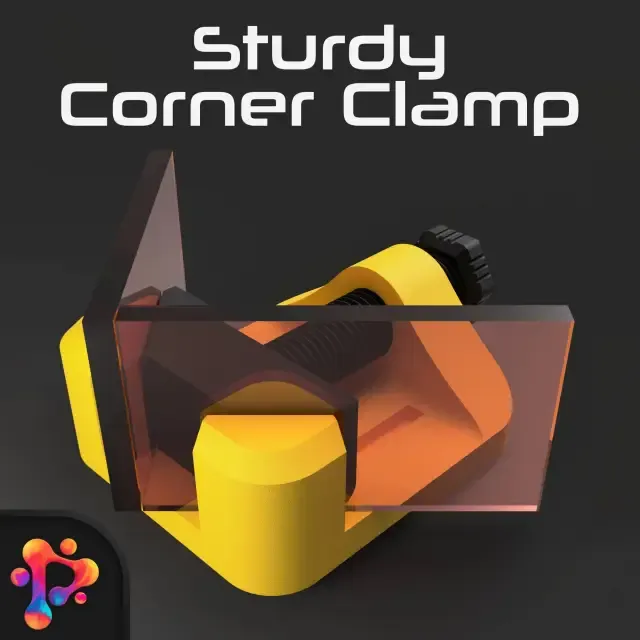
This collection gathers printable corner hardware: right-angle clamps, brackets, jigs and shelf supports that appear across several model platforms. It is useful when you need to hold two parts at an angle during 3D printing, assembly or repair work. Most entries are small parts that a common 3D printer can handle in one piece. Polyzon does not confirm whether models are free, their price, license, official status, affiliation, safety or fitness. Check the current terms at the source.
Bu koleksiyonun metni İngilizce; arama ise her dilde çalışır.
 Bir Polyzon koleksiyonu · 47 model 3 siteden
Polyzon bu koleksiyonu bağlı sitelerdeki arama sonuçlarından oluşturur. Tekrarlar ve önizlemesi olmayan modeller çıkarılır, zayıf eşleşmeler sona alınır, geri kalanlar arama sırasını korur. Modeller yazarlarına aittir; her modelin sayfasındaki koşulları kontrol edin.
Seçim kuralları: Polyzon editör ekibi · Metin güncellendi: 15.10.2026

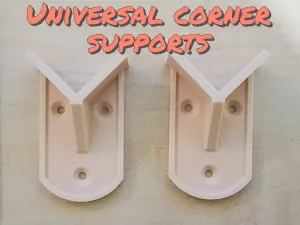

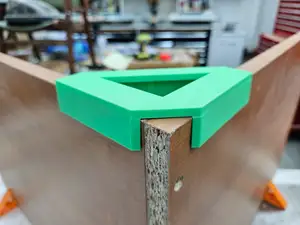
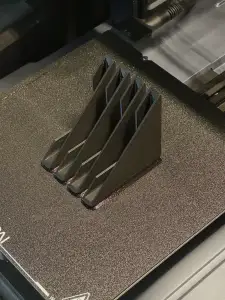

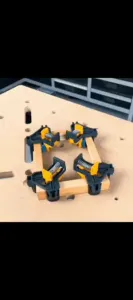

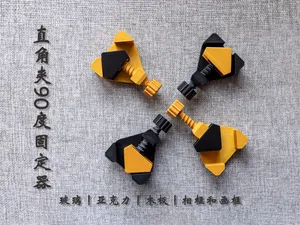
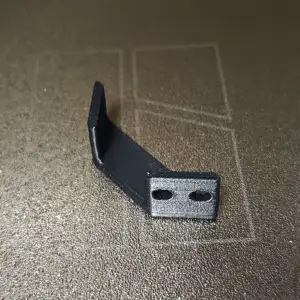

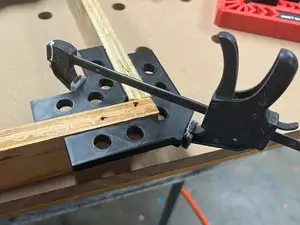
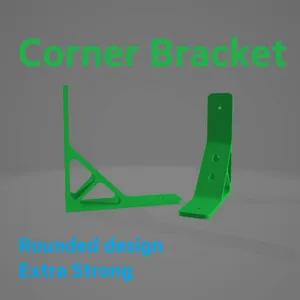



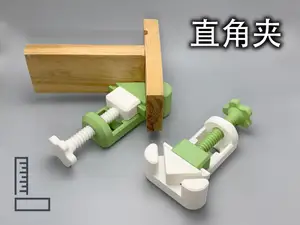
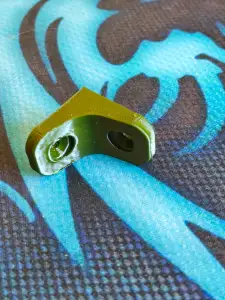

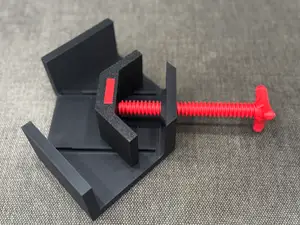
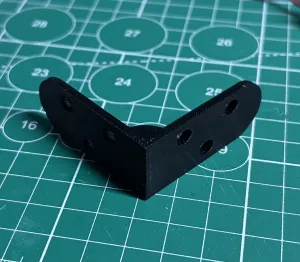


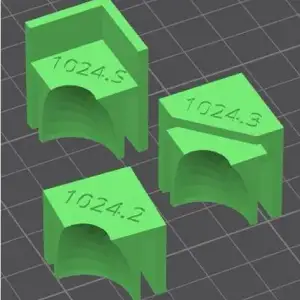

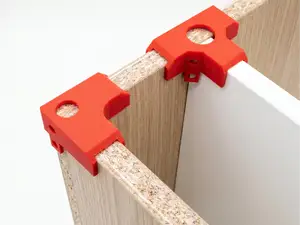
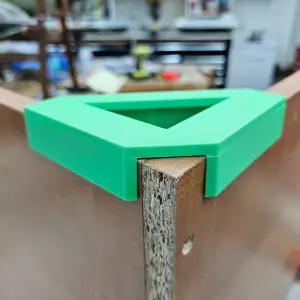

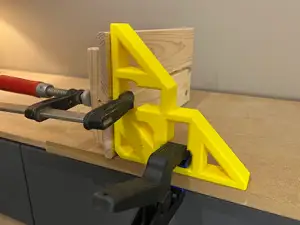
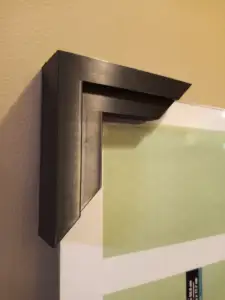

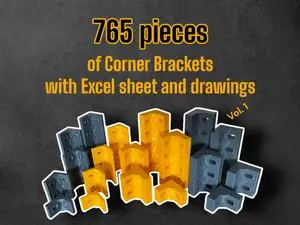
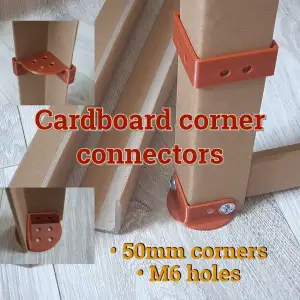

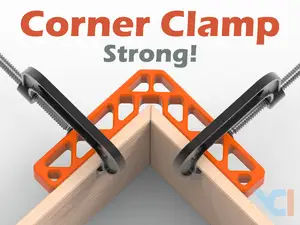

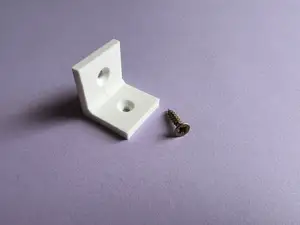
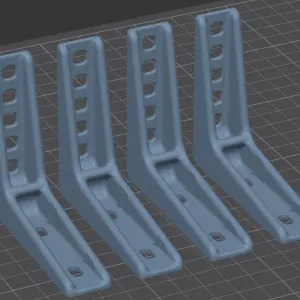

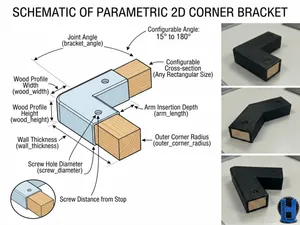
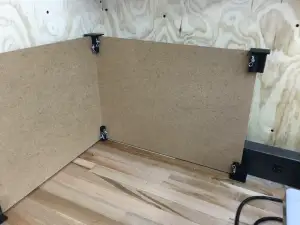
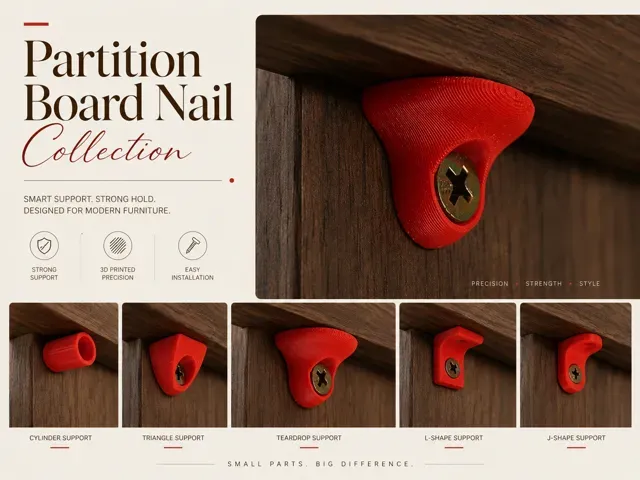
The models split roughly into holding tools and structural parts. Clamps and angle guides press two workpieces together while glue or fasteners set, while brackets, blocks and corner supports stay in the finished assembly. Shelf supports and panel holders belong to furniture work, and jigs guide a router or trimmer along a rounded or angled edge. Some pieces are meant for metal extrusions or strap clamps, so the geometry differs from plain woodworking versions.
Before printing, open the author's page and read the listed dimensions, since the same type of corner part comes in many sizes and angles. Check how many separate pieces the model has and whether they are meant to be glued or screwed together, and look at the stated material and settings. Photos of real prints show how the part meets the workpiece and where material was added for stiffness. Thin arms and sharp inner corners often need more walls or a different orientation.
To widen the search, try related terms such as angle bracket, corner brace, right-angle jig, panel support or clamp block, and add the material or profile you work with. Naming the task rather than the object helps: holding, aligning, joining or reinforcing. You can also search by the tool or workpiece involved, for example router, frame, shelf or extrusion.
Angle and size are the first things to compare, because a part printed at the wrong scale will not hold a joint square. Then look at how the load travels through the part and whether the author shows a version with extra ribs or a thicker wall. For clamps and jigs, check the opening range and how the screw or strap is meant to pass through. If a model is parametric, note which values the author expects you to edit.
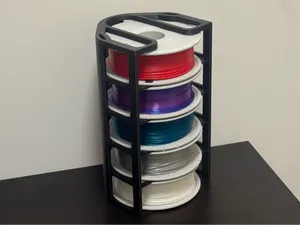

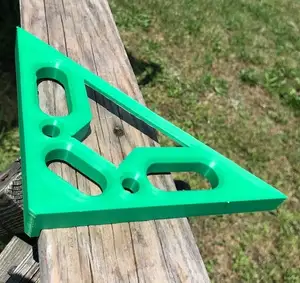
%2Fhttps%3A%2F%2Ffbi.cults3d.com%2Fuploaders%2F13499062%2Fillustration-file%2F2b183fef-ebc8-49a7-a4b6-39ae371b8204%2FAPC_0010a.jpg&w=300)

Ev ve günlük yaşamdan CNC'ye kadar tüm konuların kataloğu; bağlı sitelerin hepsinde arama yapabilirsiniz.