Ücretsiz 
USB Holder with storage box
Thingiverse
This collection gathers 3D-printable boxes built around USB sticks, cables and small drives. It covers simple lidded cases as well as organizers meant to sit in a drawer or on a desk. Each listing links to a model page, so the exact files and notes come from the author. Polyzon does not confirm whether models are free, their price, license, official status, affiliation, safety or fitness. Check the current terms at the source.
Bu koleksiyonun metni İngilizce; arama ise her dilde çalışır.
 Bir Polyzon koleksiyonu · 48 model 4 siteden
Polyzon bu koleksiyonu bağlı sitelerdeki arama sonuçlarından oluşturur. Tekrarlar ve önizlemesi olmayan modeller çıkarılır, zayıf eşleşmeler sona alınır, geri kalanlar arama sırasını korur. Modeller yazarlarına aittir; her modelin sayfasındaki koşulları kontrol edin.
Seçim kuralları: Polyzon editör ekibi · Metin güncellendi: 14.10.2026
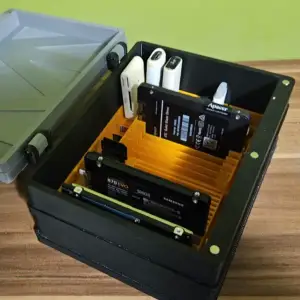

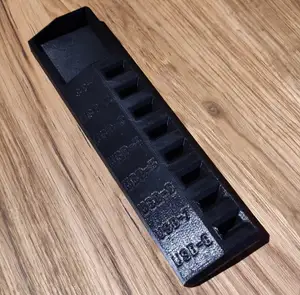
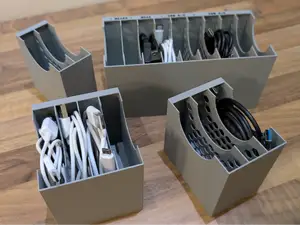
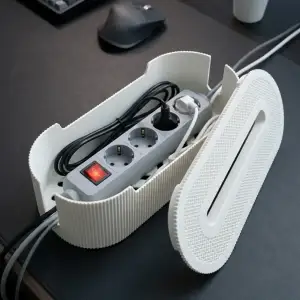


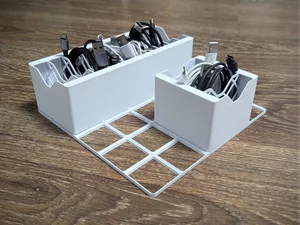
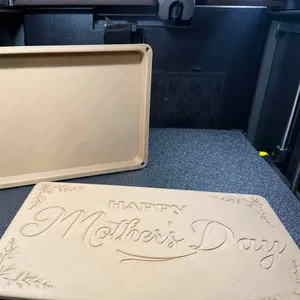


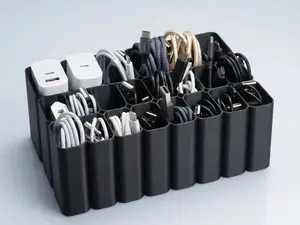
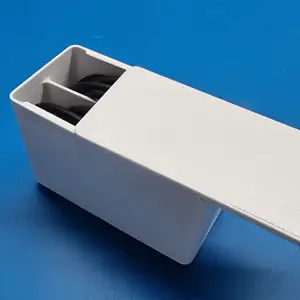



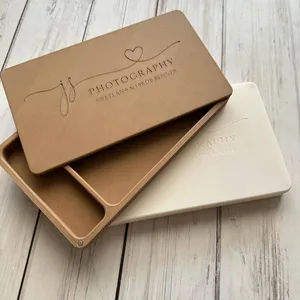


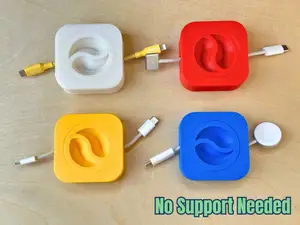
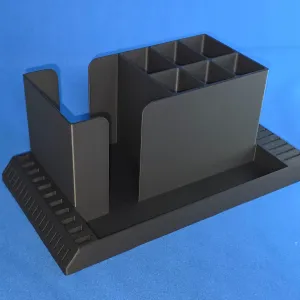

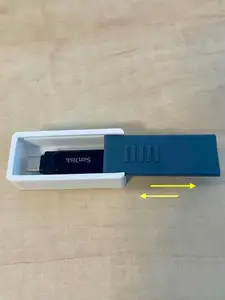
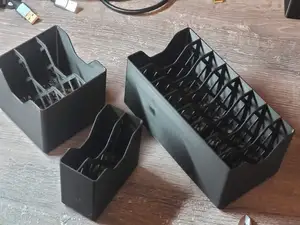



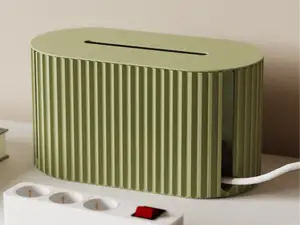
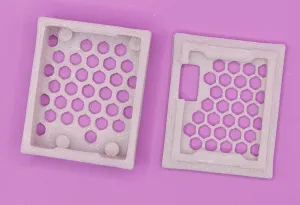

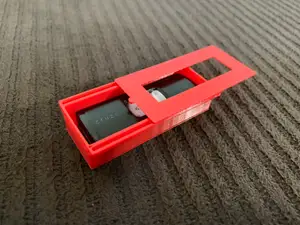
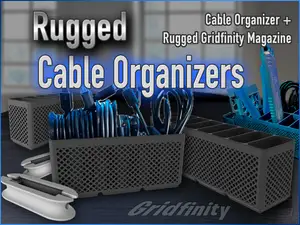
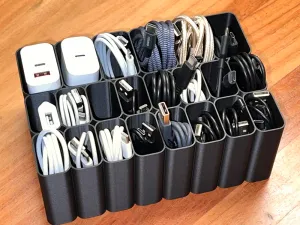


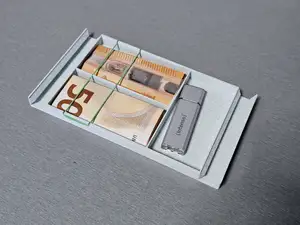


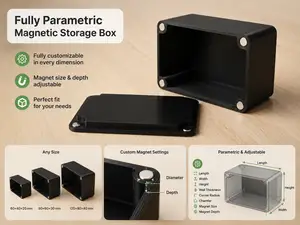
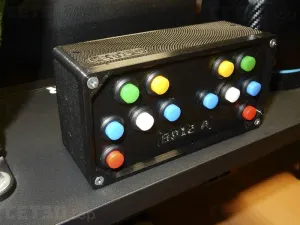


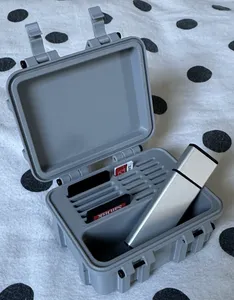
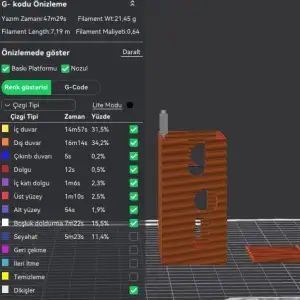
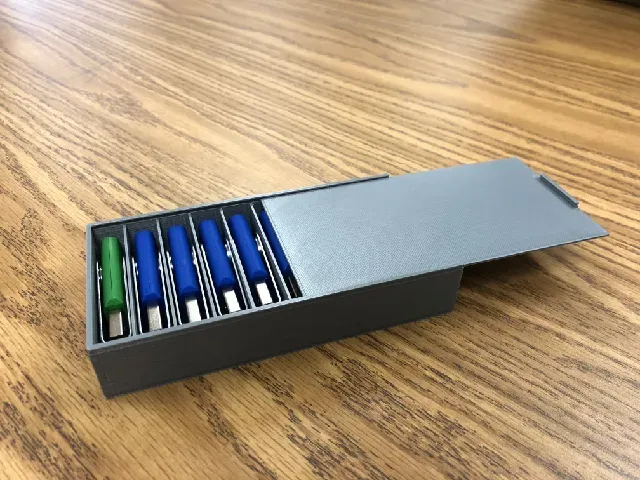
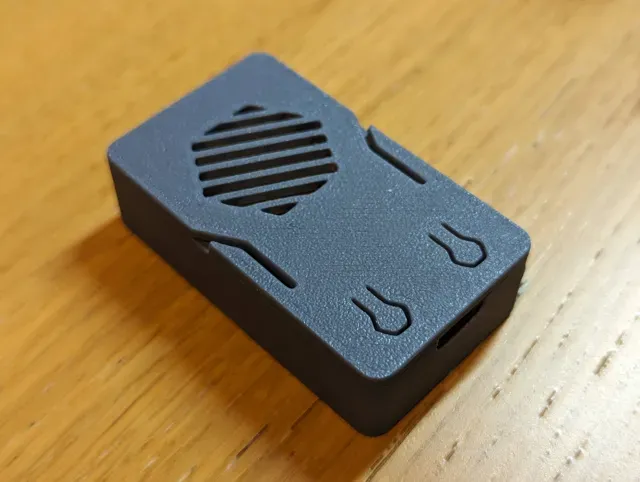
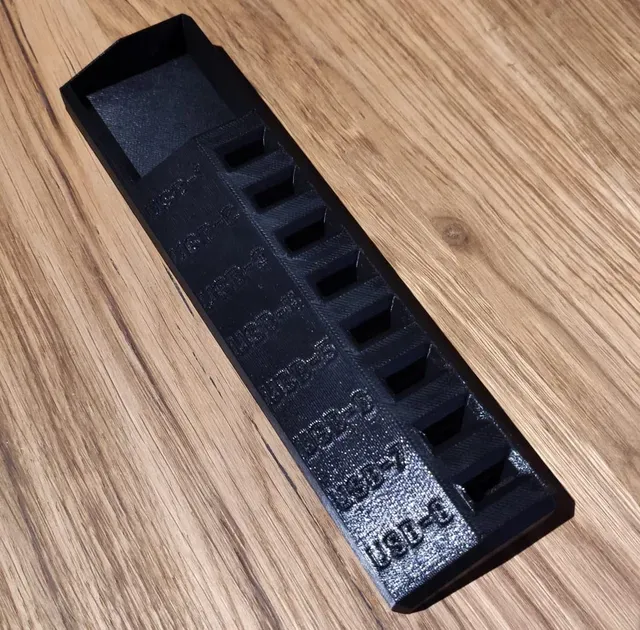
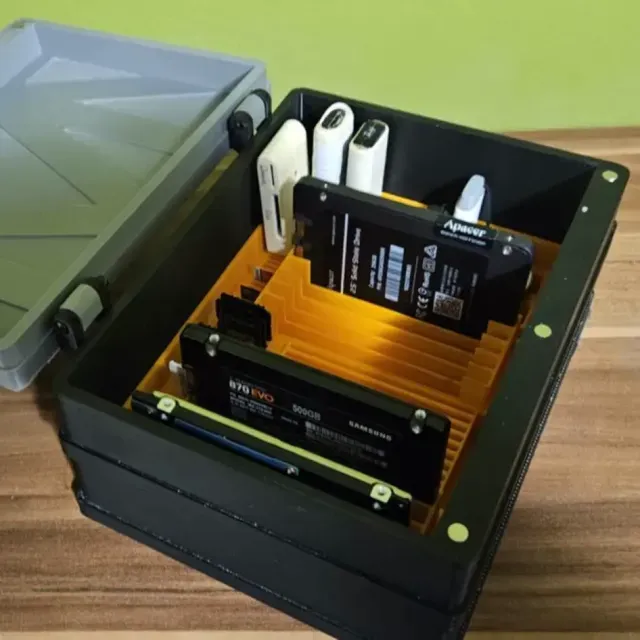
The most common type is a lidded case sized for a set number of USB sticks, sometimes with slots that hold each one upright. A second group is organizer trays: open boxes, grid-based inserts and cable channels that keep cords and drives separated. A third group is enclosures for small boards and lamps, where the box has a cutout for a USB connector, and a fourth is storage that mixes USB with SD and microSD cards in one body. Photo boxes with a USB compartment form a smaller, more specific set.
Before printing, open the model page and read what the author lists. Check the internal dimensions against the drives or cables you want to store, since a few millimetres decide whether a stick fits. Look at the number of parts, how the lid closes, and whether the model needs supports or a particular material and layer height. Photos of real prints usually show tolerances and wall thickness better than a render.
To widen or narrow the results, try related wording: cable organizer, drive tray, memory card holder, electronics enclosure, project box, desk storage. Adding a size or a use case, such as travel, drawer or wall-mounted, changes what appears. If a specific connector or board matters, search for that term together with box.
A box that holds USB hardware rarely needs to be large, so scale and wall thickness matter more than overall volume. If the lid is a separate part, check how it is meant to attach — snap fit, screws or a sliding rail — and whether the model includes clearance for that joint. For organizers, count the slots you actually need rather than the maximum a model offers.


Ev ve günlük yaşamdan CNC'ye kadar tüm konuların kataloğu; bağlı sitelerin hepsinde arama yapabilirsiniz.