
Ücretsiz 
PS4 Slim Vertical Stand
Thingiverse
This collection gathers vertical stand STL files for laptops, game consoles, monitors and workshop accessories. It helps you compare how different stands hold a device, how much space they take and what assembly they need. Check each model page before 3D printing, since dimensions and mounting details vary. Polyzon does not confirm whether models are free, their price, license, official status, affiliation, safety or fitness. Check the current terms at the source.
Bu koleksiyonun metni İngilizce; arama ise her dilde çalışır.
 Bir Polyzon koleksiyonu · 48 model 4 siteden
Polyzon bu koleksiyonu bağlı sitelerdeki arama sonuçlarından oluşturur. Tekrarlar ve önizlemesi olmayan modeller çıkarılır, zayıf eşleşmeler sona alınır, geri kalanlar arama sırasını korur. Modeller yazarlarına aittir; her modelin sayfasındaki koşulları kontrol edin.
Seçim kuralları: Polyzon editör ekibi · Metin güncellendi: 14.10.2026

%2Fhttps%3A%2F%2Ffbi.cults3d.com%2Fuploaders%2F21650255%2Fillustration-file%2Fbc23fa8a-9aa4-4452-b86b-5e60b5bde1c2%2Fezgif.com-gif-maker.gif&w=300)

%2Fhttps%3A%2F%2Ffbi.cults3d.com%2Fuploaders%2F16322662%2Fillustration-file%2Fd3f5628e-a0e0-4a3c-bff0-641adb9e4a55%2F20210808_131154.jpg&w=300)

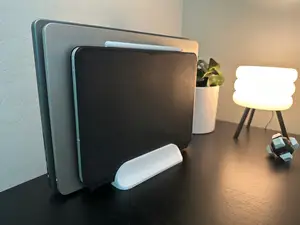

%2Fhttps%3A%2F%2Ffbi.cults3d.com%2Fuploaders%2F18242122%2Fillustration-file%2F94532437-a87f-4248-bb80-d5afa173c61f%2F20210622_134831.jpg&w=300)

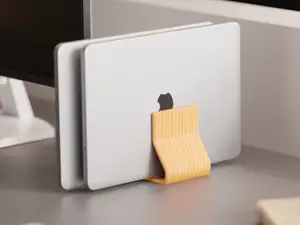

%2Fhttps%3A%2F%2Ffbi.cults3d.com%2Fuploaders%2F20920775%2Fillustration-file%2F5cb33b92-a6b0-431f-8ed8-8ce9273fd98e%2FIMG_3830.jpg&w=300)
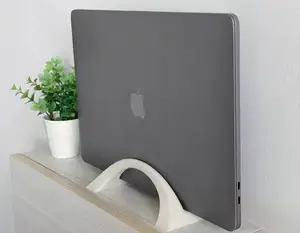
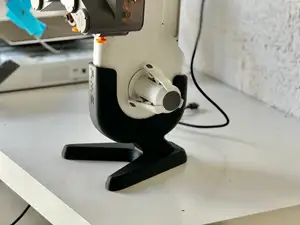

%2Fhttps%3A%2F%2Ffbi.cults3d.com%2Fuploaders%2F25347036%2Fillustration-file%2Fa8b4e70b-ad3b-4071-a044-31e5cde7fd94%2FIMG_20200320_103815.jpg&w=300)
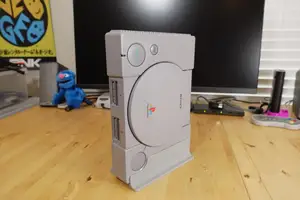
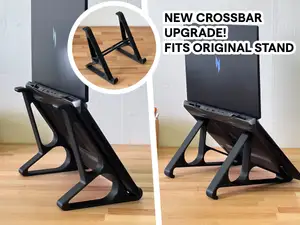

%2Fhttps%3A%2F%2Ffbi.cults3d.com%2Fuploaders%2F19736592%2Fillustration-file%2F77690906-2cc0-46cf-8837-61ec929d63a5%2FIMG_1701.jpg&w=300)

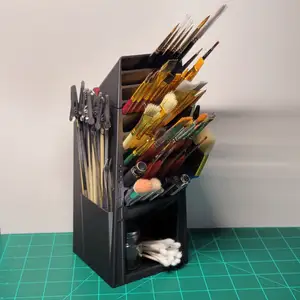

%2Fhttps%3A%2F%2Ffbi.cults3d.com%2Fuploaders%2F13431468%2Fillustration-file%2F3c7dd2cf-3f6f-43fa-acb3-56c92731b3dc%2FScheme.jpg&w=300)

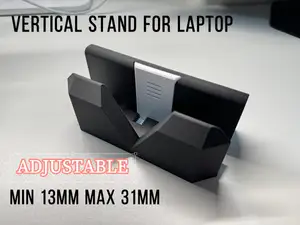

%2Fhttps%3A%2F%2Ffbi.cults3d.com%2Fuploaders%2F20802132%2Fillustration-file%2Ff6906177-ca65-4547-ae4e-dba1d6ea6d01%2FScreenshot-2022-02-26-at-21.22.30.png&w=300)


%2Fhttps%3A%2F%2Ffbi.cults3d.com%2Fuploaders%2F13036317%2Fillustration-file%2Ff9c9daff-b9d2-4d76-946e-0fd7f0713956%2FIMG_4030.JPG&w=300)


%2Fhttps%3A%2F%2Ffbi.cults3d.com%2Fuploaders%2F27982314%2Fillustration-file%2Fd52c3b0b-ba30-4383-89a9-005f8fe3273a%2FWhatsApp-Slika-2024-12-12-u-08.00.14_fed2cb34.jpg&w=300)


%2Fhttps%3A%2F%2Ffbi.cults3d.com%2Fuploaders%2F37491212%2Fillustration-file%2Ffc6225bd-75f9-45a4-a936-b55eba674aad%2Fe560d305-bff9-4b40-98a2-0da6d89f3f69.jpeg&w=300)

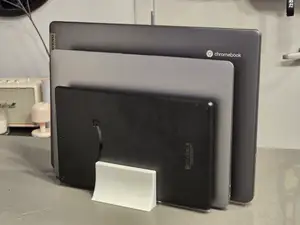
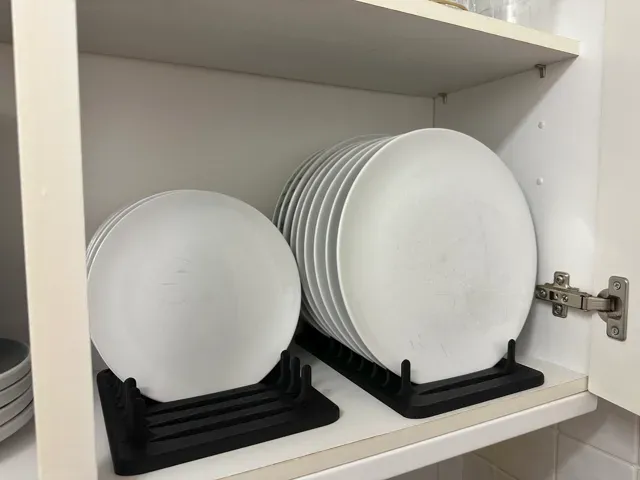
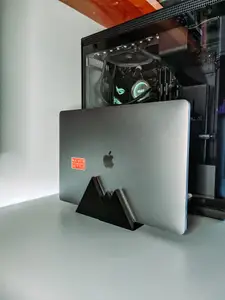
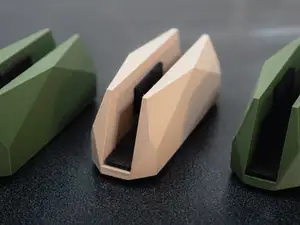
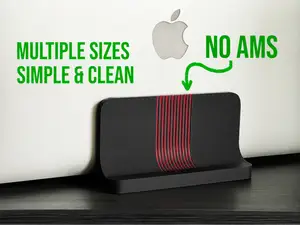
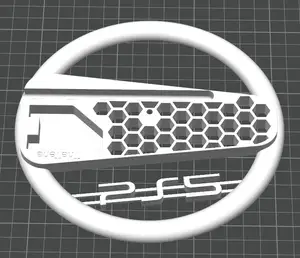
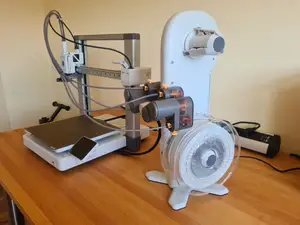
The models range from simple upright slots for laptops and tablets to multi-part console stands and dual-device holders. Some are designed to keep a screen or console in a narrow footprint, while others add cable routing, rubber pads or a weighted base. Workshop and hobby stands often hold tools, spools or model kit runners rather than electronics.
When choosing a stand, check the device width, thickness and weight, plus the position of ports and buttons. Look at the base footprint, the center of gravity and whether the stand leaves room for cables. On the author's page, review the number of parts, assembly steps, support requirements and the material and settings listed. Photos of real prints can show how the stand sits on a desk and where it may need extra padding.
To refine your search, try synonyms such as upright holder, desk dock, console stand, monitor riser or tablet cradle. Related topics include desk organization, cable management and device storage. If you need a specific device size, add its type and thickness to the query, and compare several listings before you print.




Ev ve günlük yaşamdan CNC'ye kadar tüm konuların kataloğu; bağlı sitelerin hepsinde arama yapabilirsiniz.
%2Fhttps%3A%2F%2Ffbi.cults3d.com%2Fuploaders%2F24818523%2Fillustration-file%2Ffec73848-8ffc-49fa-9610-9b7f3f147e1d%2Flaptop-stand.gif&w=640)
