Ücretsiz 
Support écran tactile XTool F1 Ultra
Thingiverse
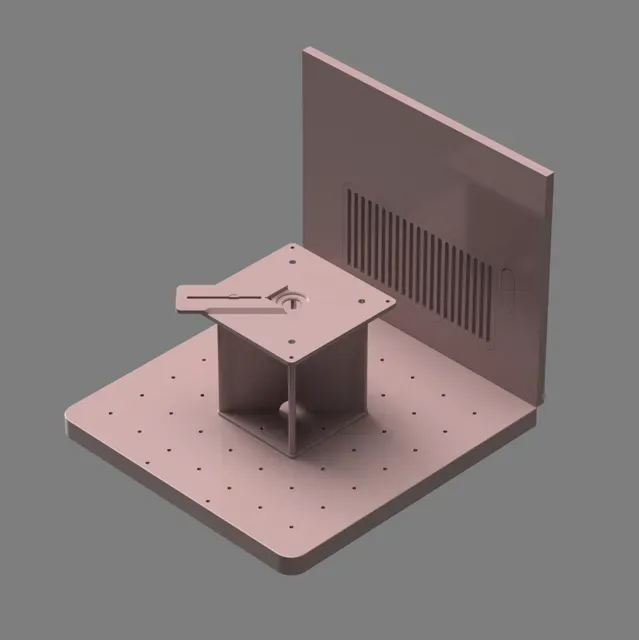
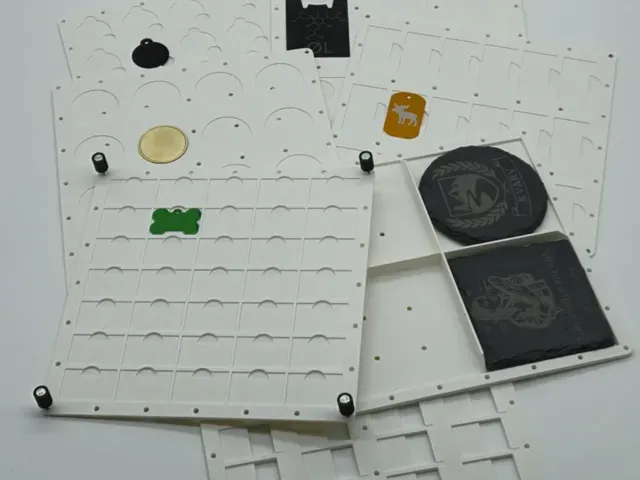
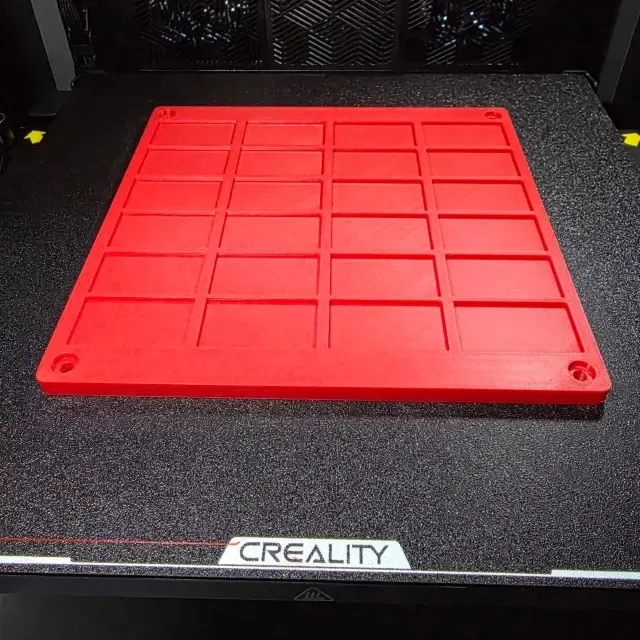
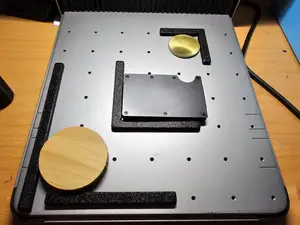
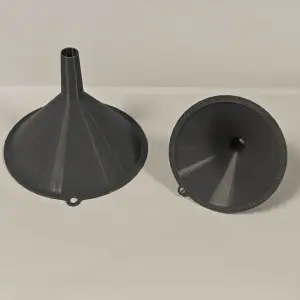
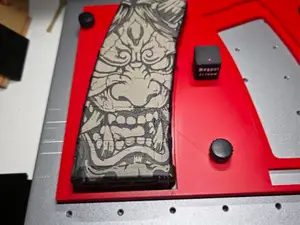
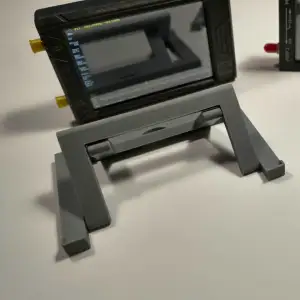
This collection gathers STL files for accessories around the xTool F2 Ultra laser. You will find centering jigs, batch engraving fixtures, plates, holders and ventilation parts. It helps when you want to prepare repeatable work on a 3D printer before using the laser. Polyzon does not confirm whether models are free, their price, license, official status, affiliation, safety or fitness. Check the current terms at the source.
Bu koleksiyonun metni İngilizce; arama ise her dilde çalışır.
 Bir Polyzon koleksiyonu · 48 model 5 siteden
Polyzon bu koleksiyonu bağlı sitelerdeki arama sonuçlarından oluşturur. Tekrarlar ve önizlemesi olmayan modeller çıkarılır, zayıf eşleşmeler sona alınır, geri kalanlar arama sırasını korur. Modeller yazarlarına aittir; her modelin sayfasındaki koşulları kontrol edin.
Seçim kuralları: Polyzon editör ekibi · Metin güncellendi: 12.10.2026
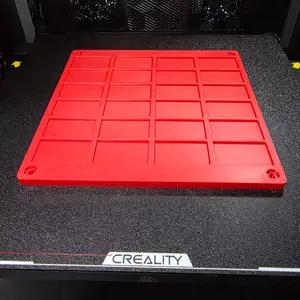

%2Fhttps%3A%2F%2Ffbi.cults3d.com%2Fuploaders%2F49903551%2Fillustration-file%2F0979ae89-75c2-46aa-8fb4-becb306be45c%2FEtsyListingOverlay_F2UltraUV.webp&w=300)

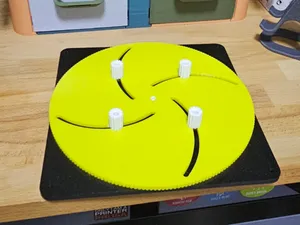
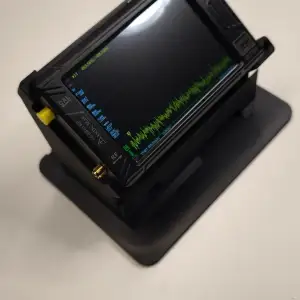

%2Fhttps%3A%2F%2Ffbi.cults3d.com%2Fuploaders%2F49903551%2Fillustration-file%2F8452f675-29c7-4449-80e7-4be483717d0a%2FEtsyListingOverlay_F2.webp&w=300)

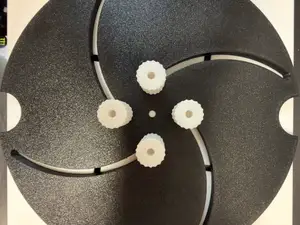


%2Fhttps%3A%2F%2Ffbi.cults3d.com%2Fuploaders%2F38873318%2Fillustration-file%2F2d517487-52a8-44f5-af85-94a86b1e1232%2FIMG_1456.jpeg&w=300)


%2Fhttps%3A%2F%2Ffbi.cults3d.com%2Fuploaders%2F34170831%2Fillustration-file%2Fd03b4329-ed01-4f8f-95ce-a96ea60deb37%2F20251209_095731.jpg&w=300)


%2Fhttps%3A%2F%2Ffbi.cults3d.com%2Fuploaders%2F34886423%2Fillustration-file%2F58d8747a-055b-4905-ab28-84bb7ac87b28%2FIMG_20260417_154255.jpg&w=300)

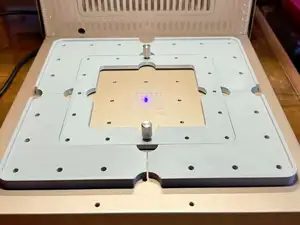
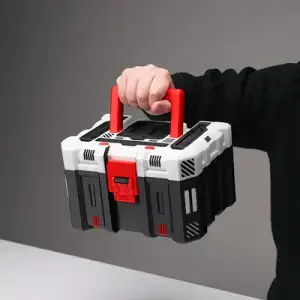


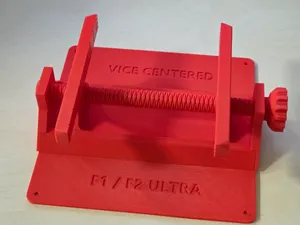
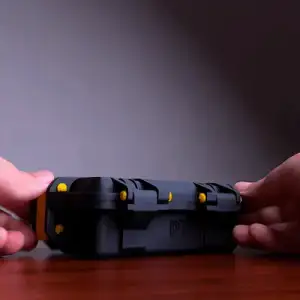


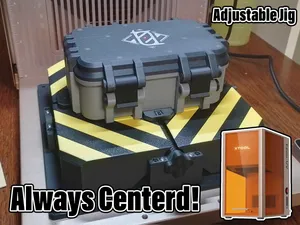
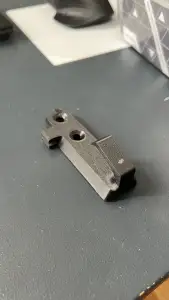


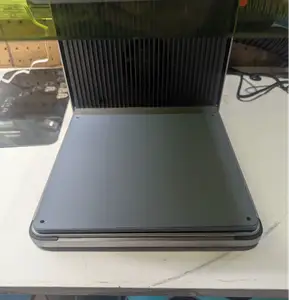


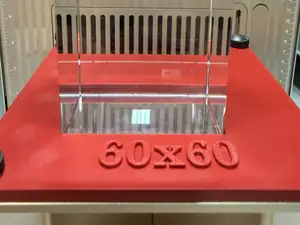
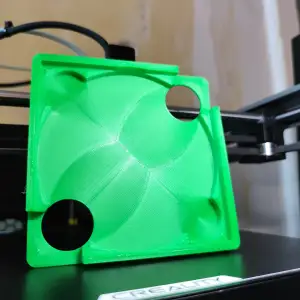


The models fall into a few practical groups. Centering and alignment jigs help position round or small parts, while batch fixtures hold several identical items for repeated engraving. Work plates and extended fixture plates provide a larger mounting surface, and holders or ventilation adapters address screens, devices and exhaust routing.
When choosing a model, check the size and scale against your laser bed and the item you want to mark. Look at the number of parts and whether assembly uses bolts, inserts or snap fits. Read the author's notes on material, layer height and whether supports are needed, and review photos of real prints to judge how the fixture sits.
To refine the search, try synonyms such as laser jig, alignment fixture, centering template, batch holder or work plate. Related topics include keychain blanks, dog tags, leather patches, business cards, pencils and exhaust adapters. Adding the laser model name and the item type usually narrows the results.


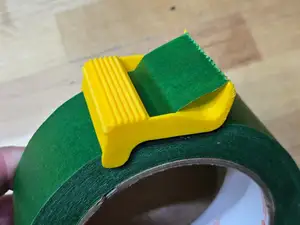


%2Fhttps%3A%2F%2Ffbi.cults3d.com%2Fuploaders%2F13532771%2Fillustration-file%2F323e4f40-a3de-423f-8b8c-e16d9cb5e7e4%2F01%25201-1.jpg&w=300)
Ev ve günlük yaşamdan CNC'ye kadar tüm konuların kataloğu; bağlı sitelerin hepsinde arama yapabilirsiniz.
%2Fhttps%3A%2F%2Ffbi.cults3d.com%2Fuploaders%2F30327214%2Fillustration-file%2F80d22d09-2397-48a7-b348-01afd9d5655b%2FIMG_5950.jpg&w=640)