Ücretsiz 
Lexus IS200 IS300 3x52mm dashboard gauge pod
Thingiverse
This collection gathers STL files for brackets, mounts and small adapters that show up around projector and rack hardware. Most entries are parts you print and then combine with screws, rails or existing furniture. It helps when you need a specific holder rather than a decorative piece for 3D printing. Polyzon does not confirm whether models are free, their price, license, official status, affiliation, safety or fitness. Check the current terms at the source.
Bu koleksiyonun metni İngilizce; arama ise her dilde çalışır.
 Bir Polyzon koleksiyonu · 48 model 6 siteden
Polyzon bu koleksiyonu bağlı sitelerdeki arama sonuçlarından oluşturur. Tekrarlar ve önizlemesi olmayan modeller çıkarılır, zayıf eşleşmeler sona alınır, geri kalanlar arama sırasını korur. Modeller yazarlarına aittir; her modelin sayfasındaki koşulları kontrol edin.
Seçim kuralları: Polyzon editör ekibi · Metin güncellendi: 14.10.2026
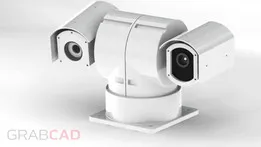
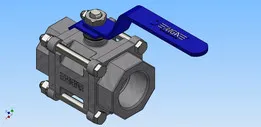
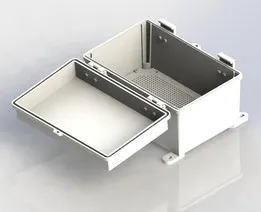
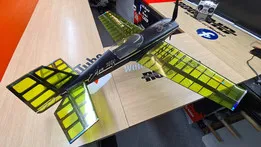
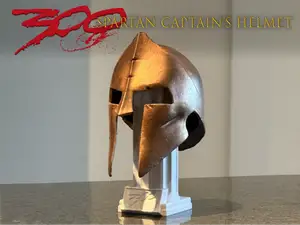

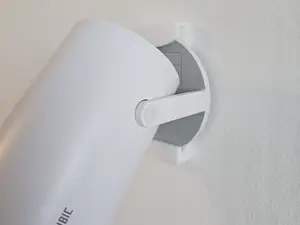
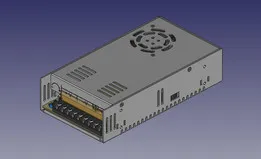
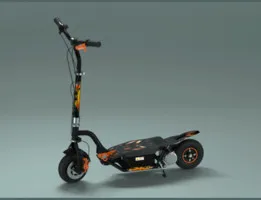
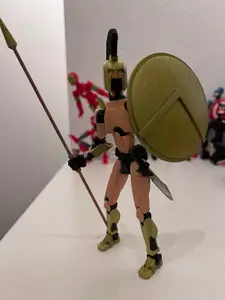
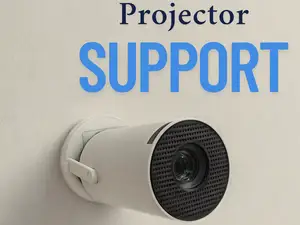


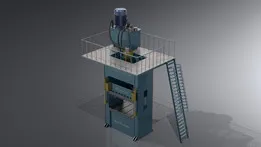
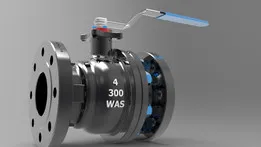
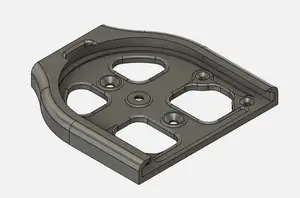

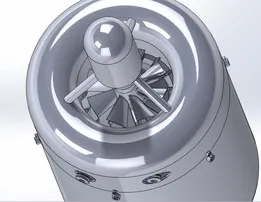
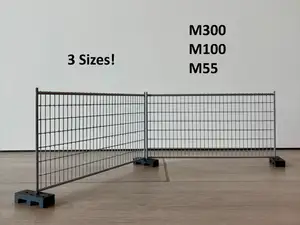
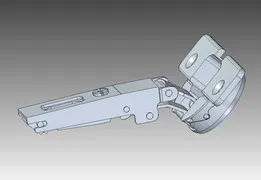


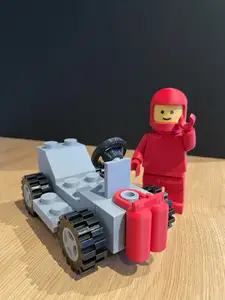


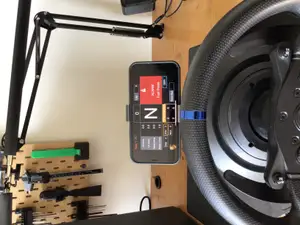




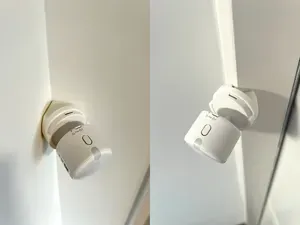
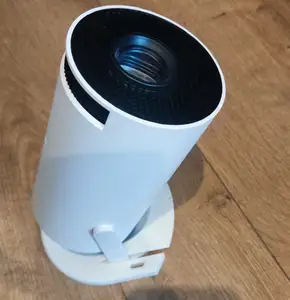
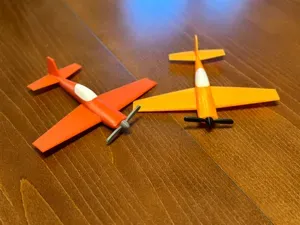
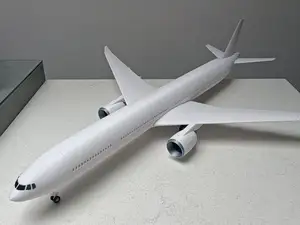
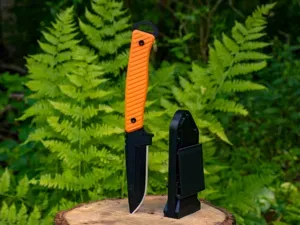
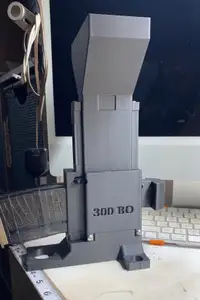

The largest group covers projector mounts: ceiling plates, wall brackets, bed stands and simple holders, often split into a base and an arm. A second group is rack hardware — panels and brackets that hold network switches inside a rack or under a desk. Smaller groups include adapters for cameras and car interiors, dust extraction parts for bandsaws, and a few display or art pieces.
Before printing, check the dimensions the author lists: screw spacing, the diameter of the mounting holes and the load the part is meant to carry. Look at how many parts a model has and whether they join with screws, glue or a snap fit, since that decides the tolerances you need. Printed supports, orientation and material also matter, because a bracket that carries a projector behaves differently from a thin cover. Photos of real prints on the model page usually show more than a render.
If a search returns little, widen it: try "bracket", "holder", "adapter" or "wall plate" instead of "mount", and add the device name or its connector type. Related topics such as rack panels, cable guides, VESA plates and desk clamps often lead to parts that fit the same setup. Searching by screw size or pipe diameter can also surface models named after the hardware rather than the device.



Ev ve günlük yaşamdan CNC'ye kadar tüm konuların kataloğu; bağlı sitelerin hepsinde arama yapabilirsiniz.