Ücretsiz 
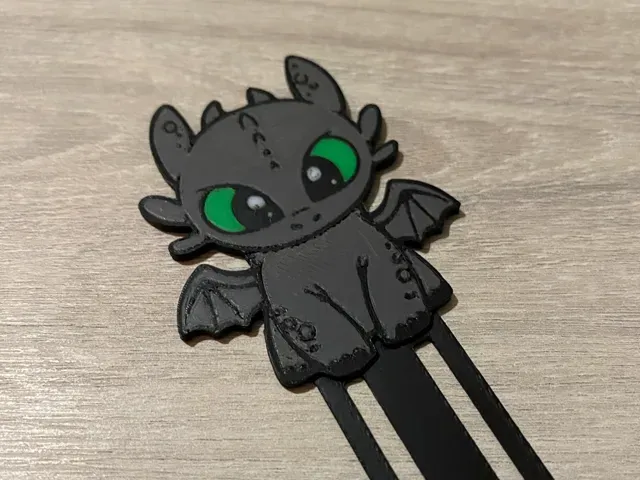
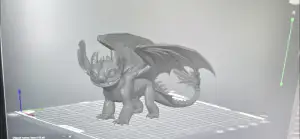
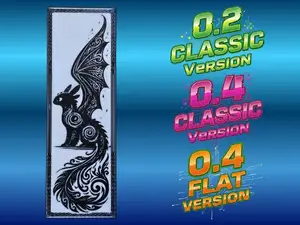
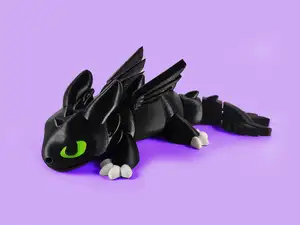
Toothless Night Fury Bookmark
Thingiverse
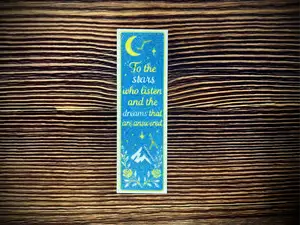
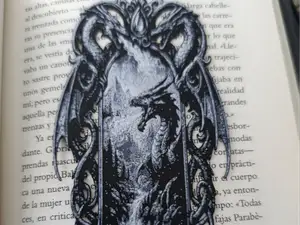
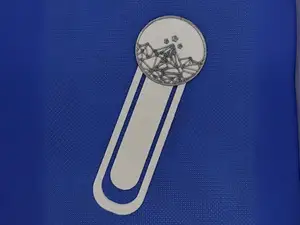
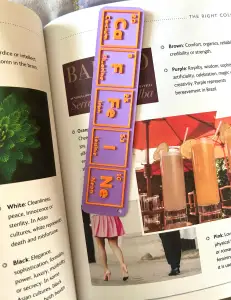
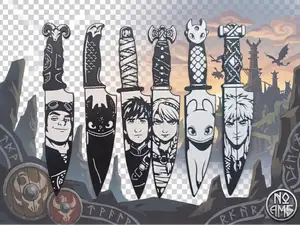
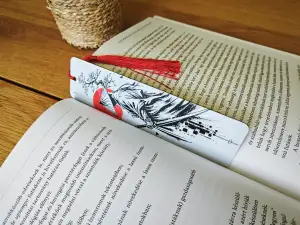
This collection gathers 3D models for bookmarks, from dragon-inspired designs to layered Hueforge art. You will also find bookmarks based on books, games, and films. It is useful for 3D printing small, flat objects that can be made in one or several colors. Polyzon does not confirm whether models are free, their price, license, official status, affiliation, safety or fitness. Check the current terms at the source.
Bu koleksiyonun metni İngilizce; arama ise her dilde çalışır.
 Bir Polyzon koleksiyonu · 47 model 5 siteden
Polyzon bu koleksiyonu bağlı sitelerdeki arama sonuçlarından oluşturur. Tekrarlar ve önizlemesi olmayan modeller çıkarılır, zayıf eşleşmeler sona alınır, geri kalanlar arama sırasını korur. Modeller yazarlarına aittir; her modelin sayfasındaki koşulları kontrol edin.
Seçim kuralları: Polyzon editör ekibi · Metin güncellendi: 15.10.2026

%2Fhttps%3A%2F%2Ffbi.cults3d.com%2Fuploaders%2F29461022%2Fillustration-file%2F10574e4d-a166-4611-bf63-ea05f7548416%2FToothless-and-light-fury-01.jpg&w=300)
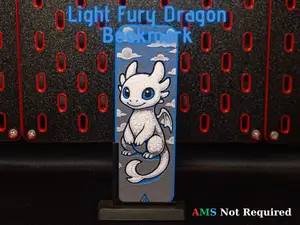
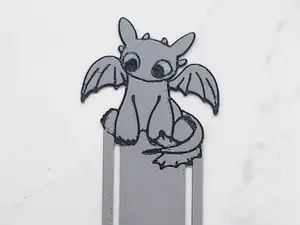
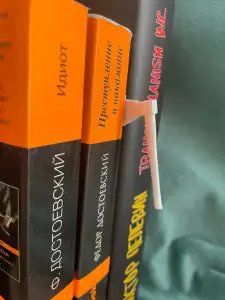

%2Fhttps%3A%2F%2Ffbi.cults3d.com%2Fuploaders%2F37556919%2Fillustration-file%2F79865fda-260f-458c-b556-f66a8fa85972%2FCults-1.png&w=300)

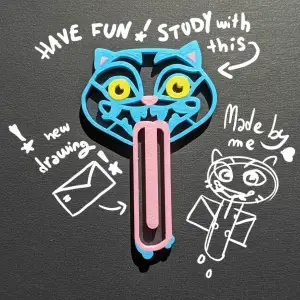

%2Fhttps%3A%2F%2Ffbi.cults3d.com%2Fuploaders%2F37556919%2Fillustration-file%2F7a67d8ee-25a4-4143-8d73-65b4d4c142a6%2FCults.png&w=300)

%2Fhttps%3A%2F%2Ffbi.cults3d.com%2Fuploaders%2F13719977%2Fillustration-file%2Fba46c55b-adf9-4e8d-ba94-1838f85753bc%2F1611793615205.jpg&w=300)

%2Fhttps%3A%2F%2Ffbi.cults3d.com%2Fuploaders%2F34342527%2Fillustration-file%2F54cd6f68-dcdb-497b-b994-2182b431c8b5%2FCaptura-de-tela-2025-05-03-184245.png&w=300)


%2Fhttps%3A%2F%2Ffbi.cults3d.com%2Fuploaders%2F26749021%2Fillustration-file%2Fe916cdef-c7d3-4dd8-9164-0e1f2e6d57a9%2Fbookmarks.jpg&w=300)
%2Fhttps%3A%2F%2Ffbi.cults3d.com%2Fuploaders%2F22759519%2Fillustration-file%2Fe3c084ef-1d98-47c4-b139-643810f8350f%2FWhatsApp-Image-2025-06-21-at-20.59.27.jpeg&w=300)

%2Fhttps%3A%2F%2Ffbi.cults3d.com%2Fuploaders%2F18486146%2Fillustration-file%2F15e6899a-9643-4d53-985a-f2ccb6a43718%2F20240513_141047.jpg&w=300)
%2Fhttps%3A%2F%2Ffbi.cults3d.com%2Fuploaders%2F33209219%2Fillustration-file%2F9d6c1354-88f3-4a67-9ca5-ee31e86c2966%2FWhatsApp-Image-2024-10-19-at-10.39.40.jpeg&w=300)
%2Fhttps%3A%2F%2Ffbi.cults3d.com%2Fuploaders%2F37556919%2Fillustration-file%2F457523b7-db02-45b9-a9f3-71b6dded9ca5%2FCults.png&w=300)
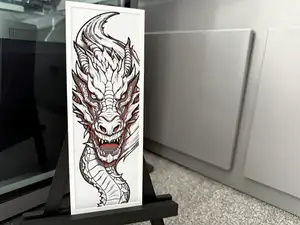
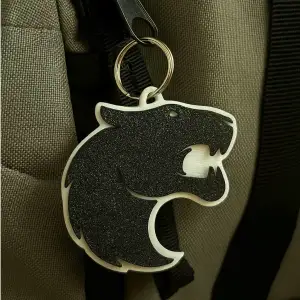
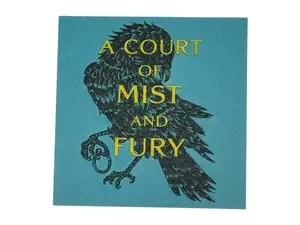
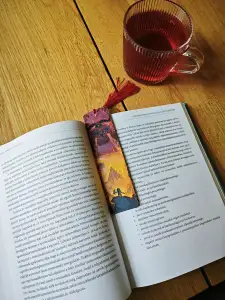
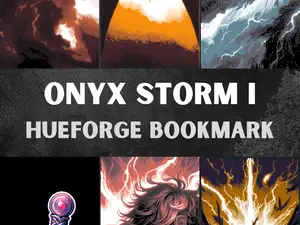
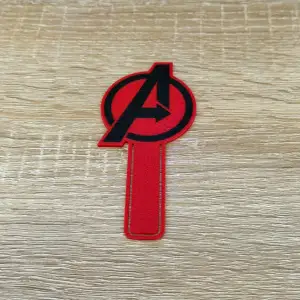
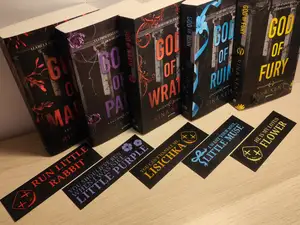
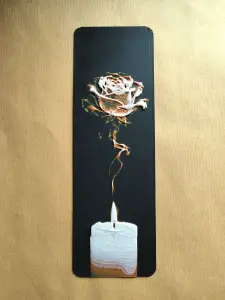
Dragon-themed bookmarks often show a single character or a pair, while Hueforge designs use stacked color layers to create an image. Bookmarks tied to books, games, or films may include symbols, logos, or scenes. Novelty designs range from simple shapes to humorous figures.
When choosing a model, check the size and scale to make sure it fits the book you have in mind. Look at the number of parts and whether assembly is required. The author's page usually lists the material and settings, and photos of real prints help you see the result. For flat bookmarks, layer height and color changes matter for the final look.
To refine your search, try synonyms like 'page marker' or 'reading accessory'. Related topics include dragon figures, Hueforge art, and book-inspired models. You can also search for specific franchises or characters if you have a particular design in mind.




%2Fhttps%3A%2F%2Ffbi.cults3d.com%2Fuploaders%2F13214617%2Fillustration-file%2F0558dbbd-6b8c-492f-8c14-ead0430e7cdb%2Fharryc2.jpg&w=300)
Ev ve günlük yaşamdan CNC'ye kadar tüm konuların kataloğu; bağlı sitelerin hepsinde arama yapabilirsiniz.
%2Fhttps%3A%2F%2Ffbi.cults3d.com%2Fuploaders%2F27899320%2Fillustration-file%2Fc75fcf84-7254-4bc7-91eb-a21b83cfd1e4%2F11224875_10155940587785618_8534739886841078135_o.jpg&w=640)