
免费 
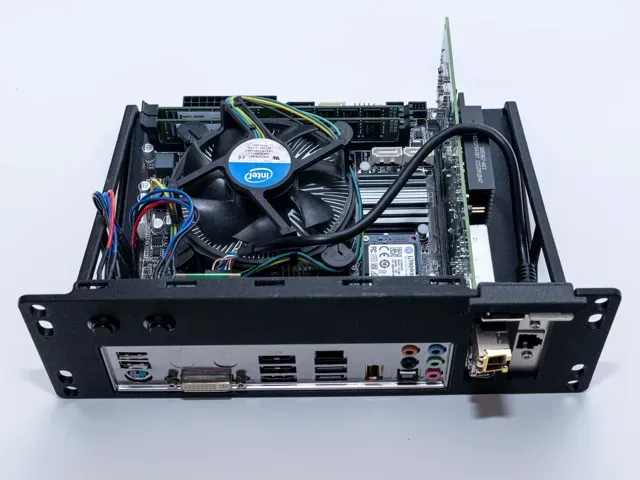
Asus P5K-VM IO Shield
Thingiverse
This collection gathers 3D-printable parts and accessories connected to Asus P5Q systems. It includes IO shields, backplates, stands, mounts and cases that appear alongside related PC and handheld topics. Use it to find STL files for repairs, adapters or desk setups, then check each model page for details. Polyzon does not confirm whether models are free, their price, license, official status, affiliation, safety or fitness. Check the current terms at the source.
本合集的文字为英文,搜索本身支持任何语言。
 Polyzon合集 · 48个模型 来自3个平台
此合集由Polyzon根据已接入平台的搜索结果整理而成:去除重复项和没有预览图的模型,匹配度低的排在最后,其余按搜索结果顺序排列。模型归作者所有——请在各模型页面查看使用条款。
筛选规则:Polyzon编辑部 · 文字更新于2026年10月16日

%2Fhttps%3A%2F%2Ffbi.cults3d.com%2Fuploaders%2F13403883%2Fillustration-file%2F66730eba-7ac4-4f39-aa49-11f42ec0c5b2%2Fdd9d5be7c3ce44d11ebecab96bbc19ed_preview_featured.JPG&w=300)

%2Fhttps%3A%2F%2Ffbi.cults3d.com%2Fuploaders%2F13622884%2Fillustration-file%2Fa3eb343e-35c7-484f-8551-a1692c44f95f%2Fphone_holder_1.jpg&w=300)

%2Fhttps%3A%2F%2Ffbi.cults3d.com%2Fuploaders%2F14405248%2Fillustration-file%2Fe9626ee3-2e52-4b5d-a4e1-e89155bd18b7%2Funtitled.119.png&w=300)
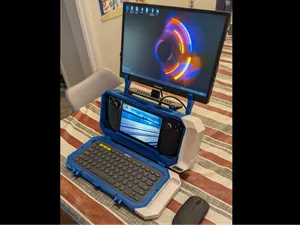
%2Fhttps%3A%2F%2Ffbi.cults3d.com%2Fuploaders%2F22229801%2Fillustration-file%2F7201bf7a-df1e-4c9f-be07-0b5372ccb6b1%2FUntitled-1.gif&w=300)
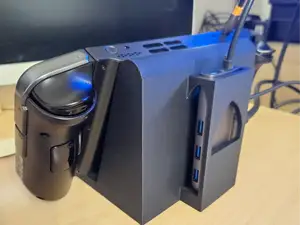
%2Fhttps%3A%2F%2Ffbi.cults3d.com%2Fuploaders%2F14351520%2Fillustration-file%2Fc02c3c1c-004c-4f0d-9d6f-a8815079c305%2F177896165_5348958158508160_8124476031476842292_n.jpg&w=300)
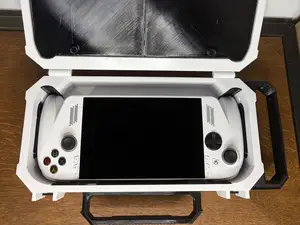
%2Fhttps%3A%2F%2Ffbi.cults3d.com%2Fuploaders%2F18075032%2Fillustration-file%2F0bb02dc8-c1bb-445b-a267-fd5a5a26694b%2FBezel.jpg&w=300)
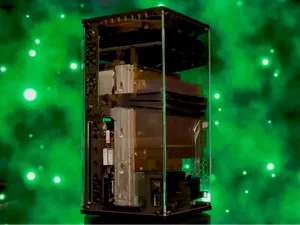
%2Fhttps%3A%2F%2Ffbi.cults3d.com%2Fuploaders%2F13439153%2Fillustration-file%2F9531b943-3b4d-417c-b8d4-9e2d737fb9d3%2FCapture%2520d%25E2%2580%2599e%25CC%2581cran%25202018-01-26%2520a%25CC%2580%252015.04.38.png&w=300)
%2Fhttps%3A%2F%2Ffbi.cults3d.com%2Fuploaders%2F22229801%2Fillustration-file%2F9326f200-c348-4736-af63-3971548be01b%2F4000.gif&w=300)
%2Fhttps%3A%2F%2Ffbi.cults3d.com%2Fuploaders%2F22229801%2Fillustration-file%2F00f629d7-1f0f-4282-baac-3a802dcd2b7c%2FUntitled-1.gif&w=300)
%2Fhttps%3A%2F%2Ffbi.cults3d.com%2Fuploaders%2F20834724%2Fillustration-file%2F81cc4f39-c8c3-416a-b856-6dc0d9e54c09%2Fbezzel.jpg&w=300)
%2Fhttps%3A%2F%2Ffbi.cults3d.com%2Fuploaders%2F15631064%2Fillustration-file%2F5338c447-c567-47d6-b9dd-e25693a37af0%2FIMG_20210127_092719_1.jpg&w=300)
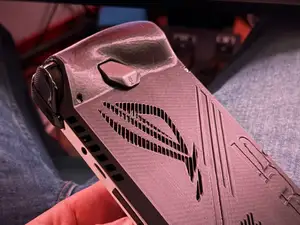
%2Fhttps%3A%2F%2Ffbi.cults3d.com%2Fuploaders%2F22229801%2Fillustration-file%2Ffd08443e-ff04-4ac1-a7b7-fc2e63c88494%2F6.jpg&w=300)
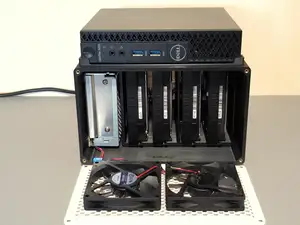
%2Fhttps%3A%2F%2Ffbi.cults3d.com%2Fuploaders%2F15161135%2Fillustration-file%2Fc988a000-e764-4fd7-880f-895463495322%2F20200428_211754.jpg&w=300)
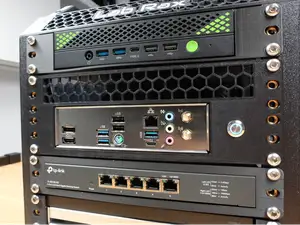
%2Fhttps%3A%2F%2Ffbi.cults3d.com%2Fuploaders%2F22229801%2Fillustration-file%2Fc6c928b8-c2ed-4bd7-baad-4e8ca7e1f199%2FUntitled-2.gif&w=300)
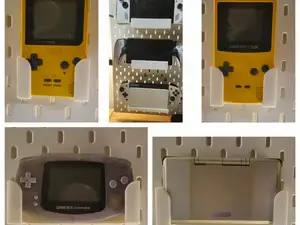
%2Fhttps%3A%2F%2Ffbi.cults3d.com%2Fuploaders%2F21727107%2Fillustration-file%2F0ea653e1-cd59-4696-b47c-739539fc0163%2F2.jpg&w=300)
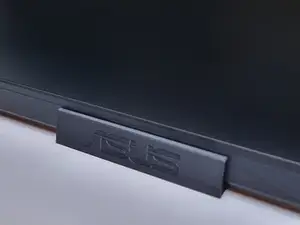
%2Fhttps%3A%2F%2Ffbi.cults3d.com%2Fuploaders%2F13957978%2Fillustration-file%2F0bedd9c3-32d9-41b1-85b3-e97bffc1715f%2F95b3edeb48a6220b5bee63e45b68d196_display_large.jpg&w=300)
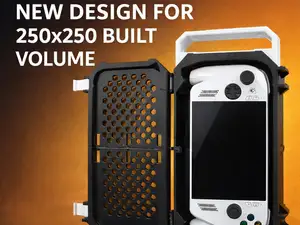
%2Fhttps%3A%2F%2Ffbi.cults3d.com%2Fuploaders%2F26643461%2Fillustration-file%2F8f8d864c-b167-4e74-ac18-dad38433f3a4%2Frog-strix-top.png&w=300)
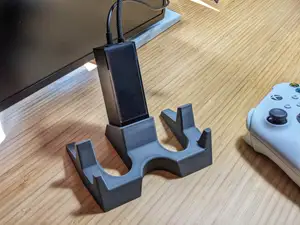
%2Fhttps%3A%2F%2Ffbi.cults3d.com%2Fuploaders%2F19940595%2Fillustration-file%2F9bd3dfa9-3dfd-4e31-843c-2dc88feb6a8d%2FIMG_2332.jpg&w=300)
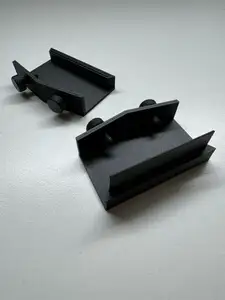
%2Fhttps%3A%2F%2Ffbi.cults3d.com%2Fuploaders%2F17644157%2Fillustration-file%2Fef6a0a6a-5170-406b-a76a-ac407e2e6945%2FIMG_20210630_195328.jpg&w=300)
%2Fhttps%3A%2F%2Ffbi.cults3d.com%2Fuploaders%2F14749141%2Fillustration-file%2F0aa960c6-6548-4cf3-a1d8-a076b1552cec%2FASUS_ROG.gif&w=300)
%2Fhttps%3A%2F%2Ffbi.cults3d.com%2Fuploaders%2F24041378%2Fillustration-file%2Fd09b6fba-86be-4730-88c8-7692d21d4afb%2FCaptura-de-pantalla_20230114_103619.png&w=300)
%2Fhttps%3A%2F%2Ffbi.cults3d.com%2Fuploaders%2F13203494%2Fillustration-file%2Ffaa6ee30-5b49-465e-8538-bd940a26d452%2FIMG_6243_1.jpeg&w=300)
%2Fhttps%3A%2F%2Ffbi.cults3d.com%2Fuploaders%2F14275612%2Fillustration-file%2F6cfc4cdf-da02-4852-a910-f2e92ee4bd50%2F341002020_6275359372512997_8376562235719654662_n.jpg&w=300)
The models split into several groups. Motherboard shields and backplates are flat, board-specific parts that follow connector layouts. Laptop stands, wall mounts and holders are larger structural prints with different load paths. Handheld and console cases, keycaps, rack mounts and monitor adapters cover desk, travel and small-form-factor builds.
When choosing a model, open the author's page and check the listed dimensions, scale and number of parts. Look at whether the design needs supports, how parts join, and which material and settings the author reports. Photos of real prints help you judge wall thickness, tolerances and how the part meets the board, device or desk surface.
To narrow results, try synonyms and related terms such as IO shield, backplate, bracket, stand, mount, dock, case and adapter. Combine them with board family names, form factors or device types rather than a single model code. If a result set is too broad, add a material, a connection type or the part of the build you are working on.



完整的主题目录:从家居日用到CNC,均可在已接入的来源平台中搜索。
%2Fhttps%3A%2F%2Ffbi.cults3d.com%2Fuploaders%2F15128800%2Fillustration-file%2F7d7f9e9f-4bc4-4855-91a5-fd763ec44a61%2Fil_570xN.2607587663_7i50.jpg&w=640)