免费 
FPV LCD Holder
Thingiverse
This collection covers STL files for holders and mounts built around FPV gear: goggle battery packs, LCD screens and hoods, camera modules, antennas and small workshop organisers. The models come from several platforms and differ in geometry, part count and the hardware they assume. It is a practical starting point if you use a 3D printer to tidy up or mount your flying equipment. Polyzon does not confirm whether models are free, their price, license, official status, affiliation, safety or fitness. Check the current terms at the source.
本合集的文字为英文,搜索本身支持任何语言。
 Polyzon合集 · 48个模型 来自4个平台
此合集由Polyzon根据已接入平台的搜索结果整理而成:去除重复项和没有预览图的模型,匹配度低的排在最后,其余按搜索结果顺序排列。模型归作者所有——请在各模型页面查看使用条款。
筛选规则:Polyzon编辑部 · 文字更新于2026年10月14日
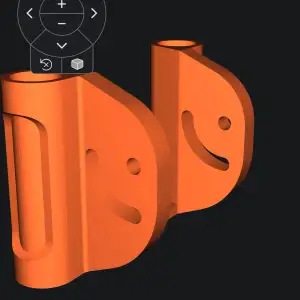


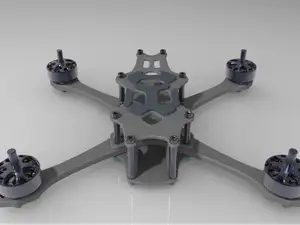
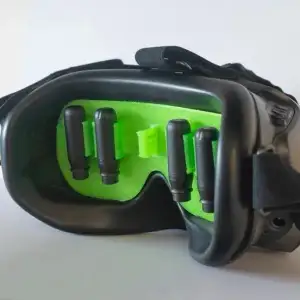

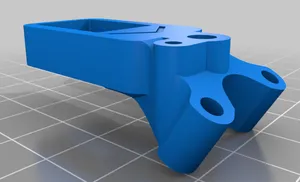
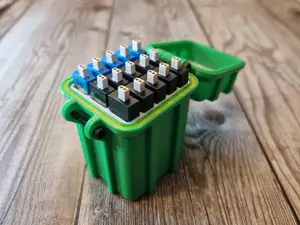
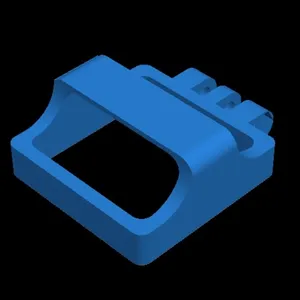


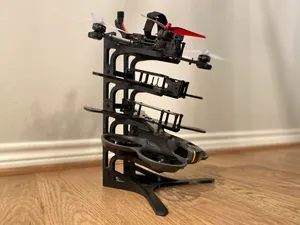
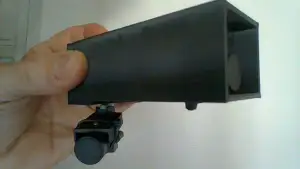


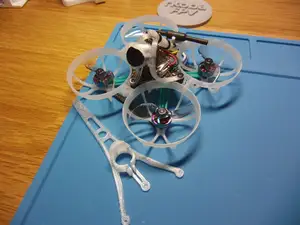
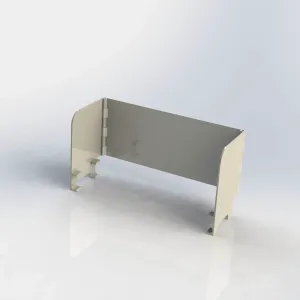


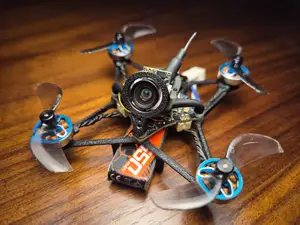
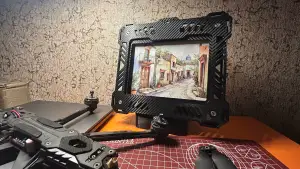


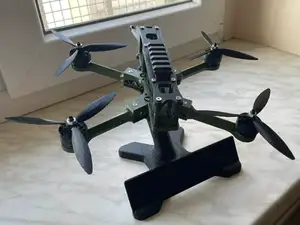
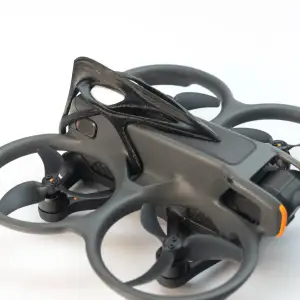

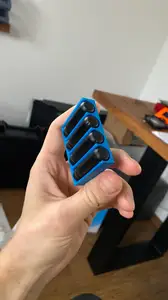
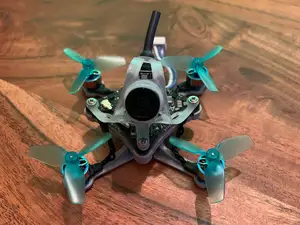
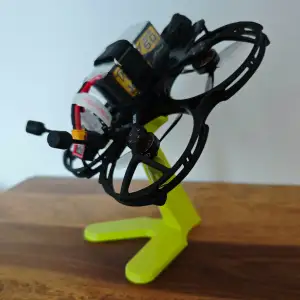


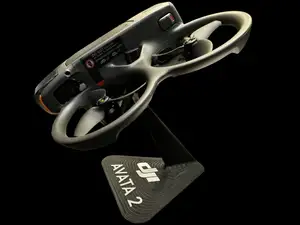
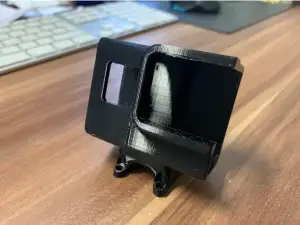


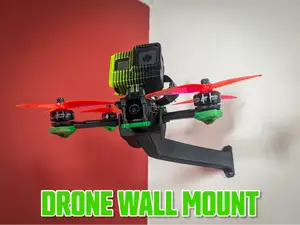
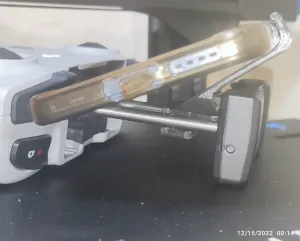


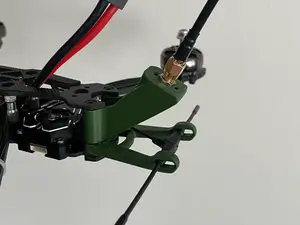
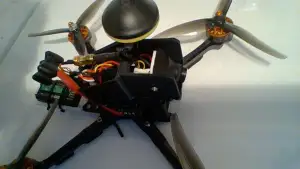


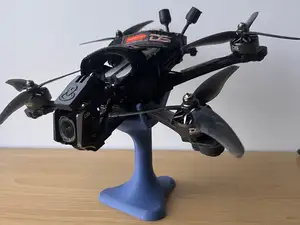
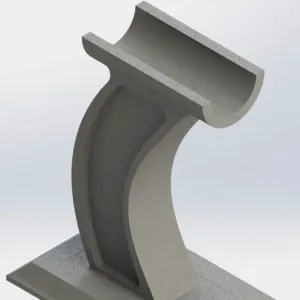
The range splits into a few groups. Goggle and battery holders are usually simple brackets or cradles that keep a pack attached to a headset or a desk stand. Screen holders and hoods are larger shells that shade an LCD panel. Camera and frame mounts are small plates with specific hole patterns, while antenna and module mounts often include moving parts such as a pan joint. Storage pieces are box-like and hold cards, cells or loose gear.
When choosing a model, read the author's page rather than the thumbnail. Check the listed outer dimensions and scale, the screw spacing and thread size, the number of separate parts and how they join, and whether the geometry needs supports. Look at the material and print settings the author names, since thin brackets and snap fits behave differently in rigid and flexible filaments. Photos of real prints on the page tell you more about wall thickness and tolerances than a render.
To narrow the results, try the words mount, bracket, cradle, stand, dock or caddy instead of holder, and add the part you want to hold, such as goggles, lipo, 18650, antenna or canopy. Related topics that often appear next to this one are FPV frames, goggle accessories and radio or monitor stands. Combining a shape word with a gear word usually gives a shorter, more useful list than a single broad term.
If you plan to print a holder, measure your own equipment first: battery thickness, cable exit direction, screen width and the distance between mounting holes. Decide whether the part should be rigid or slightly flexible, then pick a filament and orientation that match that choice. A quick test print of a small section can reveal whether a slot or clip is too tight before you commit to the full model.
完整的主题目录:从家居日用到CNC,均可在已接入的来源平台中搜索。