

免费 
DE200 ULTIMODE BY RAGNA
Thingiverse
This collection gathers STL files for Dagoma DE200 printer components, router accessories and small RC car parts, with a few mechanical adapters mixed in. It helps when a stock part breaks or when you want to modify a machine without searching across many sites. Most entries are small, single-purpose pieces that print on a standard 3D printer. Polyzon does not confirm whether models are free, their price, license, official status, affiliation, safety or fitness. Check the current terms at the source.
本合集的文字为英文,搜索本身支持任何语言。
 Polyzon合集 · 47个模型 来自3个平台
此合集由Polyzon根据已接入平台的搜索结果整理而成:去除重复项和没有预览图的模型,匹配度低的排在最后,其余按搜索结果顺序排列。模型归作者所有——请在各模型页面查看使用条款。
筛选规则:Polyzon编辑部 · 文字更新于2026年10月14日

%2Fhttps%3A%2F%2Ffbi.cults3d.com%2Fuploaders%2F23147911%2Fillustration-file%2F32f5f0bd-8552-451c-84cf-06a113cbde6a%2F20251207_194807.jpg&w=300)


%2Fhttps%3A%2F%2Ffbi.cults3d.com%2Fuploaders%2F14291239%2Fillustration-file%2F164303f5-72c9-49c2-802e-cb0e4cd443a6%2FIMG_20211010_092825.jpg&w=300)

%2Fhttps%3A%2F%2Ffbi.cults3d.com%2Fuploaders%2F41281469%2Fillustration-file%2F80c48c45-23be-42c2-b5c1-fd3ad124a059%2F1000041588.jpg&w=300)

%2Fhttps%3A%2F%2Ffbi.cults3d.com%2Fuploaders%2F41281469%2Fillustration-file%2F2be36e1a-4c14-481a-9f5c-323d64c4ce5e%2FCapture-d'ecran-2026-03-21-084101.png&w=300)


%2Fhttps%3A%2F%2Ffbi.cults3d.com%2Fuploaders%2F14291239%2Fillustration-file%2Fddce76fa-fe9b-4137-b3c3-7e5f7b1e50d9%2FFusion360.jpg&w=300)

%2Fhttps%3A%2F%2Ffbi.cults3d.com%2Fuploaders%2F25641378%2Fillustration-file%2Ff51a79d4-c055-441f-b6b7-070ced2007f4%2Fmedalha-de-v%25C3%25B4lei.png&w=300)


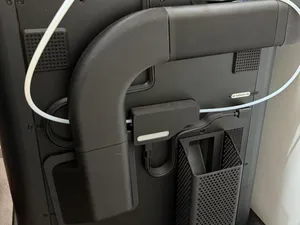

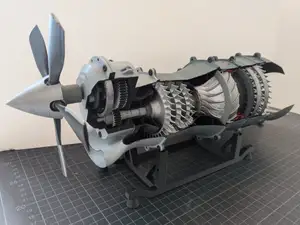

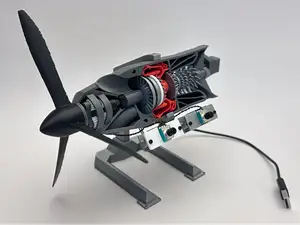

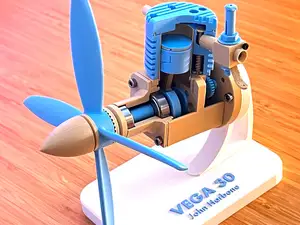

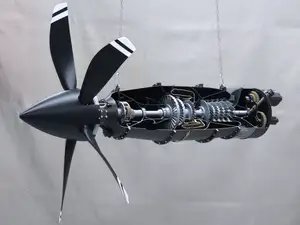


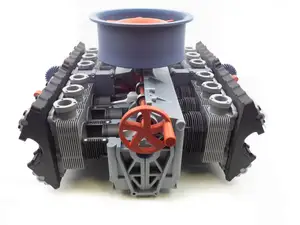

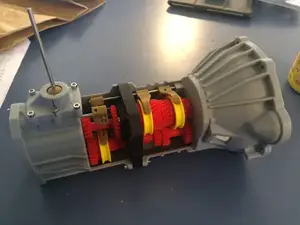

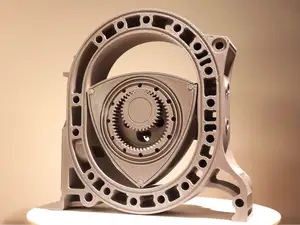

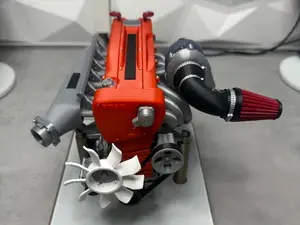

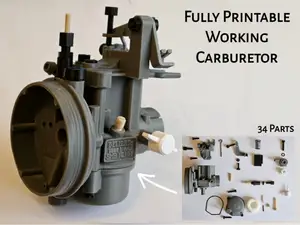
The collection falls into a few families. Printer-related files cover carriage and frame pieces, display housings and firmware notes for the Dagoma DE200 platform. Router items are rings, handles and base plates built around common collet and guide diameters. RC entries are mostly bumpers, wheel sets and body fittings for small-scale cars, while the remaining files are fittings and adapters for workshop systems.
When you open a model page, read the stated dimensions and scale first, then the number of separate parts and how they join. Check whether the author calls for supports, and which material and layer settings are listed. Photos of finished prints show how the geometry behaves in practice, especially on thin walls, threads and snap fits.
Results improve when you search both the machine name and the part name, for example the printer model plus the word for the component you need. Related terms such as adapter, mount, bracket, holder, ring or housing often lead to the same family of files. If a part is scarce, look for remixes and variants that share the same mounting pattern.
完整的主题目录:从家居日用到CNC,均可在已接入的来源平台中搜索。
%2Fhttps%3A%2F%2Ffbi.cults3d.com%2Fuploaders%2F16530722%2Fillustration-file%2Fc7101bb7-c299-4001-8631-8e82d1969ba7%2Fthumbnail_IMG_3792.jpg&w=640)

%2Fhttps%3A%2F%2Ffbi.cults3d.com%2Fuploaders%2F14219689%2Fillustration-file%2Fa4d4349b-f131-4648-ab1f-fb66643a5d8c%2F69235759306074246d25f81b8673d350_display_large.jpg&w=300)

