
免费 
Loki TVA TemPad
Thingiverse
This collection gathers STL files for handling waste from a 3D printer: purge bins, chutes, side containers and scrap trays. Most entries are shaped around a named machine, so the collection helps you find a container that matches your build volume and frame. It is aimed at anyone who wants the offcuts and purge lines to end up in one place instead of the floor. Polyzon does not confirm whether models are free, their price, license, official status, affiliation, safety or fitness. Check the current terms at the source.
本合集的文字为英文,搜索本身支持任何语言。
 Polyzon合集 · 36个模型 来自3个平台
此合集由Polyzon根据已接入平台的搜索结果整理而成:去除重复项和没有预览图的模型,匹配度低的排在最后,其余按搜索结果顺序排列。模型归作者所有——请在各模型页面查看使用条款。
筛选规则:Polyzon编辑部 · 文字更新于2026年10月13日


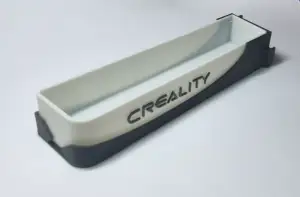

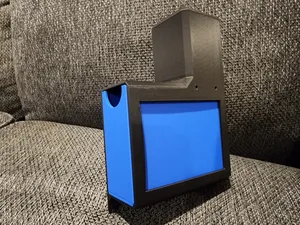
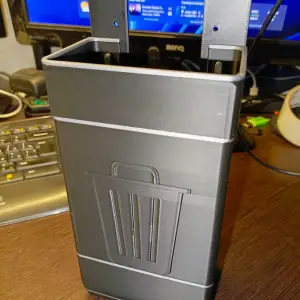

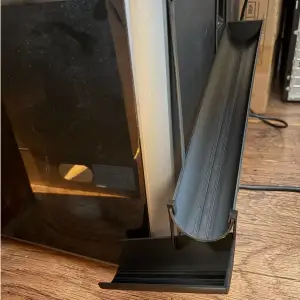

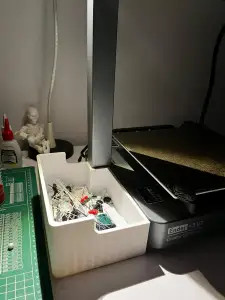


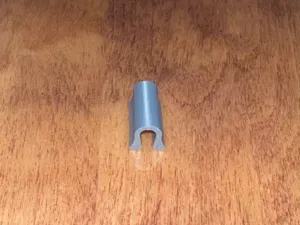

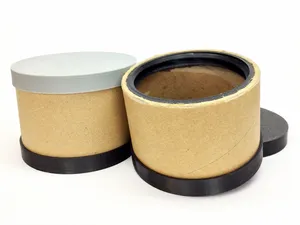
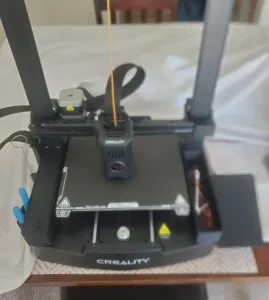

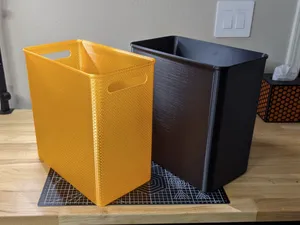

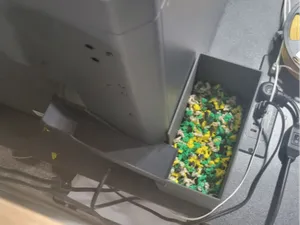
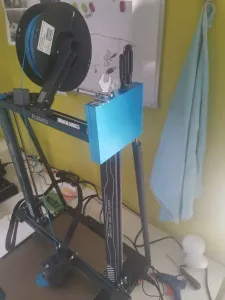

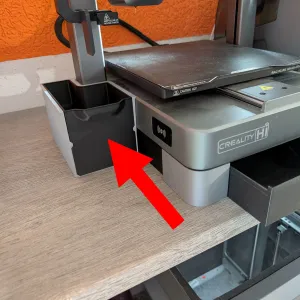

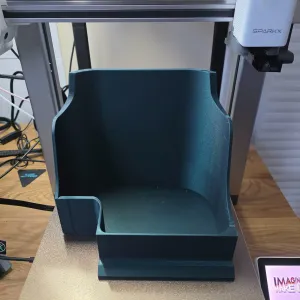

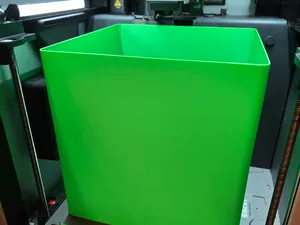
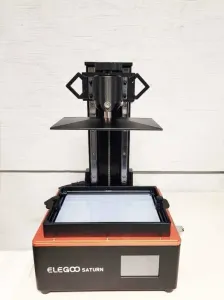

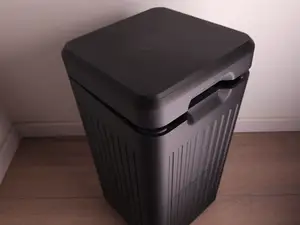
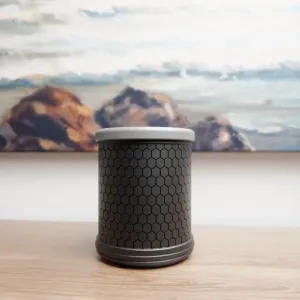
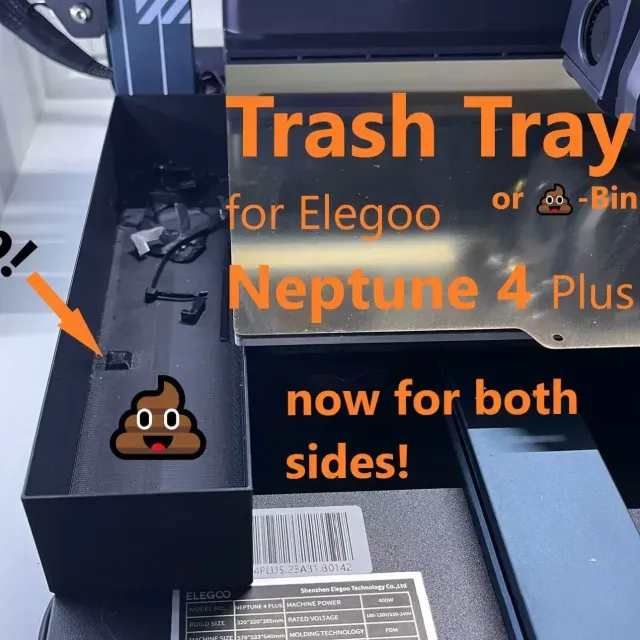
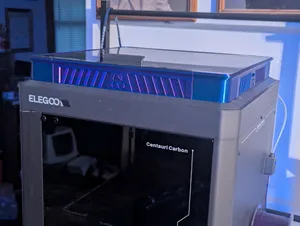
The largest group covers purge and waste bins for Elegoo Centauri Carbon, including versions with magnetic mounts, snap-off bases and sealed chutes. A second group targets the Neptune line, where containers hang on the side of the frame or sit under it. Beyond Elegoo, the reference shows bins and chutes written for other printer brands, plus generic dumpster-style boxes for failed prints and filament scraps. Resin users will also find odor filters and ventilation parts rather than bins.
Before printing, open the model page and read what the author states: the internal volume, wall thickness, whether the bin is one piece or several, and whether supports are needed for the chute or the mounting tabs. Check the listed material and settings, since a thin bin in a brittle filament behaves differently from a thicker one. Look at photos of real prints to judge how the part sits on the frame and how easily it empties. Where the model is tied to a machine, compare the stated dimensions with your own printer before slicing.
Search results widen quickly if you try other words: purge bin, poop chute, waste drawer, scrap tray, failed print container, or the name of your printer plus bin. Related topics include nozzle wipers, bed scrapers, filament clip holders and enclosure ventilation, which often appear alongside waste parts. If a container is described for one machine, searching the same term with a different model name sometimes turns up an adapted version.
Another practical point is how the bin is emptied and cleaned. Some designs slide out, others lift off a magnet or a hook, and some have a lid that keeps dust and smell inside. Think about where the container sits relative to the nozzle path, so it does not block the bed or the cable chain. A wider opening is easier to hit when you sweep scraps off the build plate, while a narrow chute keeps the purge line contained.


完整的主题目录:从家居日用到CNC,均可在已接入的来源平台中搜索。