
免费 
USB Flash Drive Holder of Drives
Thingiverse
This collection covers 3D models for holding and organizing USB flash drives: multi-slot racks, trays for drives and memory cards, closed cases and novelty housings. It is useful if you keep several drives and want them standing upright, labeled or simply off the desk. Every listing is an STL or comparable file you can inspect in a slicer before sending it to a 3D printer. Polyzon does not confirm whether models are free, their price, license, official status, affiliation, safety or fitness. Check the current terms at the source.
本合集的文字为英文,搜索本身支持任何语言。
 Polyzon合集 · 47个模型 来自3个平台
此合集由Polyzon根据已接入平台的搜索结果整理而成:去除重复项和没有预览图的模型,匹配度低的排在最后,其余按搜索结果顺序排列。模型归作者所有——请在各模型页面查看使用条款。
筛选规则:Polyzon编辑部 · 文字更新于2026年10月14日


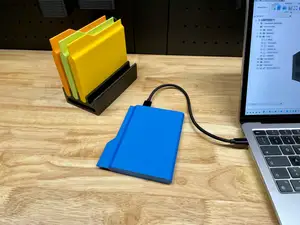
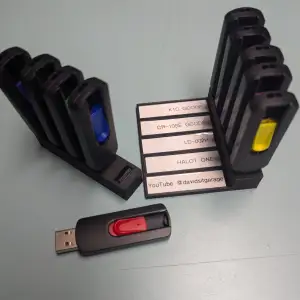

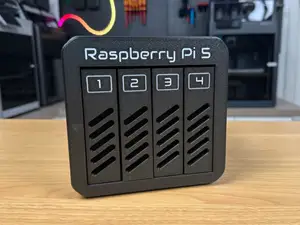
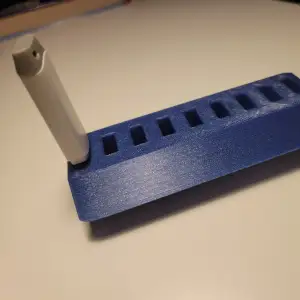

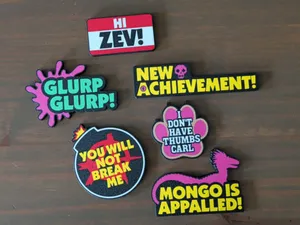
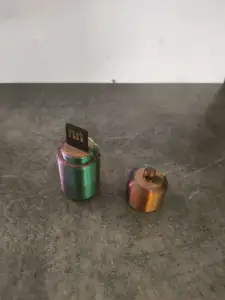

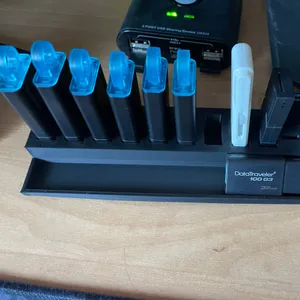
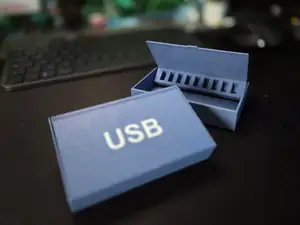
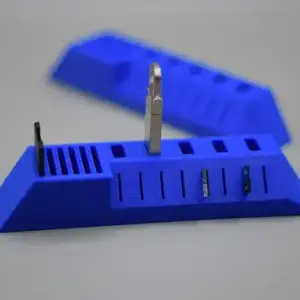

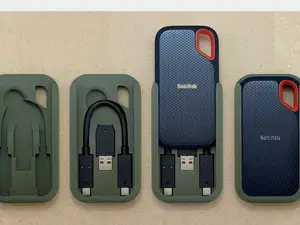
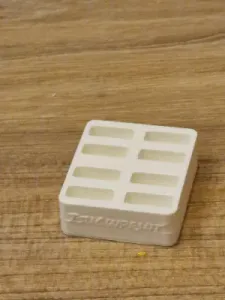

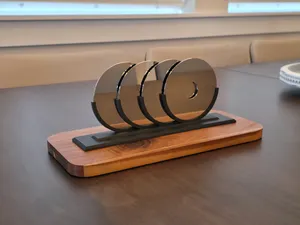
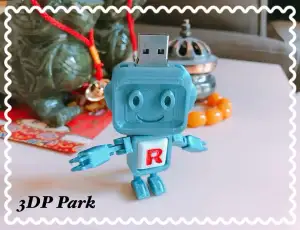

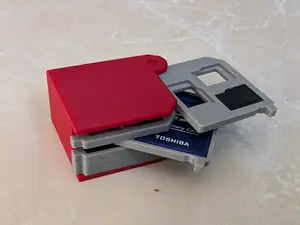
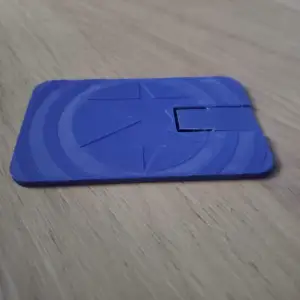


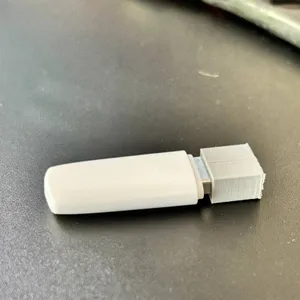

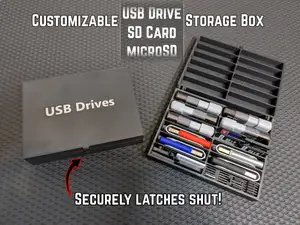
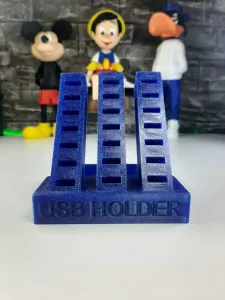

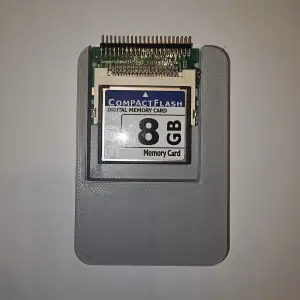

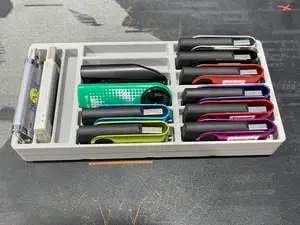
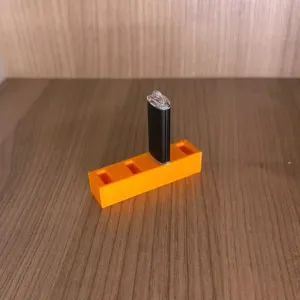

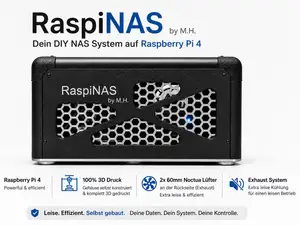
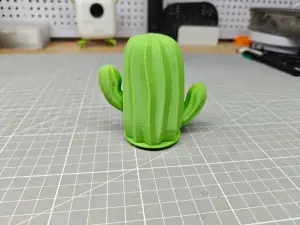

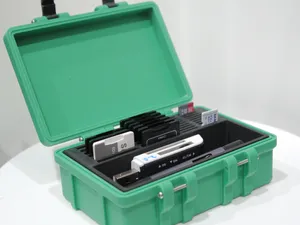
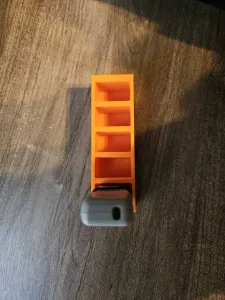
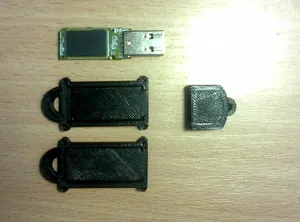
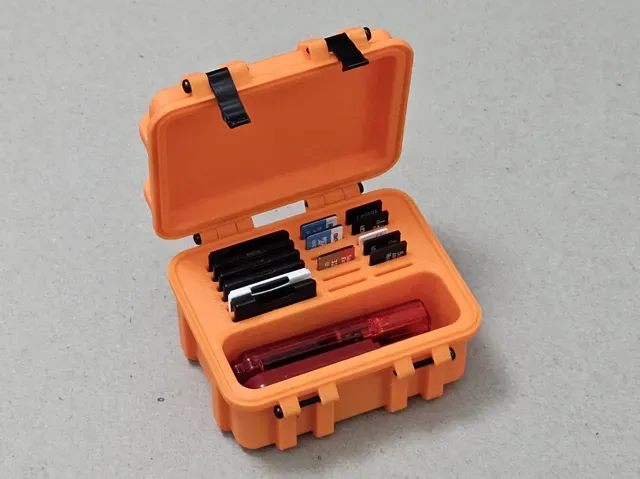
The models differ mainly in how the drives are held. Open racks and trays keep connectors visible and let you pull a drive out with two fingers, while closed cases and boxes protect the body of the drive and often stack. Novelty housings replace the original shell entirely, so they fit one specific board size rather than a range of drives.
Before printing, read the dimensions the author lists and measure your own drive, including the metal connector and any cap. Check the number of parts, how they join, and whether the model needs supports or prints in place. The material and settings on the model page matter as well: a holder with thin clips behaves differently in rigid and flexible filaments, and layer orientation affects how the slots flex. Photos of real prints show how the tolerances turned out.
If the results look thin, try other terms people use for the same object: thumb drive, pen drive, USB stick, memory card or SD card holder, desk organizer, drawer insert, keychain drive. Related searches such as cable organizers, card wallets and small parts trays often surface models with the same slot geometry. You can also narrow by the number of drives you want to store or by mounting type, for example a wall bracket or a drawer insert.
完整的主题目录:从家居日用到CNC,均可在已接入的来源平台中搜索。