
免费 
Safe Bird House
Thingiverse
This collection gathers workshop-oriented models: laser-cut plywood parts, CNC router accessories, clamps, vises, tool holders and dust extraction fittings. Some are STL files for a 3D printer, others are vector outlines meant for a laser cutter or a router. It helps if you work with both sheet material and printed parts and want the two to fit together. Polyzon does not confirm whether models are free, their price, license, official status, affiliation, safety or fitness. Check the current terms at the source.
本合集的文字为英文,搜索本身支持任何语言。
 Polyzon合集 · 42个模型 来自3个平台
此合集由Polyzon根据已接入平台的搜索结果整理而成:去除重复项和没有预览图的模型,匹配度低的排在最后,其余按搜索结果顺序排列。模型归作者所有——请在各模型页面查看使用条款。
筛选规则:Polyzon编辑部 · 文字更新于2026年10月15日

%2Fhttps%3A%2F%2Ffbi.cults3d.com%2Fuploaders%2F44152310%2Fillustration-file%2F6027b829-aa78-48f0-acef-62347b658243%2F_MG_1787-Media.jpg&w=300)

%2Fhttps%3A%2F%2Ffbi.cults3d.com%2Fuploaders%2F23817386%2Fillustration-file%2F8e819022-a6e5-42d0-97c8-45c75ea4cb84%2F_2026-Apr-19_07-49-26AM-000_CustomizedView20023873371.jpg&w=300)
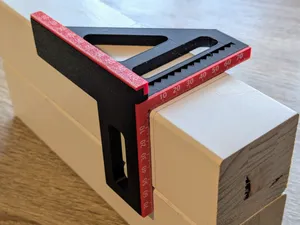

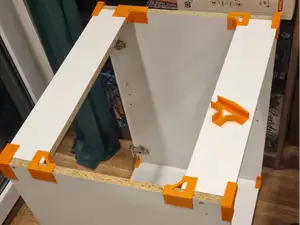

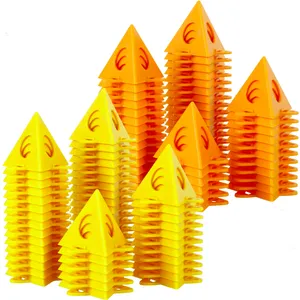

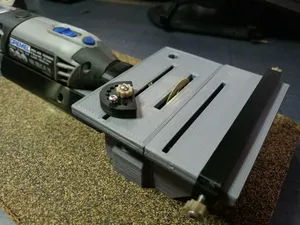

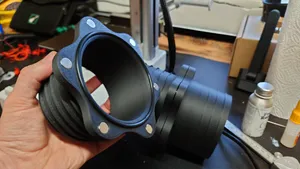



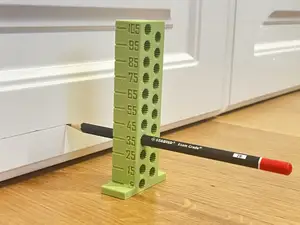

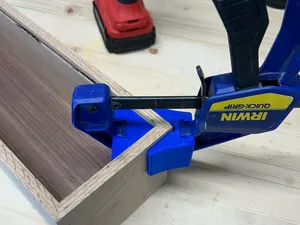

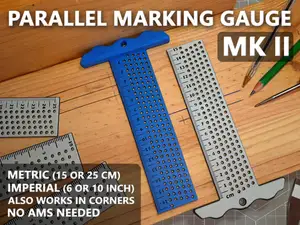
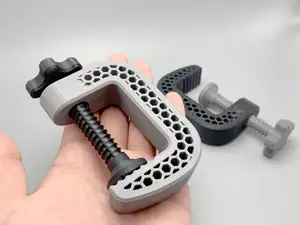

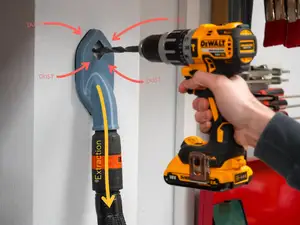

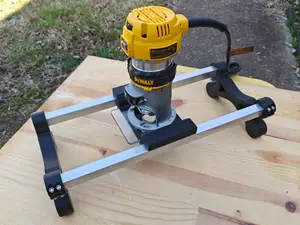

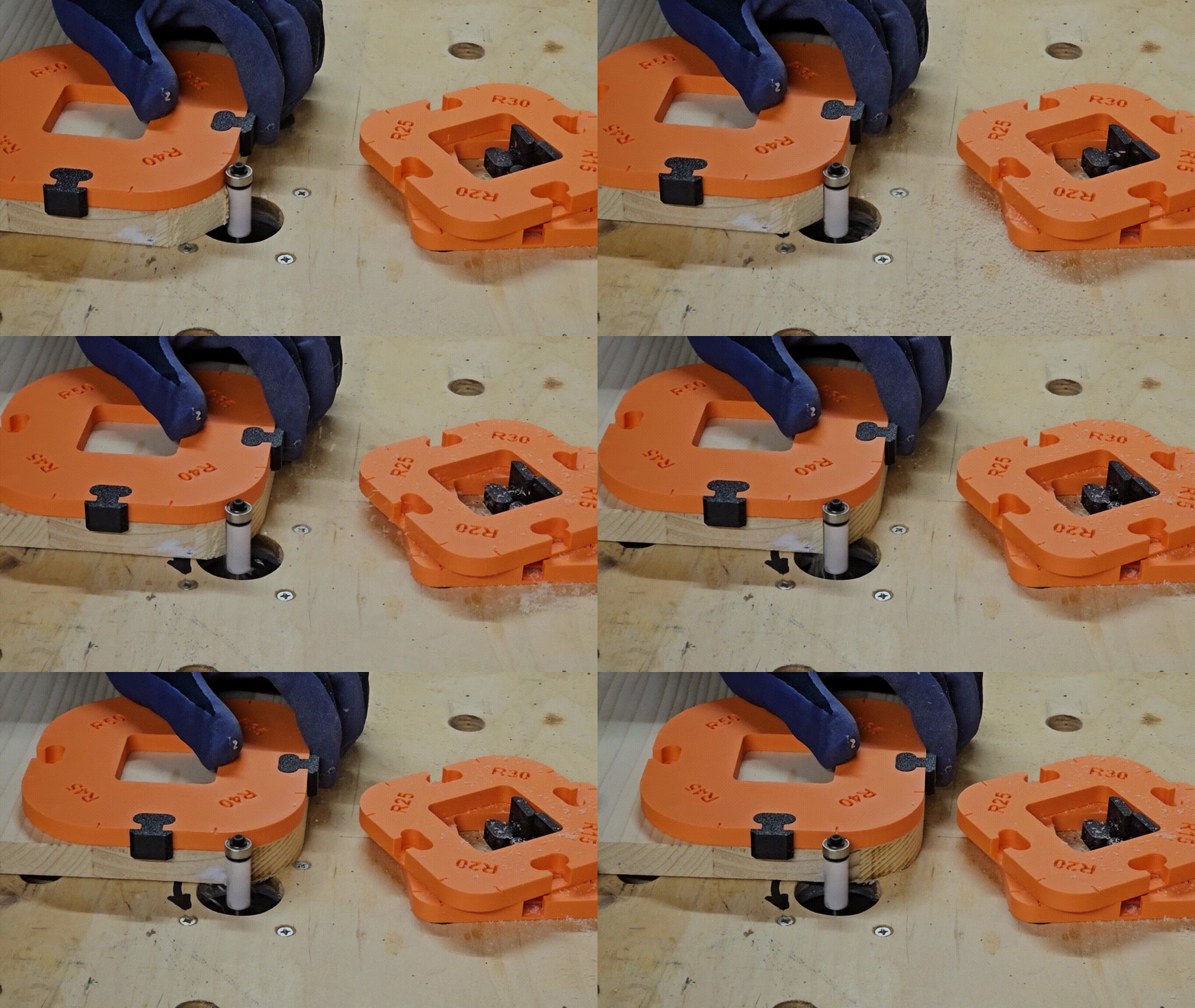

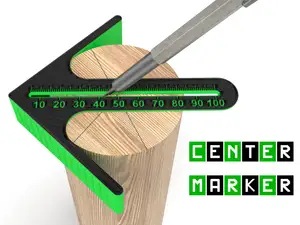

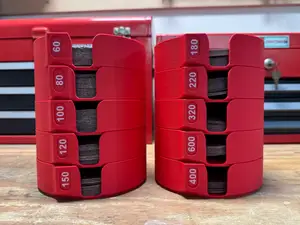

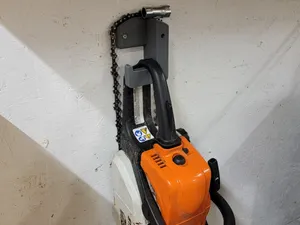

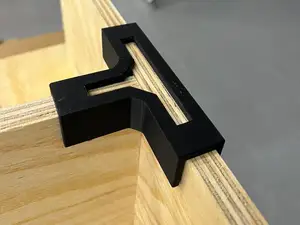

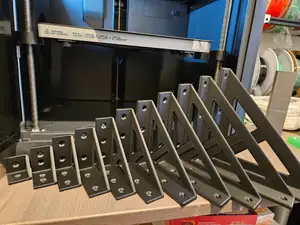
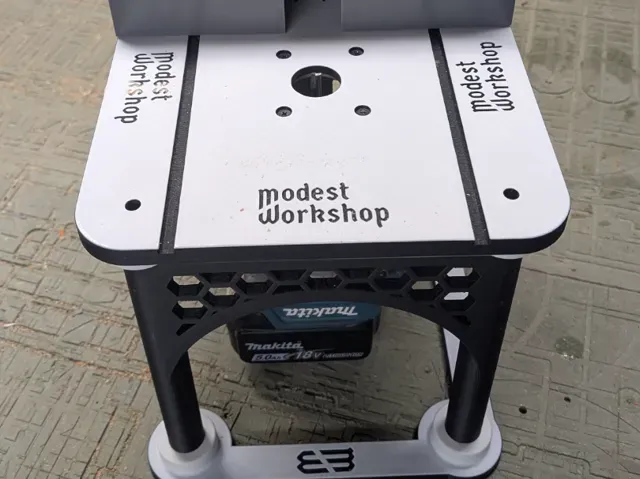
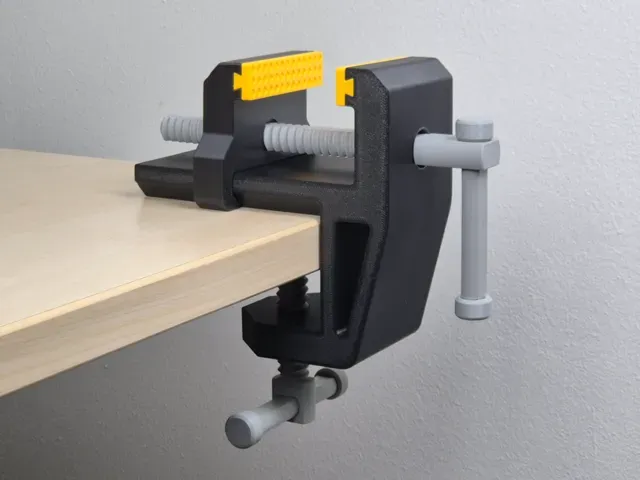
The projects fall into a few groups. Laser-cut items arrive as flat outlines that you cut from a sheet and slot together, such as phone stands, small boxes and decorative pieces. Printed items are solid parts: bench vises, sheet-material clamps, painting cones, hose couplings. A third group mixes the two, where printed brackets or adapters hold a cut plywood panel, as with router tables and machine bases.
Before starting, read the author's page for the details that decide whether the build works for you. For cut parts, check the sheet thickness the slots were drawn for, the kerf of your machine and how many pieces the assembly contains. For printed parts, look at the part count, whether supports are needed, the material and settings the author lists, and photos of real prints. Scale matters too: enlarging a laser-cut model changes slot widths and the fit.
To find more of the same, search by the process rather than the object: laser cut, DXF, plywood, CNC router, jig, fixture, workholding, shop organizer. Related terms that widen the results include bench, vise, clamp, dust collection and tool holder. If you are after a specific machine, try the accessory wording, such as table insert, base plate or mounting bracket.




完整的主题目录:从家居日用到CNC,均可在已接入的来源平台中搜索。
%2Fhttps%3A%2F%2Ffbi.cults3d.com%2Fuploaders%2F44152310%2Fillustration-file%2F3f17757a-af0a-42b8-8de5-ffd405e18967%2F_MG_2527.jpg&w=640)