免费 
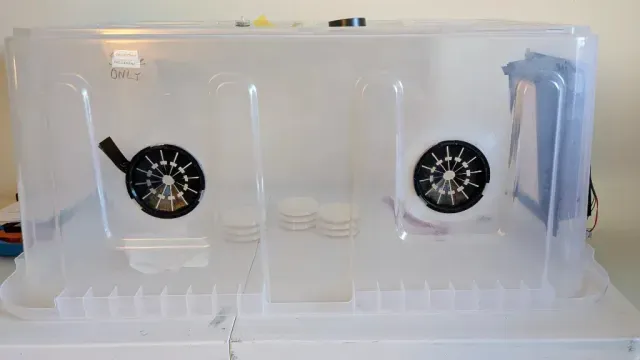
Weyland Yutani 500kg pressure box
Thingiverse
This collection gathers STL files for sealed boxes, pressure enclosures, button housings, organizers and puzzle chests. It helps you find parts for 3D printing when you need a closed volume, a control panel or a storage insert. Check dimensions and assembly details before printing. Polyzon does not confirm whether models are free, their price, license, official status, affiliation, safety or fitness. Check the current terms at the source.
本合集的文字为英文,搜索本身支持任何语言。
 Polyzon合集 · 48个模型 来自4个平台
此合集由Polyzon根据已接入平台的搜索结果整理而成:去除重复项和没有预览图的模型,匹配度低的排在最后,其余按搜索结果顺序排列。模型归作者所有——请在各模型页面查看使用条款。
筛选规则:Polyzon编辑部 · 文字更新于2026年10月14日
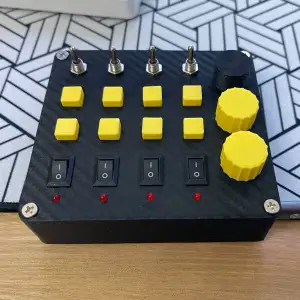

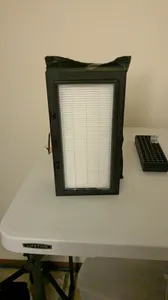
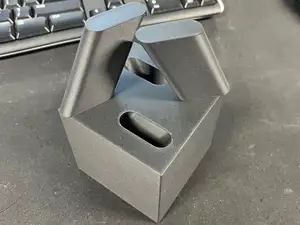
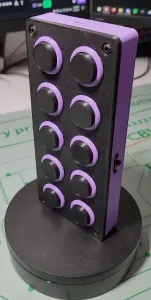

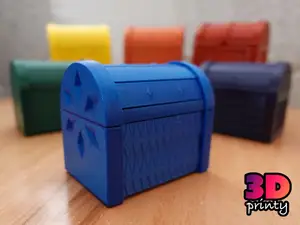

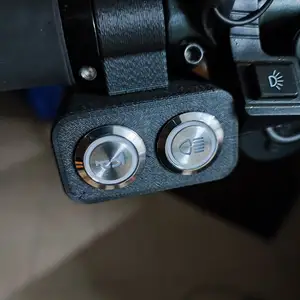


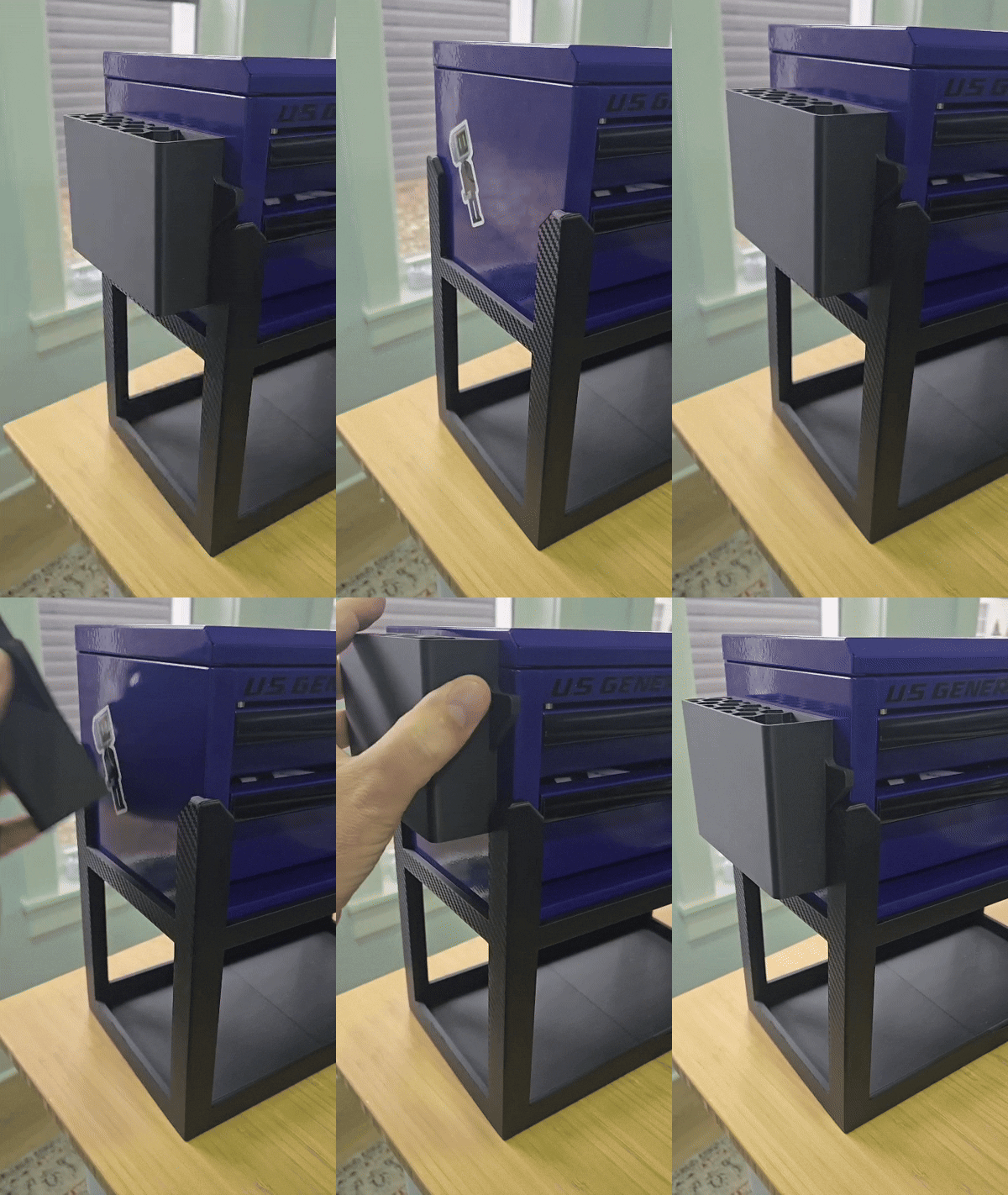

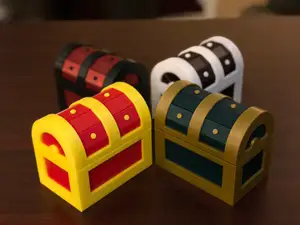
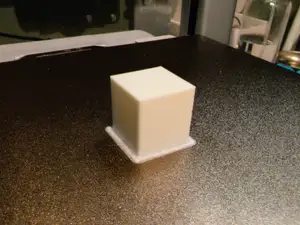
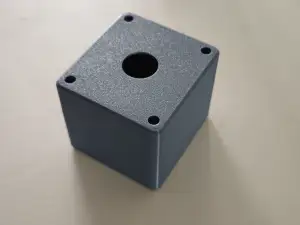

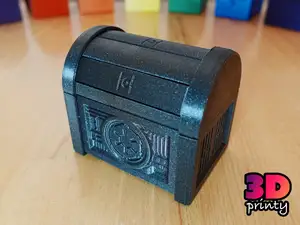
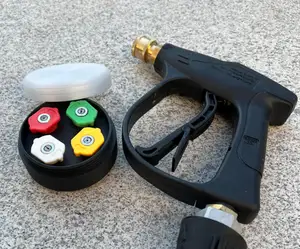
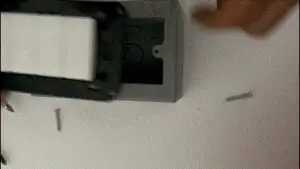


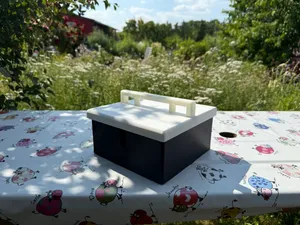
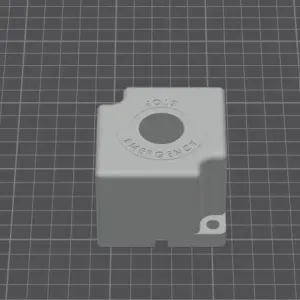

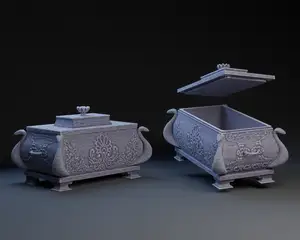
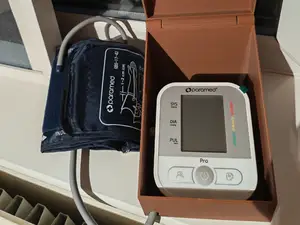
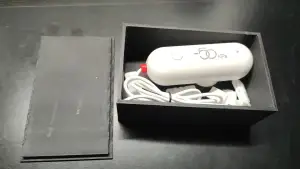


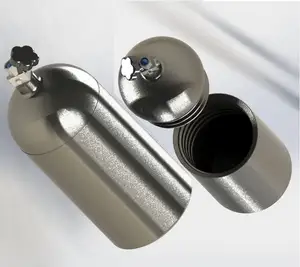
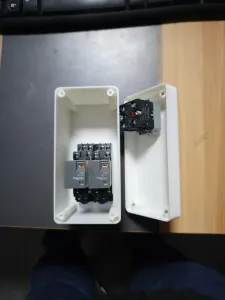


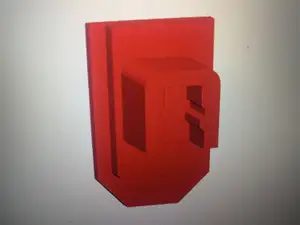
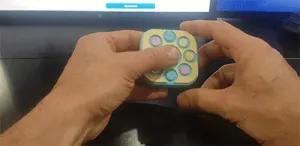


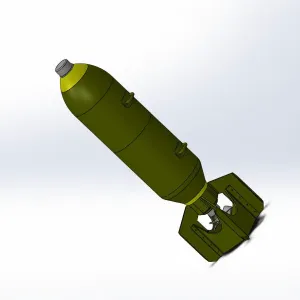


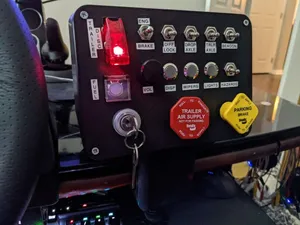
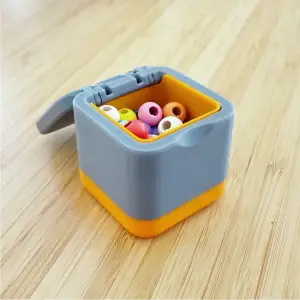
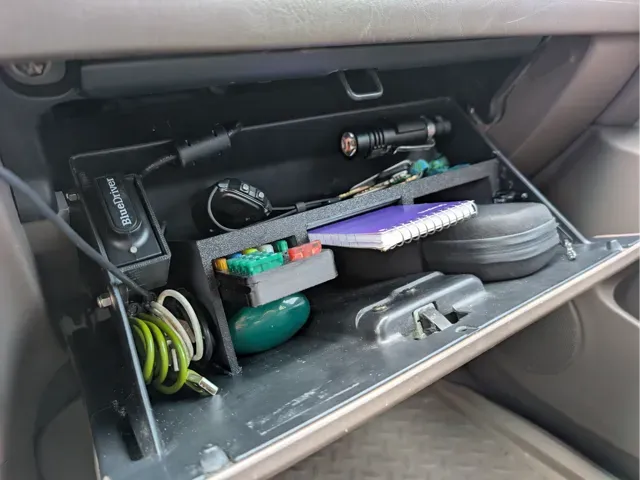
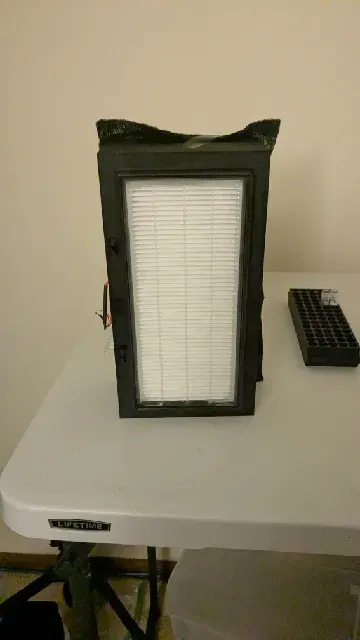
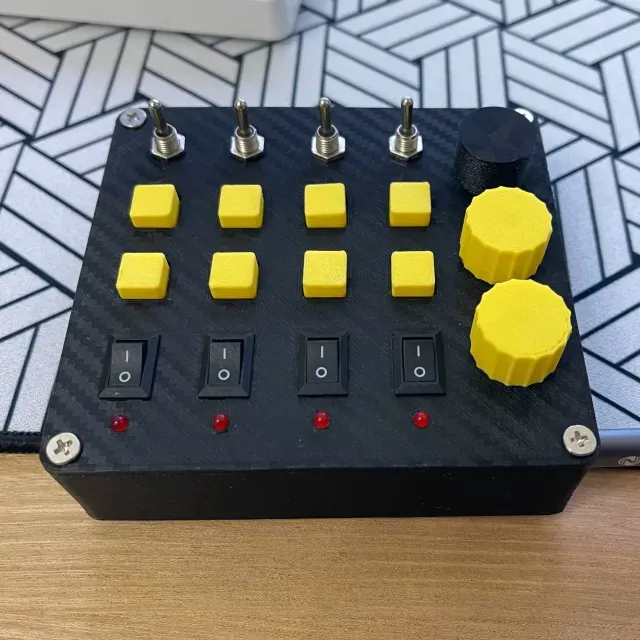
Sealed and pressure-rated enclosures usually have thick walls, gasket channels and ports for cables or filters. Button and control housings focus on cutouts for switches, displays or arcade buttons. Organizers and inserts are shaped around specific compartments, while puzzle and treasure boxes use moving panels or locking mechanisms. Propagation and utility boxes combine a simple container with fittings for tubing, nozzles or gauges.
When choosing a model, check the outer dimensions, wall thickness and the number of separate parts. Look at whether the author lists supports, material and print settings, and whether the photos show the assembled box. For a closed volume, confirm how the lid meets the body and where screws, magnets or seals are meant to go.
To refine the search, try terms such as enclosure, housing, case, container or junction box. Related topics include gasket, latch, hinge, cable gland, button panel and organizer insert. If you need a specific function, combine the box type with a use case, for example pressure, electronics or storage.

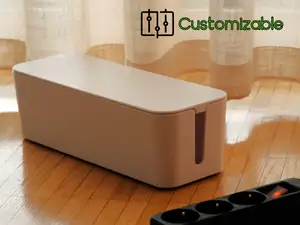

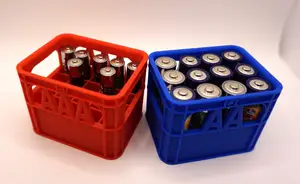


完整的主题目录:从家居日用到CNC,均可在已接入的来源平台中搜索。