
免费 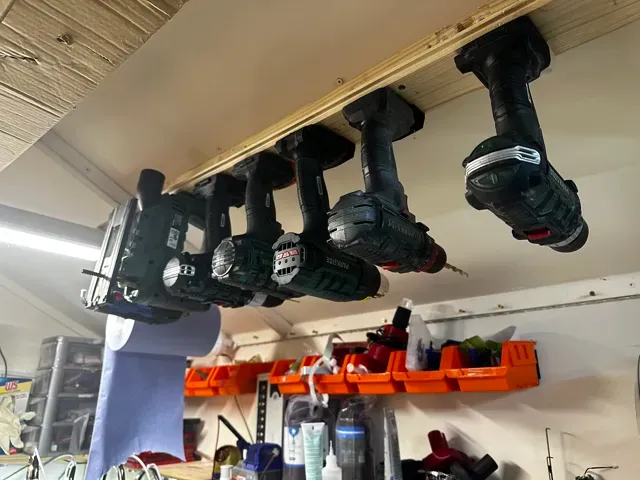
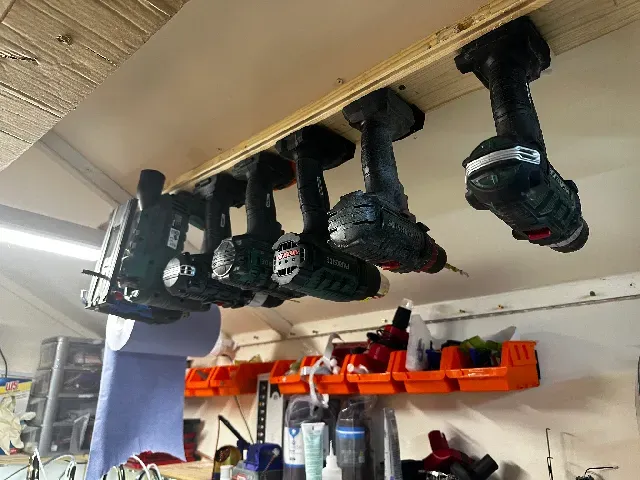
Parkside X20V ceiling tool mount
MakerWorld
This collection gathers STL files for ceiling-related tooling: mounts and holders that keep power tools and batteries within reach, hooks for long-handled equipment, and jigs used when working on drywall or ceiling panels. It is aimed at people who want to organize a workshop ceiling or make a specific ceiling task easier to repeat. Each model page describes its own dimensions and print settings, so the collection works as a starting point for 3D printing rather than a fixed set. Polyzon does not confirm whether models are free, their price, license, official status, affiliation, safety or fitness. Check the current terms at the source.
本合集的文字为英文,搜索本身支持任何语言。
 Polyzon合集 · 48个模型 来自5个平台
此合集由Polyzon根据已接入平台的搜索结果整理而成:去除重复项和没有预览图的模型,匹配度低的排在最后,其余按搜索结果顺序排列。模型归作者所有——请在各模型页面查看使用条款。
筛选规则:Polyzon编辑部 · 文字更新于2026年10月13日

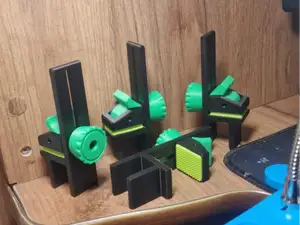
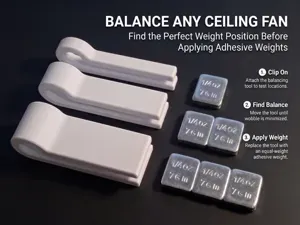
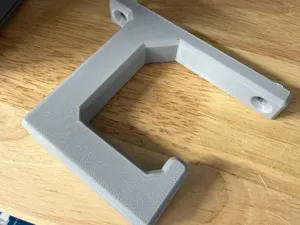
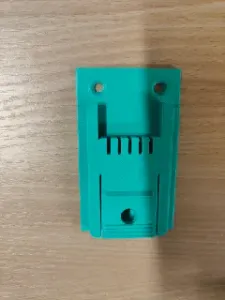

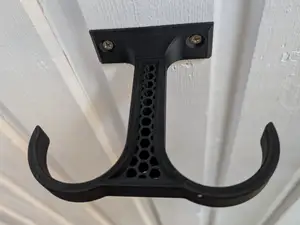



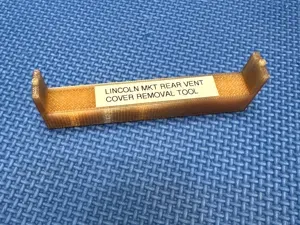
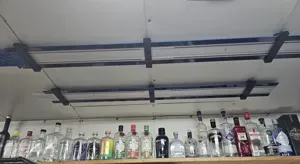
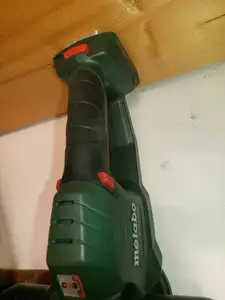


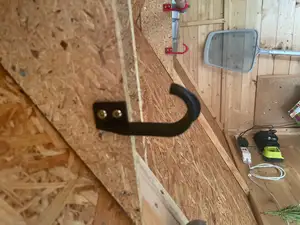

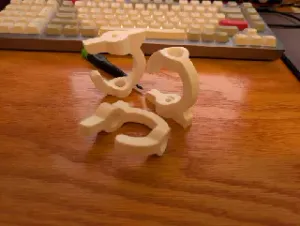





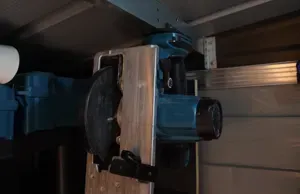

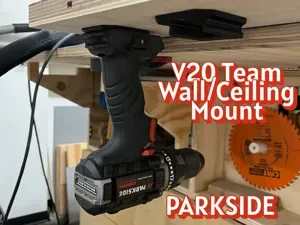

%2Fhttps%3A%2F%2Ffbi.cults3d.com%2Fuploaders%2F6588368%2Fillustration-file%2F1451391909-32430-7130%2FIMG_9283.JPG&w=300)
%2Fhttps%3A%2F%2Ffbi.cults3d.com%2Fuploaders%2F13797397%2Fillustration-file%2Fb50d7a31-fdb8-4bd6-9f81-a06f517fd387%2FCAM00272_display_large.jpg&w=300)
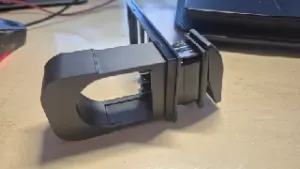


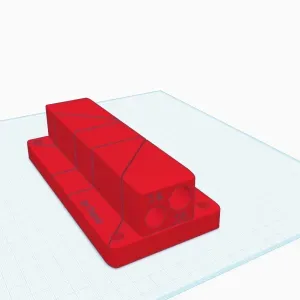
%2Fhttps%3A%2F%2Ffbi.cults3d.com%2Fuploaders%2F51608105%2Fillustration-file%2Fda78133b-5c7d-40d1-b25a-0926b11fcbee%2FRearVue820_01.webp&w=300)

The models fall into a few practical groups. Mounts and holders attach a tool, battery or charger to a ceiling or rafter, and they differ mainly in the interface they use: some clamp around a handle, others slide into a bracket or hang from a hook. Installation aids such as scribes, leveling jigs and distance tools are shaped around a specific task, while removal tools for vents and mounted devices are usually thin, hook-like shapes meant to reach into a gap. Storage pieces, including hooks for garden tools and balancing accessories, are simpler and mostly about how much weight they carry.
When choosing a model, read the author's page rather than the thumbnail. Check the stated size and scale, the number of separate parts and how they join, whether the geometry needs supports, and which material and settings the author lists. For anything that carries load or sits on a ceiling, wall thickness and the orientation of the layers matter more than the shape alone; photos of real prints show how the part behaves in place. If a model is meant to fit an existing tool or fixture, compare the dimensions given with your own measurements before printing.
If the first results do not match your setup, refine the search with related wording. Try terms such as bracket, clip, hanger, rafter mount, or rail instead of holder, and add the object you are working with, for example drywall panel, vent grille, ceiling fan or cable. Searching by the task, like scribing, leveling or removal, often surfaces jigs that a generic tool query misses. Related topics such as workshop organization, cable routing and wall storage also lead to models that can be adapted to a ceiling.
%2Fhttps%3A%2F%2Ffbi.cults3d.com%2Fuploaders%2F13845051%2Fillustration-file%2F771721dc-69c5-45b5-b1d7-04098e879400%2Fgiffff2.gif&w=300)
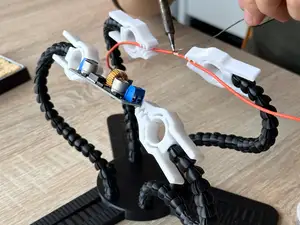

完整的主题目录:从家居日用到CNC,均可在已接入的来源平台中搜索。