
免费 
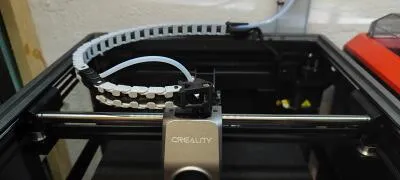
Creality K1 SE channel cable chain
Thingiverse
This collection gathers STL files made for the Creality K1 SE and the wider K1 series: cable routing parts, tool trays, enclosure panels, spool mounts and airflow mods. It is useful when you want to adapt the 3D printer to your own workspace instead of using it as it comes out of the box. Most entries are small parts that print in a few hours on the same machine. Polyzon does not confirm whether models are free, their price, license, official status, affiliation, safety or fitness. Check the current terms at the source.
本合集的文字为英文,搜索本身支持任何语言。
 Polyzon合集 · 48个模型 来自5个平台
此合集由Polyzon根据已接入平台的搜索结果整理而成:去除重复项和没有预览图的模型,匹配度低的排在最后,其余按搜索结果顺序排列。模型归作者所有——请在各模型页面查看使用条款。
筛选规则:Polyzon编辑部 · 文字更新于2026年10月15日
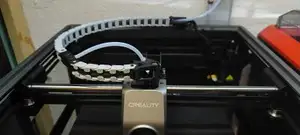
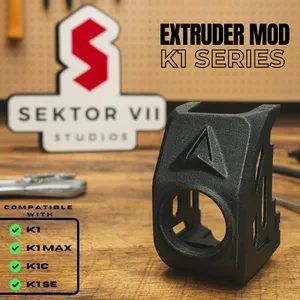


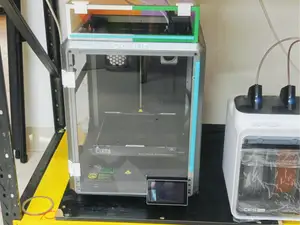
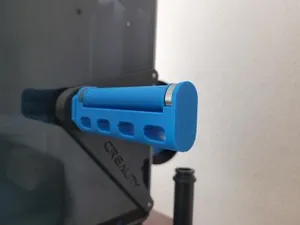
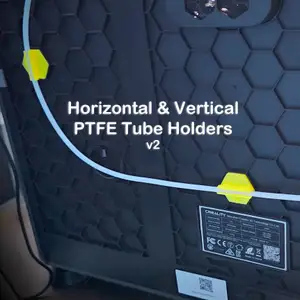

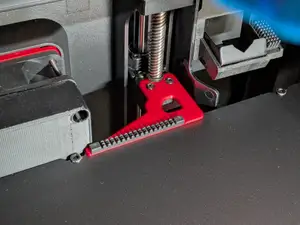
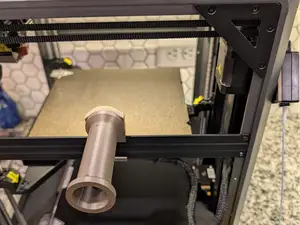
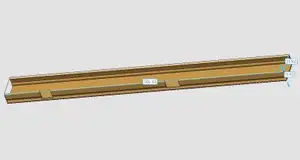


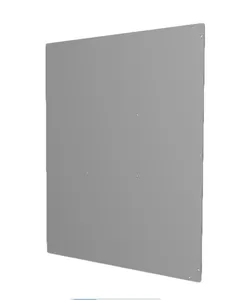

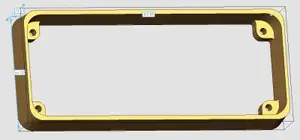
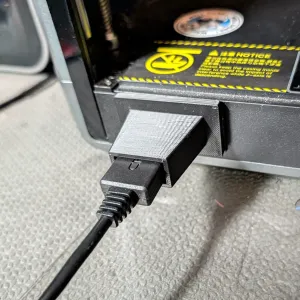

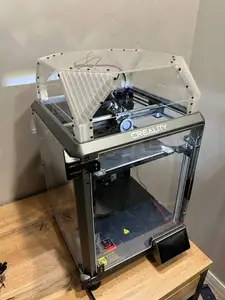
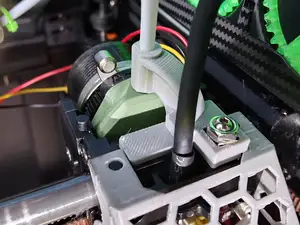
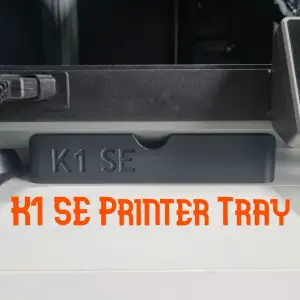

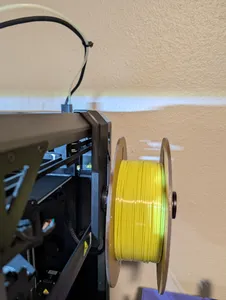
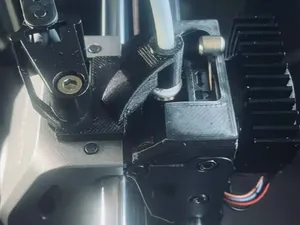
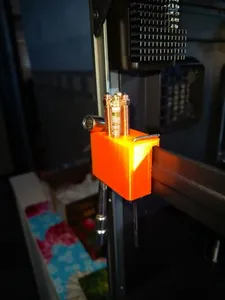
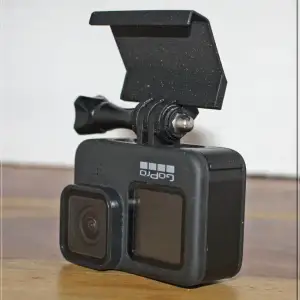


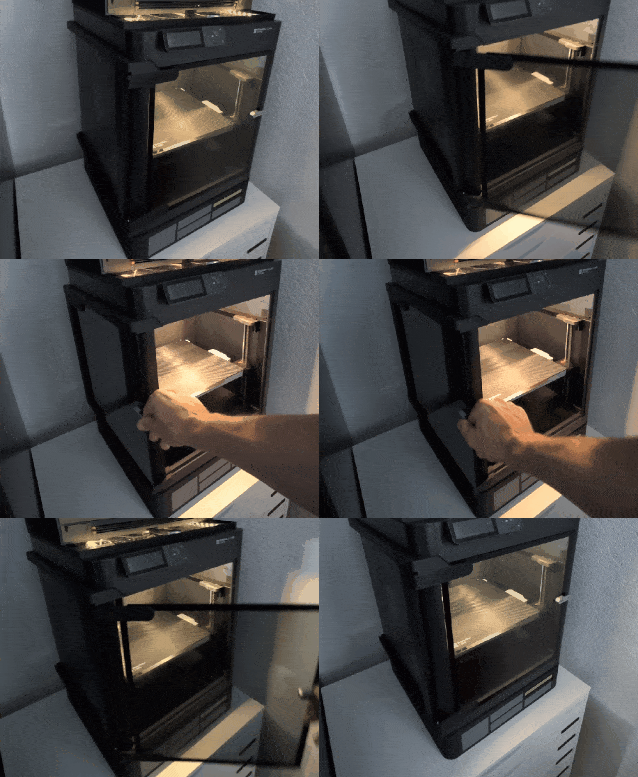
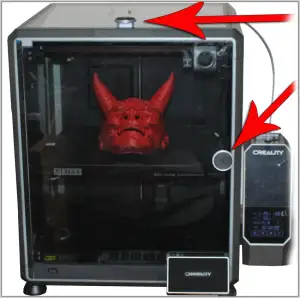

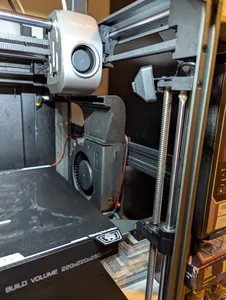
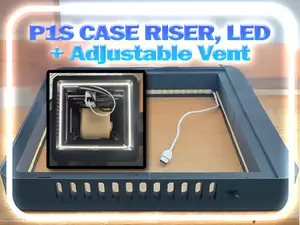
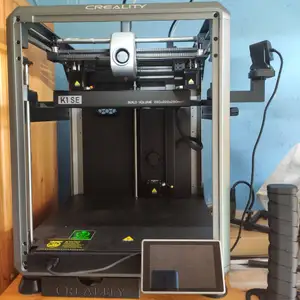

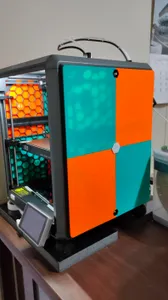
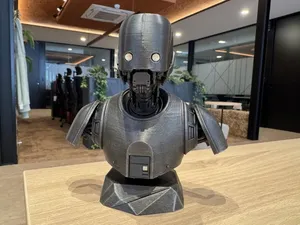
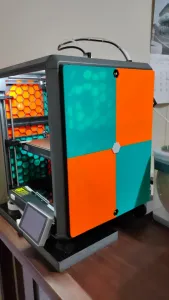


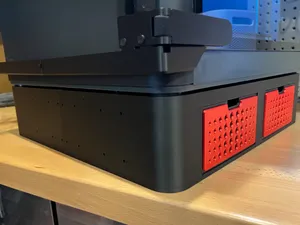
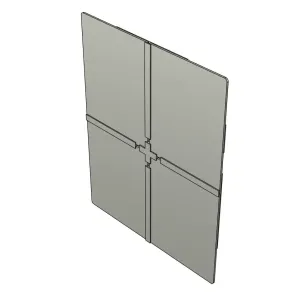


The models fall into a few groups. Cable chains and PTFE tube clips keep wiring and tubing tidy along the frame and rear panel. Tool trays, boxes and risers add storage or raise the printer for easier access. Enclosure panels, door hinges and handles close the sides, while spool mounts move the filament holder to a side or rear position. Airflow and extruder mods change how the toolhead is fed or cooled, and some files are slicer profiles rather than printed parts.
Before printing, open the author's page and read the details. Check the dimensions and scale, how many parts the model has and how they join, whether supports are needed, and which material and settings the author lists. Look at photos of real prints to see how the part sits on the machine. The K1, K1C, K1 SE and K1 Max differ in build volume and panel layout, so compare the stated measurements with your own printer rather than assuming a file fits every variant.
To widen or narrow the search, try other names for the same thing: cable chain, drag chain, cable management, wire guide; tool holder, tray, organizer, toolbox; enclosure, side panel, rear panel, door, hinge, handle; spool holder, filament mount, filament guide; fan duct, airflow, toolhead, extruder. Related topics worth searching are the CFS upgrade, nozzle cleaning, risers, storage walls and slicer profiles for the K1 series. Adding a material or a part name to the query usually cuts the results down to what you need.
Many files are drawn for a specific spot on the printer, so a photo of the installed part tells you more than the title. If a model has several versions, check which one matches your machine and whether the author notes any extra hardware such as screws or magnets. Printing a small test piece first is a common way to confirm the fit before running the full set.
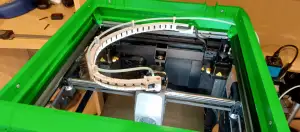


完整的主题目录:从家居日用到CNC,均可在已接入的来源平台中搜索。

