€ 4.98 %2Fhttps%3A%2F%2Ffbi.cults3d.com%2Fuploaders%2F21085770%2Fillustration-file%2F8246aced-08db-44c1-a153-bcb753860711%2FBunny.gif&w=640)
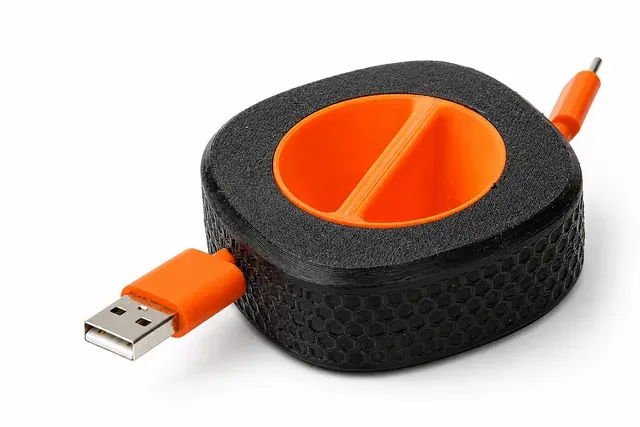
Bunny Cable Holder
Cults3D
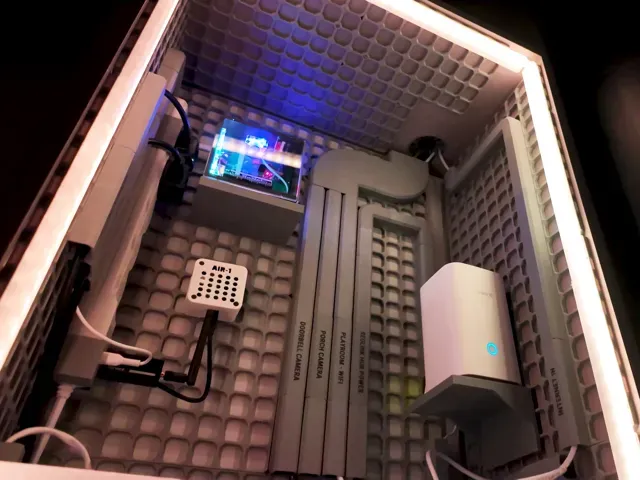
This collection gathers 3D models that keep cables, chargers and adapters in order: boxes, clips, drag chains, grid mounts and rollers. Most of them are small parts that print on a desktop 3D printer without a large build volume. It is useful when you want a holder shaped around a specific cable route instead of a generic off-the-shelf part. Polyzon does not confirm whether models are free, their price, license, official status, affiliation, safety or fitness. Check the current terms at the source.
本合集的文字为英文,搜索本身支持任何语言。
 Polyzon合集 · 48个模型 来自3个平台
此合集由Polyzon根据已接入平台的搜索结果整理而成:去除重复项和没有预览图的模型,匹配度低的排在最后,其余按搜索结果顺序排列。模型归作者所有——请在各模型页面查看使用条款。
筛选规则:Polyzon编辑部 · 文字更新于2026年10月15日
%2Fhttps%3A%2F%2Ffbi.cults3d.com%2Fuploaders%2F22591534%2Fillustration-file%2Fa92cb4f4-addf-433d-a3d7-b49780485d54%2Fvideo.gif&w=300)

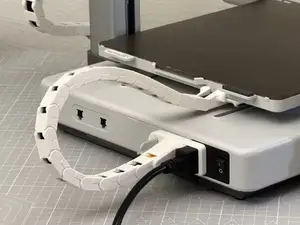
%2Fhttps%3A%2F%2Ffbi.cults3d.com%2Fuploaders%2F13633297%2Fillustration-file%2F82c2e5c7-4c1e-4641-a08e-e36d3233175c%2FCable-Anim.gif&w=300)
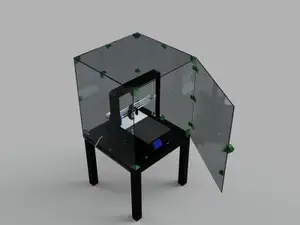
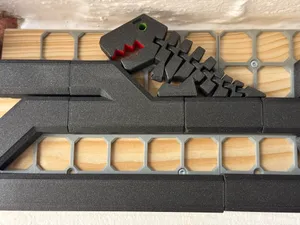
%2Fhttps%3A%2F%2Ffbi.cults3d.com%2Fuploaders%2F18661980%2Fillustration-file%2Fbae2a351-6af3-457f-8133-bd84860164ad%2FProduct-Video.gif&w=300)
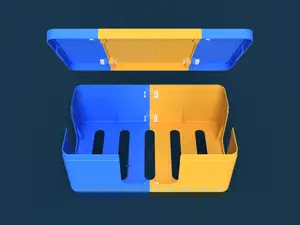
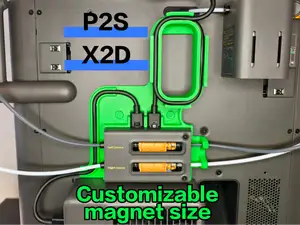
%2Fhttps%3A%2F%2Ffbi.cults3d.com%2Fuploaders%2F7965781%2Fillustration-file%2Fe3d2dddd-8a5c-4f91-b54e-3dd5bfe2e83d%2Fc2c5fe9fb076a940662f8397b8487e16_preview_featured.jpg&w=300)

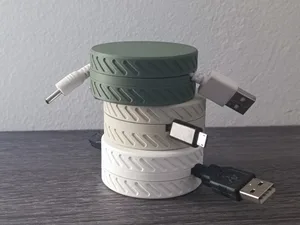
%2Fhttps%3A%2F%2Ffbi.cults3d.com%2Fuploaders%2F4875451%2Fillustration-file%2F1459444975-7667-3396%2Fcontainer_new-icableguards-lightning-cable-bend-guard-3d-printing-64882.jpg&w=300)
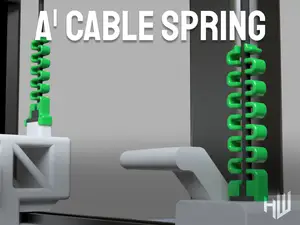
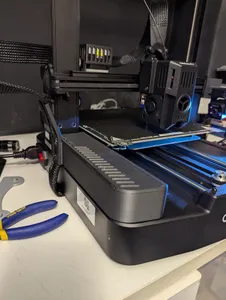
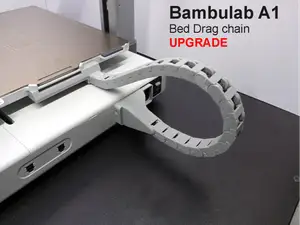

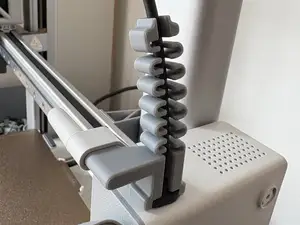
%2Fhttps%3A%2F%2Ffbi.cults3d.com%2Fuploaders%2F8451551%2Fillustration-file%2F780094e8-204f-4e91-b04c-6bbee1d838d1%2FIMG_20191026_171345.jpg&w=300)
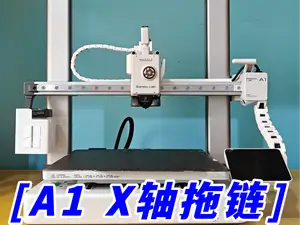
%2Fhttps%3A%2F%2Ffbi.cults3d.com%2Fuploaders%2F15607309%2Fillustration-file%2F5a8ee9aa-10ae-4793-8913-37cd296f56de%2FIMG_0308.jpg&w=300)

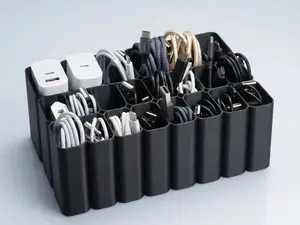
%2Fhttps%3A%2F%2Ffbi.cults3d.com%2Fuploaders%2F25963753%2Fillustration-file%2Fdf032863-a693-4503-a4c2-9d4f2b891125%2FBefore-After.jpg&w=300)
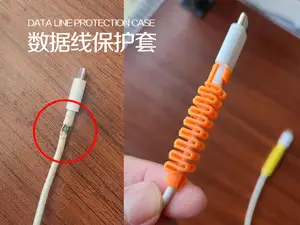
%2Fhttps%3A%2F%2Ffbi.cults3d.com%2Fuploaders%2F12894095%2Fillustration-file%2F1467897269-29883-6675%2FCapture_d_e_cran_2016-07-07_a__15.11.21.png&w=300)
%2Fhttps%3A%2F%2Ffbi.cults3d.com%2Fuploaders%2F22196478%2Fillustration-file%2Fe0f9b710-c424-49ef-bbaa-0c157f31d839%2FCute-Cat-Mouse-Bungee-and-Cable-Holder-KrakDrag-gif.gif&w=300)

%2Fhttps%3A%2F%2Ffbi.cults3d.com%2Fuploaders%2F16458521%2Fillustration-file%2Fe03cbf38-b362-4145-af02-39daf48fcf65%2FPipe_roller_curved_points.png&w=300)

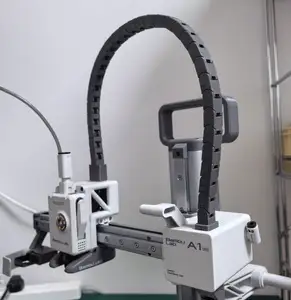
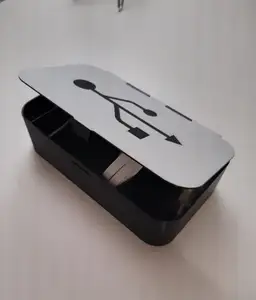
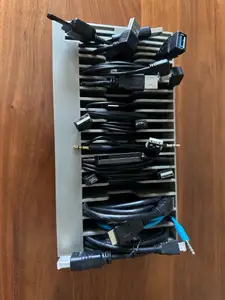
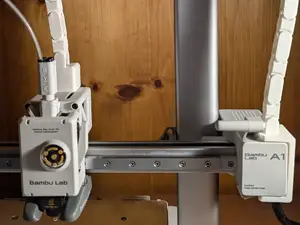
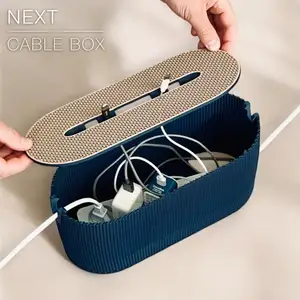
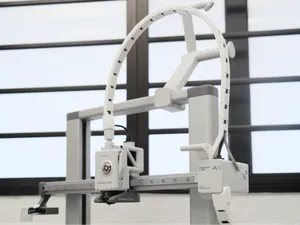
The models fall into a few groups. Enclosed boxes and stackable cases hold power strips, adapters and coiled cables out of sight. Open holders, clips and hooks fix a single cable to a desk edge or a panel. Drag chains and cable chains are different again: they are multi-link parts that guide a moving cable on a machine, so they need to bend without binding. Grid systems take a modular approach, where one base plate accepts many small attachments.
When choosing a model, read the author's page rather than the picture alone. Check the outer dimensions and the internal cavity, since a box sized for one adapter may not take another. Look at how many parts there are and whether they join with clips, screws or sliding joints, because that decides how much assembly you take on. For moving parts such as chains and rollers, the listed clearance and the orientation on the build plate matter more than the shape.
Material and settings are worth a look too. Thin clips and snap-fit lids behave differently in a stiff filament than in a flexible one, and the author usually states which was used. Layer height and wall count affect how well small tabs survive. If a model is close to what you need but not exact, search for related terms: cable organizer, cable holder, cable clip, under-desk mount, drag chain, cable chain, grid mount, pegboard hook, cable roller, strain relief. Adding the device or the surface, such as a desk, a wall or a printer frame, narrows the results further.



完整的主题目录:从家居日用到CNC,均可在已接入的来源平台中搜索。