免费 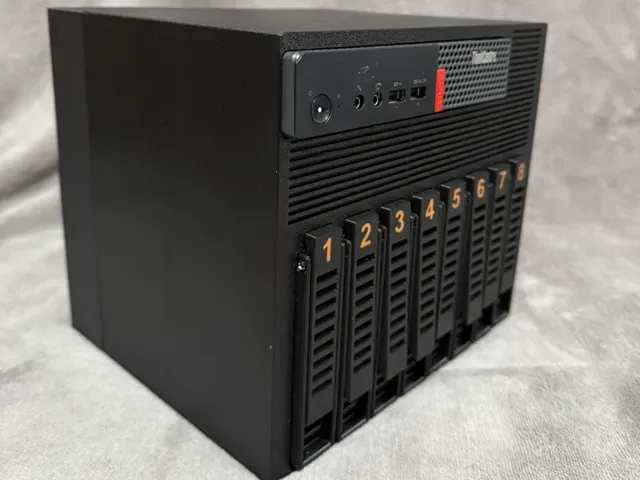
TiNAS - 8x HDD + 1 SSD Enclosure M710Q/M910Q/M920Q
MakerWorld
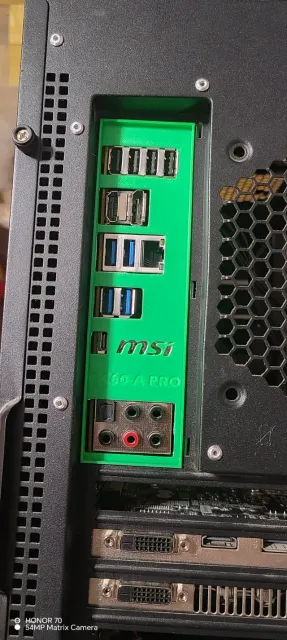
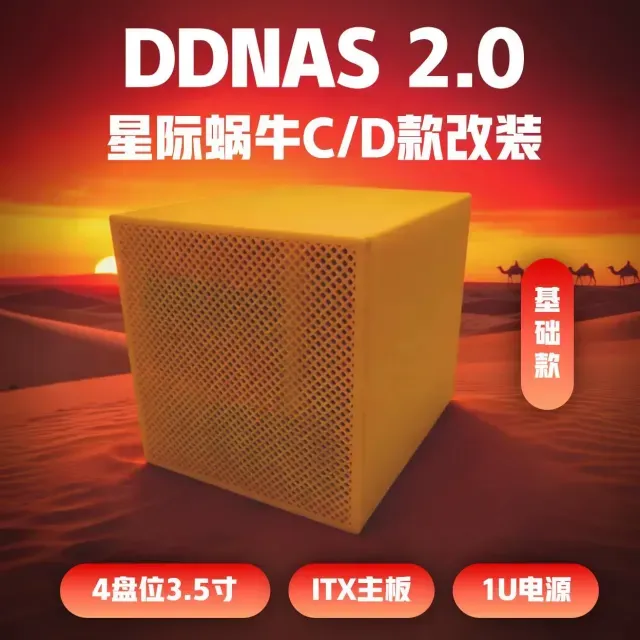
This collection gathers STL files for 10-inch rack builds, NAS drive mounts, mini computer brackets and adapter plates. You can compare how parts are split, how they attach and which hardware the author lists. It helps when planning a compact server or workstation around a 3D printer. Polyzon does not confirm whether models are free, their price, license, official status, affiliation, safety or fitness. Check the current terms at the source.
本合集的文字为英文,搜索本身支持任何语言。
 Polyzon合集 · 38个模型 来自2个平台
此合集由Polyzon根据已接入平台的搜索结果整理而成:去除重复项和没有预览图的模型,匹配度低的排在最后,其余按搜索结果顺序排列。模型归作者所有——请在各模型页面查看使用条款。
筛选规则:Polyzon编辑部 · 文字更新于2026年10月15日
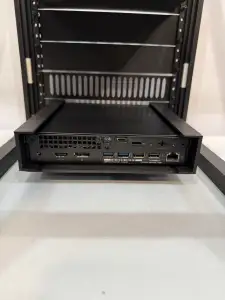
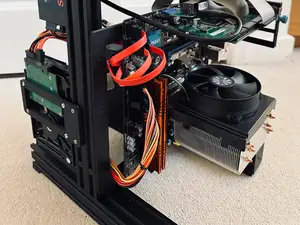
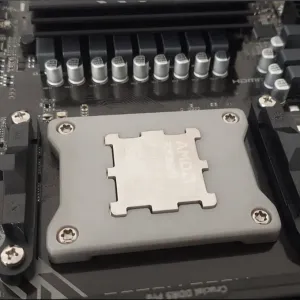
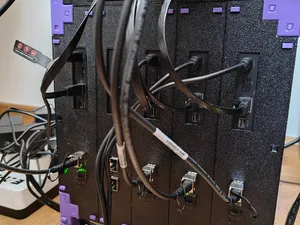
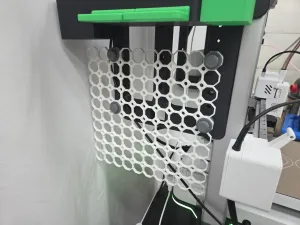
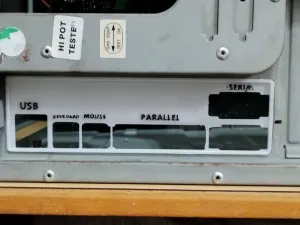
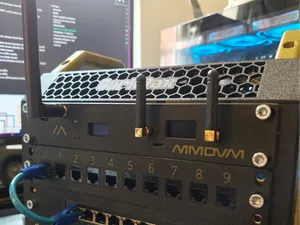
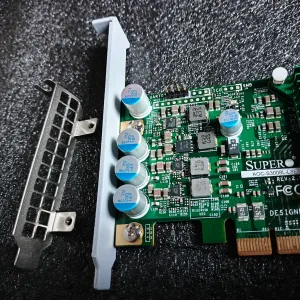
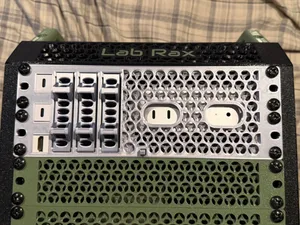
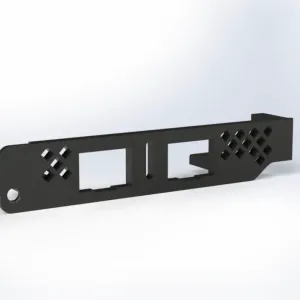
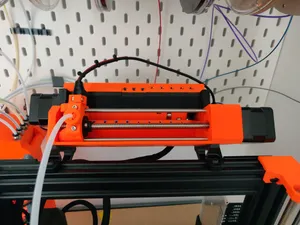
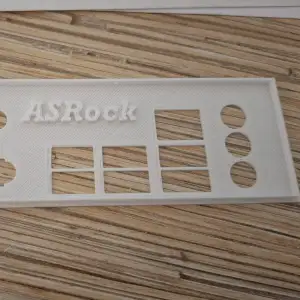
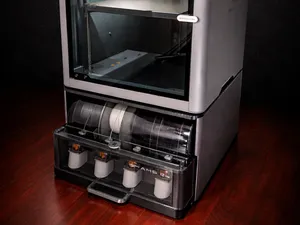
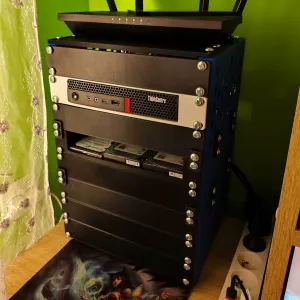
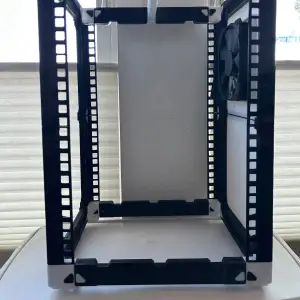
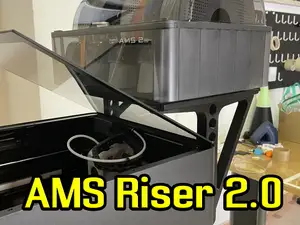
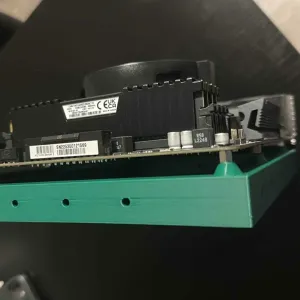
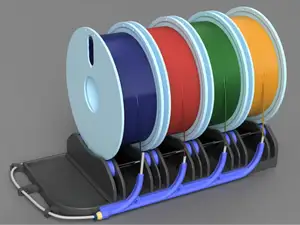
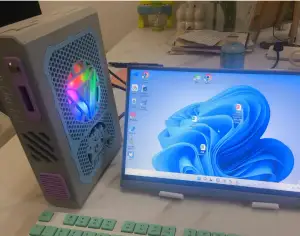
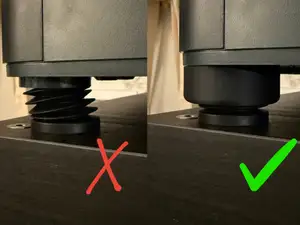
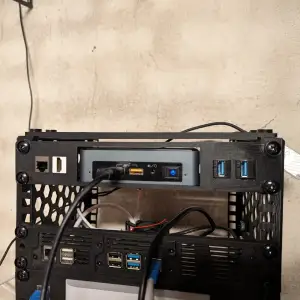
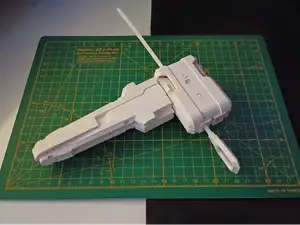
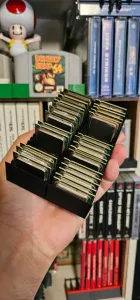
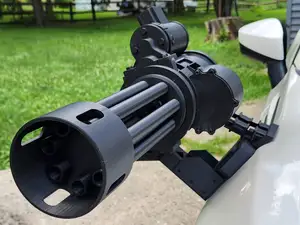
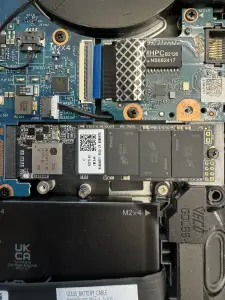
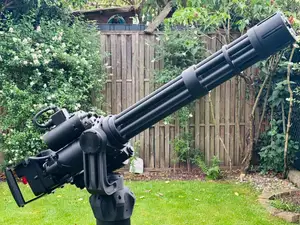
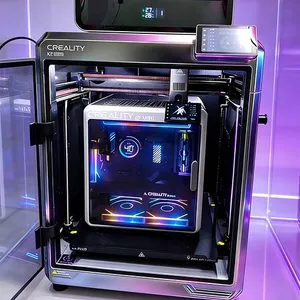
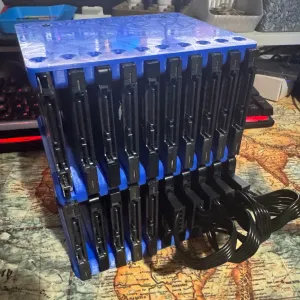
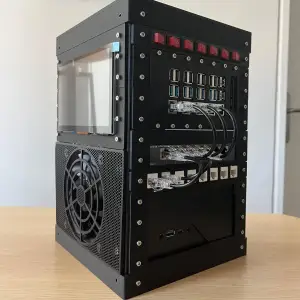
The models range from full enclosures for several drives to single brackets that hold a small computer, card or power supply. Some are designed for a 10-inch rack rail, while others are standalone mounts or backplates. Drive cages often use separate trays, and adapter brackets usually depend on the exact port layout and screw spacing.
Before printing, check the listed dimensions, the number of parts and whether the author shows them assembled. Look at the screw holes, rail spacing and clearance for cables, since a small change in thickness can affect how a tray slides. The material and settings the author lists matter for parts that carry weight or sit near warm components.
If a result is close but not exact, try terms such as mini PC rack mount, NAS drive bay, PCIe bracket, motherboard backplate or 10-inch server shelf. Related searches for SBC, HBA, SSD tray or DIN rail can lead to related parts. Check the author's page for updates and for notes about the hardware used in the photos.

%2Fhttps%3A%2F%2Ffbi.cults3d.com%2Fuploaders%2F14307784%2Fillustration-file%2F112b2429-521c-415b-b0a4-f49f7ed9928f%2F2%2520cargador.jpg&w=300)
%2Fhttps%3A%2F%2Ffbi.cults3d.com%2Fuploaders%2F25113338%2Fillustration-file%2Ff697bb2e-f02a-4210-b5aa-14f7e394f5f6%2F01.jpg&w=300)


完整的主题目录:从家居日用到CNC,均可在已接入的来源平台中搜索。