
免费 
Minnie McMouse
Thingiverse
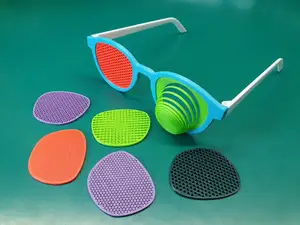
Some 3D models are published as a set of variants rather than as a single file. Here you will find printer accessories, fidget toys, organizers and themed figures whose authors offer a choice of size, style or part count. The collection helps when you already know roughly what you want but need the version that fits your setup. Polyzon does not confirm whether models are free, their price, license, official status, affiliation, safety or fitness. Check the current terms at the source.
本合集的文字为英文,搜索本身支持任何语言。
 Polyzon合集 · 42个模型 来自3个平台
此合集由Polyzon根据已接入平台的搜索结果整理而成:去除重复项和没有预览图的模型,匹配度低的排在最后,其余按搜索结果顺序排列。模型归作者所有——请在各模型页面查看使用条款。
筛选规则:Polyzon编辑部 · 文字更新于2026年10月14日






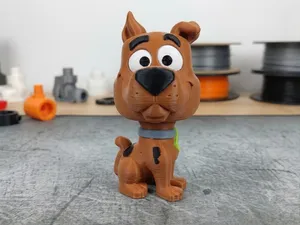

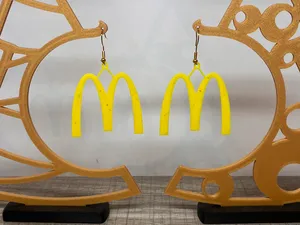
![#0174 Rock Climbing Shoe Carrier [3 variants to choose from]](https://cache.polyzon.org/api/img?url=https%3A%2F%2Fmedia.printables.com%2Fmedia%2Fprints%2F924998%2Fimages%2F7300937_7ffc9c46-abe9-46ee-8204-11f4f80113b4_36b6a664-5b24-4a39-9899-27b16c25fc7d%2Frl-20240728-008.jpg&w=300)
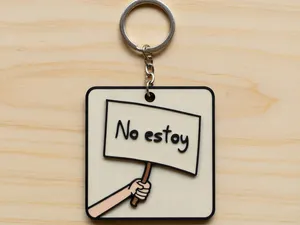
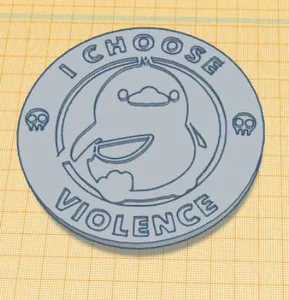
![#0034 Overhang Test [4 sided] - 3 variants to choose from](https://cache.polyzon.org/api/img?url=https%3A%2F%2Fmedia.printables.com%2Fmedia%2Fprints%2F269038%2Fimages%2F2442514_5b989798-cfca-4100-ba6f-6c6a84370a68%2Fmy-4-sided-narrow-overhang-pic1.jpg&w=300)
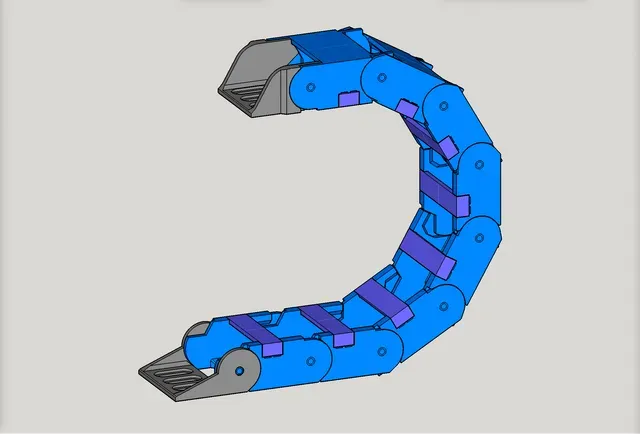
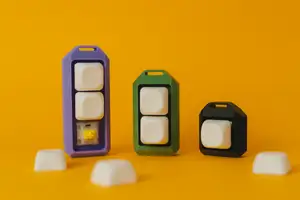
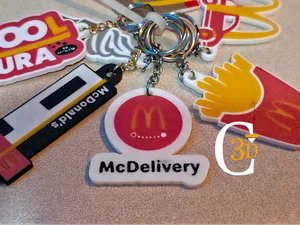
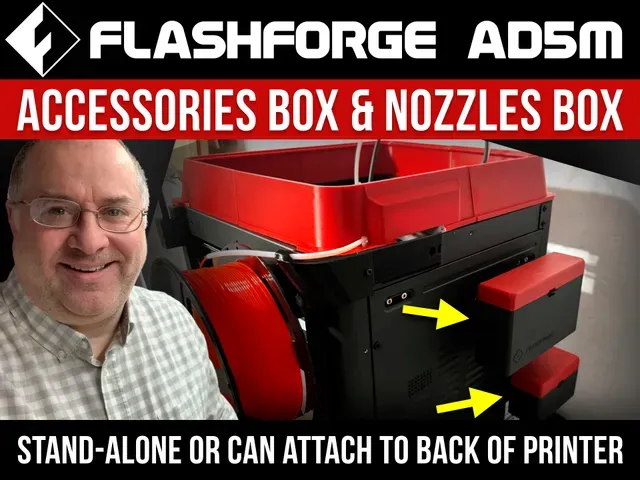
Variant-based models fall into a few groups. Printer accessories such as nozzle boxes and camera mounts often come in two versions, and the difference is usually the mounting side or the hardware used. Fidget toys are listed with a choice of switch count or outer pattern, while organizers and drag chains are split by dimensions. Themed figures and food-brand decorations tend to vary by color scheme or holiday styling rather than by mechanics.
Before printing, open the author's page and read the variant notes. Check the overall size and scale, how many parts the chosen version contains, and whether the parts are meant to be glued, snapped or screwed together. Look at the material and settings the author lists, and at photos of real prints, since a variant can change wall thickness or the need for supports. If the model has moving parts, confirm the clearances against your nozzle diameter.
Search results for this theme are often spread across unrelated wording. Try synonyms such as variant, version, style, size or option, and pair them with the object you need, for example a mount, a divider, a keychain or a fidget. Related topics include modular organizers, interchangeable inserts and parametric models where you set the dimensions yourself.
完整的主题目录:从家居日用到CNC,均可在已接入的来源平台中搜索。



%2Fhttps%3A%2F%2Ffbi.cults3d.com%2Fuploaders%2F13649867%2Fillustration-file%2F4b68f1f9-538c-4206-ad94-0dcc247e49aa%2F211280664_2324883860977592_7883144846142101777_n.jpg&w=300)

%2Fhttps%3A%2F%2Ffbi.cults3d.com%2Fuploaders%2F12510347%2Fillustration-file%2Fcc2454c5-6e72-4b40-9573-66e6fb8d9473%2FCapture%2520d%25E2%2580%2599e%25CC%2581cran%25202017-01-11%2520a%25CC%2580%252014.35.11.png&w=300)