免费 
Ender Series + CR-10 Series - Winged Rotary Knob
Thingiverse
This collection gathers STL and 3D printing results that match MK4, V2 and 7-inch queries. It spans printer upgrades, display enclosures, vehicle models and functional mounts. Use it to compare how different designers approach the same search terms. Polyzon does not confirm whether models are free, their price, license, official status, affiliation, safety or fitness. Check the current terms at the source.
本合集的文字为英文,搜索本身支持任何语言。
 Polyzon合集 · 48个模型 来自4个平台
此合集由Polyzon根据已接入平台的搜索结果整理而成:去除重复项和没有预览图的模型,匹配度低的排在最后,其余按搜索结果顺序排列。模型归作者所有——请在各模型页面查看使用条款。
筛选规则:Polyzon编辑部 · 文字更新于2026年10月15日


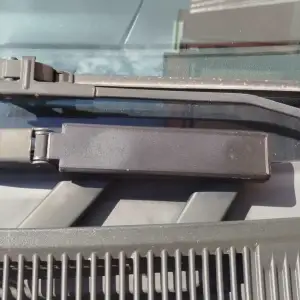

![[v2] 2 in 1 MK4S / MK4 / CORE ONE Display Knob with Detachable Scraper](https://cache.polyzon.org/api/img?url=https%3A%2F%2Fmedia.printables.com%2Fmedia%2Fprints%2Fd189c71b-faa8-4340-be70-05d49fc3979f%2Fimages%2F10463263_4ba525c3-79c9-4473-8e9f-9864419b71c6_954479ef-d7fe-4050-a97f-077e8b6b3077%2Fscraper-ultimate-v3-online-video-cuttercom.gif&w=300)
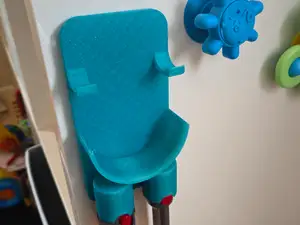
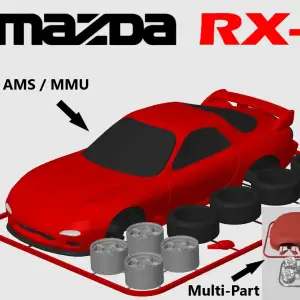

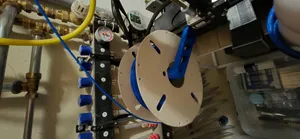
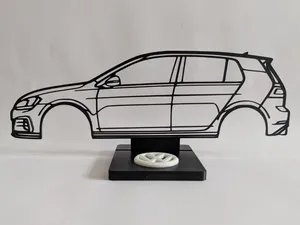
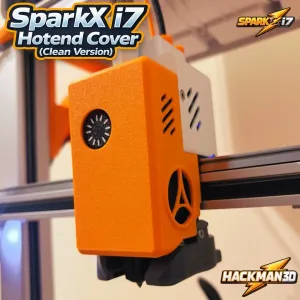


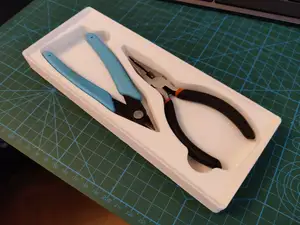
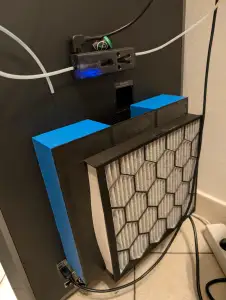


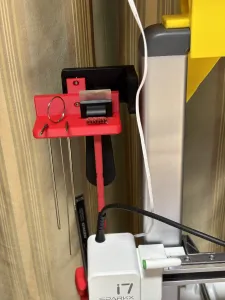

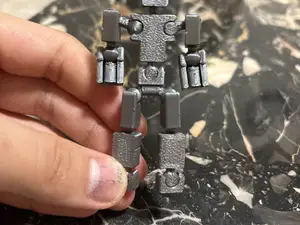
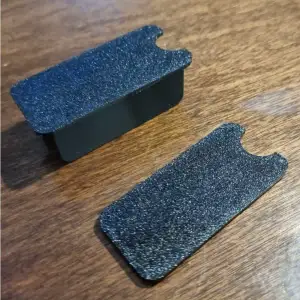



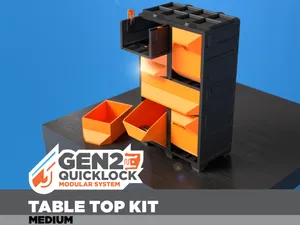
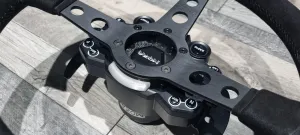


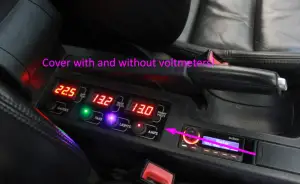

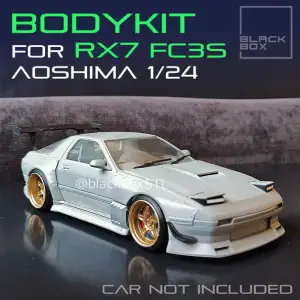

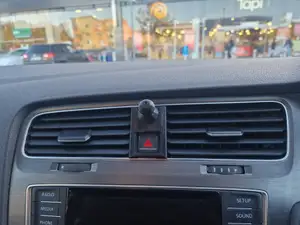
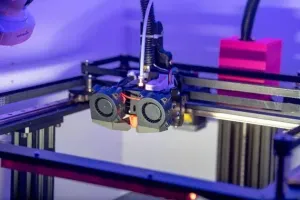

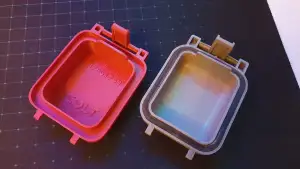

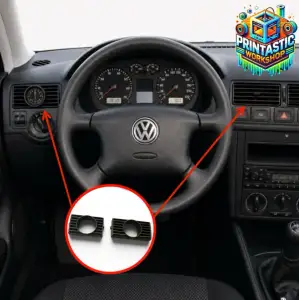

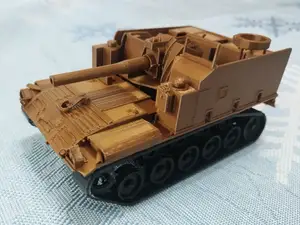
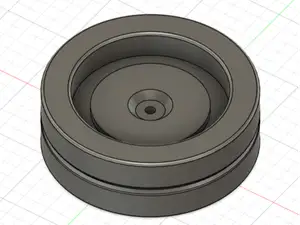
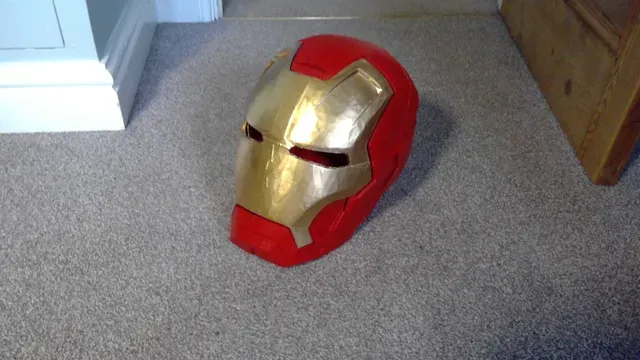
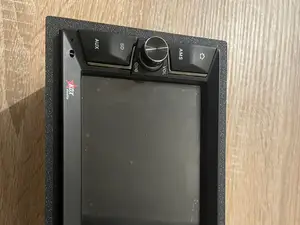
The results mix mechanical parts with decorative and display items. Printer-side models often involve knobs, covers, cable guides and mounts, while vehicle and character files tend to be scale models or helmet shells. Display and electronics pieces range from touchscreen cases to clock housings, so part count and assembly style vary widely.
When choosing a file, check the model page for dimensions, scale and the number of separate parts. Look at whether the author lists supports, material, layer height and infill, and review photos of completed prints to judge alignment and surface detail. For mechanical parts, confirm the mounting pattern and screw sizes; for display pieces, check screen or component cutouts.
To refine the search, try synonyms and related terms such as printer upgrade, display mount, enclosure, scale model, helmet, wall holder or organizer. Adding a printer series, screen size or vehicle generation can narrow results, while broader terms like functional parts or decorative models can surface alternatives. If a result is close but not exact, look for remixes and variations that adjust dimensions or mounting points.


完整的主题目录:从家居日用到CNC,均可在已接入的来源平台中搜索。