
免费 
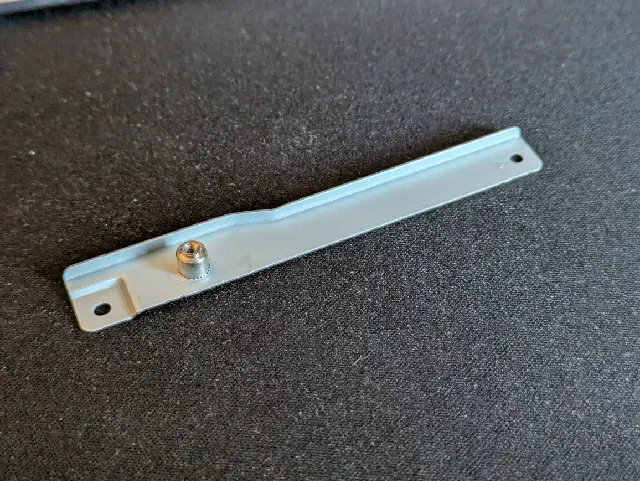
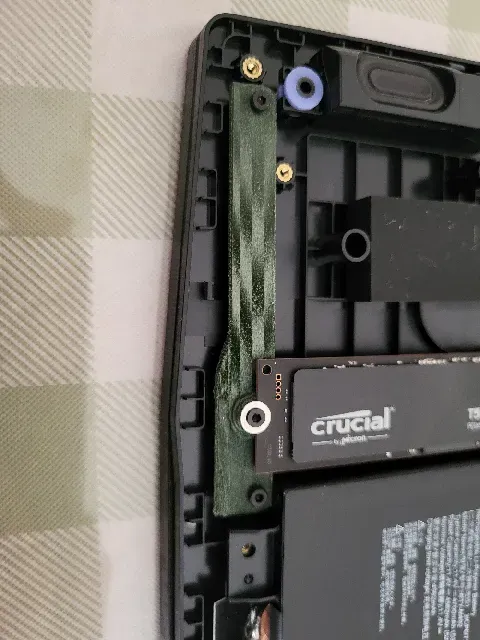
MSI Katana M2 SSD Railing
Thingiverse
This collection gathers STL files for MSI Katana laptop accessories, from internal SSD mounts to external stands and feet. It also includes power supply holders, privacy covers, and repair parts. The models help you adapt a laptop to a desk setup or replace small broken pieces. Polyzon does not confirm whether models are free, their price, license, official status, affiliation, safety or fitness. Check the current terms at the source.
本合集的文字为英文,搜索本身支持任何语言。
 Polyzon合集 · 48个模型 来自6个平台
此合集由Polyzon根据已接入平台的搜索结果整理而成:去除重复项和没有预览图的模型,匹配度低的排在最后,其余按搜索结果顺序排列。模型归作者所有——请在各模型页面查看使用条款。
筛选规则:Polyzon编辑部 · 文字更新于2026年10月11日


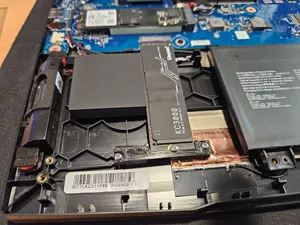
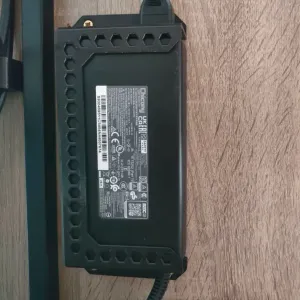
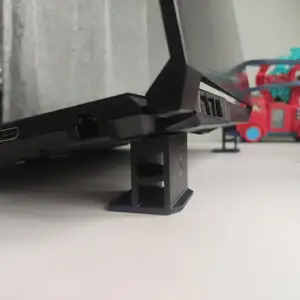
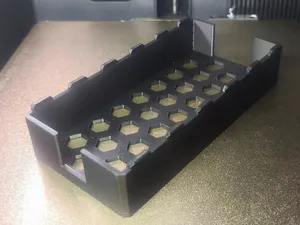

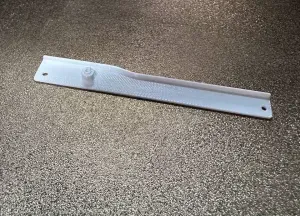
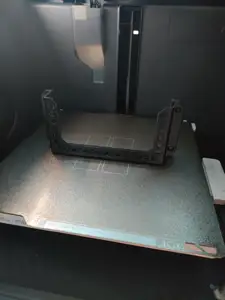

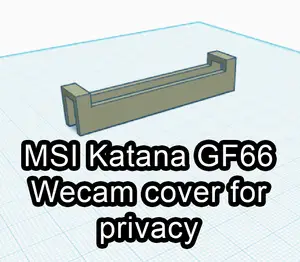



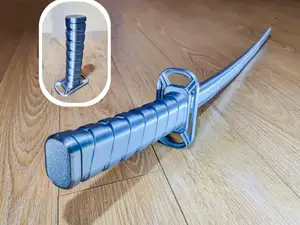
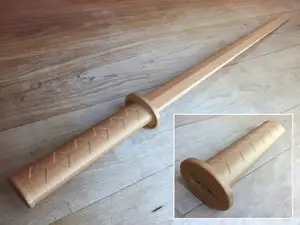
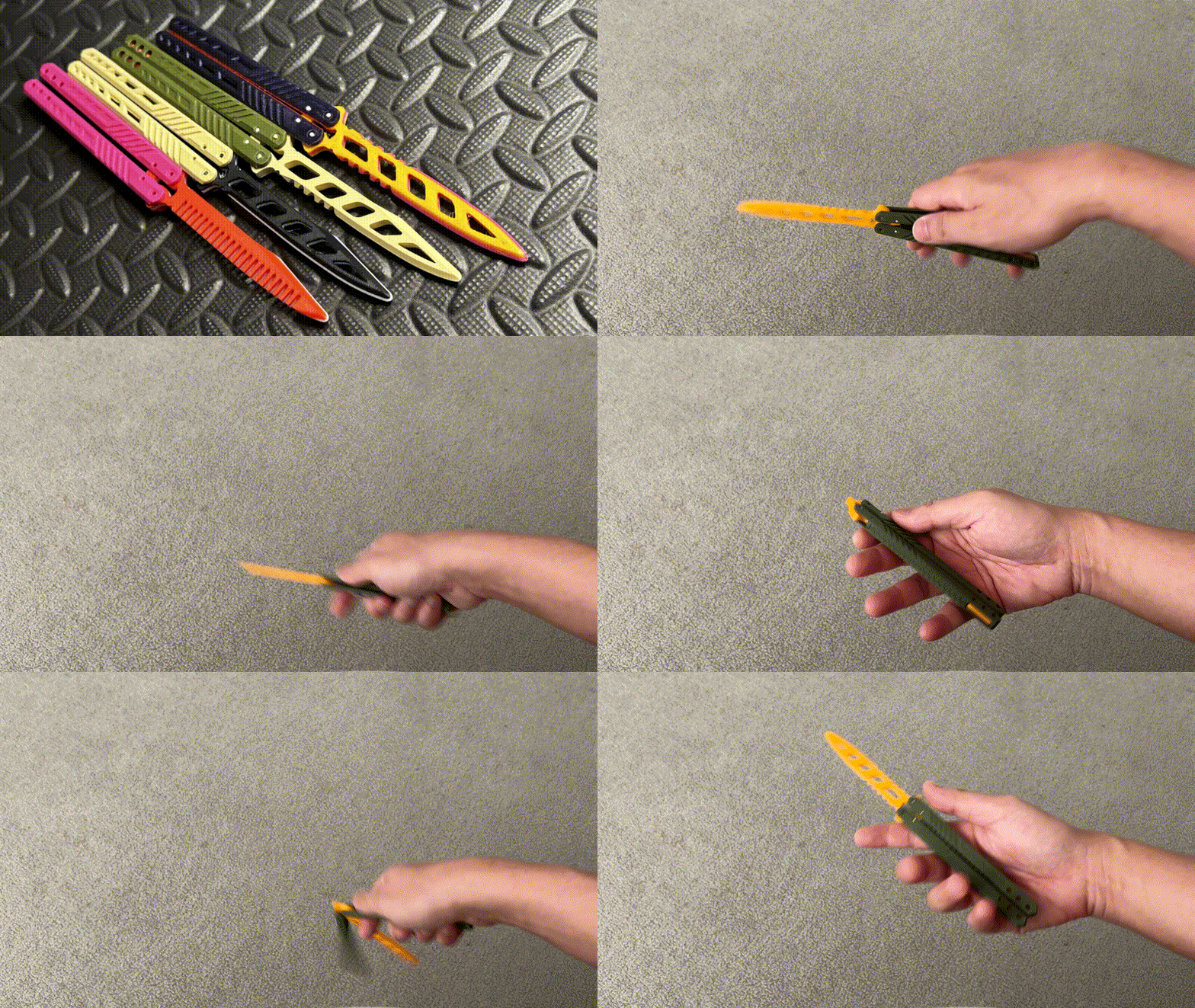
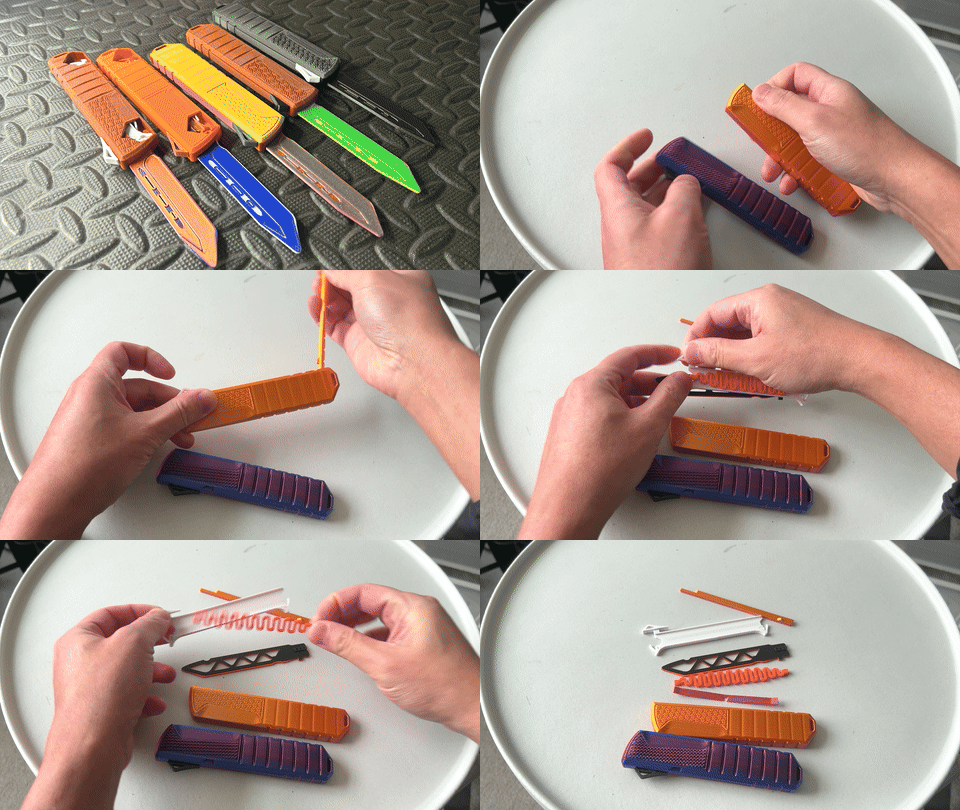
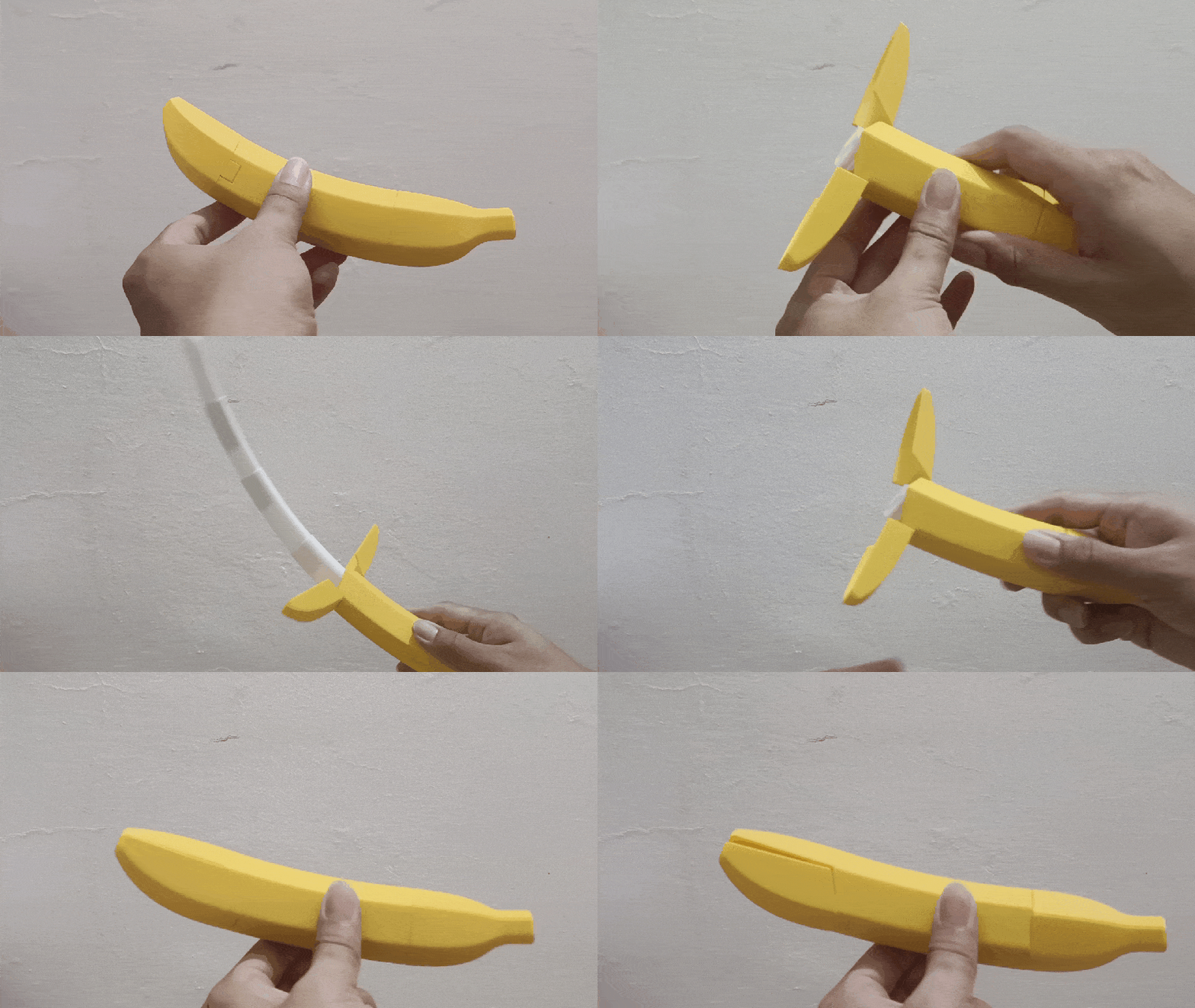


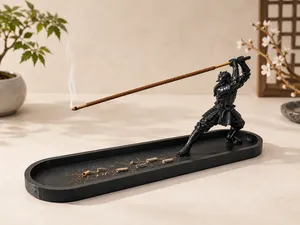
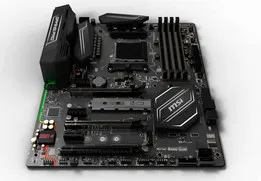
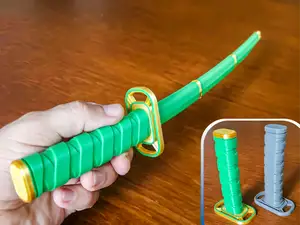
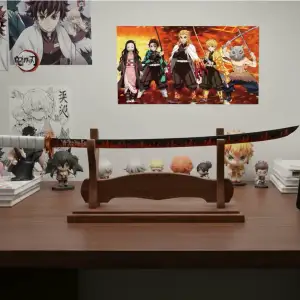
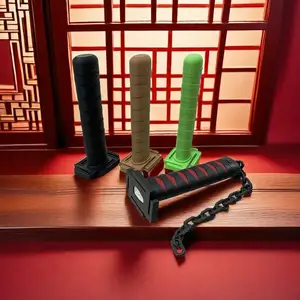
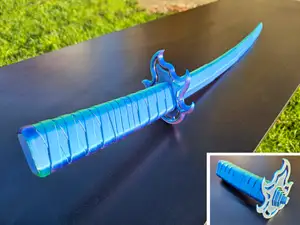
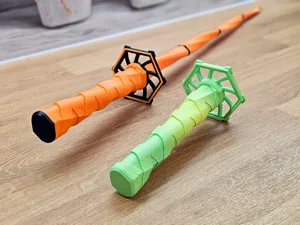
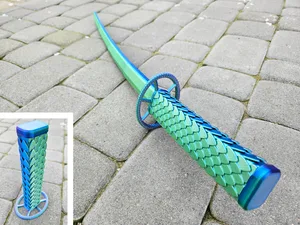

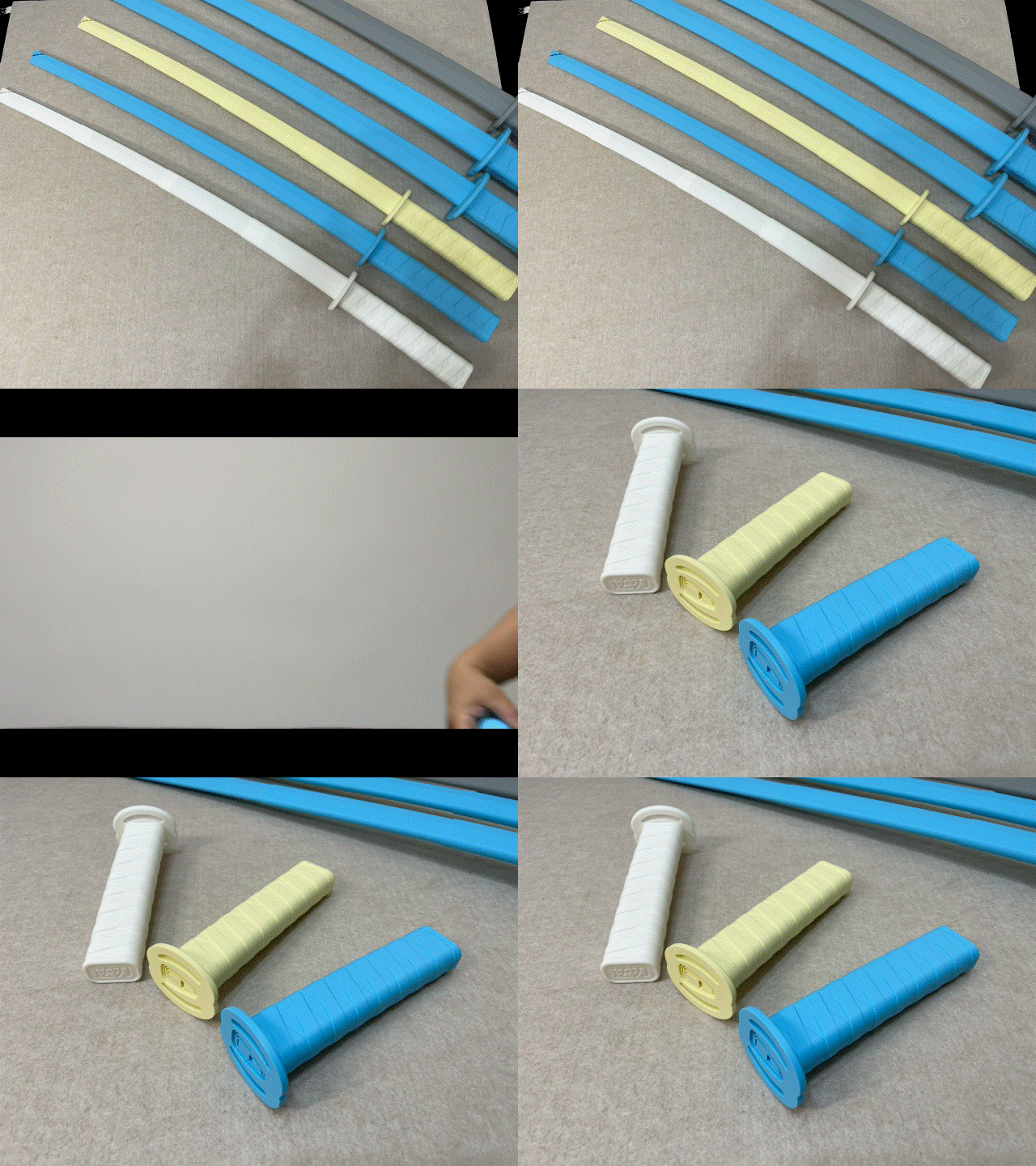
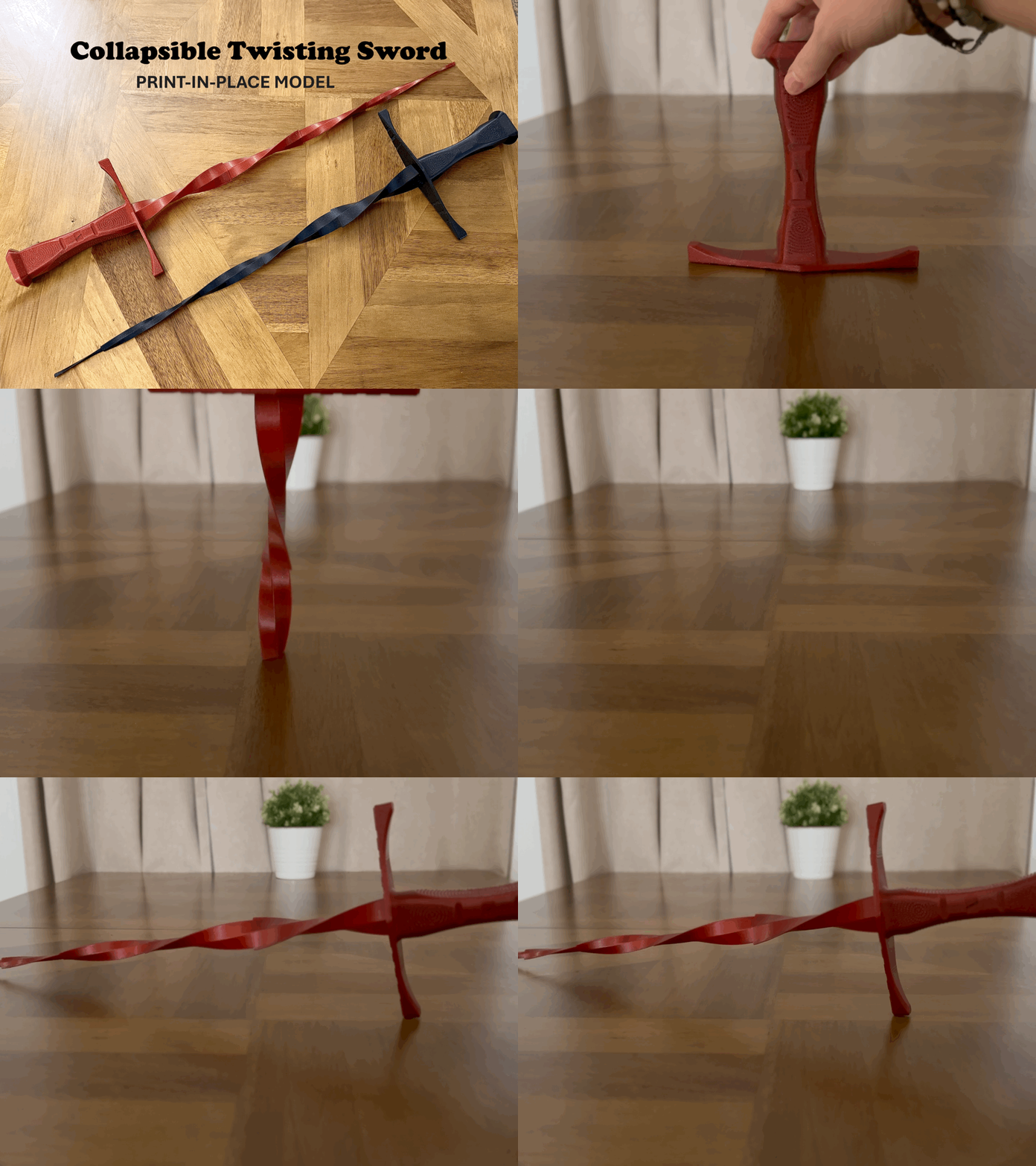


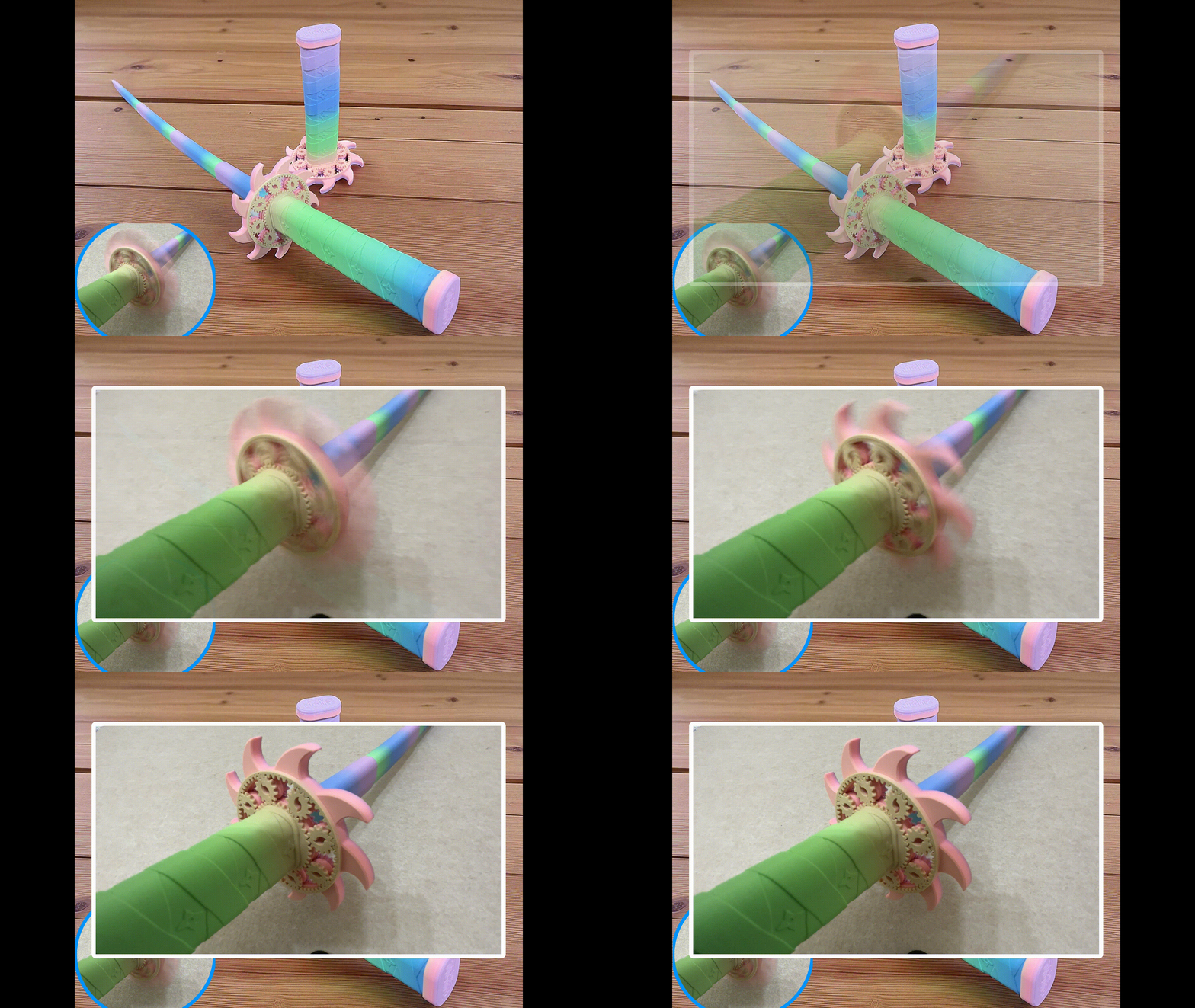
The most common files are internal mounting parts: SSD brackets, rails, and braces that sit inside the laptop chassis. Other models are external: power supply holders, laptop stands, legs, and rubber feet. There are also small repair and privacy items, such as webcam covers and hinge components. Some broad searches also return katana-themed props or character items that are not laptop accessories.
When choosing a file, check the dimensions and scale against your laptop model, the number of parts, and whether the author lists supports or assembly steps. Look at the material and settings the author recommends, and review photos of real prints to see how the part sits. For internal brackets, clearance around the battery and cables matters; for external stands and holders, the contact points and weight distribution matter.
To narrow results, combine the laptop name with the part you need, such as SSD bracket, power supply holder, stand, feet, or webcam cover. Related terms include notebook, laptop, mount, rail, and brace. If you are looking for decorative items, search for katana prop, sword model, or character accessory separately, because those results mix with hardware parts.




完整的主题目录:从家居日用到CNC,均可在已接入的来源平台中搜索。