免费 
Sanding disk organizer
Thingiverse
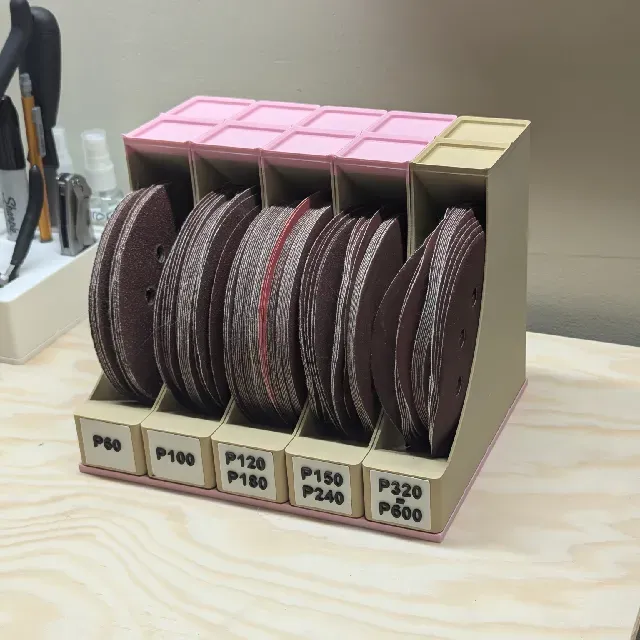
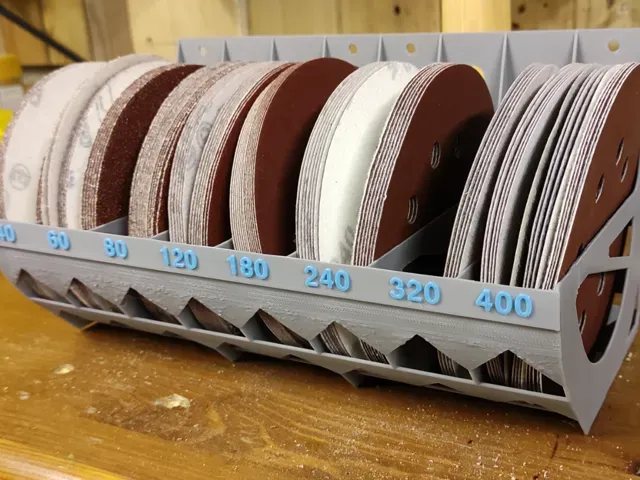
This collection gathers STL files for disc organizers: holders for sanding and grinding discs, racks for optical media, stackable workshop trays and rotating desktop units. It is useful when you want a defined place for discs of a known diameter instead of loose stacks on a shelf. Each listing comes from a different author, so the dimensions and assembly differ from model to model. Polyzon does not confirm whether models are free, their price, license, official status, affiliation, safety or fitness. Check the current terms at the source.
本合集的文字为英文,搜索本身支持任何语言。
 Polyzon合集 · 48个模型 来自5个平台
此合集由Polyzon根据已接入平台的搜索结果整理而成:去除重复项和没有预览图的模型,匹配度低的排在最后,其余按搜索结果顺序排列。模型归作者所有——请在各模型页面查看使用条款。
筛选规则:Polyzon编辑部 · 文字更新于2026年10月13日
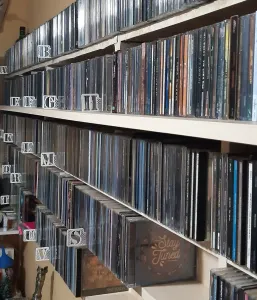


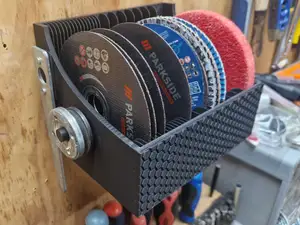
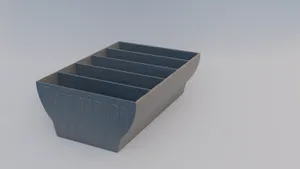
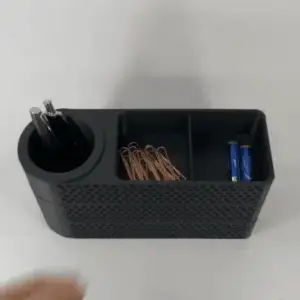

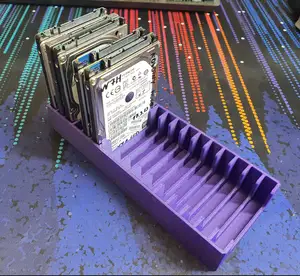
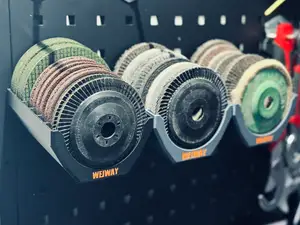
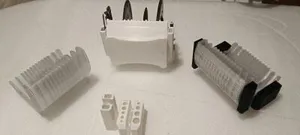



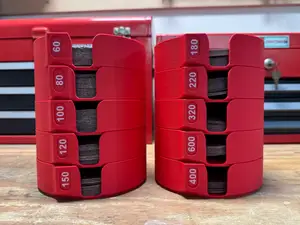
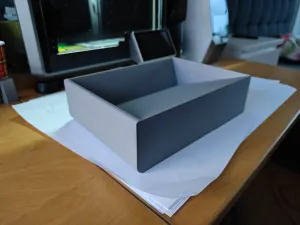



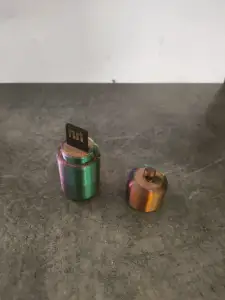

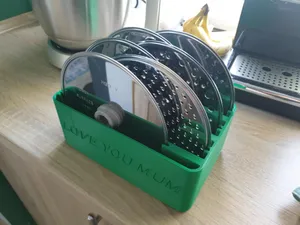
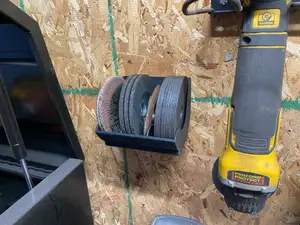


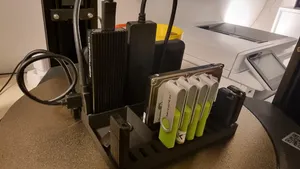
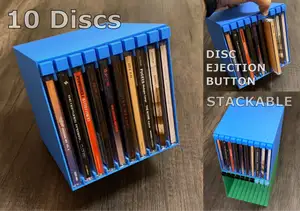
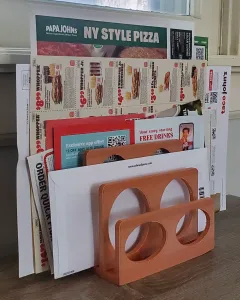

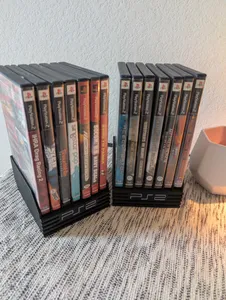
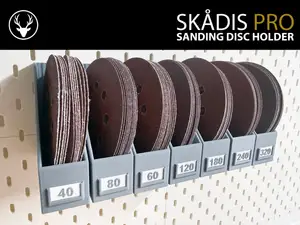
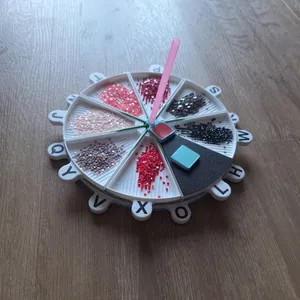



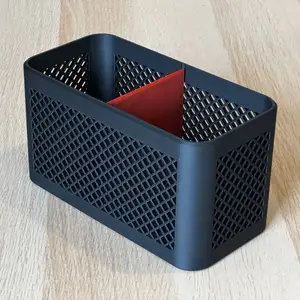


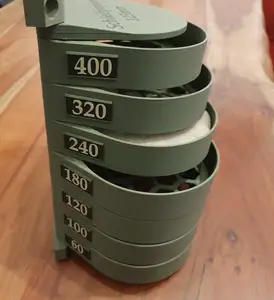



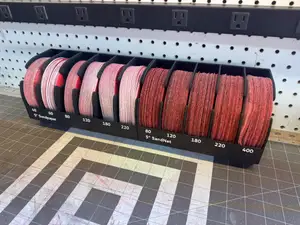
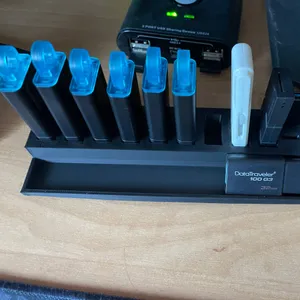

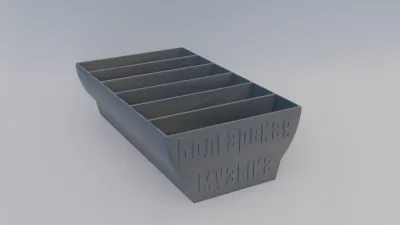
The models split mainly by what they hold. Sanding and grinding disc organizers are built around a fixed diameter and often hold a stack vertically or in slots, while optical media holders take thin cases or bare discs and are usually wider and flatter. Modular workshop trays are designed to sit next to each other or stack, and rotating desktop units add a pivot so the whole rack turns instead of being lifted out.
Before printing, check the disc diameter the author states and compare it with what you actually use, since a holder drawn for one size will not grip another. Look at the number of parts, how they join, and whether the author lists supports, material and layer settings. Photos of real prints on the model page show how the slots and walls come out far better than a render does.
If the results feel narrow, try related wording: disc holder, disc tray, disc rack, storage stand, or the tool the discs belong to, such as sander or grinder. For media, terms like CD, DVD, jewel case and album holder lead to different designs. Adding a size or a mounting idea, such as wall, drawer or stackable, narrows the list further.




完整的主题目录:从家居日用到CNC,均可在已接入的来源平台中搜索。