免费 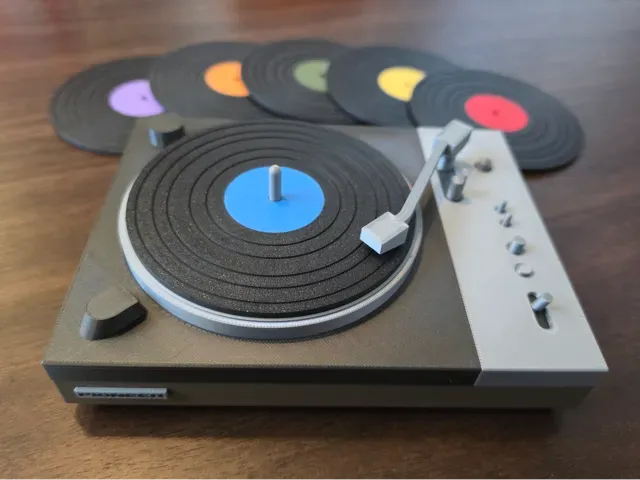
Record Player Coaster Holder - Pioneer PL-510A
MakerWorld
The collection covers Pioneer-related 3D printing subjects: car audio mounts, DJ gear accessories, wagon figures, puzzles and turntable parts. You can compare how authors approach scale, assembly and surface detail before choosing a file. Use the search terms below to narrow the list. Polyzon does not confirm whether models are free, their price, license, official status, affiliation, safety or fitness. Check the current terms at the source.
本合集的文字为英文,搜索本身支持任何语言。
 Polyzon合集 · 48个模型 来自7个平台
此合集由Polyzon根据已接入平台的搜索结果整理而成:去除重复项和没有预览图的模型,匹配度低的排在最后,其余按搜索结果顺序排列。模型归作者所有——请在各模型页面查看使用条款。
筛选规则:Polyzon编辑部 · 文字更新于2026年10月14日
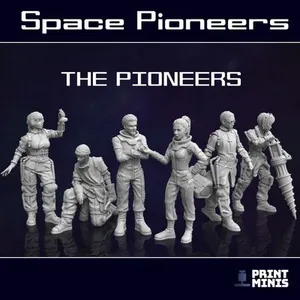

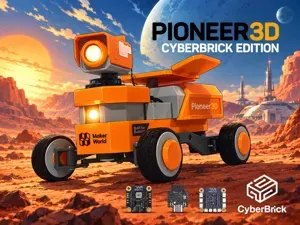

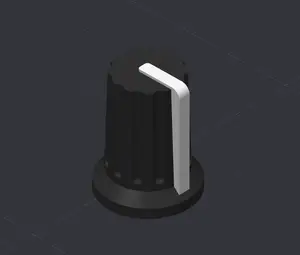


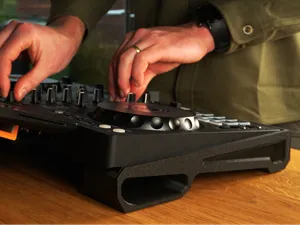

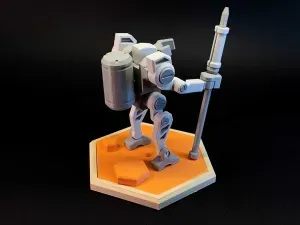
%2Fhttps%3A%2F%2Ffbi.cults3d.com%2Fuploaders%2F13749629%2Fillustration-file%2Fe4cadec2-c5aa-4990-814b-712f87a2bfb2%2F_MG_4854_display_large.jpg&w=300)


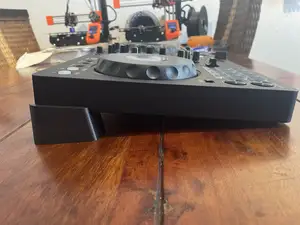

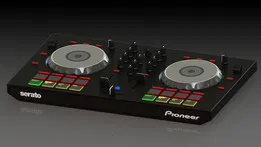

%2Fhttps%3A%2F%2Ffbi.cults3d.com%2Fuploaders%2F12993601%2Fillustration-file%2Fad0782c8-55de-4270-a1a8-5027bd6cb2e7%2Fpioneer_01.jpg&w=300)
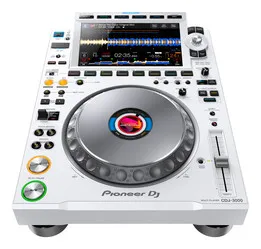


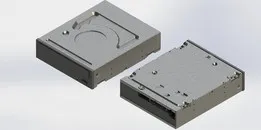
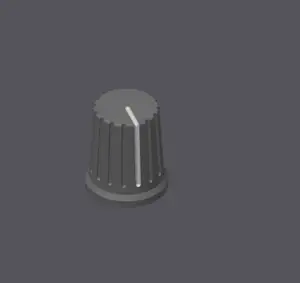


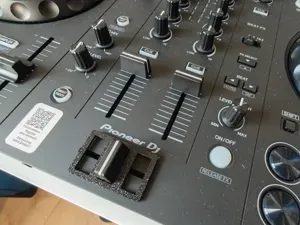


%2Fhttps%3A%2F%2Ffbi.cults3d.com%2Fuploaders%2F19156516%2Fillustration-file%2F18861c3b-e8a5-47ae-86f4-157bf326c272%2F1627338873110.jpg&w=300)

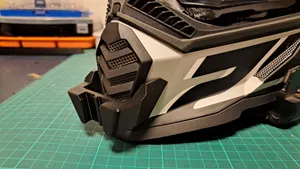


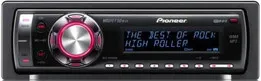


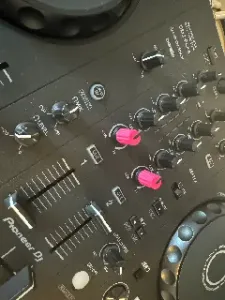


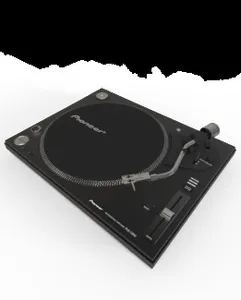
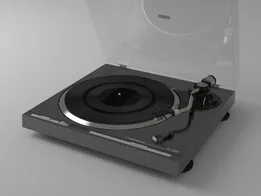

Car audio parts here are usually functional brackets, fascias and trim pieces built around dashboard layouts, while DJ accessories are mostly knobs, stands and small replacement parts. Wagon and pioneer-life models are more display-oriented, with separate parts for the body, wheels and cover. Puzzles and decorative items sit between the two: they can be simple flat pieces or multi-part builds with a themed graphic.
When choosing a model, open the author's page and check the listed dimensions, part count and assembly steps. Look at whether supports are needed, which material and settings the author mentions, and photos of real prints. For moving or load-bearing parts, check wall thickness and fastener sizes in the description.
To refine the search, try synonyms and related terms such as car stereo bracket, DJ controller knob, covered wagon, pioneer puzzle, turntable accessory or logo lamp. Combine a part type with a theme or scale, for example wagon model or dashboard trim. If a result is too broad, add a material, a part name or a historical keyword to the query.
完整的主题目录:从家居日用到CNC,均可在已接入的来源平台中搜索。
%2Fhttps%3A%2F%2Ffbi.cults3d.com%2Fuploaders%2F16517662%2Fillustration-file%2F6bc2936b-f96a-463d-b52e-a0bb449cb9c6%2FPioneer%2520DJM900%2520DJ%2520Mixer%25201.jpg&w=640)