办公与桌面
3D打印笔记本竖直支架模型
这里收集的是用于把笔记本竖起来放置的3D打印模型,包括单机竖架、可切换竖放与斜放的双模式款,以及带多档高度的可调型号。对于想节省桌面空间、或者需要在窄桌上摆放笔记本的人来说,这类STL文件能提供一个思路清晰的起点。 Polyzon 不保证模型是否免费,也不保证其价格、许可、官方身份、关联关系、安全性或适用性。请以来源处的最新条款为准。
合集是如何整理的
此合集由Polyzon根据已接入平台的搜索结果整理而成:去除重复项和没有预览图的模型,匹配度低的排在最后,其余按搜索结果顺序排列。模型归作者所有——请在各模型页面查看使用条款。
筛选规则:Polyzon编辑部 · 文字更新于2026年10月25日
从这里开始
合集中的全部模型
免费 

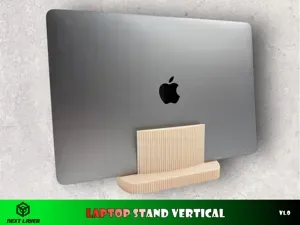
Laptop stand vertical
免费 

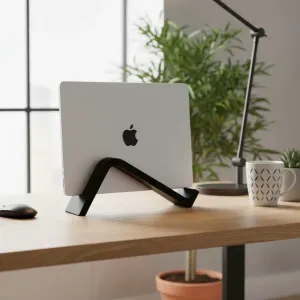
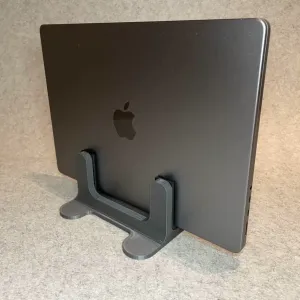
Vertical Laptop Stand (Macbook Pro)
免费 

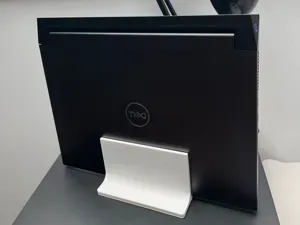
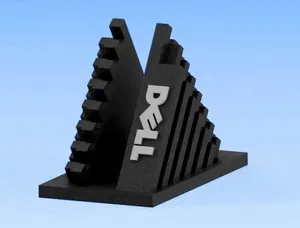
Dell XPS Laptop Stand Vertical
免费 

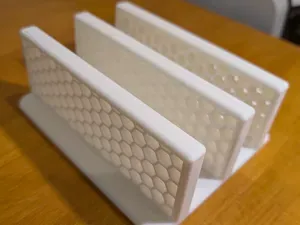
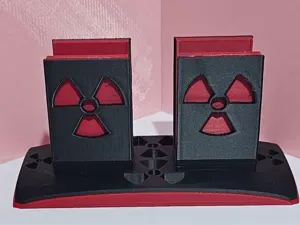
Dual Laptop Stand Vertical Hexagon
免费 

Laptop Stand Vertical
免费 

Laptop stand vertical for two laptops
免费 

Laptop vertical stand
$ 4.55 

FlipDock – Dual-Mode Laptop Stand (Vertical & Open Use)
免费 

Laptop stand vertical
免费 

laptop stand vertical(Dell G16)
免费 

Laptop Stand Vertical
免费 

Universal Macbook / Laptop Vertical Stand
免费 

Laptop Stand Vertical
免费 

Dual Mode Laptop stand (Vertical or Diagonal)
免费 

Dell Laptop Stand Vertical
免费 

Laptop stand (vertical)
免费 

Vertical Laptop Stand for Laptop
免费 

Laptop Stand Vertical
免费 

Laptop stand vertical
免费 

Laptop stand vertical
免费 

Laptop stand vertical
免费 

Vertical laptop stand
免费 

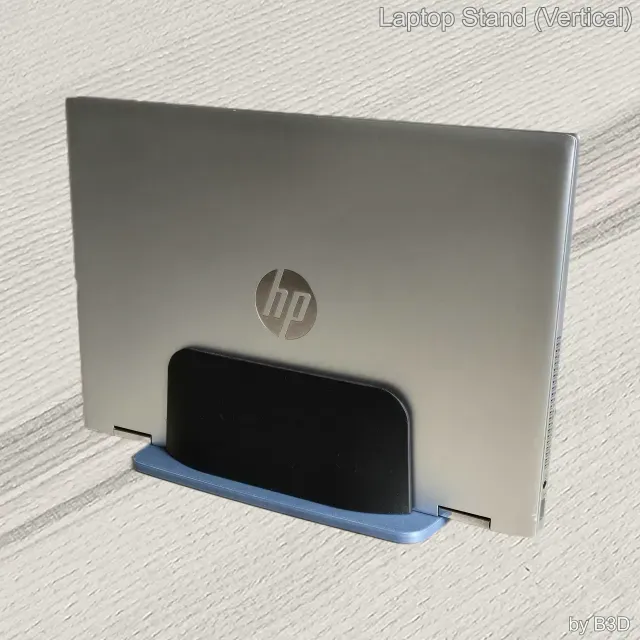
Laptop Stand (Vertical)
免费 

Vertical laptop stand
免费 

Vertical laptop stand with two height options
免费 

UPDATE - Vertical Laptop Stand / Take 3!
免费 

MacBook Vertical Stand
免费 

Vertical laptop stand
免费 

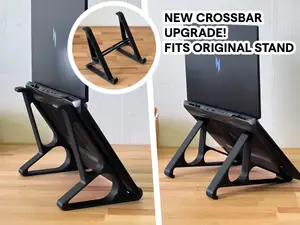
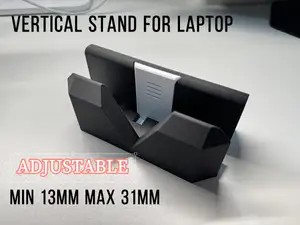
Adjustable Vertical Stand for Laptop
免费 

Modular Laptop Tablet Phone Vertical Stand/Holder
免费 

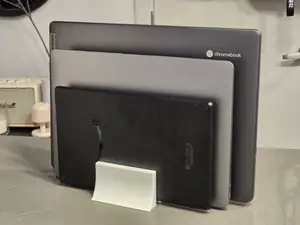
Modern Triple Vertical Laptop iPad eReader Stand
免费 
Laptop stand - UPDATED
免费 

Vertical Laptop Stand
免费 

Dual Vertical Laptop Stand. Closed macbook Stand
免费 

Adjustable Dual Vertical Laptop Stand
免费 

Vertical Laptop Stand. closed lid macbook Stand
免费 

LAPTOP STAND 2 POSITIONS
免费 

Laptop and iPad Vertical Stand
免费 

Vertical Laptop Stand
免费 

Vertical (70 degr) laptop stand (especially for ThinkPad P15)
免费 

Parametric Vertical Laptop Stand
免费 

Laptop Stand
免费 

Laptop notebook vertical desk stand
免费 

Vertical laptop and tablet stand
免费 

Minimalist Vertical Laptop Stand / Holder
«3D打印笔记本竖直支架模型»
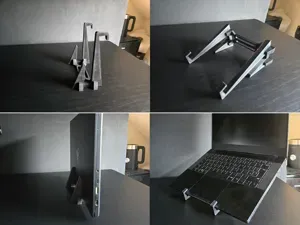
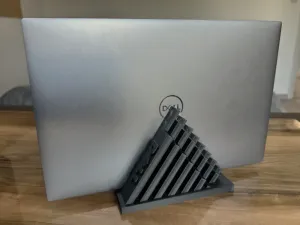
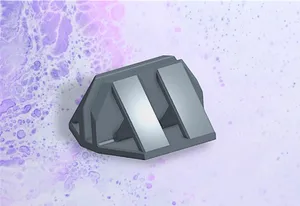
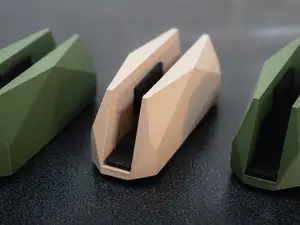
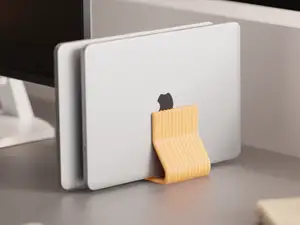
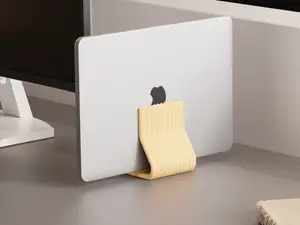
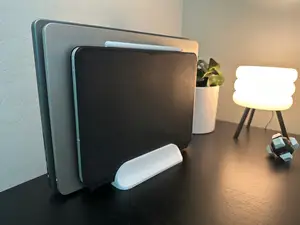
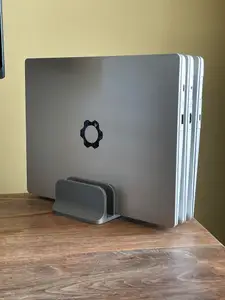
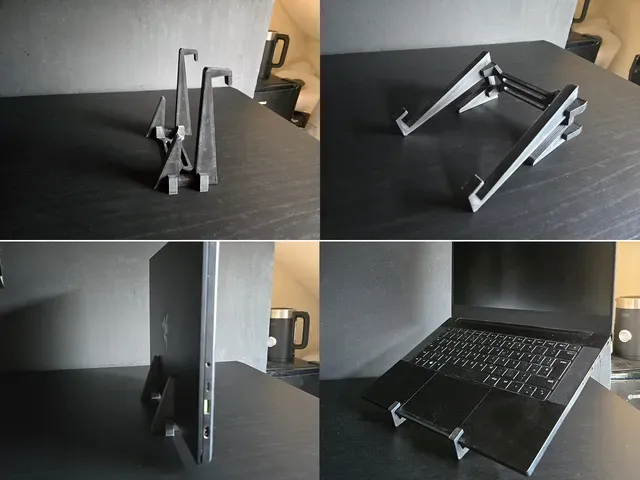
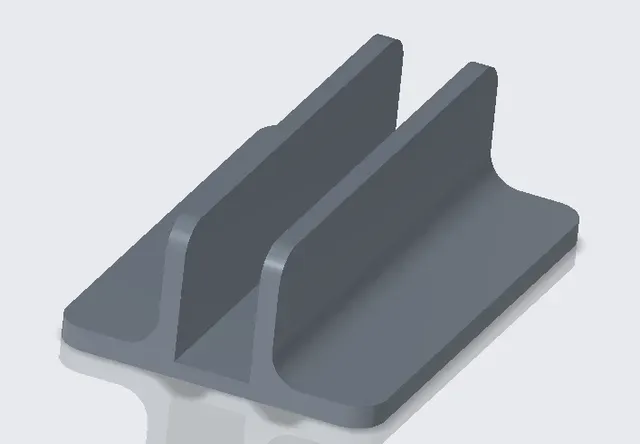
单机竖架通常只围绕一台机器的宽度和厚度来设计,结构简单,零件也少。双模式款多了一套转换结构,既能竖放,也能切换成斜放,便于在不同场景里换用法。可调高度的版本一般依靠多组卡槽或滑动件改变角度,结构更复杂,装配步骤也更多。另外还有一些是按照某类机身的接口位置和底部形状做的,尺寸对得上时,放置时的贴合感会更好。
挑选时,先在作者页面核对成品尺寸和比例,包括宽度、厚度以及底部接触面积,再看零件数量和装配说明是否写得清楚。留意作者是否注明需要的支撑、推荐的材料与参数,并查看有没有真实打印后的照片,这些细节比标题更能说明模型的实际情况。打印前用切片软件预览一遍摆放方向,也能提前发现支撑是否过多。
搜索时可以把关键词换成“竖向笔记本支架”“笔记本立式架”“苹果笔记本竖立支架”等写法,也可以加上“可调角度”“双机”之类的限定词来缩小范围。如果想扩展思路,可以试试“笔记本散热支架”“桌面收纳架”或“显示器支架”,这些模型的结构思路往往有相通之处。
FAQ
常见问题
下载竖向支架模型前,需要先确认哪些尺寸?
先对照自己笔记本的宽度、厚度和重量,再查看作者页面上的成品尺寸与缩放说明。打印机的可打印范围也需要一并核对。
竖放的笔记本支架一定要打印支撑吗?
这取决于模型的摆放方向和结构。很多竖架在平放打印时底座较平,支撑需求会少一些,具体还要以作者说明和切片预览为准。
双模式支架和单机竖架有什么区别?
双模式支架多了切换结构,既能竖放也能斜放,零件通常更多。单机竖架结构简单,装配步骤也少。
全部3D模型分类
完整的主题目录:从家居日用到CNC,均可在已接入的来源平台中搜索。


%2Fhttps%3A%2F%2Ffbi.cults3d.com%2Fuploaders%2F17107643%2Fillustration-file%2Fb30db048-2c27-4be1-b53f-d81c39815880%2Fgif.gif&w=300)