免费 
Smart Stand - A smart little stand for Smart Devices (Phones and Tablets)
Thingiverse
This collection covers 3D models that hold, organize or measure something: stands for phones and tablets, multi-slot organizers, workshop jigs and small functional devices. It is useful when you need a part that fits a specific object rather than a decorative piece, and the model page usually tells you what it was designed around. Most files are made for desktop FDM 3D printing, though some are shaped for resin as well. Polyzon does not confirm whether models are free, their price, license, official status, affiliation, safety or fitness. Check the current terms at the source.
本合集的文字为英文,搜索本身支持任何语言。
 Polyzon合集 · 47个模型 来自5个平台
此合集由Polyzon根据已接入平台的搜索结果整理而成:去除重复项和没有预览图的模型,匹配度低的排在最后,其余按搜索结果顺序排列。模型归作者所有——请在各模型页面查看使用条款。
筛选规则:Polyzon编辑部 · 文字更新于2026年10月15日
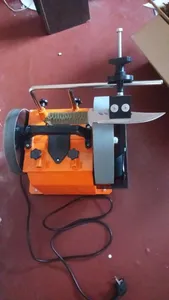
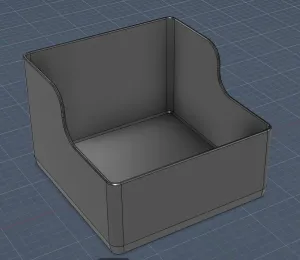


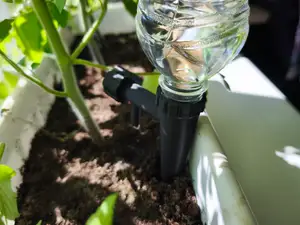
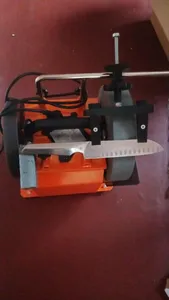
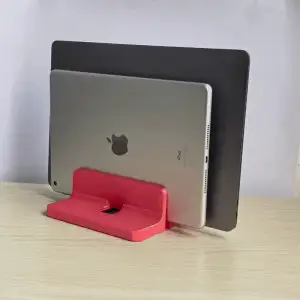


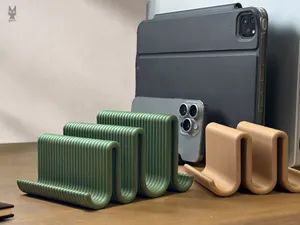
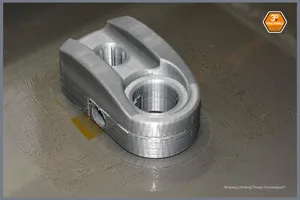
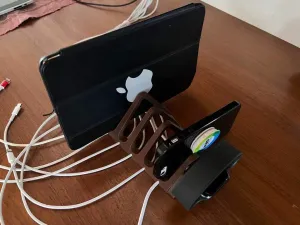

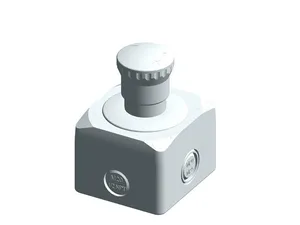

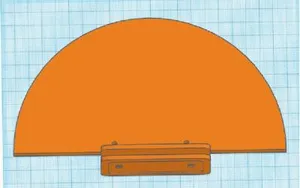
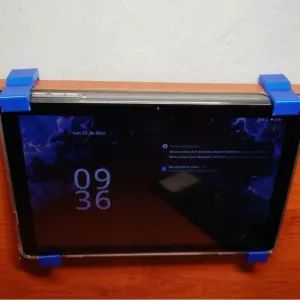


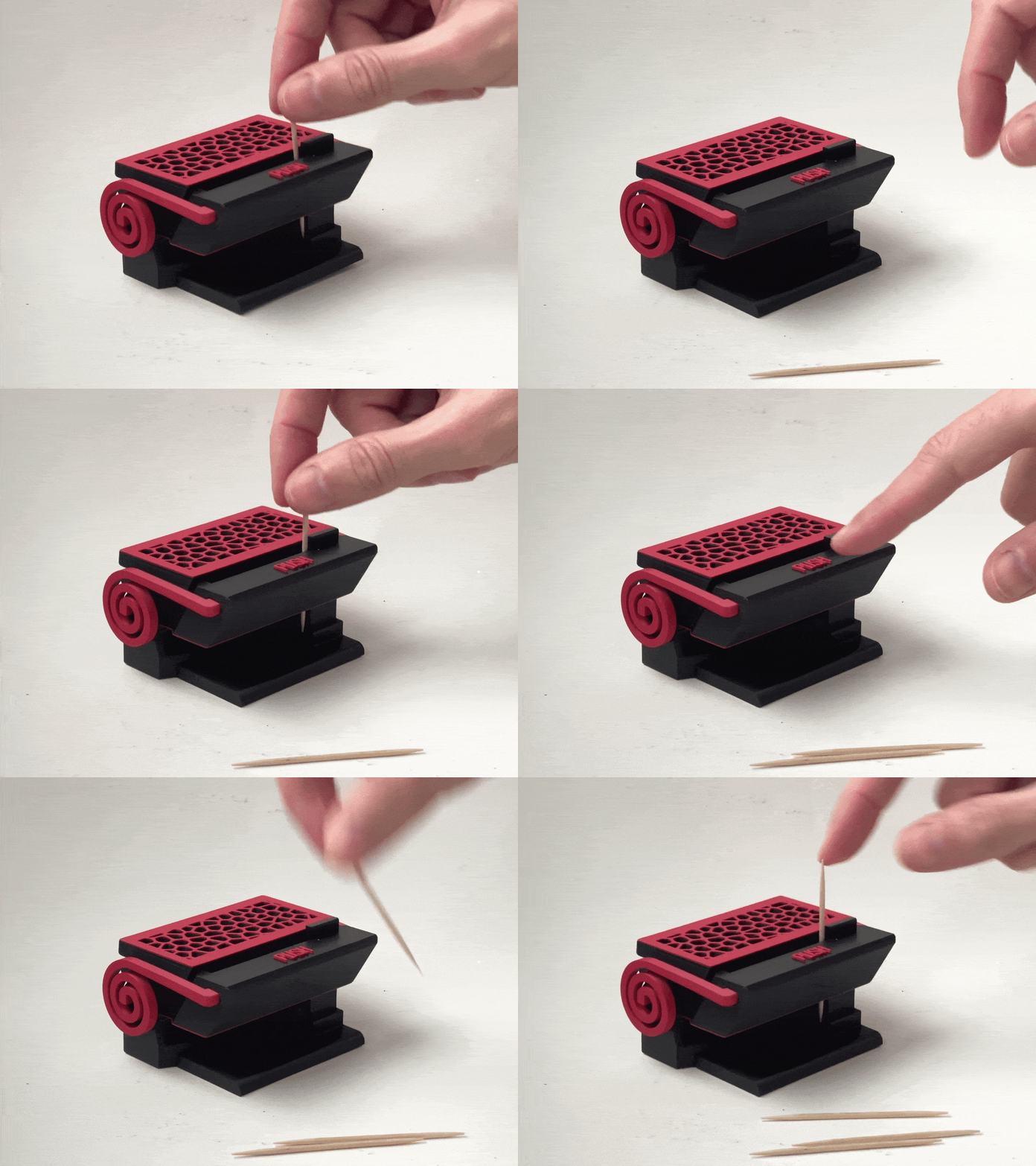
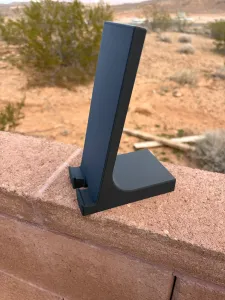


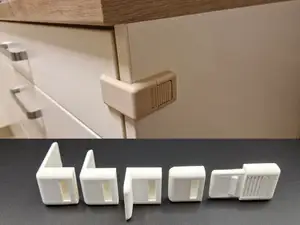
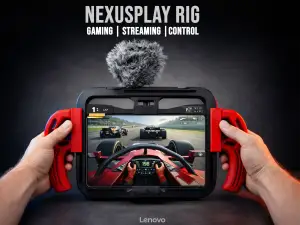

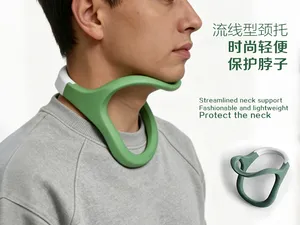
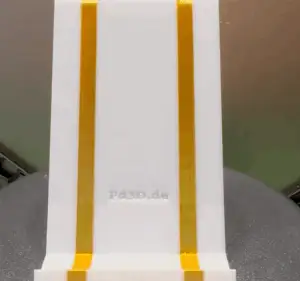


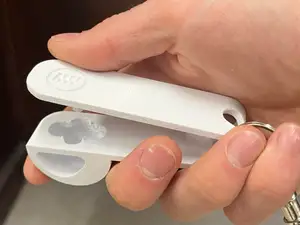
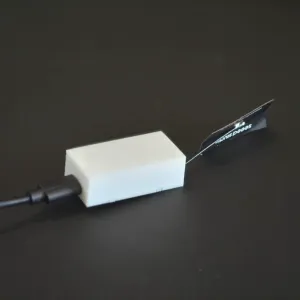

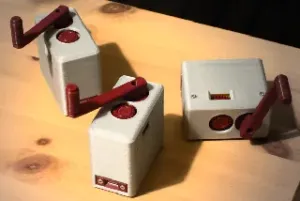
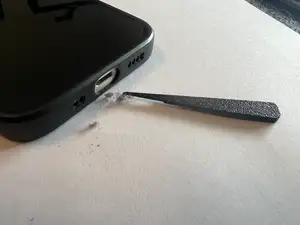



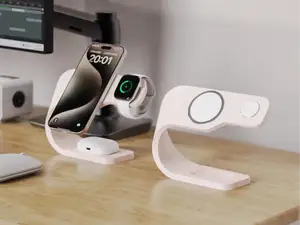


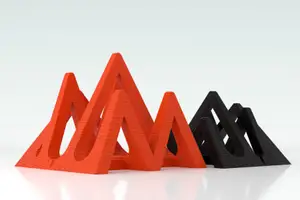
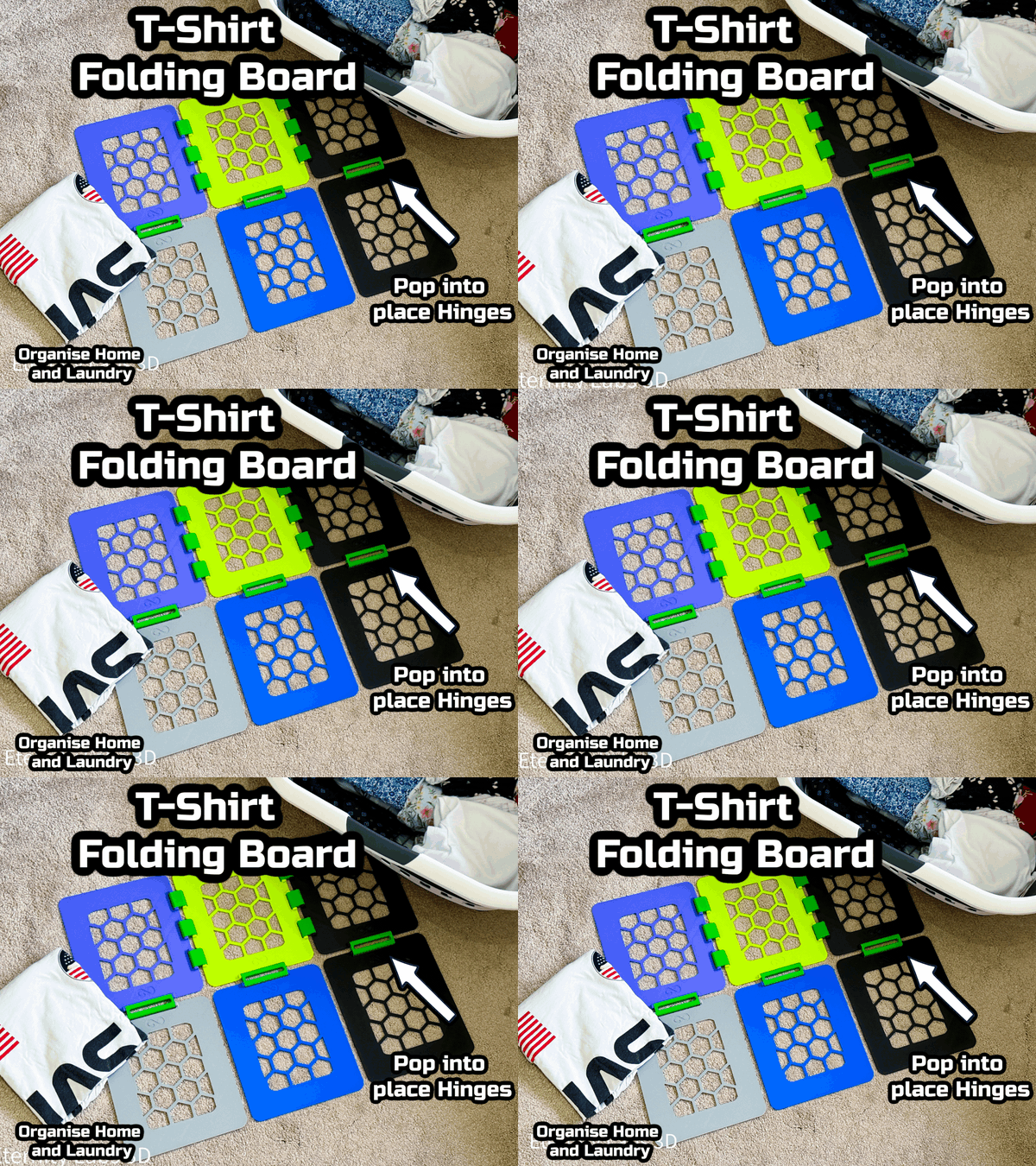
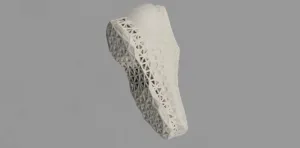
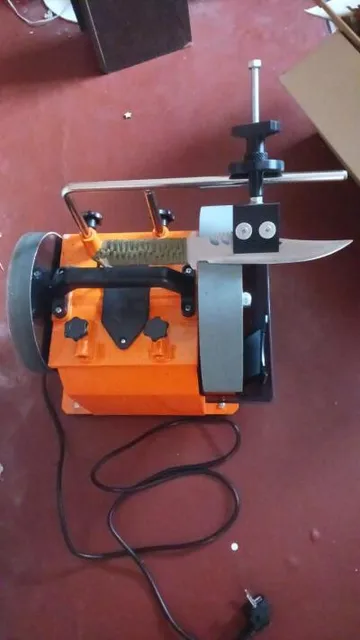
The models fall into a few groups. Stands and mounts are shaped around a screen size or a device thickness, so the slot width and tilt angle matter more than the outline. Organizers and charging stations hold several items at once and often come as a base plus dividers or inserts. Workshop items such as sharpening guides, radius gauges and brackets are built around a tool or a workpiece, and their dimensions are usually the point of the design. Small functional pieces like dispensers or irrigation parts are simpler in shape but depend on tight tolerances to work.
Before printing, read what the author lists: overall size and scale, the number of separate parts and how they join, whether supports are needed, and the material and layer height used for the shown print. Check photos of real prints rather than renders, since thin walls, long overhangs and sliding fits show up there first. If a model is parametric, note which dimensions can be edited and measure your own device before changing them. For parts that carry load, look at how the forces run through the geometry and consider printing orientation.
If the results are too narrow, try other wording for the same idea: holder, bracket, mount, cradle, dock, jig, fixture, gauge or organizer. Adding the object you want to hold, such as a tablet, a drill or a phone, narrows the list faster than adding adjectives. Related topics worth browsing are desk organization, workshop tooling, cable management and electronics enclosures, since models there often serve the same purpose under a different name.




完整的主题目录:从家居日用到CNC,均可在已接入的来源平台中搜索。