免费 
Parametric Blum Hinge Template
Thingiverse
This collection gathers STL files that act as guides, stencils and inserts rather than finished objects. It covers hinge and router jigs, craft and quilting shapes, and inserts that fit into tables, boxes and drawers. Useful when you need a repeatable shape or a defined cutout for 3D printing or workshop work. Polyzon does not confirm whether models are free, their price, license, official status, affiliation, safety or fitness. Check the current terms at the source.
本合集的文字为英文,搜索本身支持任何语言。
 Polyzon合集 · 48个模型 来自4个平台
此合集由Polyzon根据已接入平台的搜索结果整理而成:去除重复项和没有预览图的模型,匹配度低的排在最后,其余按搜索结果顺序排列。模型归作者所有——请在各模型页面查看使用条款。
筛选规则:Polyzon编辑部 · 文字更新于2026年10月15日


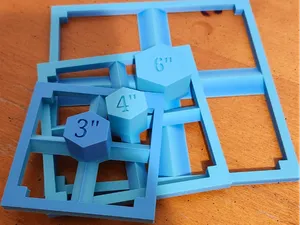
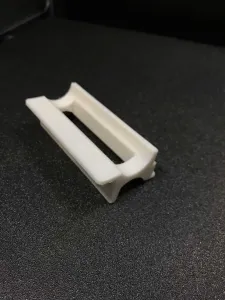

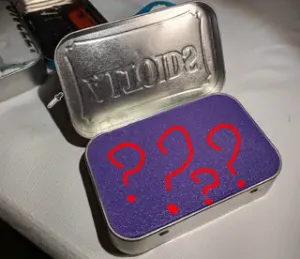
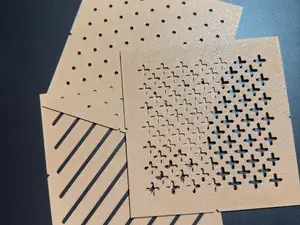
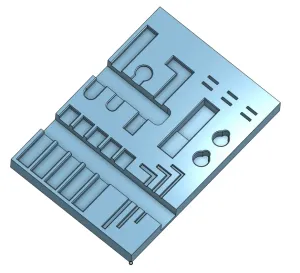

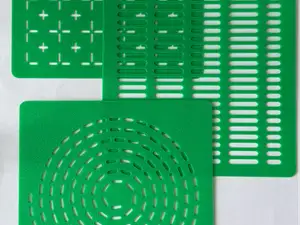
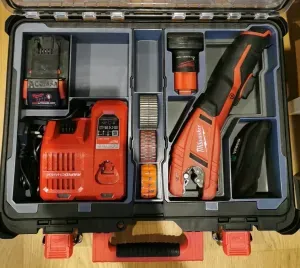


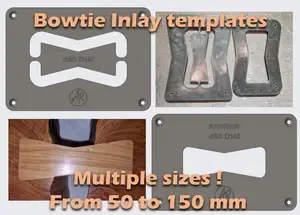
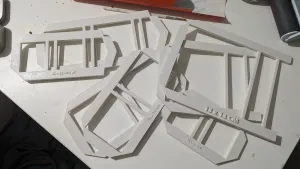

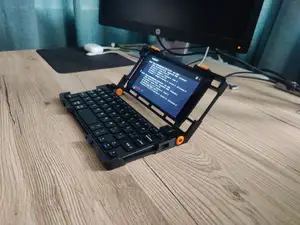
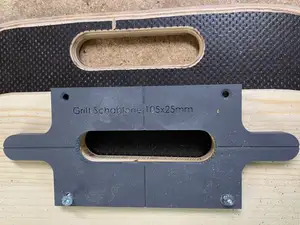
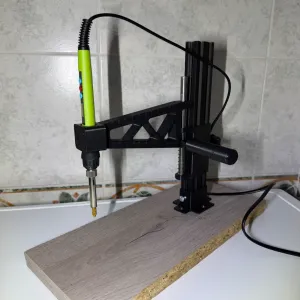

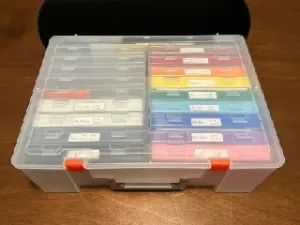

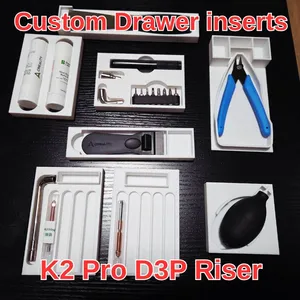

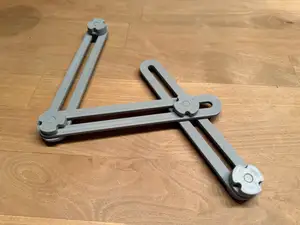
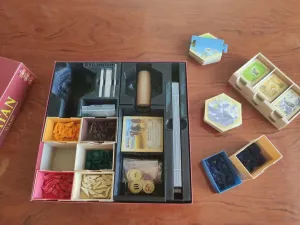

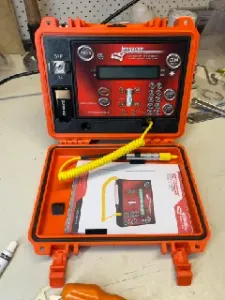
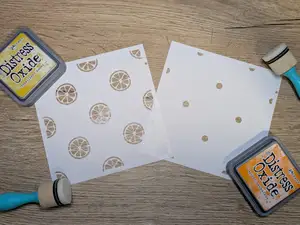
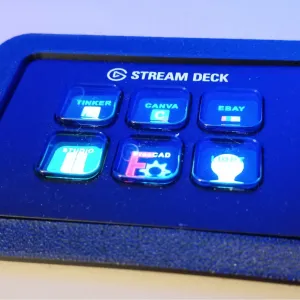


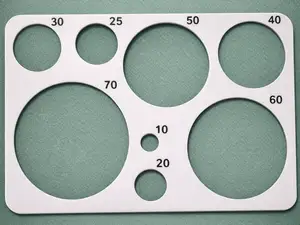
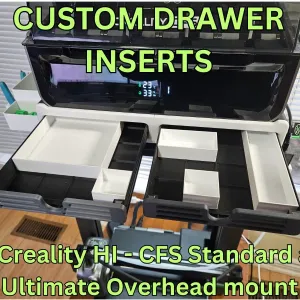

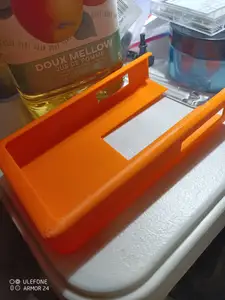
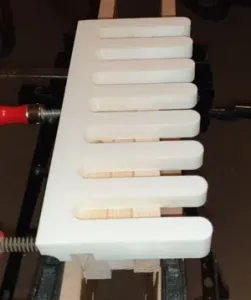



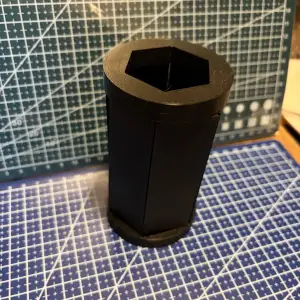
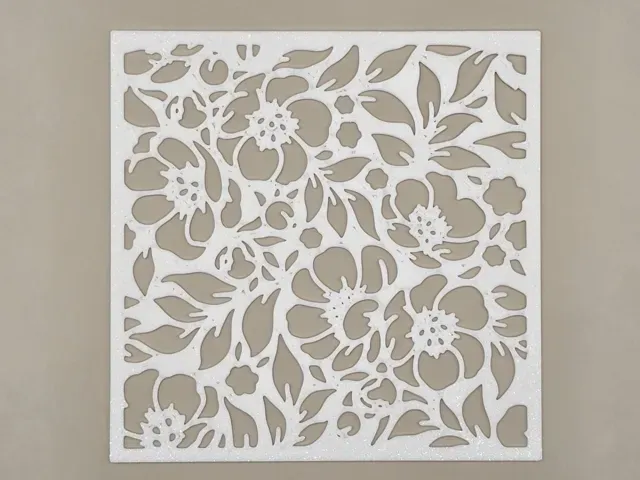
The models fall into a few groups. Hinge and router jigs are built around a fixed opening or guide surface that a tool follows, and they often come as multi-part assemblies. Stencils and quilting templates are flat outlines in a range of sizes, while inserts are shaped to sit inside an existing recess, such as a table opening, a drawer or a small case. Parametric versions let you set dimensions before exporting, which changes how much of the geometry you control yourself.
Before printing, open the author's model page and read the listed dimensions, scale and number of parts. Check whether the file is a single piece or needs assembly, and whether supports are required for overhangs. Look at the material and settings the author lists, since a thin stencil and a load-bearing jig call for different wall counts. Photos of real prints show how edges, holes and fits turned out in practice.
Search results widen quickly if you try other words for the same idea: jig, guide, stencil, gauge, insert or fixture. Adding a use case helps, such as dovetail, box, drawer, drill press or quilting. If a template is meant to be adjusted, add parametric or customizable to the query, and combine it with the shape you need.
A template only works if its opening matches your tool or part, so measure first and compare against the stated sizes. For inserts, note the recess dimensions and how the piece is meant to be fixed in place. If a model is parametric, decide which values you will change and keep the rest as the author set them.
完整的主题目录:从家居日用到CNC,均可在已接入的来源平台中搜索。