免费 
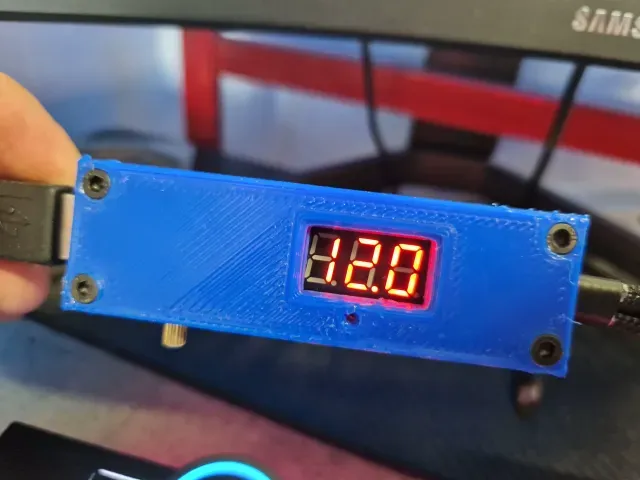
small ~1.10$ 4,5V-40V (input) to 5V/2A USB (output) converter -- kleiner ~1€ 4,5V-40V (Eingang) auf 5V/2A USB (Ausgang) Konverter
Thingiverse
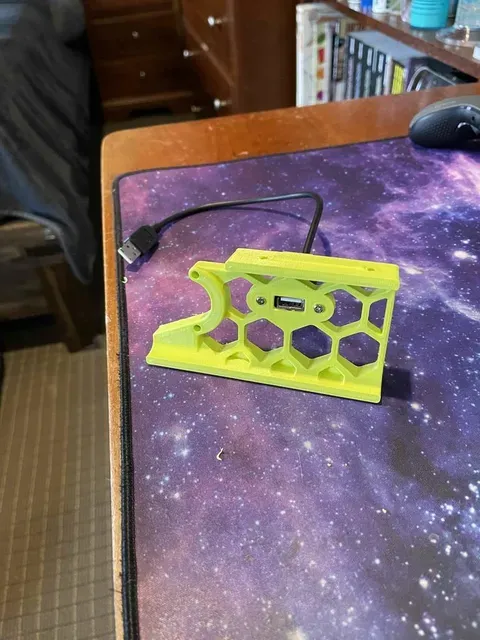
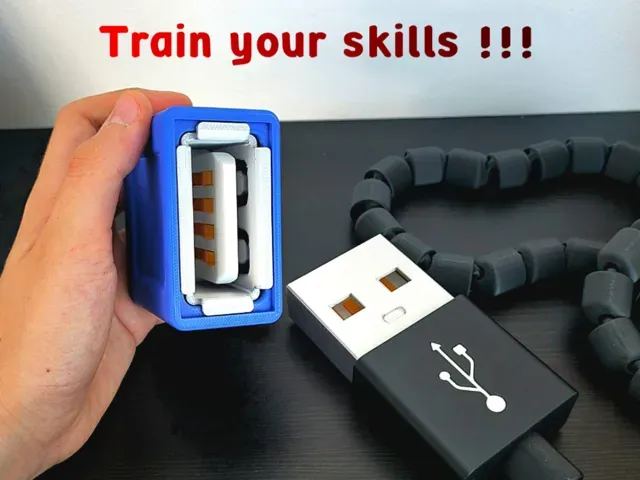
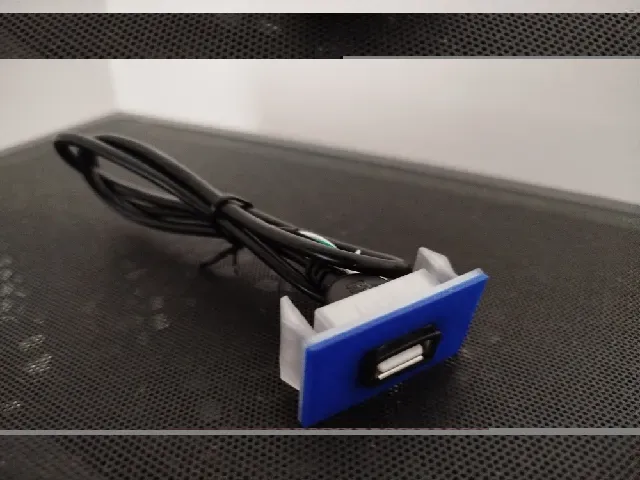
This collection gathers 3D models that involve a USB input in some way: converter and regulator housings, port covers, mounts, replacement panels and charger builds. It is useful when you need a printed part that fits around a connector rather than a decorative object. Most files are small, so they suit quick test prints on a desktop 3D printer. Polyzon does not confirm whether models are free, their price, license, official status, affiliation, safety or fitness. Check the current terms at the source.
本合集的文字为英文,搜索本身支持任何语言。
 Polyzon合集 · 48个模型 来自4个平台
此合集由Polyzon根据已接入平台的搜索结果整理而成:去除重复项和没有预览图的模型,匹配度低的排在最后,其余按搜索结果顺序排列。模型归作者所有——请在各模型页面查看使用条款。
筛选规则:Polyzon编辑部 · 文字更新于2026年10月14日
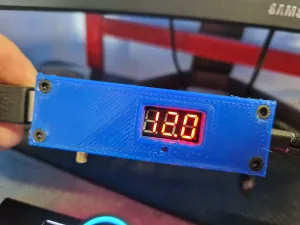

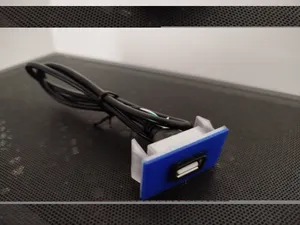
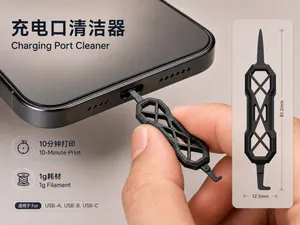
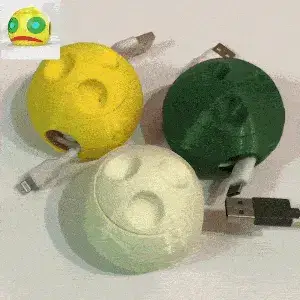

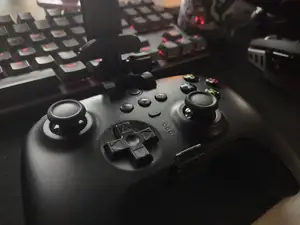
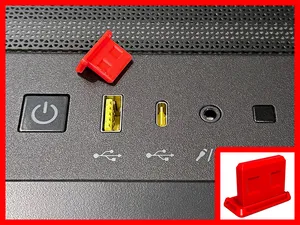
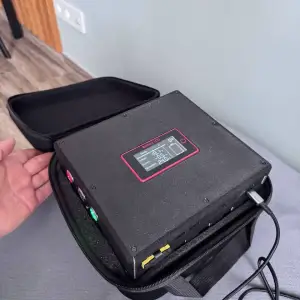

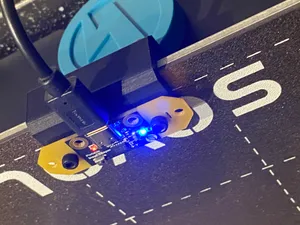
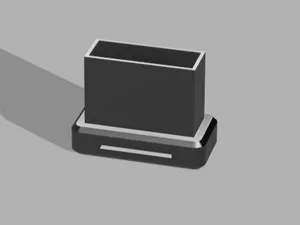
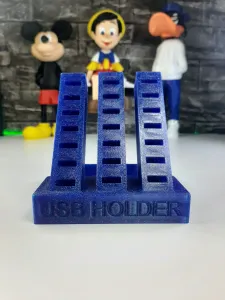


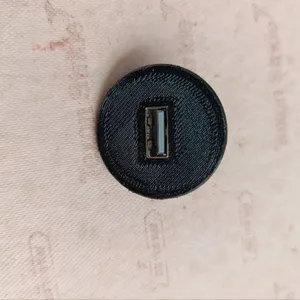

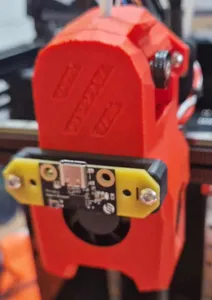
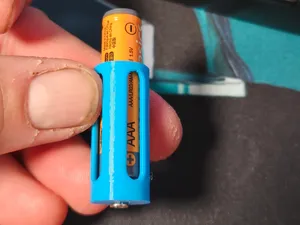
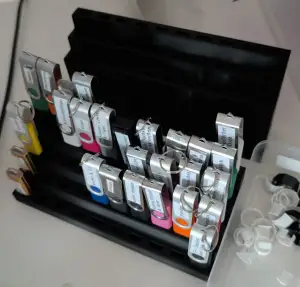
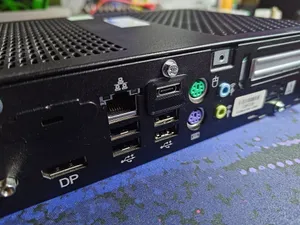
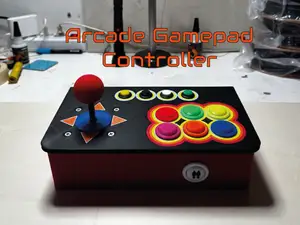
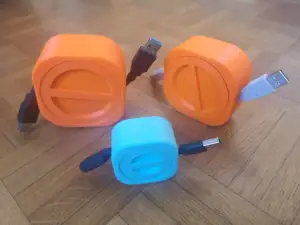

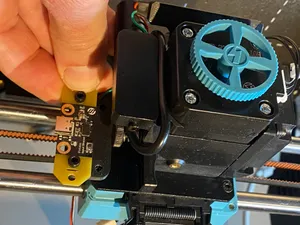
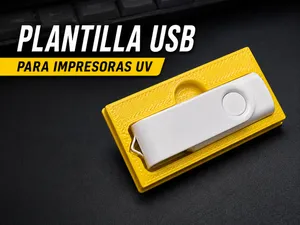
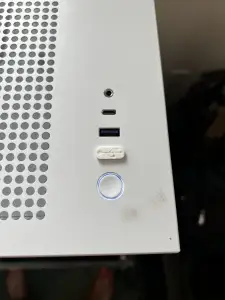

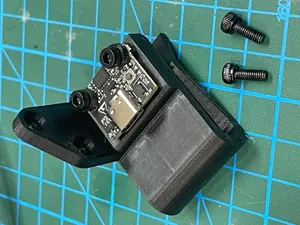
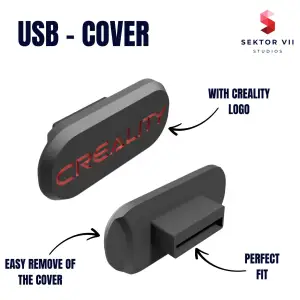

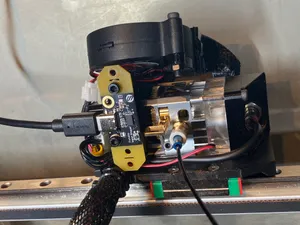
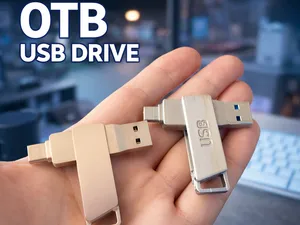
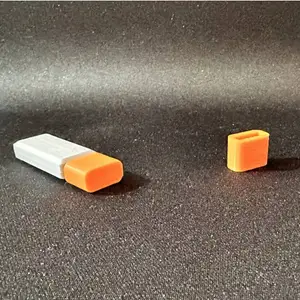


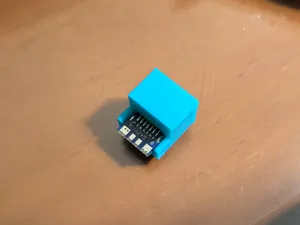
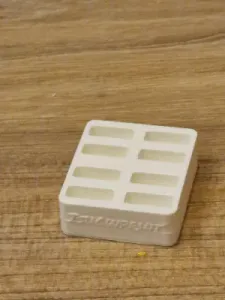



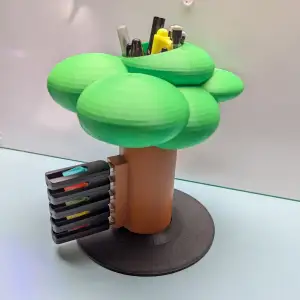
The range splits into a few clear groups. Converter and regulator models usually hold a small DC-DC board and expose a USB socket on one side, so the shape follows the board dimensions. Covers and caps are simple shells that sit over an unused port. Mounts and holders are more varied: they may clamp a phone, a cable reel or an accelerometer board used for input shaping on a printer.
When choosing a file, open the author's page and read the listed dimensions before anything else. Check the number of parts and how they join, whether the model expects screws or inserts, and whether the author mentions supports. Material and settings matter here because thin walls around a connector can crack or deform; look at photos of real prints to judge wall thickness and clearance around the plug.
If the results feel narrow, try related wording. Searches for USB-C, micro-USB or connector housings often surface the same kind of part under a different name, and terms like port cover, dust plug, panel mount or cable holder lead to neighbouring designs. Adding the device or board name you are fitting, or a size such as the port count, usually narrows the list faster than a generic phrase.


完整的主题目录:从家居日用到CNC,均可在已接入的来源平台中搜索。