
免费 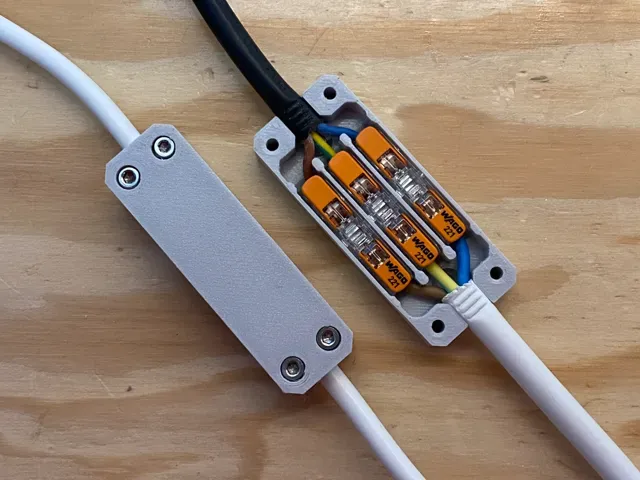
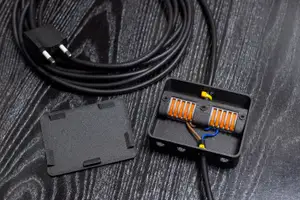
Extension box for WAGO 221 splicing connectors
MakerWorld
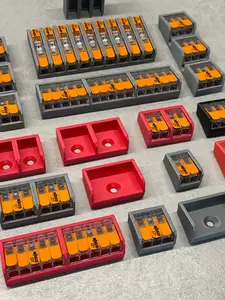
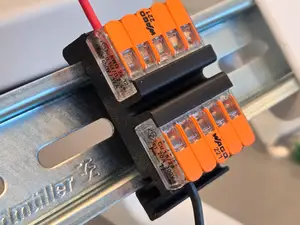
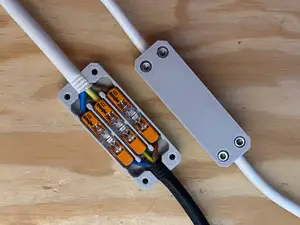
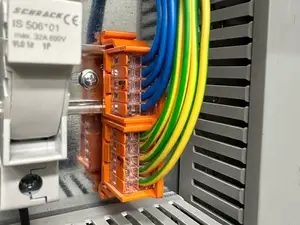
This collection gathers 3D-printable parts built around lever-operated wire connectors: rail clips, organizers, enclosures and distribution blocks. Most items are small, so they print quickly on a typical 3D printer. The set helps when you want to tidy wiring in a cabinet, a box or a drawer and need a holder that matches the connector you already have. Polyzon does not confirm whether models are free, their price, license, official status, affiliation, safety or fitness. Check the current terms at the source.
本合集的文字为英文,搜索本身支持任何语言。
 Polyzon合集 · 48个模型 来自4个平台
此合集由Polyzon根据已接入平台的搜索结果整理而成:去除重复项和没有预览图的模型,匹配度低的排在最后,其余按搜索结果顺序排列。模型归作者所有——请在各模型页面查看使用条款。
筛选规则:Polyzon编辑部 · 文字更新于2026年10月15日






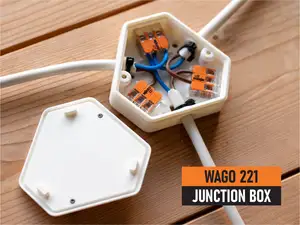
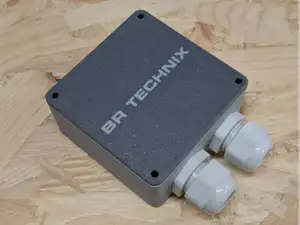
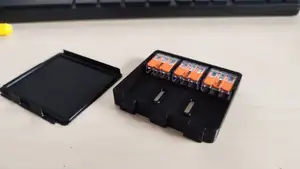


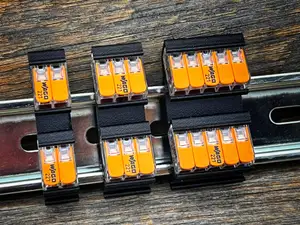

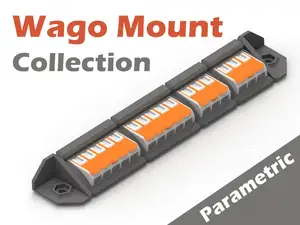


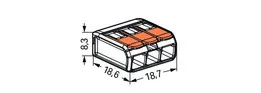


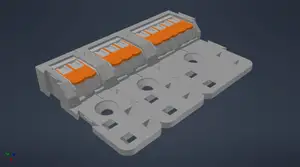
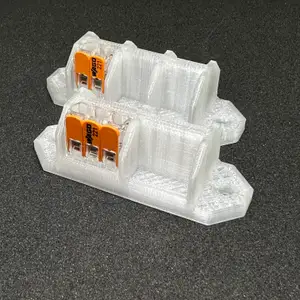

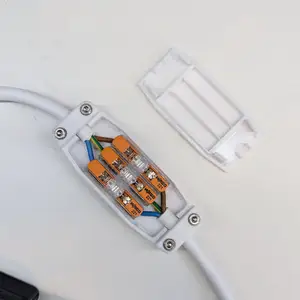
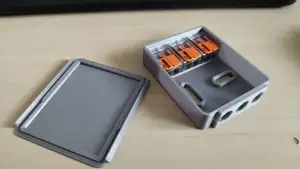
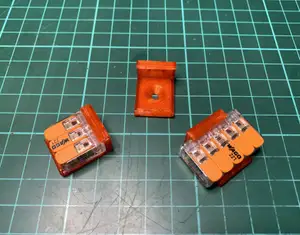
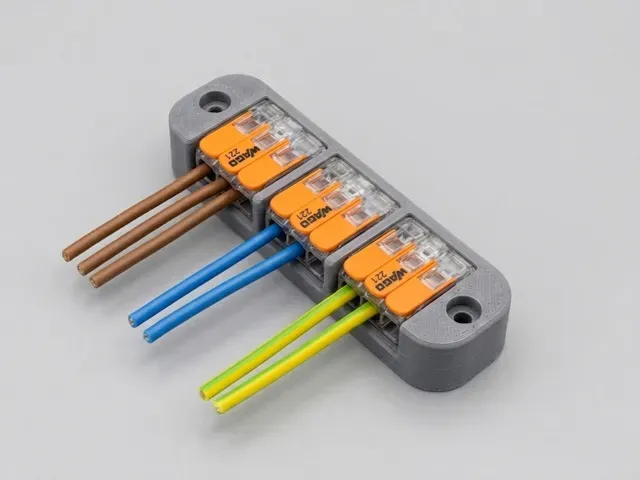
![Wago 221 Junction Box for flex wire 3 core, 4 core or 5 core [compact]](https://cache.polyzon.org/api/img?url=https%3A%2F%2Fmedia.printables.com%2Fmedia%2Fprints%2F785036%2Fimages%2F6155619_7f611648-fcbe-4d7b-8a40-1e9c82a991ab_a116373d-3766-4495-8e82-8ec115aa0a7e%2Fpxl_20240304_202509674_scale.jpg&w=300)
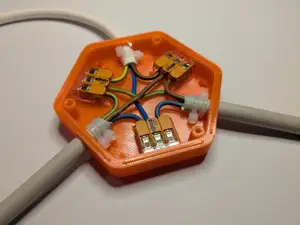
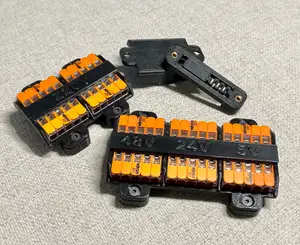
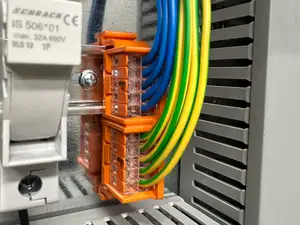
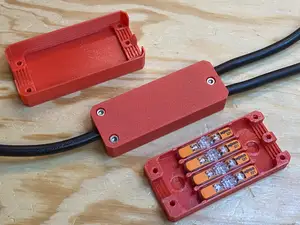
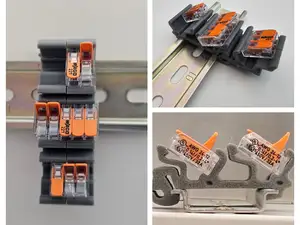
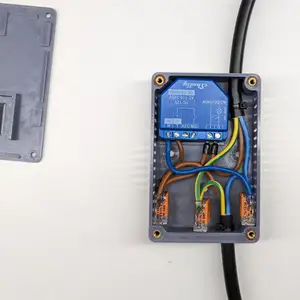
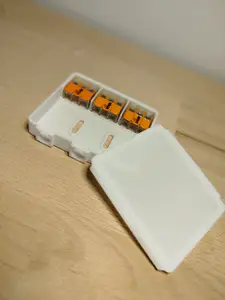
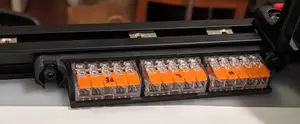


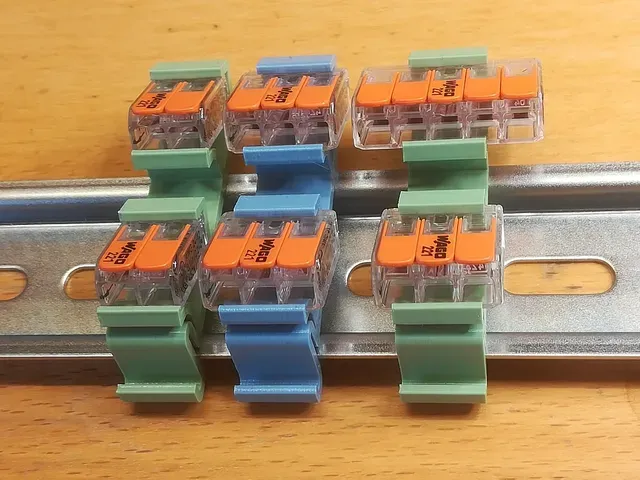
The models fall into a few groups. Rail-mounted clips and brackets hold connectors in a row inside an electrical cabinet, while modular organizers and storage bins keep loose parts sorted on a bench or in a drawer. Enclosures and extension boxes wrap the connection itself, sometimes with a cable gland or strain relief, and distribution blocks group several lines into one feed. The groups differ in how much room they take and how the wiring enters and leaves.
Before printing, open the author's page and read the listed dimensions, since connector families come in several widths and a holder made for one size may not grip another. Check how many separate parts the model has, whether they snap or screw together, and whether the overhangs need supports. The material and settings the author notes matter too: a part that sits near heat or carries mechanical load calls for a different filament than a simple bench organizer. Photos of real prints show how the tolerances turned out.
If the results look thin, try other names for the same hardware — lever nuts, splicing connectors, terminal blocks, or the rail standard itself — and add words for the place it goes, such as cabinet, junction box, panel or workbench. Related searches like cable management, wire routing or modular storage often surface holders that were not labelled with the connector name.
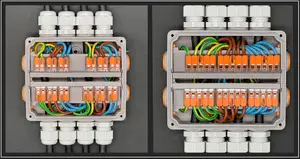


完整的主题目录:从家居日用到CNC,均可在已接入的来源平台中搜索。