免费 
Cable protection for Ender-5
Thingiverse
This collection gathers 3D models that shield, route or reinforce cables — from guards that bolt onto a printer frame to small sleeves for charging cords. The parts differ a lot in purpose, so it helps to know which cable and which movement you are dealing with before you pick an STL. Browsing here is mainly a way to see how other makers solved the same weak point on a 3D printer or a daily-use cable. Polyzon does not confirm whether models are free, their price, license, official status, affiliation, safety or fitness. Check the current terms at the source.
本合集的文字为英文,搜索本身支持任何语言。
 Polyzon合集 · 48个模型 来自5个平台
此合集由Polyzon根据已接入平台的搜索结果整理而成:去除重复项和没有预览图的模型,匹配度低的排在最后,其余按搜索结果顺序排列。模型归作者所有——请在各模型页面查看使用条款。
筛选规则:Polyzon编辑部 · 文字更新于2026年10月14日
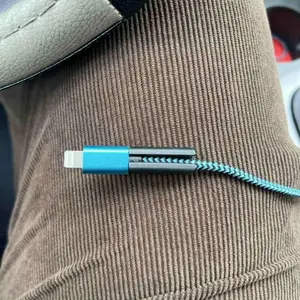

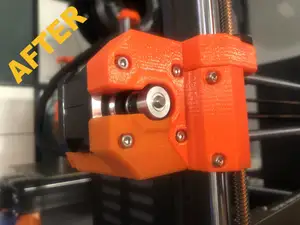
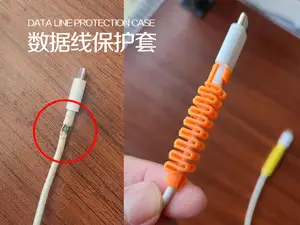
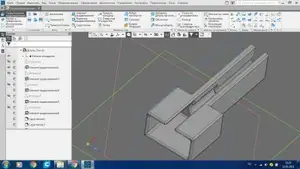
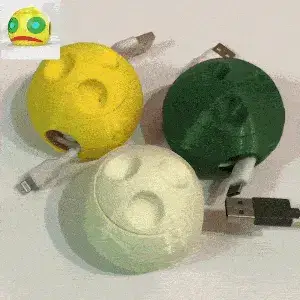


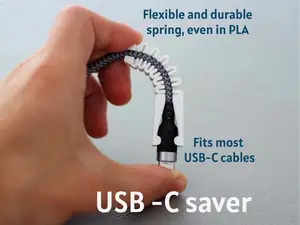
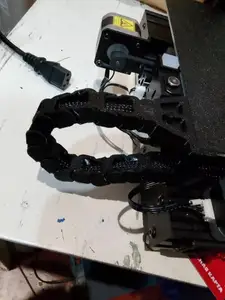
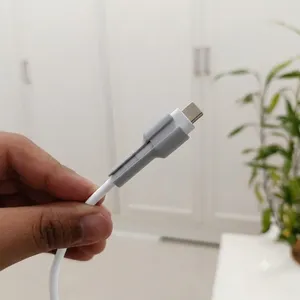

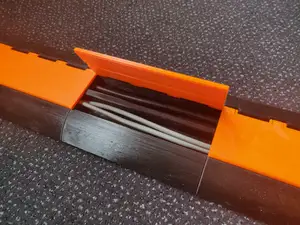
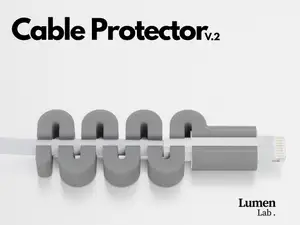
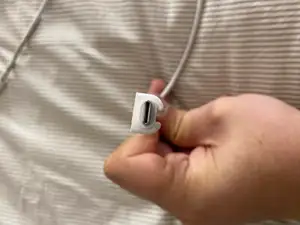
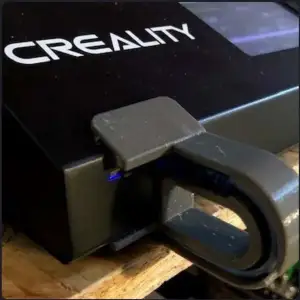

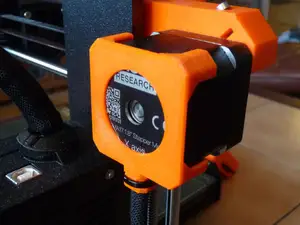
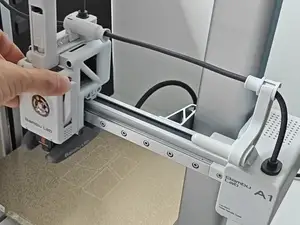
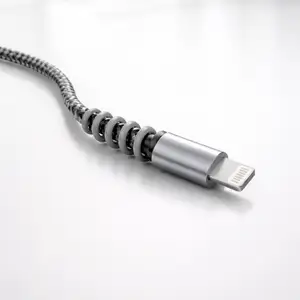

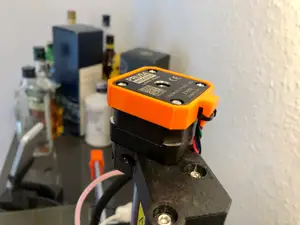
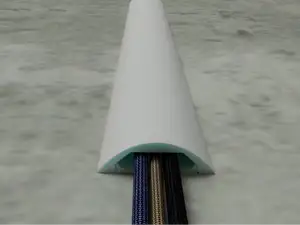
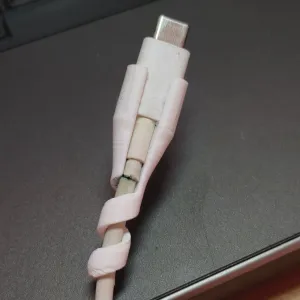

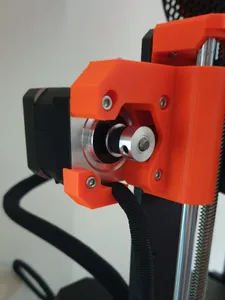
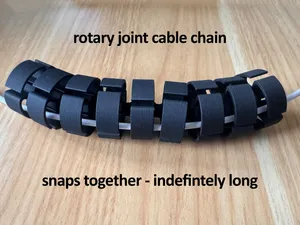
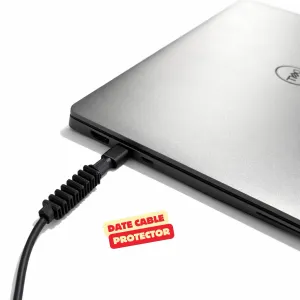


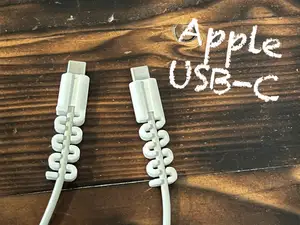
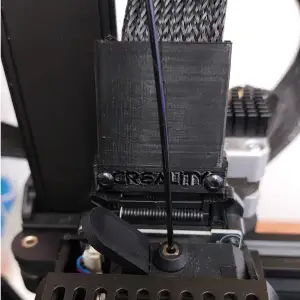

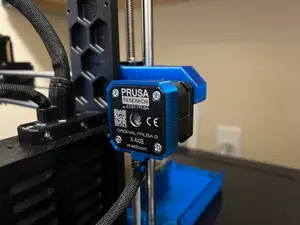
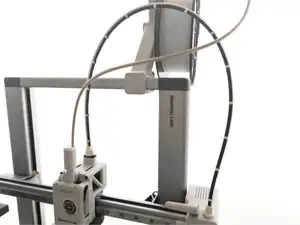
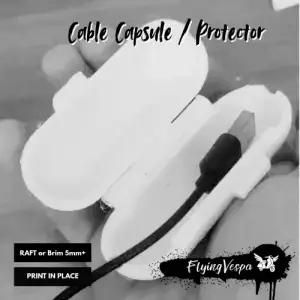

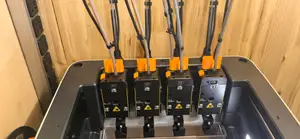
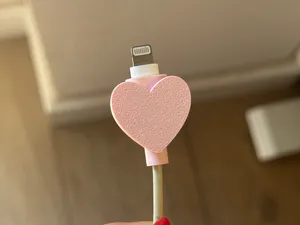
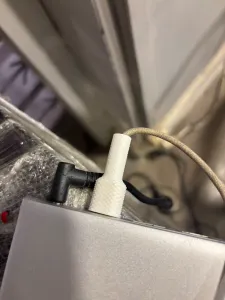

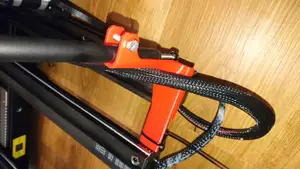
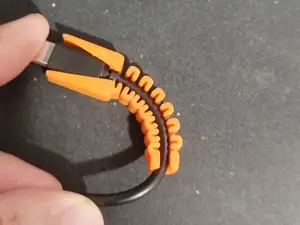
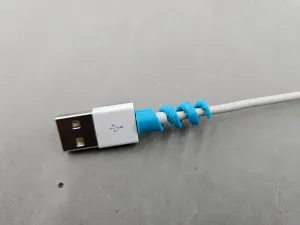
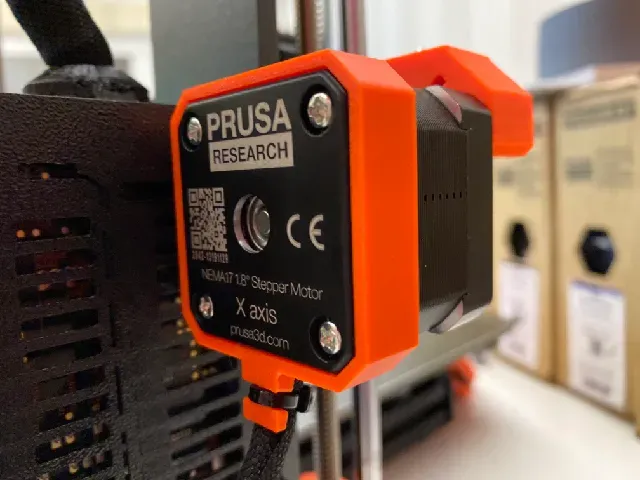
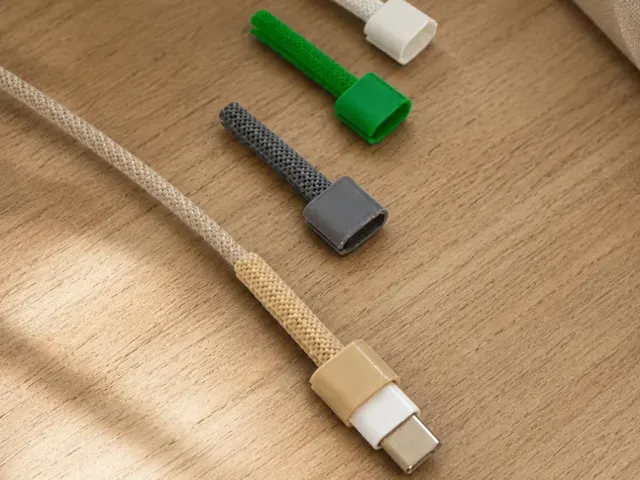
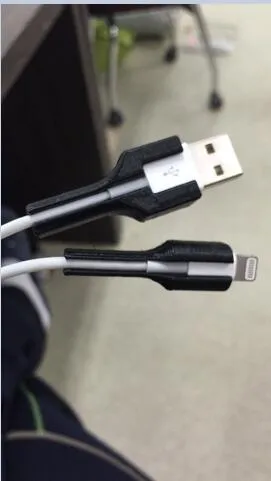
The models split roughly into two groups. One covers machines: guards for the motor and axis cables on common printer frames, plus strain relief pieces that hold a cable where it bends during printing. The other covers consumer cables — sleeves and caps for USB-C, Lightning and similar connectors, sometimes shaped around a particular phone or laptop body, and larger items such as ramps or reels for cables that run across a floor or sit on a scooter.
When choosing, read the author's page rather than the thumbnail. Check the stated size and scale, whether the model was drawn for one exact device or a range of cable diameters, how many separate parts there are and how they join, and whether the geometry needs supports. The material and print settings the author lists matter as much as the shape: a thin clip that flexes and a rigid guard behave differently in PLA, PETG or a flexible filament. Photos of real prints show how the part actually sits on the cable.
To widen or narrow the results, try the words people use for the same idea: cable guard, cable saver, strain relief, cable management clip, cord protector, wire cover, or the connector name such as USB-C. Adding the device or machine type usually helps more than a generic phrase, and swapping between the English and local-language terms for the same part can surface a different set of models. If a search returns too much, add a second keyword about the place the part goes — frame, desk, floor, handlebar.
A few practical points apply to most of these parts. Measure the cable diameter and the gap the part has to fit into before printing, because a protector that is slightly too tight can pinch the cord. Parts that sit on a moving axis should leave the cable a natural bend radius instead of pulling it straight. For anything that clips on, print a small test piece first to judge how much the material flexes.
%2Fhttps%3A%2F%2Ffbi.cults3d.com%2Fuploaders%2F14345721%2Fillustration-file%2F11086009-7d26-4529-8d29-9f2fad6026c9%2FAantekening%25202019-09-29%2520151352.png&w=300)



完整的主题目录:从家居日用到CNC,均可在已接入的来源平台中搜索。