Kostenlos 
Simple GCode Generator in Python
Thingiverse
This collection gathers G-code files, generators and analyzers that people use alongside 3D printing. It covers pre-sliced models, calibration towers, MMU profiles and small decorative objects. If you work from STL files and slice yourself, the tooling entries here are still useful for checking toolpaths. Polyzon does not confirm whether models are free, their price, license, official status, affiliation, safety or fitness. Check the current terms at the source.
Der Text dieser Sammlung ist auf Englisch verfasst; die Suche selbst funktioniert in jeder Sprache.
 Eine Sammlung von Polyzon · 48 Modelle von 5 Plattformen
Polyzon stellt diese Sammlung aus den Suchergebnissen der angebundenen Plattformen zusammen. Dubletten und Modelle ohne Vorschaubild werden entfernt, schwache Treffer rutschen ans Ende, der Rest bleibt in der Reihenfolge der Suche. Die Modelle gehören ihren Urhebern – die Bedingungen findest du auf der Seite des jeweiligen Modells.
Auswahlregeln: Polyzon-Redaktion · Text aktualisiert: 15.10.2026
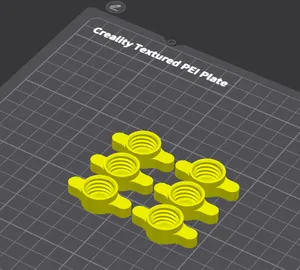

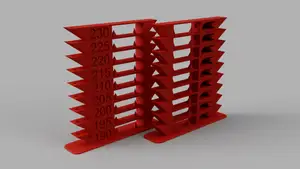






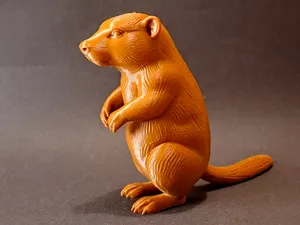
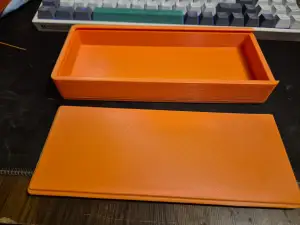

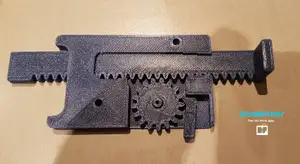
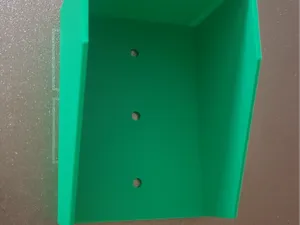
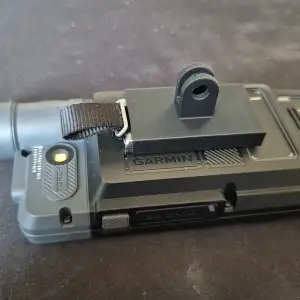





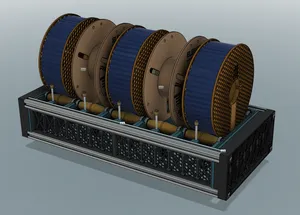

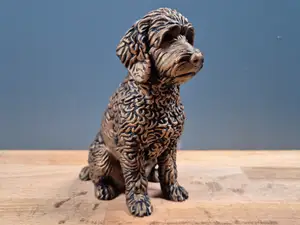



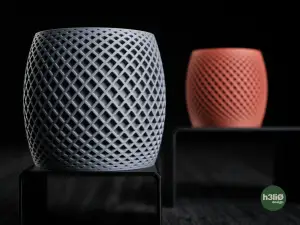

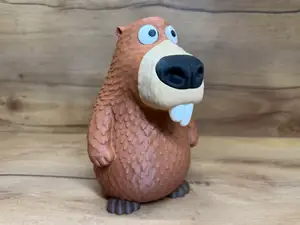
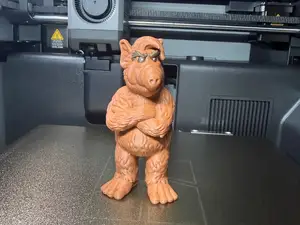


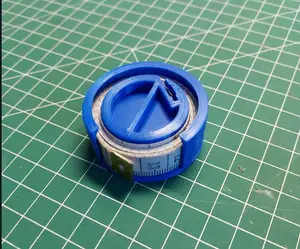
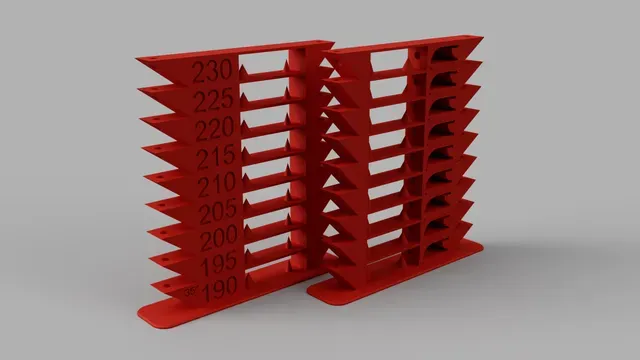
The entries fall into a few groups. Some are already sliced for a particular machine and material, so the layer height, nozzle size and filament are fixed by whoever made the file. Others are utilities: generators that turn simple shapes or code into toolpaths, analyzers that read an existing file, and simulators that draw the path before you commit to a print. A third group is calibration-oriented, where a test model and its G-code are published together so you can compare results across temperatures or bridging distances.
When you open an author's page, check what the file was sliced for: printer model, nozzle diameter, layer height, material and the settings the author lists. Look at how many parts are involved and whether assembly is needed, and read the photos of real prints rather than the render. For pre-sliced files, confirm the bed size fits your machine and that the start and end code matches your firmware, since a file made for one setup may not run unchanged on another.
Search terms around this topic overlap. Try variants such as sliced file, toolpath, G-code viewer, Klipper profile, MMU or multi-color setup, and calibration tower. Related subjects include slicer settings, filament profiles and printer firmware, which often lead to the same kind of result. If a search returns too much, narrow it with the material, the nozzle size or the printer family you actually use.


%2Fhttps%3A%2F%2Ffbi.cults3d.com%2Fuploaders%2F13217731%2Fillustration-file%2Fd2167944-a49e-4810-a539-918650cc7dae%2Ffoto%25201.jpg&w=300)


Der komplette Themenkatalog – von Wohnen & Haushalt bis CNC, mit Suche auf allen angebundenen Plattformen.