免费 
Simple GCode Generator in Python
Thingiverse
This collection gathers G-code files, generators and analyzers that people use alongside 3D printing. It covers pre-sliced models, calibration towers, MMU profiles and small decorative objects. If you work from STL files and slice yourself, the tooling entries here are still useful for checking toolpaths. Polyzon does not confirm whether models are free, their price, license, official status, affiliation, safety or fitness. Check the current terms at the source.
本合集的文字为英文,搜索本身支持任何语言。
 Polyzon合集 · 48个模型 来自5个平台
此合集由Polyzon根据已接入平台的搜索结果整理而成:去除重复项和没有预览图的模型,匹配度低的排在最后,其余按搜索结果顺序排列。模型归作者所有——请在各模型页面查看使用条款。
筛选规则:Polyzon编辑部 · 文字更新于2026年10月15日
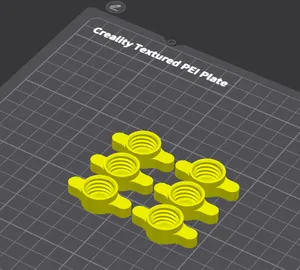

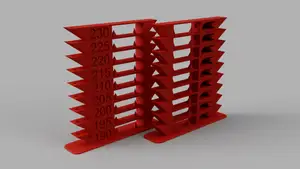





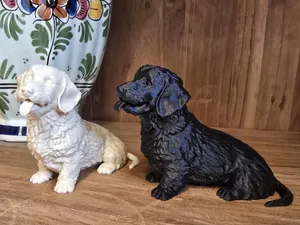

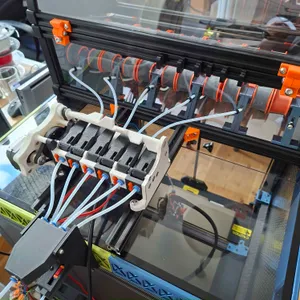

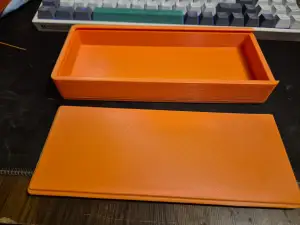

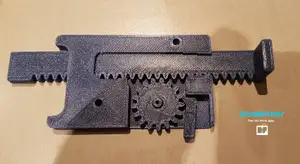
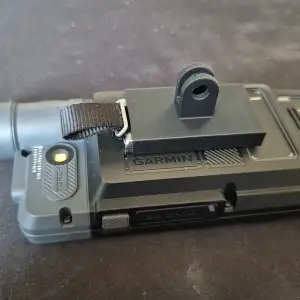



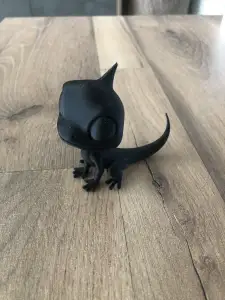

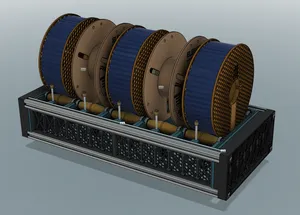

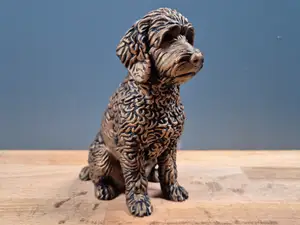





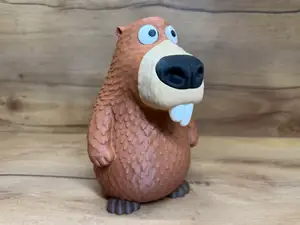
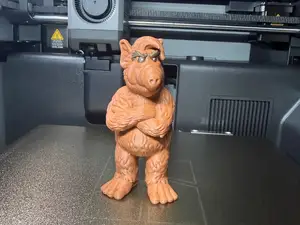


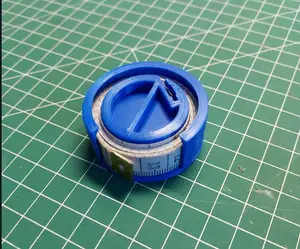
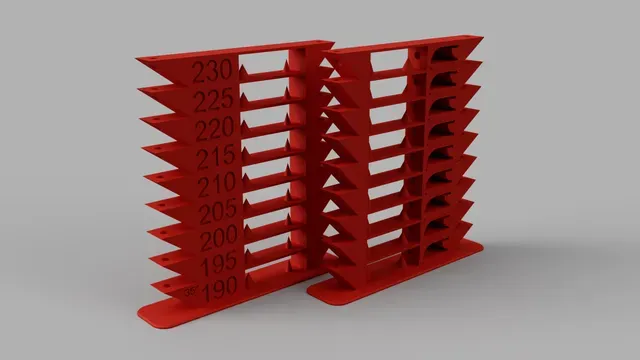
The entries fall into a few groups. Some are already sliced for a particular machine and material, so the layer height, nozzle size and filament are fixed by whoever made the file. Others are utilities: generators that turn simple shapes or code into toolpaths, analyzers that read an existing file, and simulators that draw the path before you commit to a print. A third group is calibration-oriented, where a test model and its G-code are published together so you can compare results across temperatures or bridging distances.
When you open an author's page, check what the file was sliced for: printer model, nozzle diameter, layer height, material and the settings the author lists. Look at how many parts are involved and whether assembly is needed, and read the photos of real prints rather than the render. For pre-sliced files, confirm the bed size fits your machine and that the start and end code matches your firmware, since a file made for one setup may not run unchanged on another.
Search terms around this topic overlap. Try variants such as sliced file, toolpath, G-code viewer, Klipper profile, MMU or multi-color setup, and calibration tower. Related subjects include slicer settings, filament profiles and printer firmware, which often lead to the same kind of result. If a search returns too much, narrow it with the material, the nozzle size or the printer family you actually use.


%2Fhttps%3A%2F%2Ffbi.cults3d.com%2Fuploaders%2F13217731%2Fillustration-file%2Fd2167944-a49e-4810-a539-918650cc7dae%2Ffoto%25201.jpg&w=300)


完整的主题目录:从家居日用到CNC,均可在已接入的来源平台中搜索。