
Kostenlos 
Universal Ultimaker 2(+) Spool Holder
Thingiverse
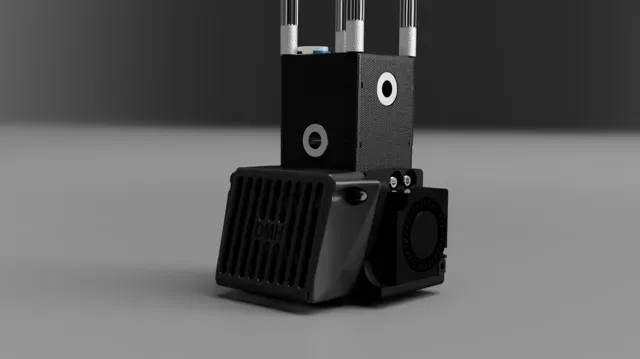
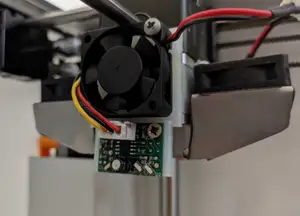
This collection gathers STL files for adapting and maintaining the hotend area of an Ultimaker 2. You will find mounts for alternative hotends, fan adapters, extruder conversions, and small replacement parts. It helps when you are changing the toolhead or refreshing an older 3D printer. Polyzon does not confirm whether models are free, their price, license, official status, affiliation, safety or fitness. Check the current terms at the source.
Der Text dieser Sammlung ist auf Englisch verfasst; die Suche selbst funktioniert in jeder Sprache.
 Eine Sammlung von Polyzon · 47 Modelle von 4 Plattformen
Polyzon stellt diese Sammlung aus den Suchergebnissen der angebundenen Plattformen zusammen. Dubletten und Modelle ohne Vorschaubild werden entfernt, schwache Treffer rutschen ans Ende, der Rest bleibt in der Reihenfolge der Suche. Die Modelle gehören ihren Urhebern – die Bedingungen findest du auf der Seite des jeweiligen Modells.
Auswahlregeln: Polyzon-Redaktion · Text aktualisiert: 13.10.2026


%2Fhttps%3A%2F%2Ffbi.cults3d.com%2Fuploaders%2F22237716%2Fillustration-file%2F604c9abe-80f7-452a-9947-eae28e2702d3%2Ffront_angle.png&w=300)


%2Fhttps%3A%2F%2Ffbi.cults3d.com%2Fuploaders%2F14480669%2Fillustration-file%2F991604aa-7332-4d28-8d99-f80fd83e0809%2Fb14284c792a86c9806f2424f99f174cc_preview_featured.jpg&w=300)


%2Fhttps%3A%2F%2Ffbi.cults3d.com%2Fuploaders%2F14810386%2Fillustration-file%2Fff6abf02-cbc4-486c-956f-a5853bfcbcd1%2FIMG_20180226_102417607.jpg&w=300)


%2Fhttps%3A%2F%2Ffbi.cults3d.com%2Fuploaders%2F27524840%2Fillustration-file%2Fdd289eb1-523e-4965-9646-82b4e14511b0%2Fchimera-cad.jpg&w=300)

%2Fhttps%3A%2F%2Ffbi.cults3d.com%2Fuploaders%2F14480669%2Fillustration-file%2Fe54d2058-2671-48ee-a469-c6ab958d0d9a%2FIMG_20180326_221403.jpg&w=300)


%2Fhttps%3A%2F%2Ffbi.cults3d.com%2Fuploaders%2F15468204%2Fillustration-file%2F286fda56-3a20-46c1-981c-6d68e8bf8ead%2Fxy-carriage_NIMBLE.png&w=300)

%2Fhttps%3A%2F%2Ffbi.cults3d.com%2Fuploaders%2F12966275%2Fillustration-file%2F7e8bafd9-cf4a-47ae-b7c1-70c897e87b03%2FIMG_6107_Printhead_Fan_Duct.jpg&w=300)

%2Fhttps%3A%2F%2Ffbi.cults3d.com%2Fuploaders%2F21384279%2Fillustration-file%2F2efc4bee-b988-4b80-835a-75b2756eab14%2Fd5b5b8e5-59ad-4e38-82fc-725ea5409d20.png&w=300)

%2Fhttps%3A%2F%2Ffbi.cults3d.com%2Fuploaders%2F28479328%2Fillustration-file%2Fb49bb4b1-e145-49b7-b203-cb7a0ade533a%2Flunchbox_printer_render_4.png&w=300)

%2Fhttps%3A%2F%2Ffbi.cults3d.com%2Fuploaders%2F6377629%2Fillustration-file%2F3a0f321a-e4a3-4b66-9ce3-4dffe0724774%2FIMG_20171221_233409.jpg&w=300)

%2Fhttps%3A%2F%2Ffbi.cults3d.com%2Fuploaders%2F27524840%2Fillustration-file%2F8ea5aa6d-2cc9-4933-96a0-9a325db15567%2FRevo-hemera-xs.jpg&w=300)

%2Fhttps%3A%2F%2Ffbi.cults3d.com%2Fuploaders%2F22654605%2Fillustration-file%2F3c3de382-8b9e-41dc-92b2-66af24643974%2F20230909_193241.jpg&w=300)


%2Fhttps%3A%2F%2Ffbi.cults3d.com%2Fuploaders%2F22654605%2Fillustration-file%2Fa4ba1cd0-646f-46f9-bb0a-3df8d6567274%2F1.png&w=300)
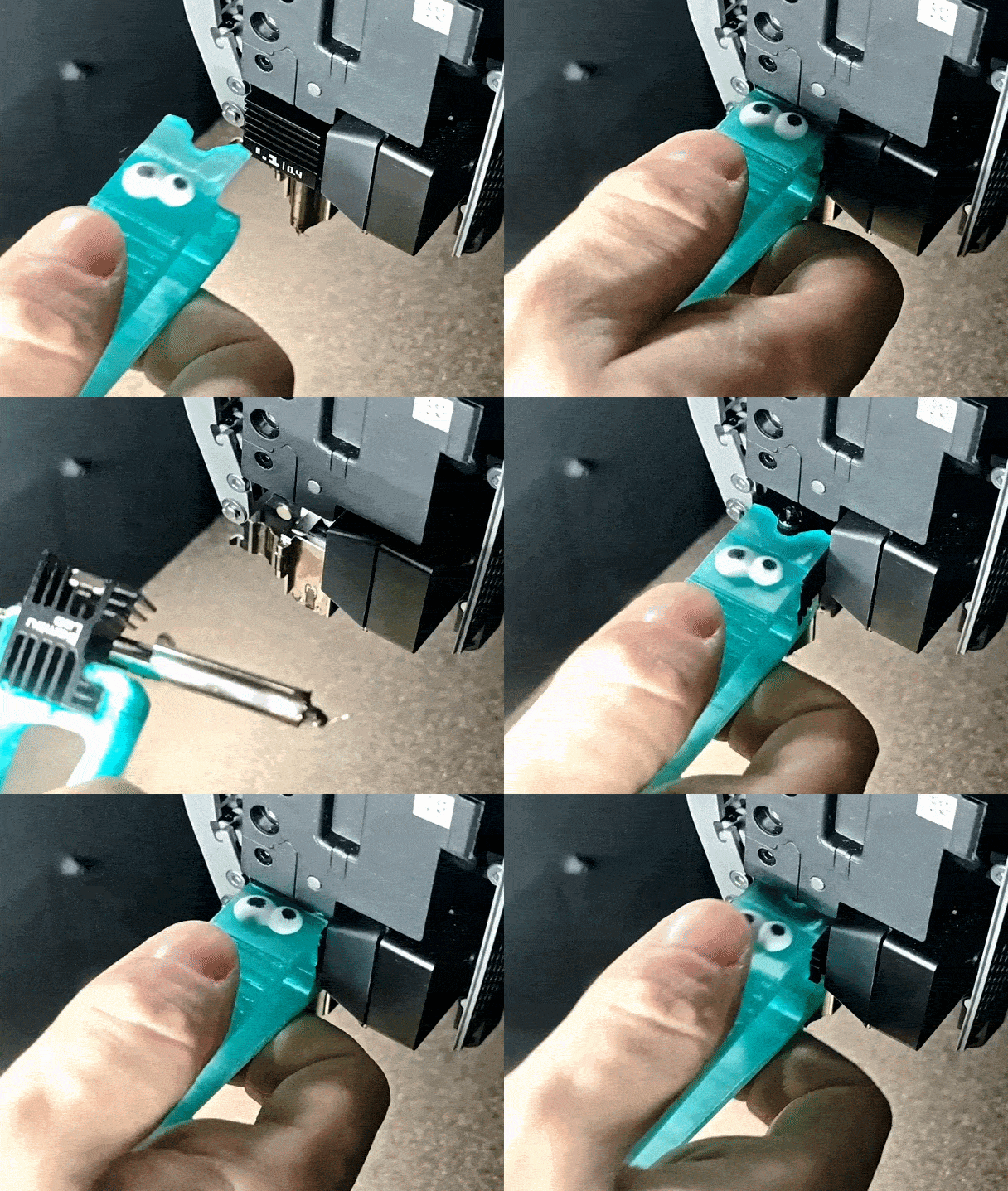
Hotend mounts vary by the hotend they accept, the mounting pattern, and whether they keep the original gantry or require a new carriage. Fan adapters often change the shroud size or duct angle, while extruder conversions move the drive system and may alter the filament path. Replacement knobs, clips, and gauge holders are smaller accessories that solve specific handling or adjustment tasks.
Before printing, check the model page for the listed dimensions, part count, and assembly steps, because a mount that attaches to one carriage may not attach to another. Look at whether the author calls for supports, which material they used, and how the fan duct clears the nozzle and sensor. Photos of real prints can show tolerances and how the parts go together after installation.
If you need a different hotend, try search terms such as toolhead mount, fan duct, or extruder carriage, and combine them with the printer name. Related searches include bowden tube guides, bed leveling brackets, and enclosure parts, since these often appear alongside hotend changes. You can also look for the hotend model or the fan size to narrow results.


Der komplette Themenkatalog – von Wohnen & Haushalt bis CNC, mit Suche auf allen angebundenen Plattformen.
%2Fhttps%3A%2F%2Ffbi.cults3d.com%2Fuploaders%2F16079683%2Fillustration-file%2F21eb24e3-c8c6-42c4-98a4-095f314cb2ed%2Fe3d.JPEG&w=640)
