
Free 
Scalpel handle/bayonet | Size/No.3
Thingiverse
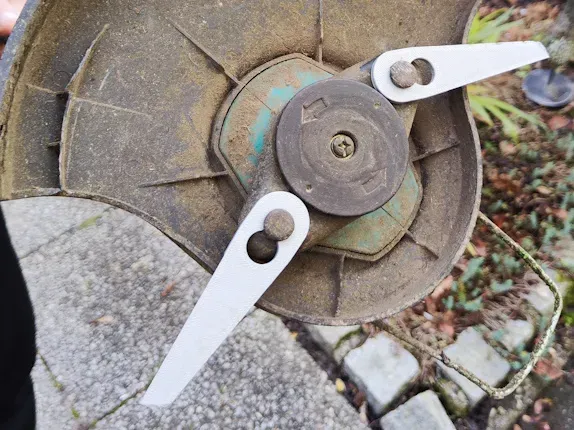
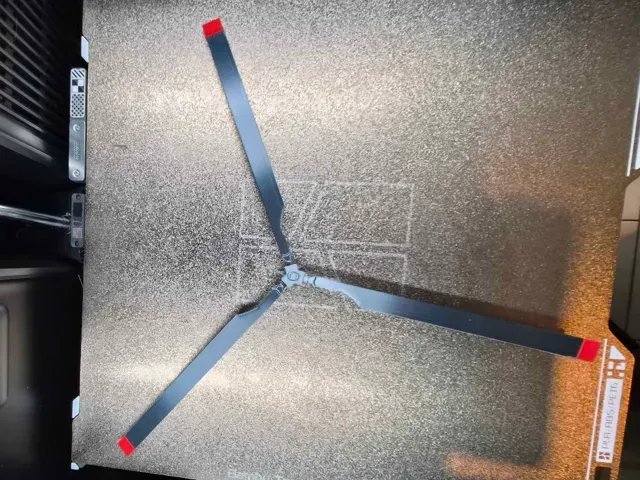
This collection gathers STL files for blades of several kinds: propellers and rotors, wind turbine blades, scrapers, cutting tools and trimmer blades. It gives you a starting point for 3D printing parts that are thin, angled and often reprinted after a break. Each entry leads to the author's page, where the geometry and print notes are described. Polyzon does not confirm whether models are free, their price, license, official status, affiliation, safety or fitness. Check the current terms at the source.
 A Polyzon collection · 47 models from 3 platforms
Polyzon assembles this collection from search results on the connected platforms. Repeats and models without a preview are removed, weak matches go to the end, and the rest keeps the search order. Models belong to their authors — check the terms on each model's page.
Selection rules: the Polyzon editorial team · Text updated 2026-10-15

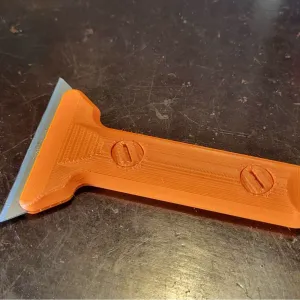


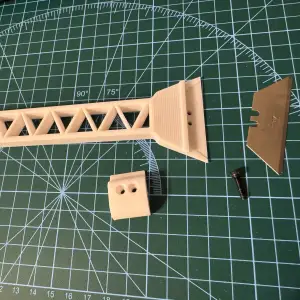

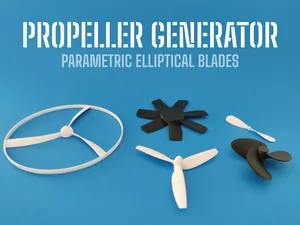
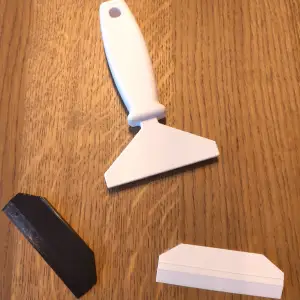










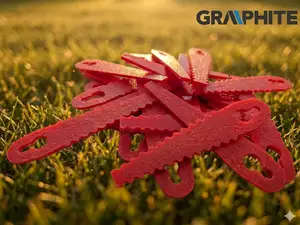
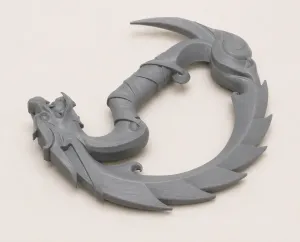



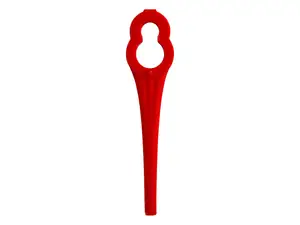




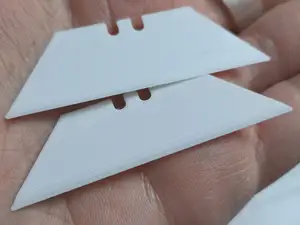


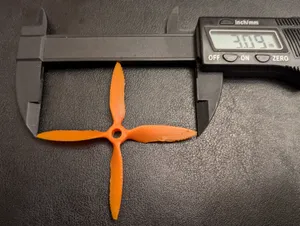
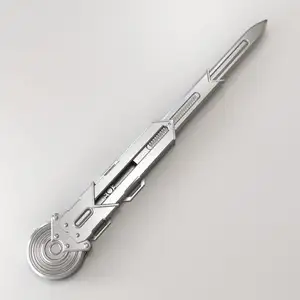

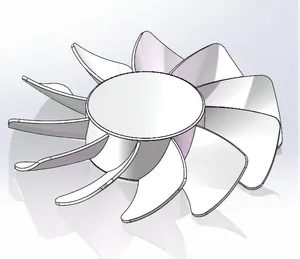


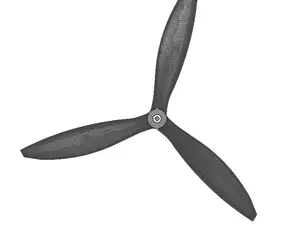
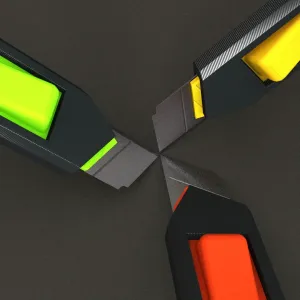

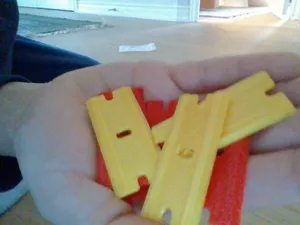

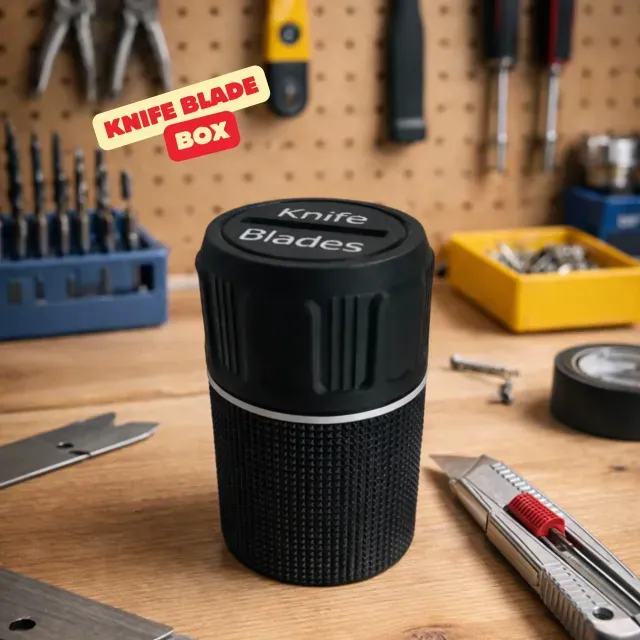
Propeller and rotor models differ mainly by blade count, diameter and hub design: some use a simple bore, others a mounting hole pattern for a motor. Wind turbine and windmill blades are longer and shaped around a root that fits a hub or a generator shaft. Scrapers, knife boxes and cutters are built around a standard blade insert or a handle size, while trimmer and mower blades follow the cutting width of the machine.
When choosing a model, look at the dimensions first: overall length, blade thickness, and the bore or mounting pattern. Check how many parts the assembly has and whether the author lists supports, material and print orientation. Photos of real prints show how thin edges and tips come out, which matters for parts that spin or cut.
To narrow the search, try synonyms and related terms: propeller, rotor, impeller and fan cover similar shapes, while tri-blade, three-blade and 3-blade describe the same count. For tools, search scraper, spatula, cutter or blade holder; for wind parts, try windmill, turbine blade or vertical axis. Adding a diameter, a mounting style or a blade count to the query usually shortens the list.


The full catalog of topics — from home & household to CNC, searchable across the connected sources.