
Grátis 
Scalpel handle/bayonet | Size/No.3
Thingiverse
This collection gathers STL files for blades of several kinds: propellers and rotors, wind turbine blades, scrapers, cutting tools and trimmer blades. It gives you a starting point for 3D printing parts that are thin, angled and often reprinted after a break. Each entry leads to the author's page, where the geometry and print notes are described. Polyzon does not confirm whether models are free, their price, license, official status, affiliation, safety or fitness. Check the current terms at the source.
O texto desta coleção está em inglês; a busca funciona em qualquer idioma.
 Uma coleção do Polyzon · 47 modelos de 3 sites
O Polyzon monta esta coleção a partir dos resultados de busca dos sites conectados. Repetições e modelos sem prévia são removidos, correspondências fracas vão para o final e o restante segue a ordem da busca. Os modelos pertencem aos seus autores — confira os termos na página de cada modelo.
Regras de seleção: equipe editorial do Polyzon · Texto atualizado em 15/10/2026

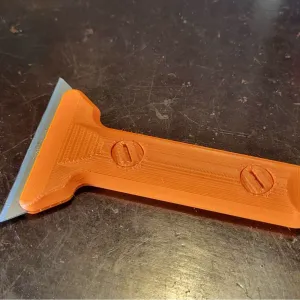

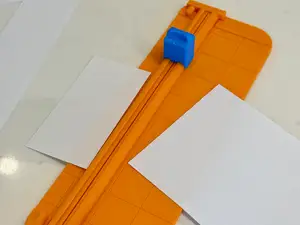
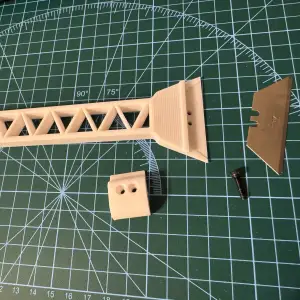

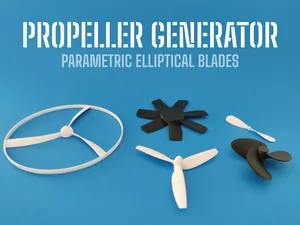
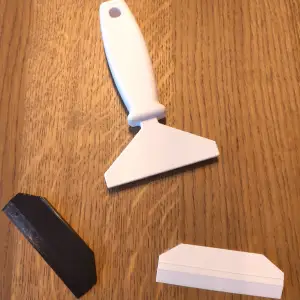


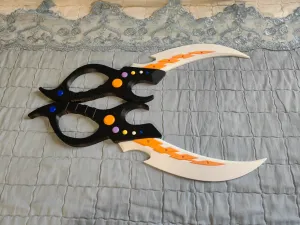


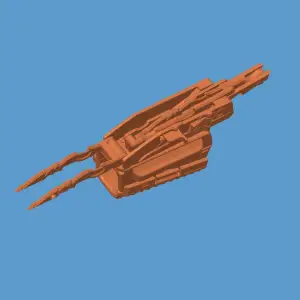


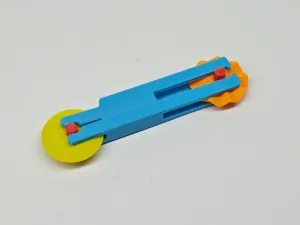

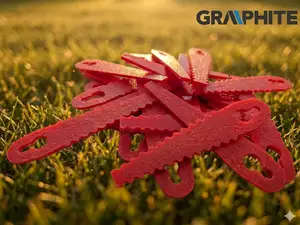
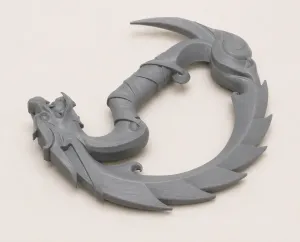

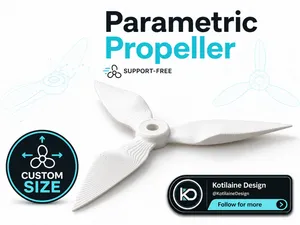
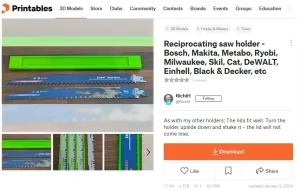

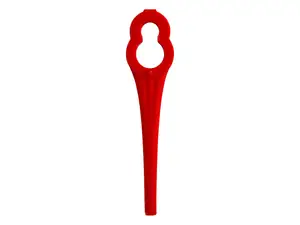
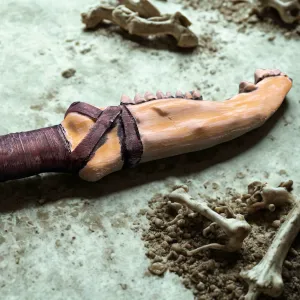

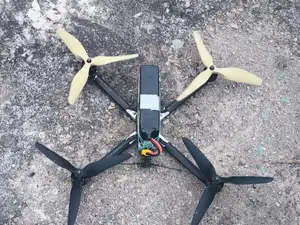

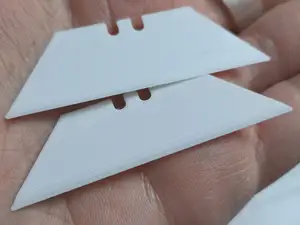
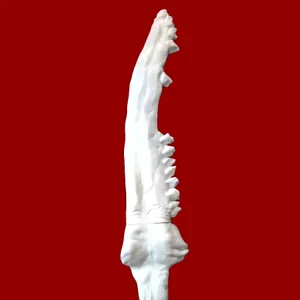

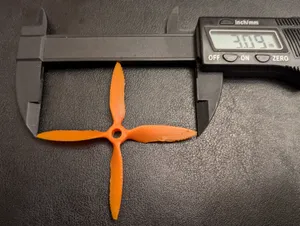
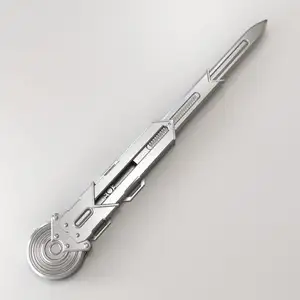

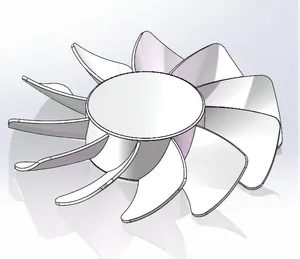
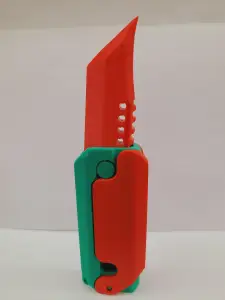

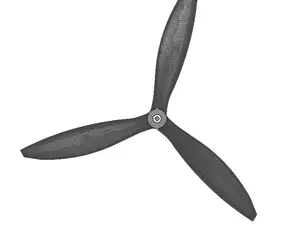
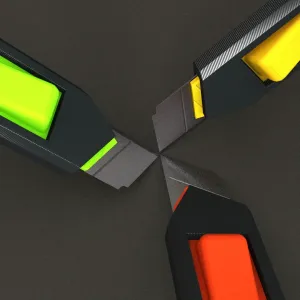

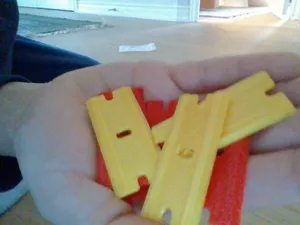
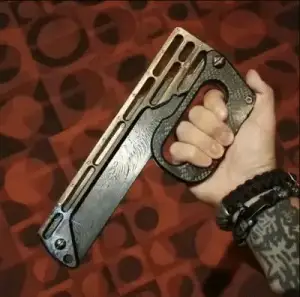
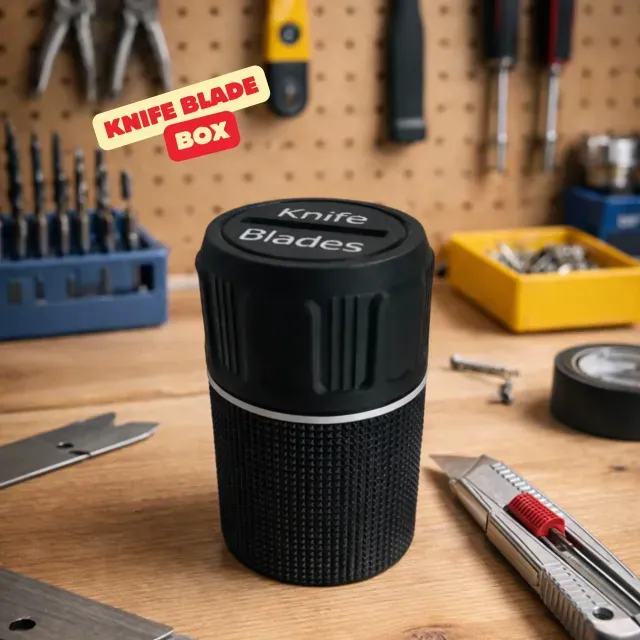
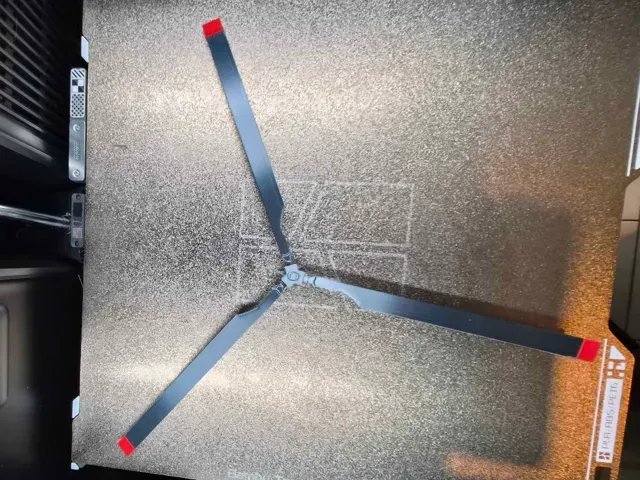
Propeller and rotor models differ mainly by blade count, diameter and hub design: some use a simple bore, others a mounting hole pattern for a motor. Wind turbine and windmill blades are longer and shaped around a root that fits a hub or a generator shaft. Scrapers, knife boxes and cutters are built around a standard blade insert or a handle size, while trimmer and mower blades follow the cutting width of the machine.
When choosing a model, look at the dimensions first: overall length, blade thickness, and the bore or mounting pattern. Check how many parts the assembly has and whether the author lists supports, material and print orientation. Photos of real prints show how thin edges and tips come out, which matters for parts that spin or cut.
To narrow the search, try synonyms and related terms: propeller, rotor, impeller and fan cover similar shapes, while tri-blade, three-blade and 3-blade describe the same count. For tools, search scraper, spatula, cutter or blade holder; for wind parts, try windmill, turbine blade or vertical axis. Adding a diameter, a mounting style or a blade count to the query usually shortens the list.


O catálogo completo de temas — de casa e utilidades a CNC, com busca em todos os sites conectados.