Free 
Ender 3 Damping Feet
Thingiverse
This collection covers 3D models of feet: anti-vibration pads for 3D printers, height-adjustable legs, and dampers built around rubber pads or balls. Most files are small and print as one piece, which makes them a practical starting point for a new 3D printer owner. They help when a machine wobbles, when a case has to stand level, or when a device needs to be lifted off the desk. Polyzon does not confirm whether models are free, their price, license, official status, affiliation, safety or fitness. Check the current terms at the source.
 A Polyzon collection · 48 models from 5 platforms
Polyzon assembles this collection from search results on the connected platforms. Repeats and models without a preview are removed, weak matches go to the end, and the rest keeps the search order. Models belong to their authors — check the terms on each model's page.
Selection rules: the Polyzon editorial team · Text updated 2026-10-11
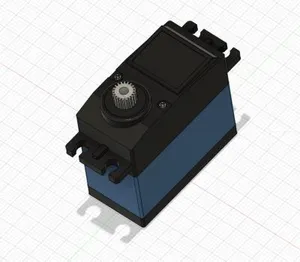


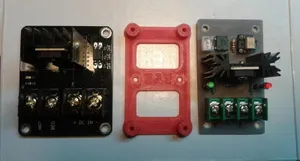



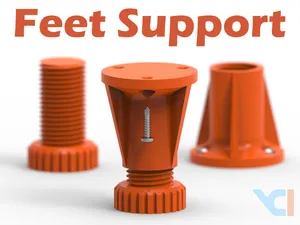

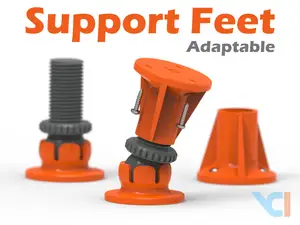


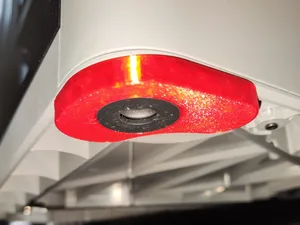
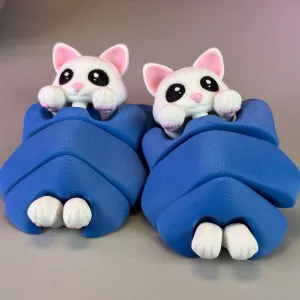


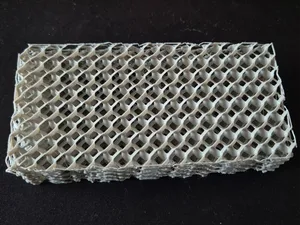
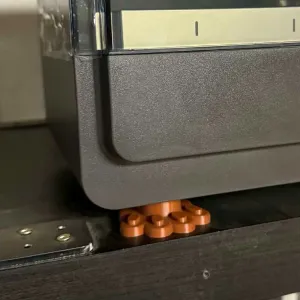

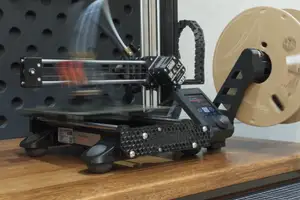


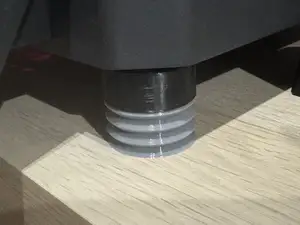



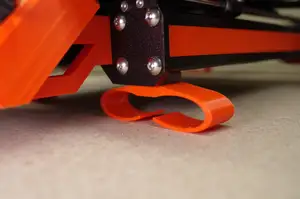
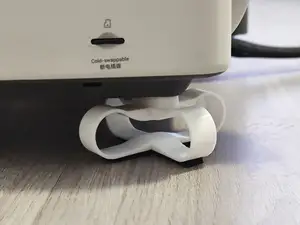


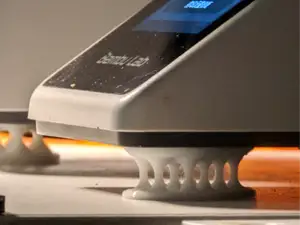
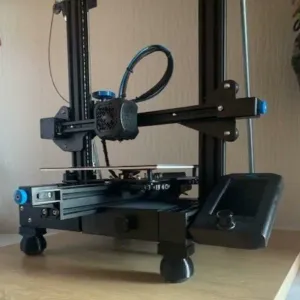

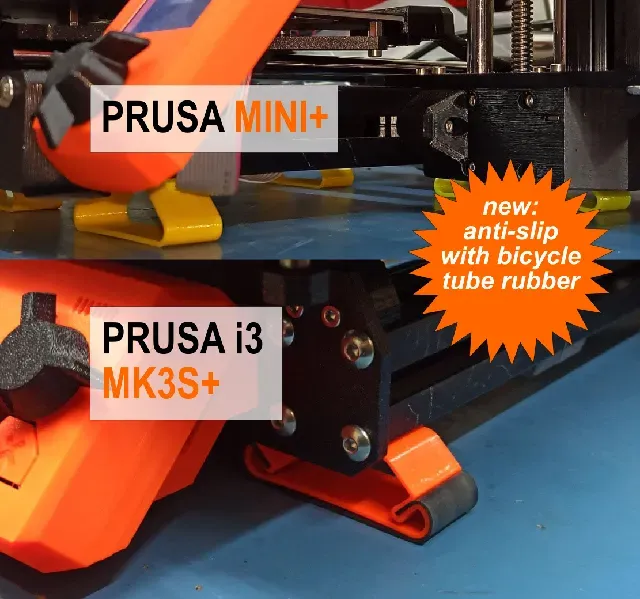
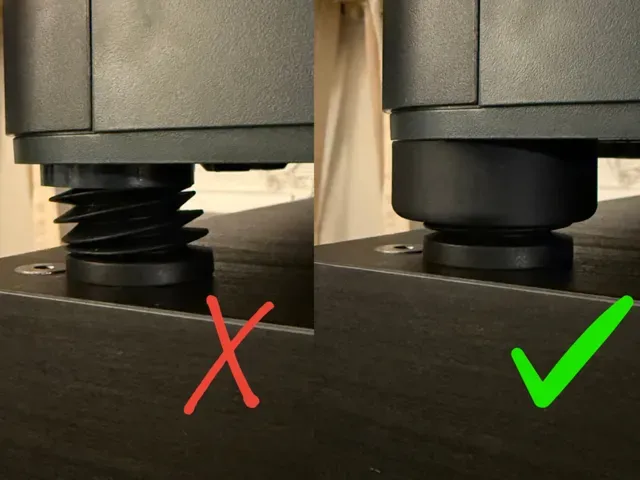
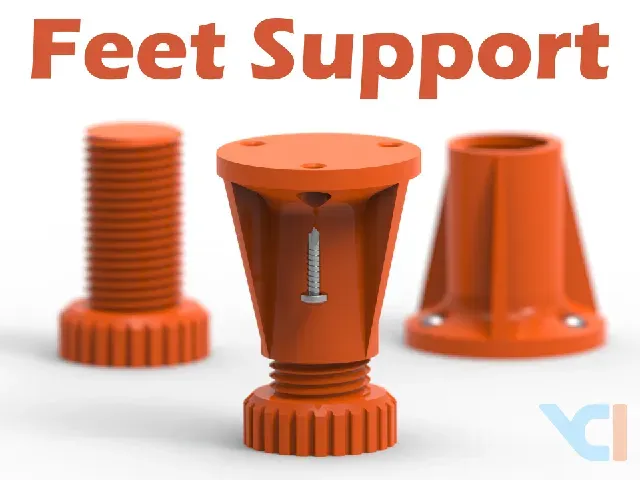
Anti-vibration feet usually sit under the corners of a printer and are shaped to fit a specific frame profile or the original mounting points. Adjustable feet and legs work differently: they carry a threaded section, so the height can be changed after assembly. A third group uses a soft element, such as a rubber pad, a printed spring or a ball, to absorb movement instead of lifting the machine.
Before printing, look at the model page for the frame profile or bolt spacing the author lists, the number of parts, and whether supports are needed. Check the material and settings the author recommends: soft TPU is common for damping parts, while stiffer filaments suit threaded legs. Photos of real prints show how the part sits under the machine and whether the thread turns smoothly.
If the results are too narrow, try other words: dampers, isolators, leveling feet, corner pads, machine legs, or the name of the frame profile. Related searches include furniture feet, drone landing feet, and feet for cases and enclosures. Adding a printer model to the word feet usually narrows the list faster than browsing the whole topic.


The full catalog of topics — from home & household to CNC, searchable across the connected sources.