
Free 
Duck
Thingiverse
This collection gathers G-code files and STL models used for 3D printing tests, calibration, and decorative prints. You can find temperature towers, slicer checks, vases, and small accessories. It helps you compare how a 3D printer behaves with different materials and settings. Polyzon does not confirm whether models are free, their price, license, official status, affiliation, safety or fitness. Check the current terms at the source.
 A Polyzon collection · 48 models from 3 platforms
Polyzon assembles this collection from search results on the connected platforms. Repeats and models without a preview are removed, weak matches go to the end, and the rest keeps the search order. Models belong to their authors — check the terms on each model's page.
Selection rules: the Polyzon editorial team · Text updated 2026-10-15

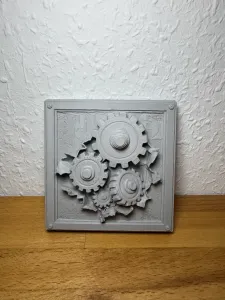

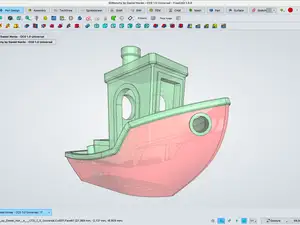

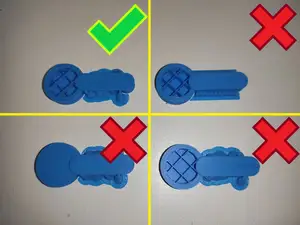
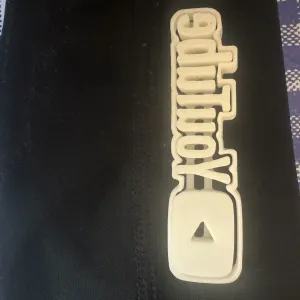

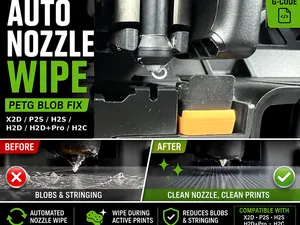

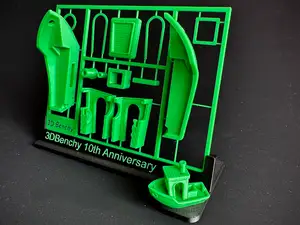
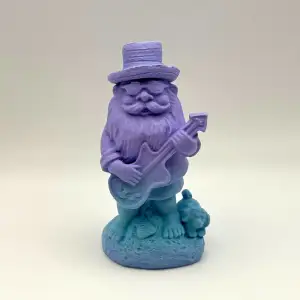

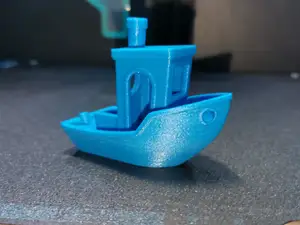

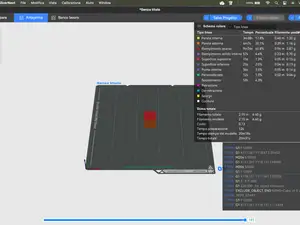
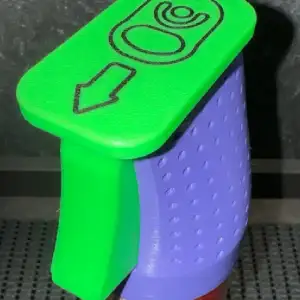

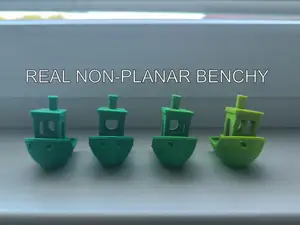


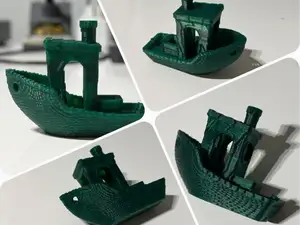



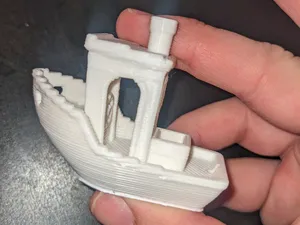
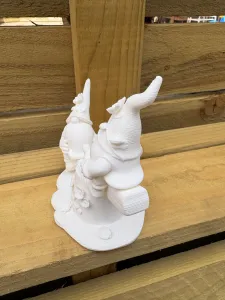

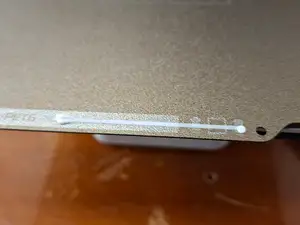


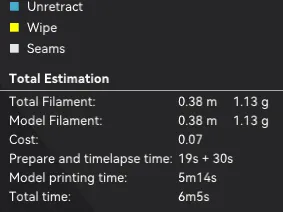
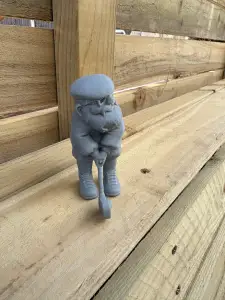

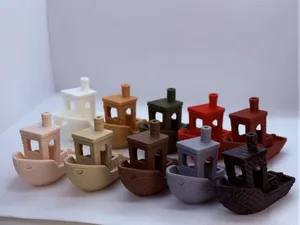
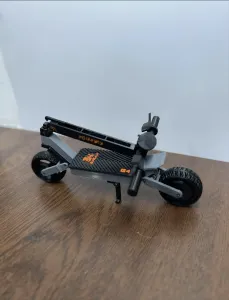

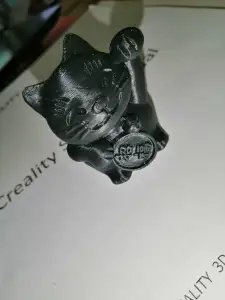
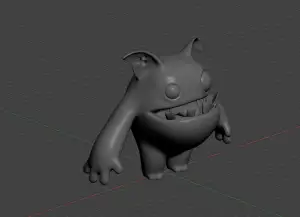
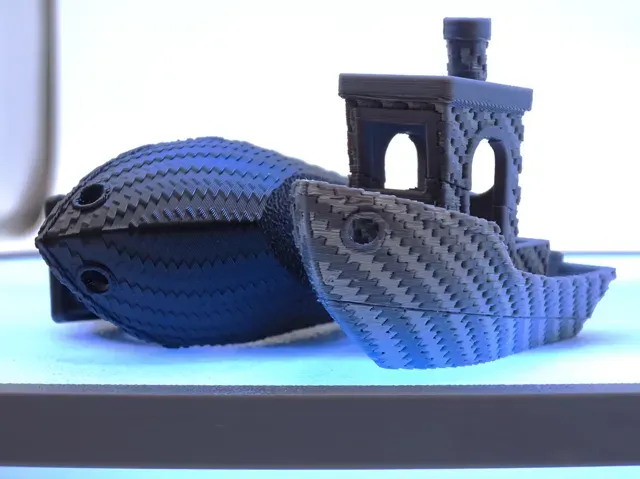
The collection covers several kinds of files. Calibration and slicer test models help you check extrusion, temperature, and retraction. Decorative vases and organic shapes focus on surface finish and vase mode. Small keychains and accessories often use simple geometry, while miniature figures and creatures may need more detailed settings.
When choosing a file, look at the size and scale, the number of parts, and whether supports are needed. Check the material and settings the author lists, and look for photos of real prints. A G-code file is tied to a specific printer and material, so review the notes before you start.
To refine your search, try terms like calibration, temperature tower, slicer test, retraction, or vase mode. You can also search by material, such as PLA or PETG, or by model type, such as keychain or miniature. Adding your printer model or nozzle size can narrow results further.
%2Fhttps%3A%2F%2Ffbi.cults3d.com%2Fuploaders%2F14087676%2Fillustration-file%2F3d9dd3da-da5d-4be3-8ac4-60c2b287ea0c%2FKickstarter_Model_1.png&w=300)



The full catalog of topics — from home & household to CNC, searchable across the connected sources.