
Ücretsiz 
Duck
Thingiverse
This collection gathers G-code files and STL models used for 3D printing tests, calibration, and decorative prints. You can find temperature towers, slicer checks, vases, and small accessories. It helps you compare how a 3D printer behaves with different materials and settings. Polyzon does not confirm whether models are free, their price, license, official status, affiliation, safety or fitness. Check the current terms at the source.
Bu koleksiyonun metni İngilizce; arama ise her dilde çalışır.
 Bir Polyzon koleksiyonu · 48 model 3 siteden
Polyzon bu koleksiyonu bağlı sitelerdeki arama sonuçlarından oluşturur. Tekrarlar ve önizlemesi olmayan modeller çıkarılır, zayıf eşleşmeler sona alınır, geri kalanlar arama sırasını korur. Modeller yazarlarına aittir; her modelin sayfasındaki koşulları kontrol edin.
Seçim kuralları: Polyzon editör ekibi · Metin güncellendi: 15.10.2026

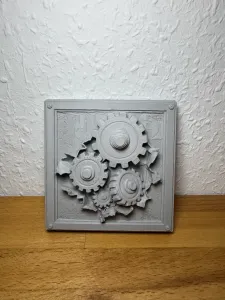

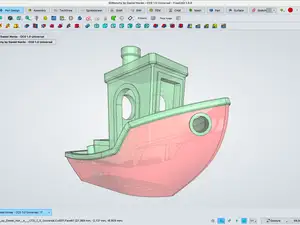


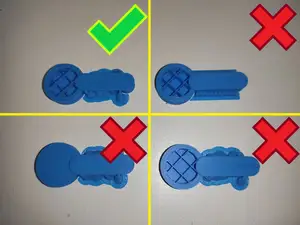
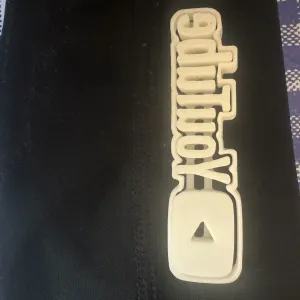







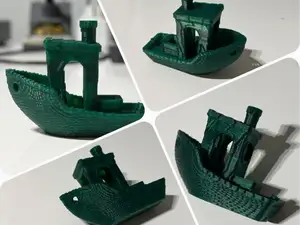


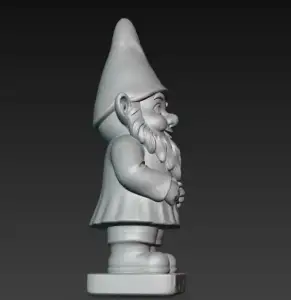

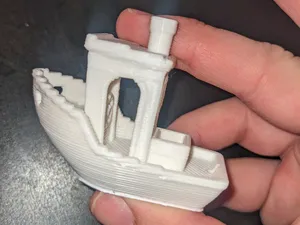
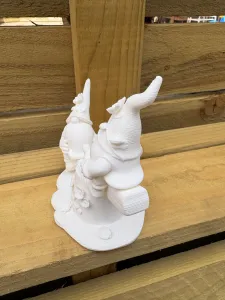






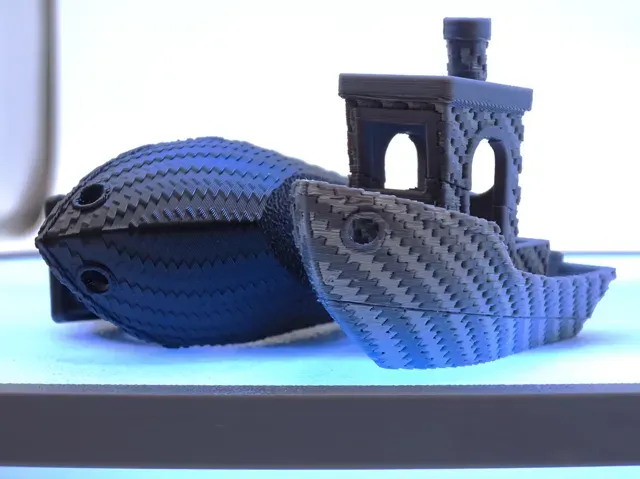
The collection covers several kinds of files. Calibration and slicer test models help you check extrusion, temperature, and retraction. Decorative vases and organic shapes focus on surface finish and vase mode. Small keychains and accessories often use simple geometry, while miniature figures and creatures may need more detailed settings.
When choosing a file, look at the size and scale, the number of parts, and whether supports are needed. Check the material and settings the author lists, and look for photos of real prints. A G-code file is tied to a specific printer and material, so review the notes before you start.
To refine your search, try terms like calibration, temperature tower, slicer test, retraction, or vase mode. You can also search by material, such as PLA or PETG, or by model type, such as keychain or miniature. Adding your printer model or nozzle size can narrow results further.
%2Fhttps%3A%2F%2Ffbi.cults3d.com%2Fuploaders%2F14087676%2Fillustration-file%2F3d9dd3da-da5d-4be3-8ac4-60c2b287ea0c%2FKickstarter_Model_1.png&w=300)



Ev ve günlük yaşamdan CNC'ye kadar tüm konuların kataloğu; bağlı sitelerin hepsinde arama yapabilirsiniz.