
Free 
Xbox One Controller Wall/Furniture Mount
Thingiverse
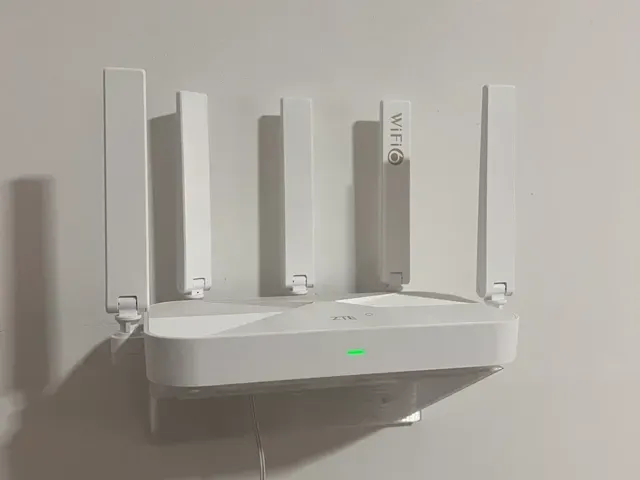
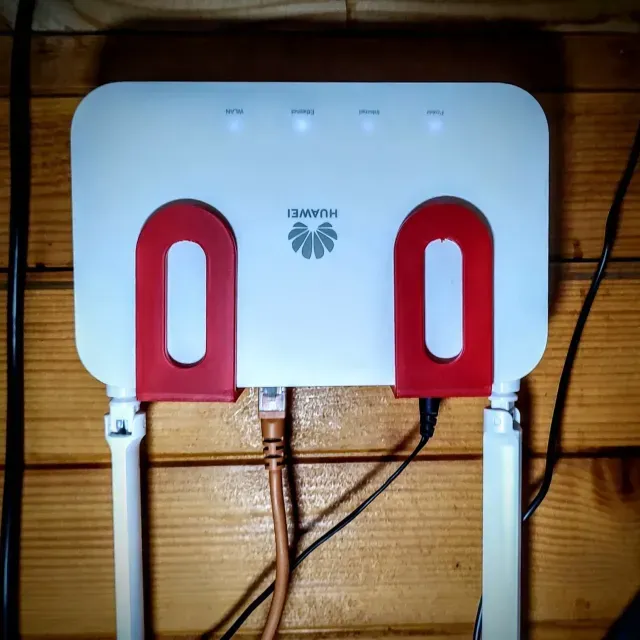
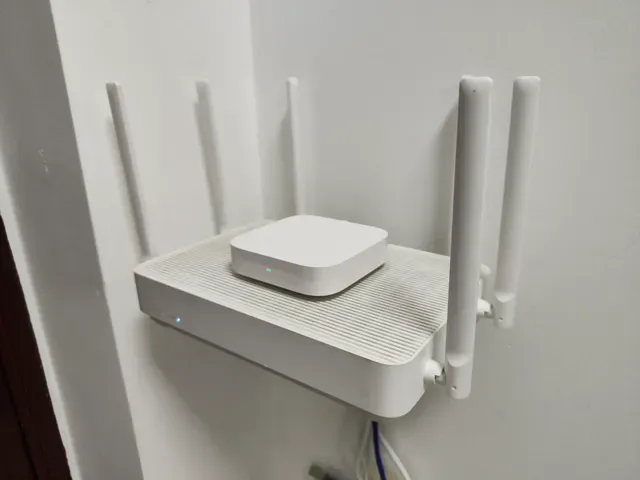
This collection covers 3D models for router baskets, wall mounts, shelves, cable boxes and charging stations. It helps you find an STL file when a router, power adapter or battery charger needs a dedicated place. The set is useful for tidying a desk, wall or network corner. Polyzon does not confirm whether models are free, their price, license, official status, affiliation, safety or fitness. Check the current terms at the source.
 A Polyzon collection · 48 models from 3 platforms
Polyzon assembles this collection from search results on the connected platforms. Repeats and models without a preview are removed, weak matches go to the end, and the rest keeps the search order. Models belong to their authors — check the terms on each model's page.
Selection rules: the Polyzon editorial team · Text updated 2026-10-13


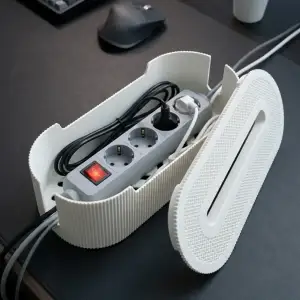

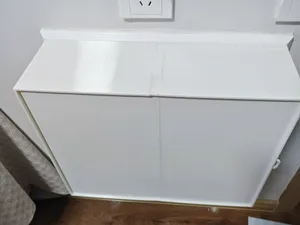
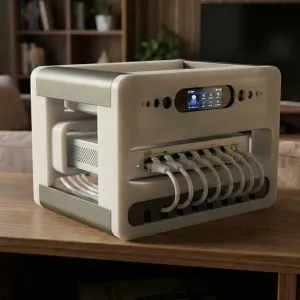

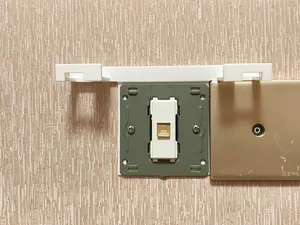
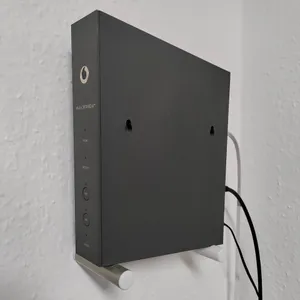

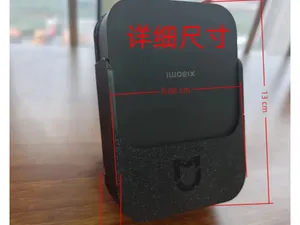
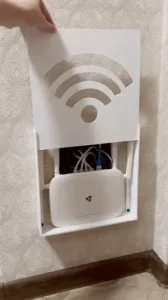

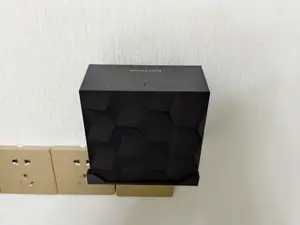
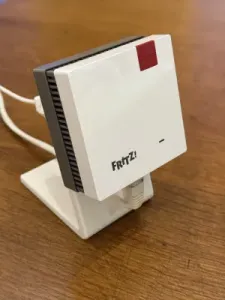

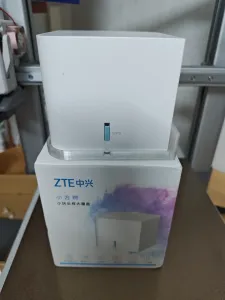
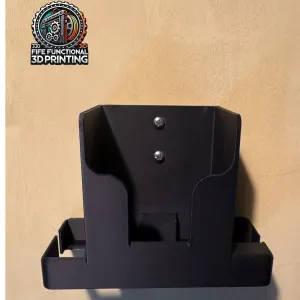

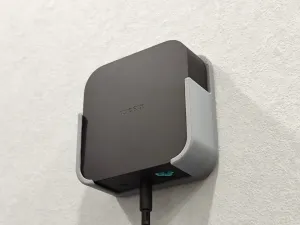
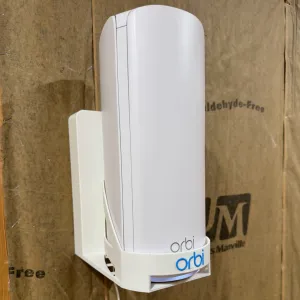

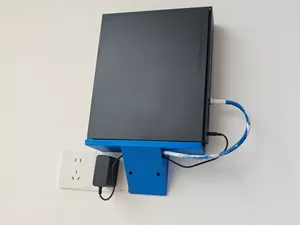
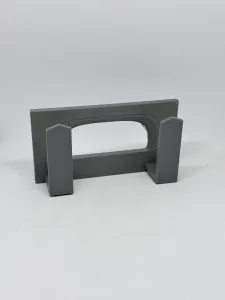

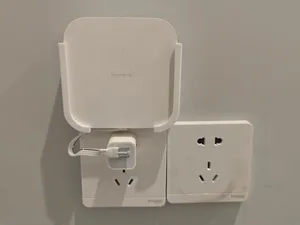
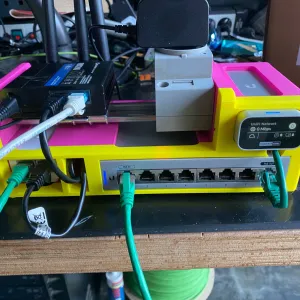

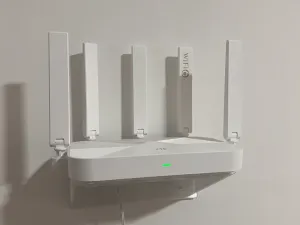
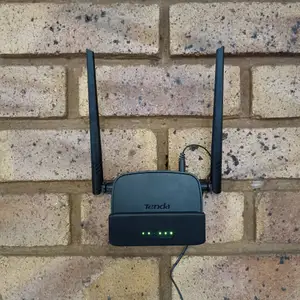

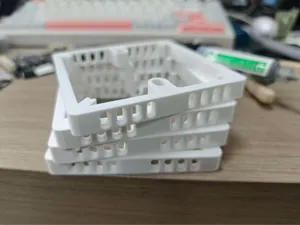


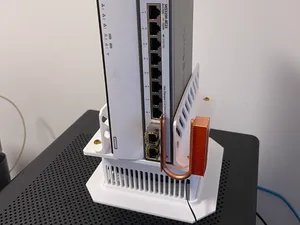
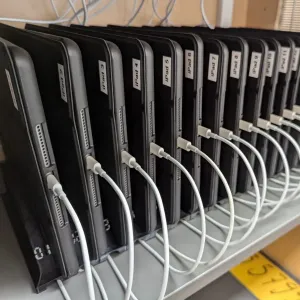

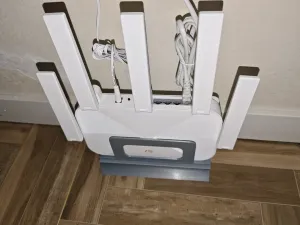
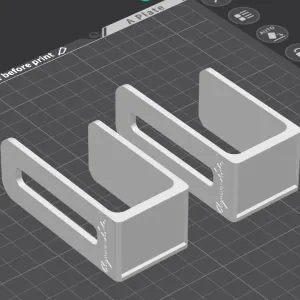

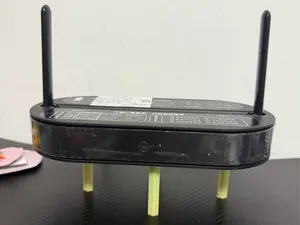
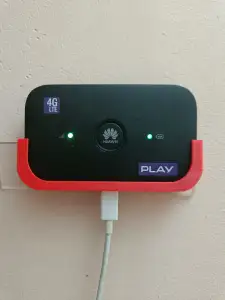

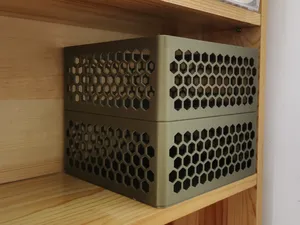
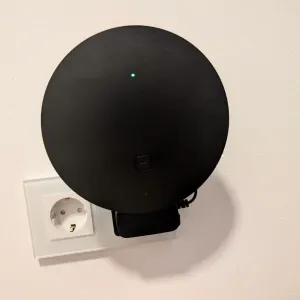
Wall mounts and brackets hold a router or gateway close to a wall or piece of furniture. Shelves and stands place the device on a surface and often leave room for cables. Cable boxes and power supply enclosures hide adapters and wiring, while charging stations and battery holders organize cells or tools. Small racks group several network devices and accessories in one frame.
When choosing a model, check the listed dimensions, the number of parts and how they join. Look at the author's notes about material, layer height and whether supports are needed. Photos of real prints show how the basket, bracket or box sits around the router and charging block. If the model has a lid or moving part, confirm the clearances and screw holes before printing.
To refine the search, try synonyms such as router holder, Wi-Fi shelf, wall bracket, cable organizer, power adapter box or charging dock. Related topics include network rack accessories, desk cable management, battery storage and wall-mounted electronics. Combining terms like router, gateway, adapter and charging station can surface models that match a specific setup.


The full catalog of topics — from home & household to CNC, searchable across the connected sources.