
Free 
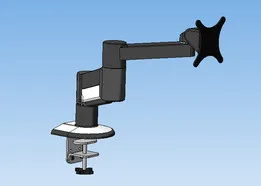
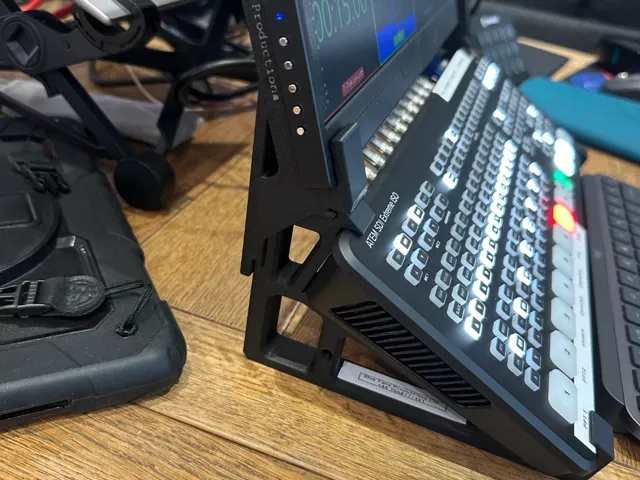
Stacked Laptop Dual Monitor Bracket
Thingiverse
This collection gathers STL files for monitor brackets, from VESA adapters to dual-arm mounts and risers. It helps you find a mounting solution for a specific screen or desk setup. Check each model page for dimensions and hardware details. Polyzon does not confirm whether models are free, their price, license, official status, affiliation, safety or fitness. Check the current terms at the source.
 A Polyzon collection · 44 models from 5 platforms
Polyzon assembles this collection from search results on the connected platforms. Repeats and models without a preview are removed, weak matches go to the end, and the rest keeps the search order. Models belong to their authors — check the terms on each model's page.
Selection rules: the Polyzon editorial team · Text updated 2026-10-12

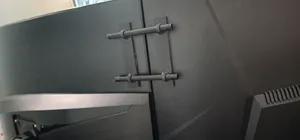


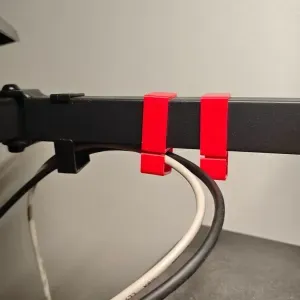


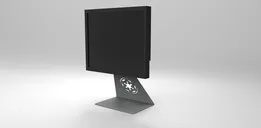

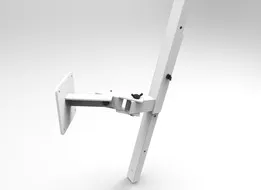
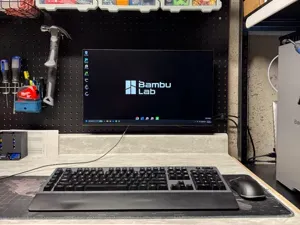

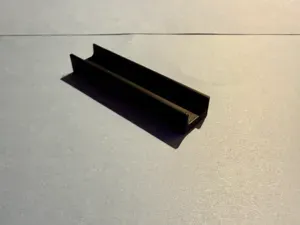

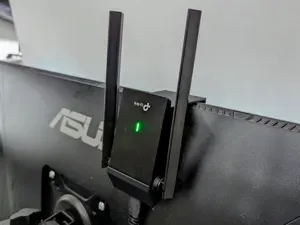
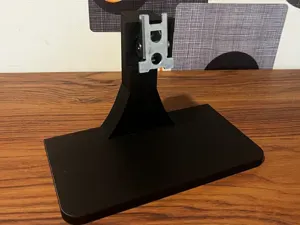


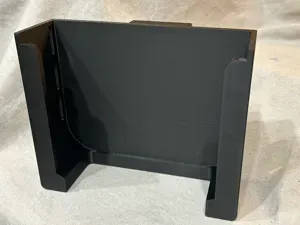

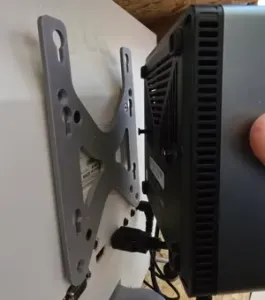

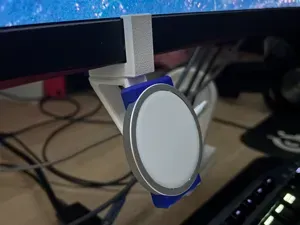
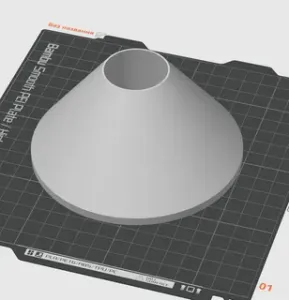

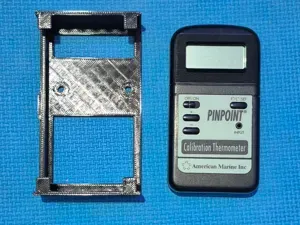


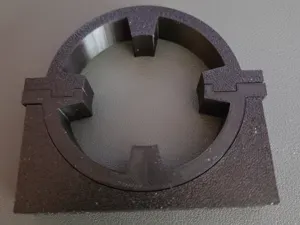

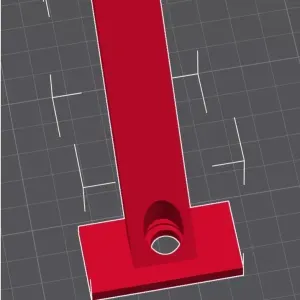

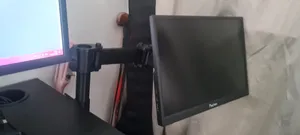




The models range from simple VESA plates that adapt a screen to an existing arm, to full desk or wall mounts with articulated joints. Some designs are risers or shelves that lift a monitor and add storage underneath. Others are small brackets that attach a mini PC, headphone hook, or camera to the back of a display.
When choosing a bracket, check the VESA pattern and the weight the design is meant to hold. Look at the number of parts, whether screws or inserts are required, and how the pieces join. For printing, the author's page usually lists material, infill, and orientation; those details affect how the bracket handles load.
To narrow results, try synonyms like mount, arm, stand, or adapter, and combine them with VESA, desk, or wall. Related topics include cable management clips, headphone hooks, and mini PC holders that share the same mounting points. If you need a specific size, search for the VESA number or the thickness of your desk edge.



The full catalog of topics — from home & household to CNC, searchable across the connected sources.