
Free 
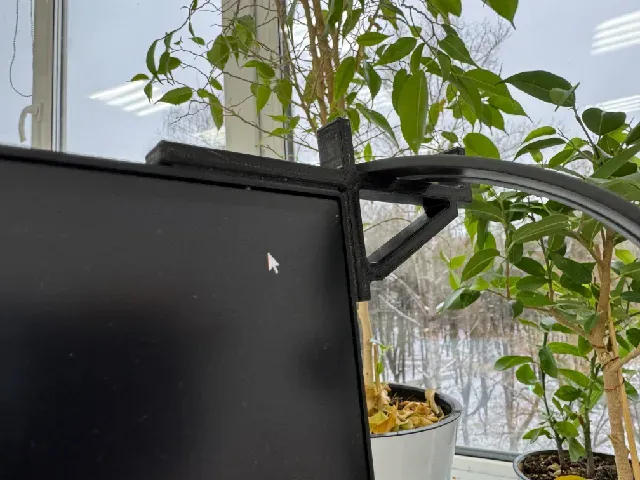
Top of Monitor Webcam Bracket
Thingiverse
This collection gathers 3D models that hold a webcam, phone or small accessory on a computer monitor. It covers top-edge clips, rear VESA plates and parametric mounts you reshape in CAD before 3D printing. The range is useful when a store-bought arm does not match your screen or desk layout. Polyzon does not confirm whether models are free, their price, license, official status, affiliation, safety or fitness. Check the current terms at the source.
 A Polyzon collection · 47 models from 5 platforms
Polyzon assembles this collection from search results on the connected platforms. Repeats and models without a preview are removed, weak matches go to the end, and the rest keeps the search order. Models belong to their authors — check the terms on each model's page.
Selection rules: the Polyzon editorial team · Text updated 2026-10-13

![MONITOR PHONE HOLDER [replacement for the webcam]](https://cache.polyzon.org/api/img?url=https%3A%2F%2Fmakerworld.bblmw.com%2Fmakerworld%2Fmodel%2FUS7597e8424de2bd%2Fdesign%2F2025-12-30_2b3438b81fc8f8.jpg&w=300)

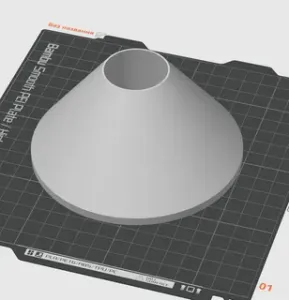


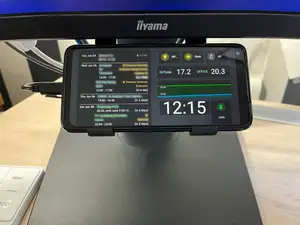
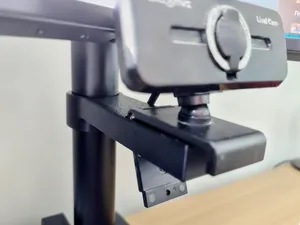


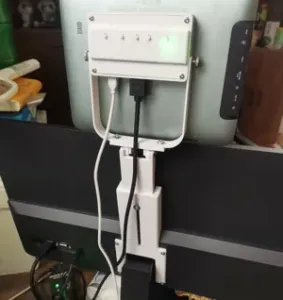

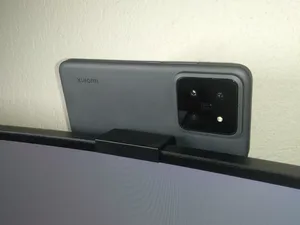
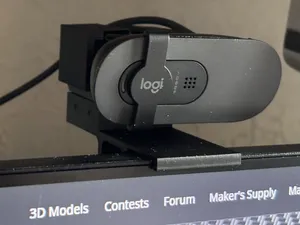

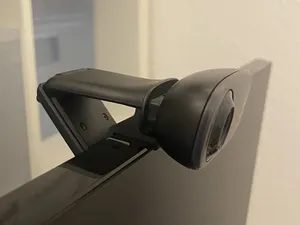
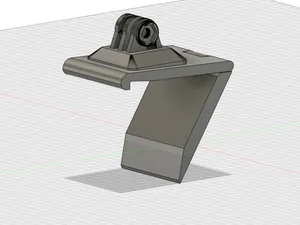
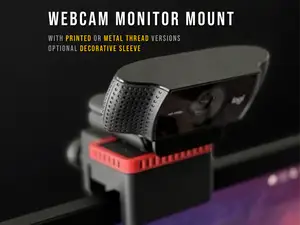

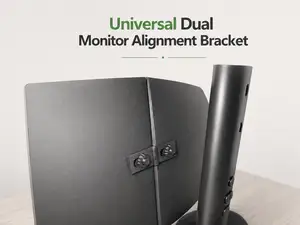

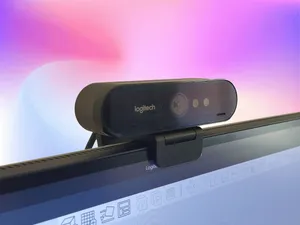
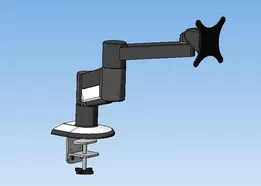


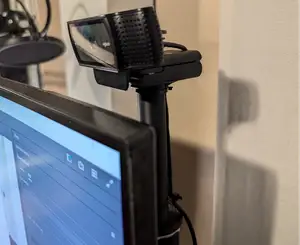

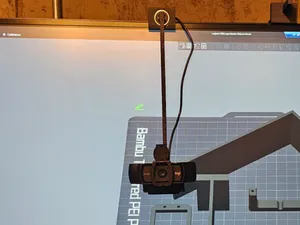

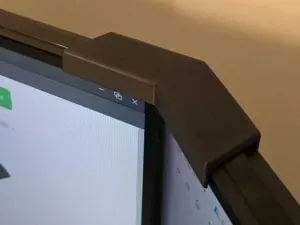
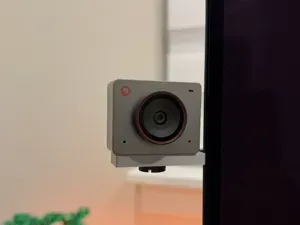


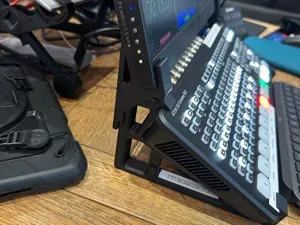
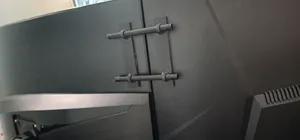
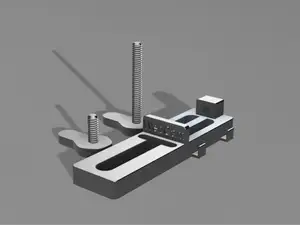


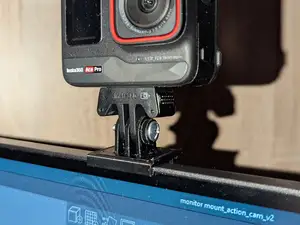
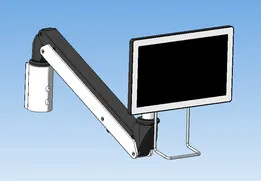
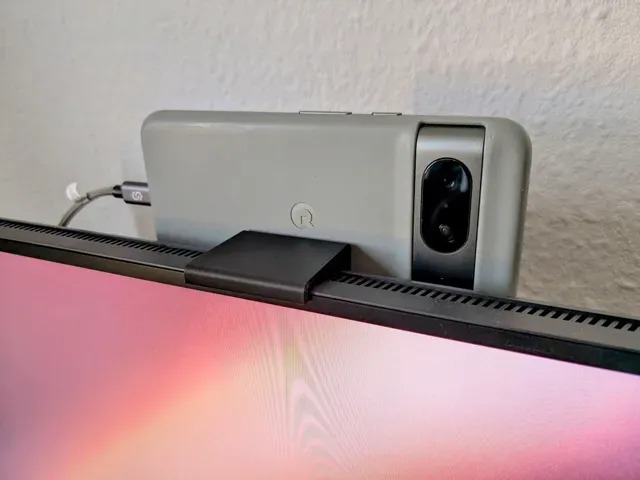
The models fall into a few groups. Top-edge brackets rest on the bezel and hang the camera above the screen, while rear mounts attach to VESA holes or the back panel and keep the front clean. Parametric versions are built to be edited, so you set the edge thickness, camera width or hole spacing yourself. A separate group replaces the webcam with a phone, and another holds headphones, speakers or cables on the same monitor.
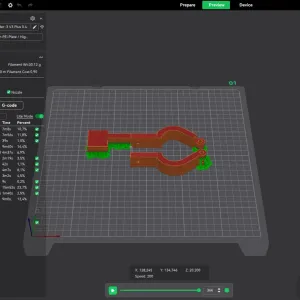
Before printing, compare the model with your hardware. Check the bezel thickness or VESA spacing the author lists, the weight the camera adds, and how the cable is meant to run. Look at whether the shape needs supports, which way it prints, and what material and settings the author notes. Photos of real prints show how the part sits on a screen better than a render does.
If the first results feel narrow, try other wording: webcam mount, camera holder, monitor clip, screen-top bracket, VESA adapter, phone stand for a monitor. Related searches such as ring light bracket, cable management clip, desk arm adapter or dual monitor setup often lead to the same family of parts. Changing the platform filter or sorting by newest can also surface remixes made for a specific screen size.




The full catalog of topics — from home & household to CNC, searchable across the connected sources.