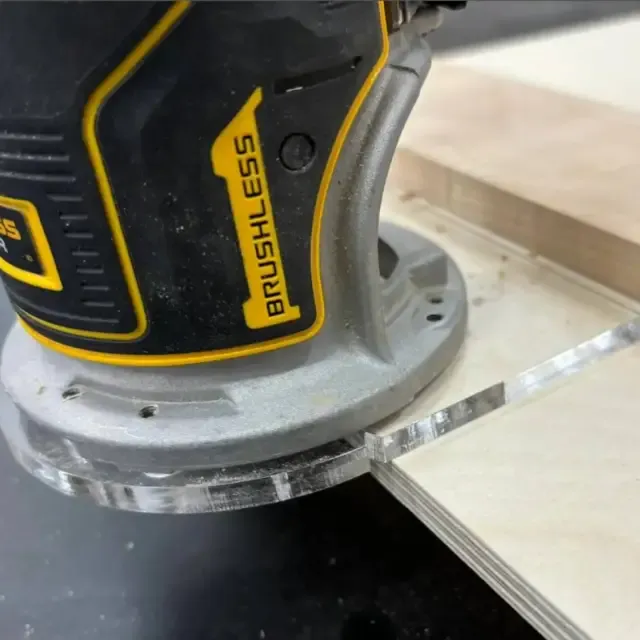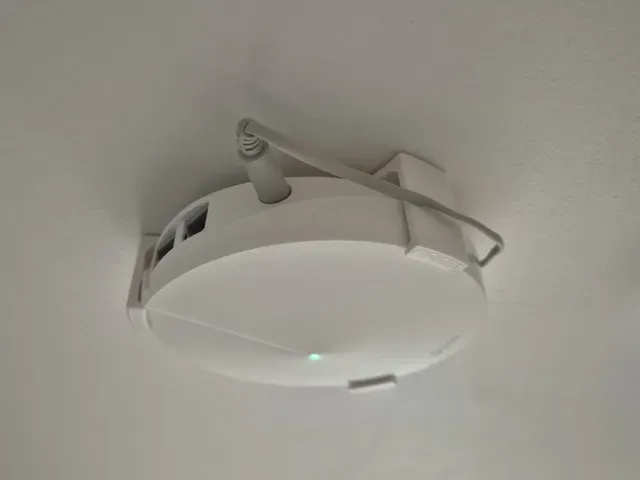

Free 
Router base for Proxxon Tool
Thingiverse
This collection gathers 3D models for mounting routers, covering both network units fixed to a wall and woodworking trim routers held in a base or bracket. The files are grouped by the job they do, so you can compare a wall plate with a replacement base before starting a 3D print. Each entry leads to the author's page, where the measurements and settings for a 3D printer are listed. Polyzon does not confirm whether models are free, their price, license, official status, affiliation, safety or fitness. Check the current terms at the source.
 A Polyzon collection · 48 models from 3 platforms
Polyzon assembles this collection from search results on the connected platforms. Repeats and models without a preview are removed, weak matches go to the end, and the rest keeps the search order. Models belong to their authors — check the terms on each model's page.
Selection rules: the Polyzon editorial team · Text updated 2026-10-12


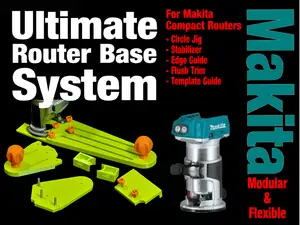
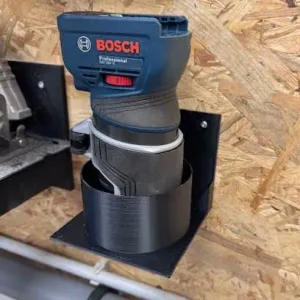

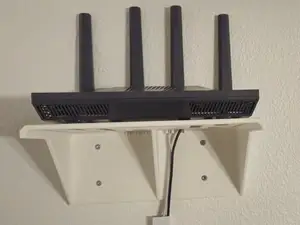
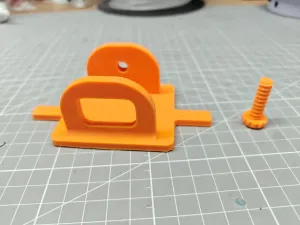

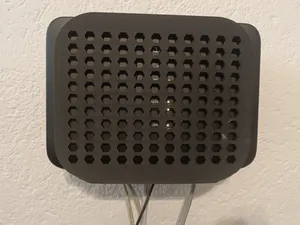
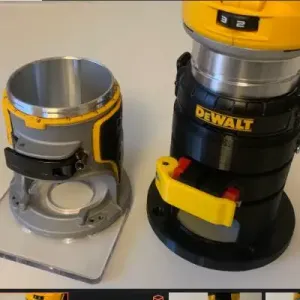

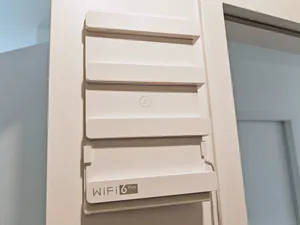
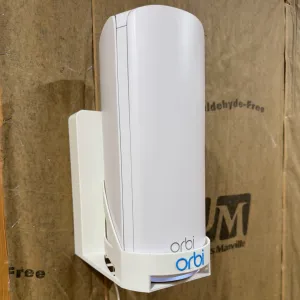

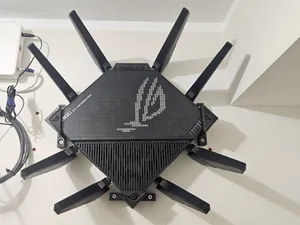
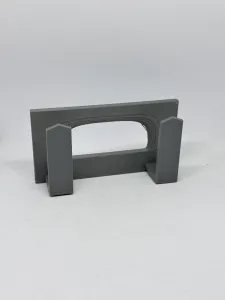

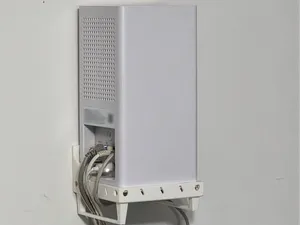
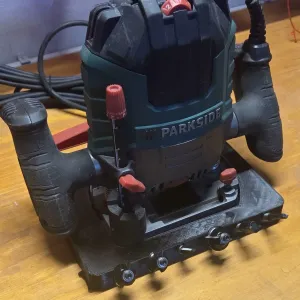

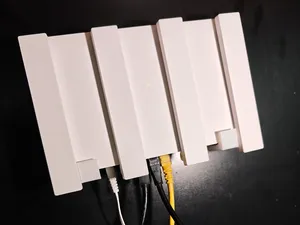
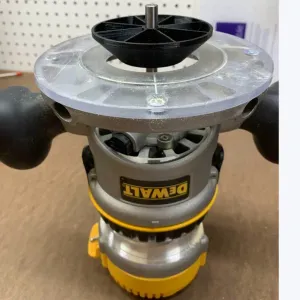

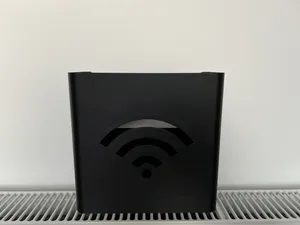
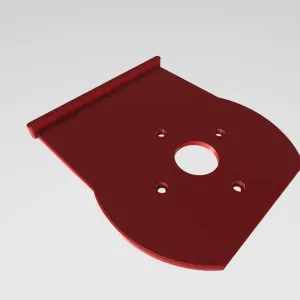

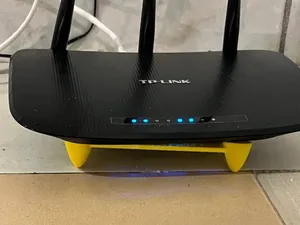
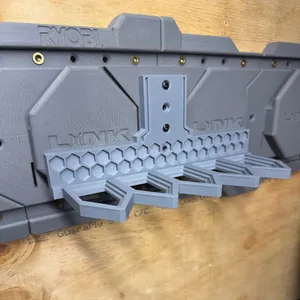

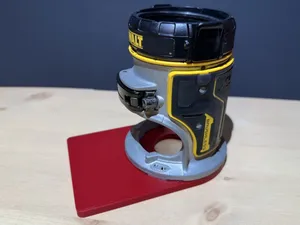
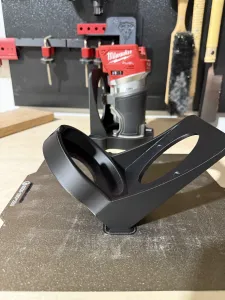

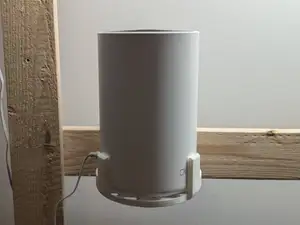

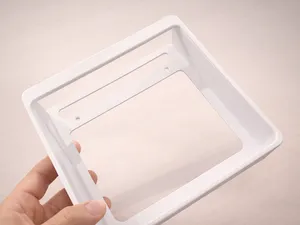
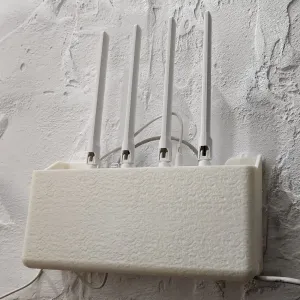

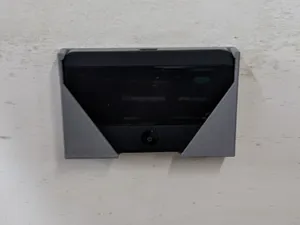
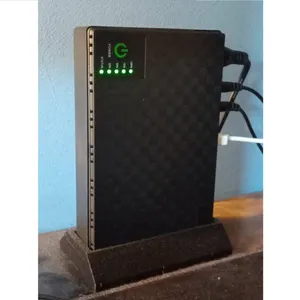


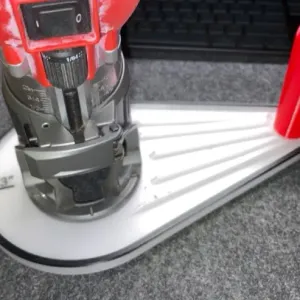
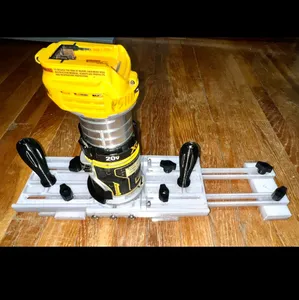
The reference shows several distinct groups. Wall mounts hold Wi-Fi routers and mesh nodes against a wall or a piece of furniture, often as a clip or a cradle. Replacement bases and base plates fit trim and palm routers, and some of them add a dust port or a track guide. A third group is brackets and inserts that clamp a router into a CNC frame or a table saw, and a fourth is small bases for rotary tools and hobby spindles.
When choosing a model, open the author's page and check the dimensions it was drawn around: the body diameter, the screw spacing and the thickness range the clamp accepts. Look at how many parts the model has and whether they are joined with screws, magnets or a press fit, and whether the geometry needs supports. The material and print settings the author lists, together with photos of real prints, tell you more than the preview image does.
If a search returns little, try other words for the same object: wall mount, bracket, holder, cradle, plate, adapter or insert. Related searches help too, such as mesh node, trim router, palm router, CNC spindle or dust port, and the tool model number you already own. Combining a mounting word with a tool or device name narrows the results faster than a single broad term.


%2Fhttps%3A%2F%2Ffbi.cults3d.com%2Fuploaders%2F50237797%2Fillustration-file%2F9d75ea1f-eae4-43cb-bfd1-24bae677735b%2F19.jpg&w=300)


The full catalog of topics — from home & household to CNC, searchable across the connected sources.