
Free 
CNC 3018 to 4030 DIY conversion
Thingiverse
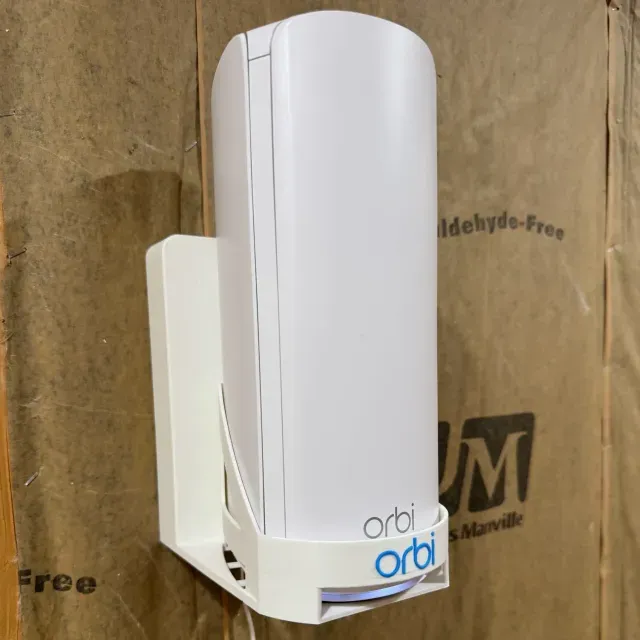
This collection covers 3D models for mounting a Keenetic Voyager Pro router: wall brackets, desk stands, and base plates with cable cutouts. You can compare how each design handles ventilation, screw placement, and access to ports before printing. The files are meant for 3D printing, so check the author's notes on scale and material. Polyzon does not confirm whether models are free, their price, license, official status, affiliation, safety or fitness. Check the current terms at the source.
 A Polyzon collection · 48 models from 3 platforms
Polyzon assembles this collection from search results on the connected platforms. Repeats and models without a preview are removed, weak matches go to the end, and the rest keeps the search order. Models belong to their authors — check the terms on each model's page.
Selection rules: the Polyzon editorial team · Text updated 2026-10-11


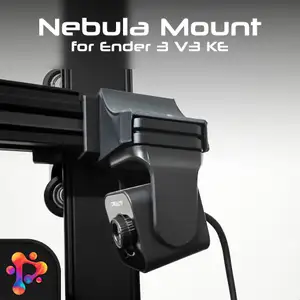


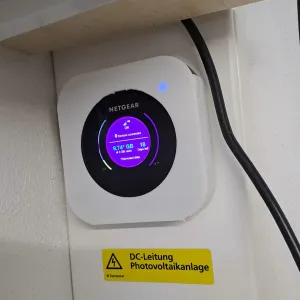

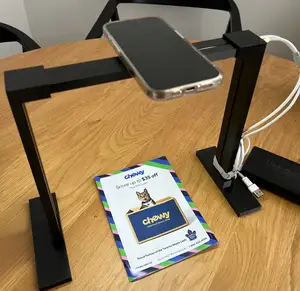
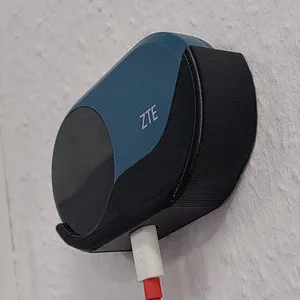

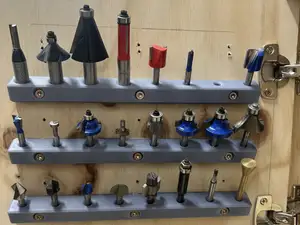



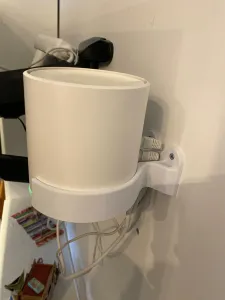

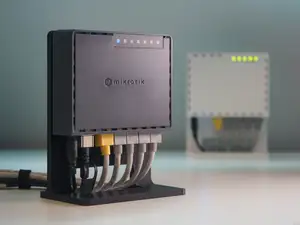
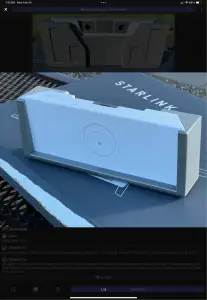


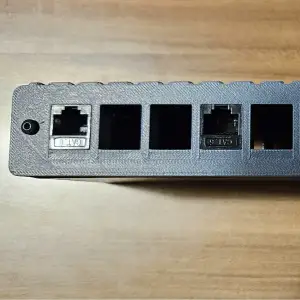


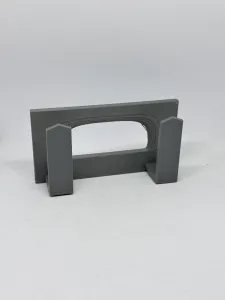

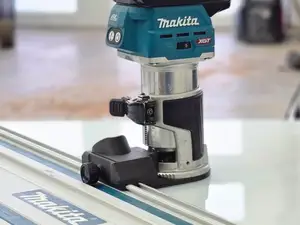


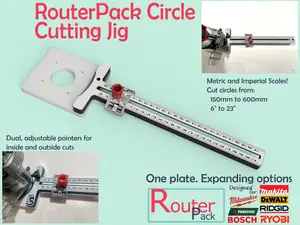


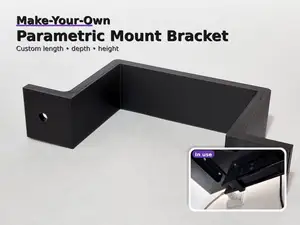
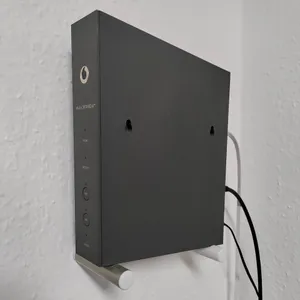

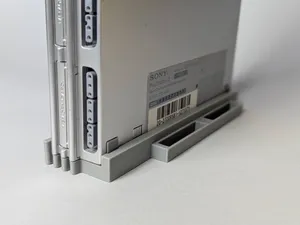
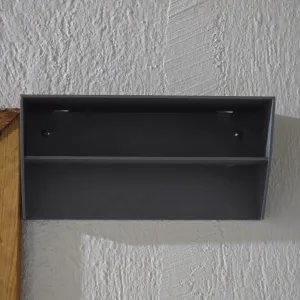


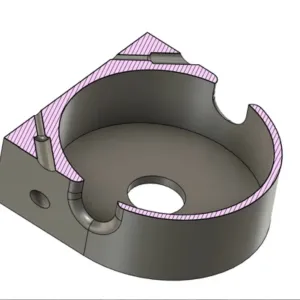

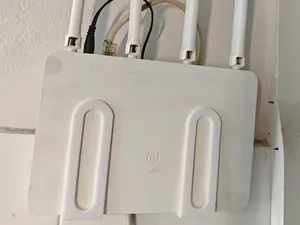
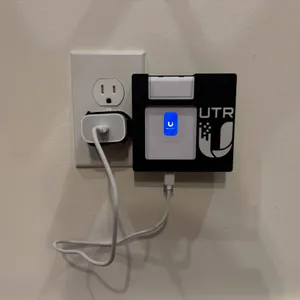

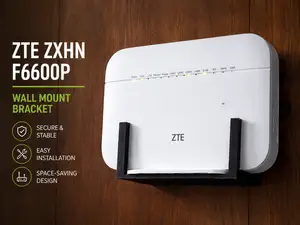
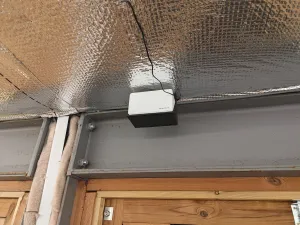
The models in this collection fall into a few practical groups. Wall brackets hold the router flat against a wall and often include screw tabs or a separate backplate. Desk stands keep the device upright on a shelf, while custom base plates match a particular router outline and port layout. Some designs add cable channels or open sides to reduce heat buildup.
When choosing a file, look at the dimensions the author lists and compare them with your router. Check the number of parts, how they join, and whether the model needs supports. The screw hole diameter and the thickness of the mounting tab matter because they affect how the base sits on the wall or desk. Photos of real prints can show how the router fits and where cables run.
To refine your search, try synonyms such as wall bracket, desk stand, holder, cradle, and base plate. Add the router model or its approximate size to narrow the results. Related topics include access point mounts, cable management clips, and under-desk brackets. If you cannot find an exact match, a generic stand or a parametric base may be easier to adapt.


The full catalog of topics — from home & household to CNC, searchable across the connected sources.