₽ 1500.00 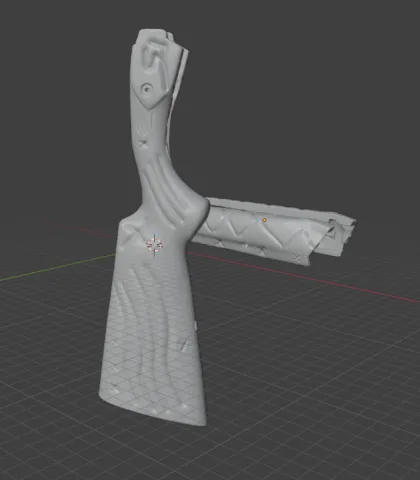
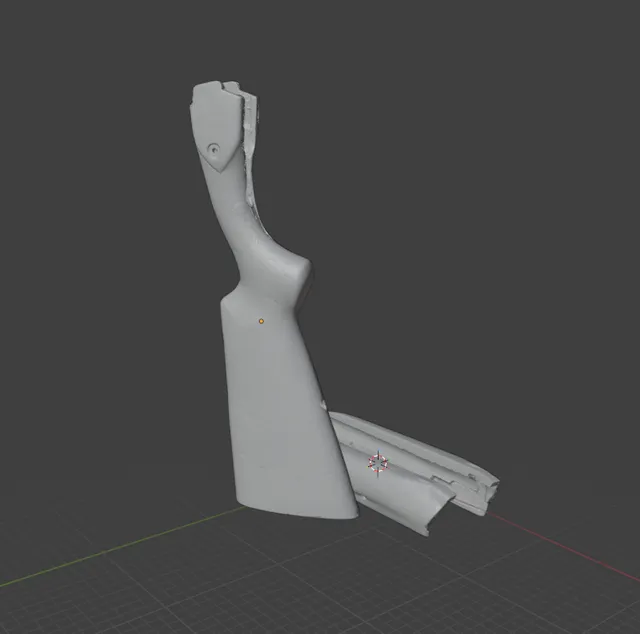
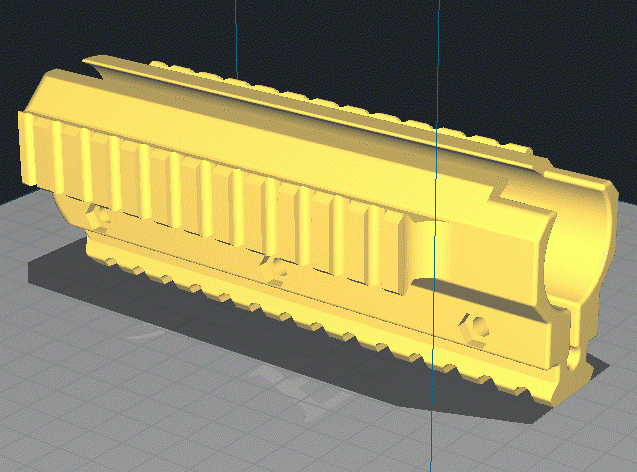
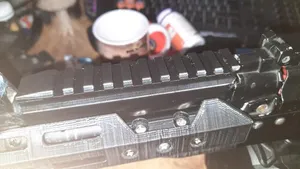
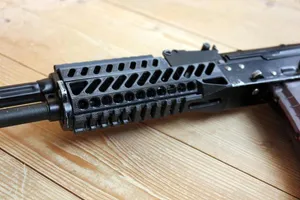
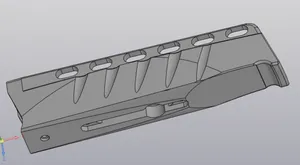
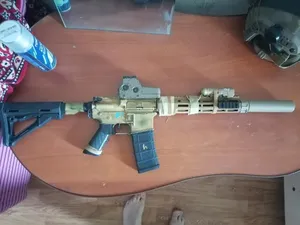
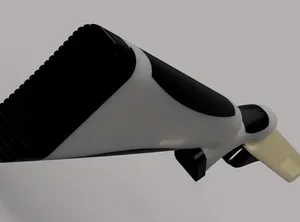
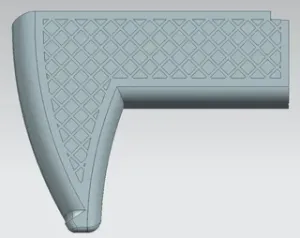
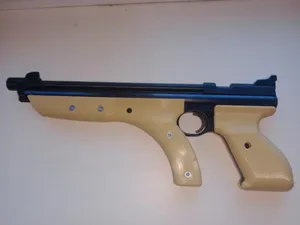
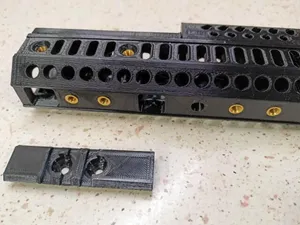
Скан модифицированный Приклад и цивье на MOZ 34 в размере 1:1
3DToday
This collection brings together STL files for gargoyle statues, dragon figures and small animal figurines, with a few functional parts mixed in. It helps when you want a decorative piece for a shelf or a desk and need to compare scale, part count and print settings before slicing. Most entries are single-piece figures, so a basic 3D printer and a little patience with supports are usually enough to start. Polyzon does not confirm whether models are free, their price, license, official status, affiliation, safety or fitness. Check the current terms at the source.
 A Polyzon collection · 48 models from 7 platforms
Polyzon assembles this collection from search results on the connected platforms. Repeats and models without a preview are removed, weak matches go to the end, and the rest keeps the search order. Models belong to their authors — check the terms on each model's page.
Selection rules: the Polyzon editorial team · Text updated 2026-10-15




%2Fhttps%3A%2F%2Ffbi.cults3d.com%2Fuploaders%2F13698105%2Fillustration-file%2Fa833c72d-287f-48f4-9f5c-1b02c1ba482f%2Ftruck4.jpg&w=300)
%2Fhttps%3A%2F%2Ffbi.cults3d.com%2Fuploaders%2F13698105%2Fillustration-file%2F4e98beb4-c6d2-42cc-b8ec-a75a79a5b3a3%2Fcover.png&w=300)






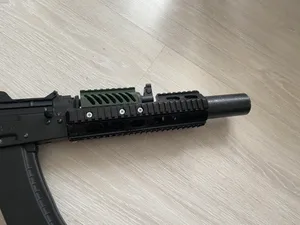
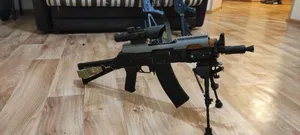
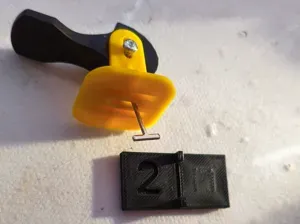
%2Fhttps%3A%2F%2Ffbi.cults3d.com%2Fuploaders%2F15225345%2Fillustration-file%2F4e23a314-e200-4952-a151-dfec1b6f6a69%2FP1030005.JPG&w=300)
%2Fhttps%3A%2F%2Ffbi.cults3d.com%2Fuploaders%2F16724812%2Fillustration-file%2Fd60892cf-035a-4416-93c1-750db140627e%2F1.jpg&w=300)

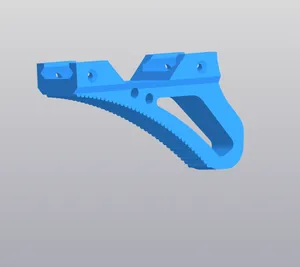
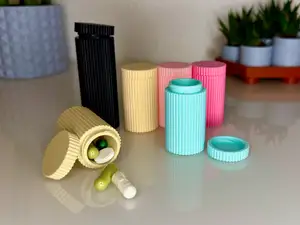
The figures fall into a few loose groups. Gargoyle and guardian statues tend to be blocky and symmetrical, often with folded wings or a seated pose, while dragon models vary from realistic sleeping animals to stylized decorative pieces. Small bird and animal figurines are usually simpler shapes with fewer overhangs, and the functional entries — grips, caps, small containers — are shaped around a specific use rather than a display pose.
Before printing, open the author's model page and read what is listed there. Check the overall size and scale, whether the file is split into several parts, and whether the pose creates overhangs that need supports. Look at the material and settings the author mentions, and at photos of real prints, since a render can hide thin walls or fragile details such as horns, wings and tails.
If the results feel narrow, try related wording. Terms like statue, figurine, miniature, ornament or desk decoration pull in different sets of models, and adding a subject such as dragon, gargoyle, deer or bird narrows things further. You can also search by use — shelf display, tabletop game, keychain — or by style, for example gothic, chibi or realistic.
Scale is the most common surprise: a figure that looks large in a preview may print only a few centimetres tall, and shrinking a detailed model too far can soften the face and wings. If a model is split into parts, plan how the pieces join and whether you want to glue, pin or print them in one go. Resin printing tends to hold fine detail on small figures, while filament printing is often chosen for larger statues that are built in sections.


The full catalog of topics — from home & household to CNC, searchable across the connected sources.