
Free 
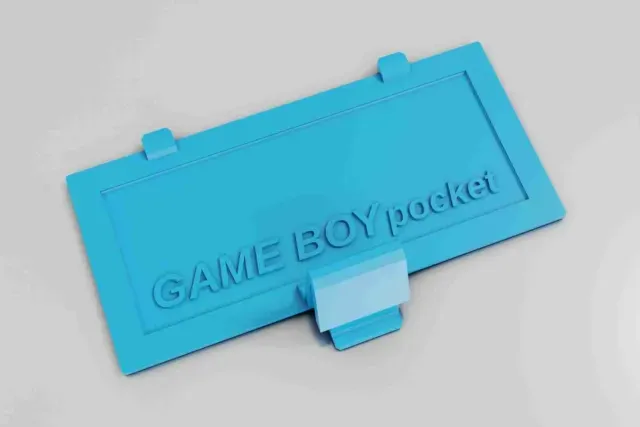
Gameboy Color Battery Cover
Thingiverse
This collection gathers 3D models that close, replace or protect battery compartments: console lids, terminal caps, holders and cases for battery modules. Most files are small, so they are a practical first project for testing fit on a 3D printer. Browsing the range helps you match a lid or cap to the device you already own. Polyzon does not confirm whether models are free, their price, license, official status, affiliation, safety or fitness. Check the current terms at the source.
 A Polyzon collection · 47 models from 3 platforms
Polyzon assembles this collection from search results on the connected platforms. Repeats and models without a preview are removed, weak matches go to the end, and the rest keeps the search order. Models belong to their authors — check the terms on each model's page.
Selection rules: the Polyzon editorial team · Text updated 2026-10-13

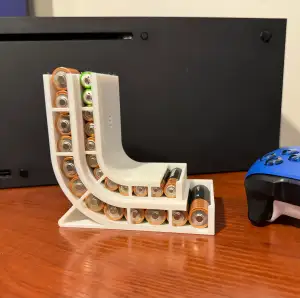

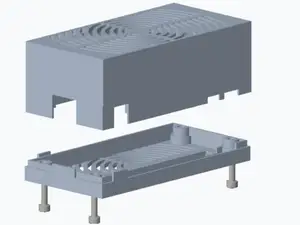
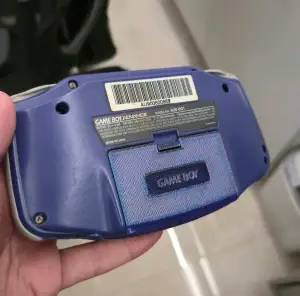

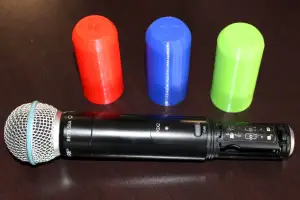




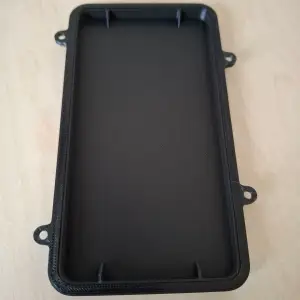

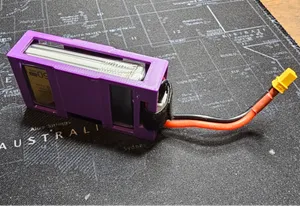
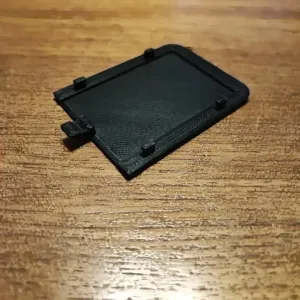

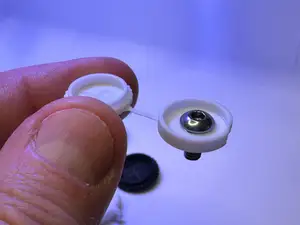
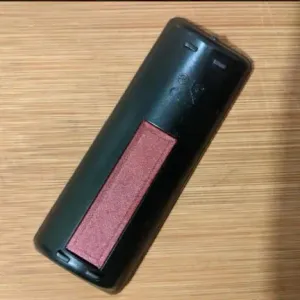

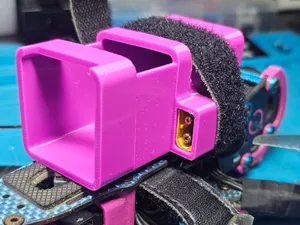
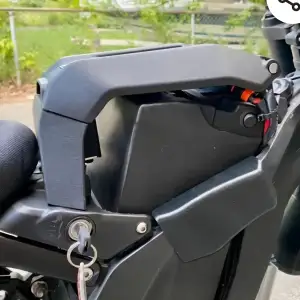

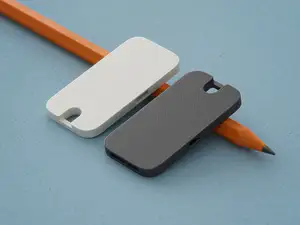
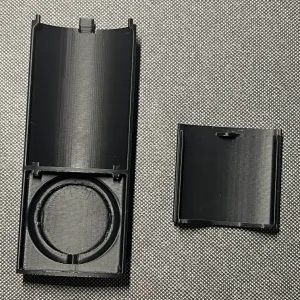

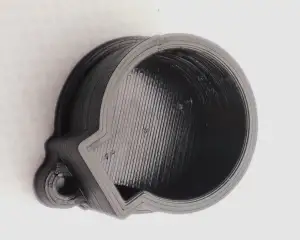

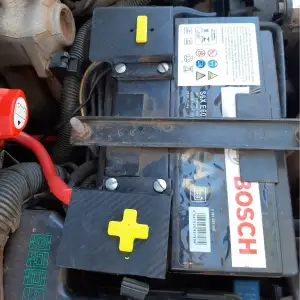

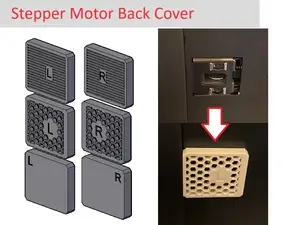
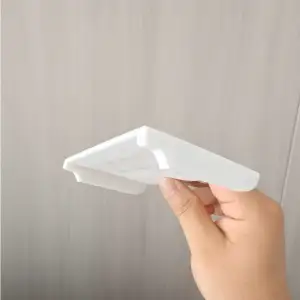


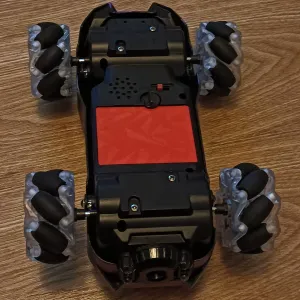

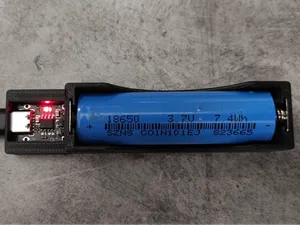
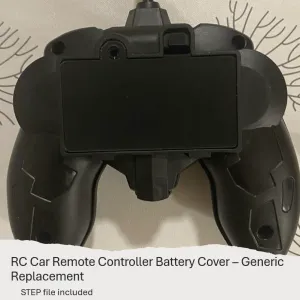
The largest group covers handheld consoles, where the original lid is often lost or broken. These parts are usually thin shells with small retaining tabs, and they differ mainly in the shape of the latch and the position of the tab that holds them in place. Other entries serve cameras, microphones, toys and streaming sticks, where the cover also has to clear a cable or a recessed compartment.
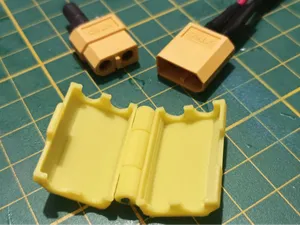
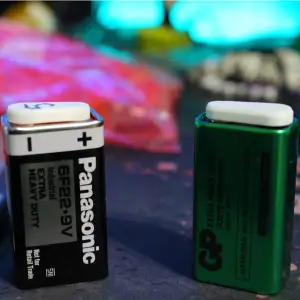
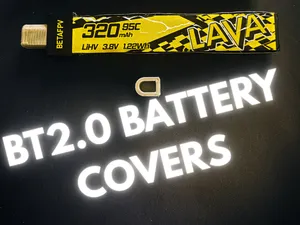
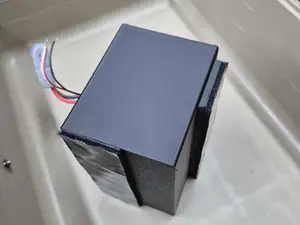
A second group deals with electrical contacts rather than compartments: caps for 9V terminals, plug covers for LiPo connectors and protective shells for battery modules. Here the important details are the inner diameter, the depth of the cavity and whether the part grips the connector or slides over it. For any of these, read the author's page for the dimensions, the number of separate parts, whether supports are needed, and the material and settings the author lists. Photos of real prints are the quickest way to judge how a thin wall or a small tab comes out.
When searching, try the words used for the same object in different devices: lid, cover, cap, shell, holder, compartment. Adding a connector type, a battery format or a device family narrows the results quickly, and swapping a term for a synonym often brings up files that a single query misses. If nothing matches, related topics such as battery trays, contact protectors or compartment doors may return a part that can be adjusted to fit.
%2Fhttps%3A%2F%2Ffbi.cults3d.com%2Fuploaders%2F14035318%2Fillustration-file%2Fb0f27cbd-b1c9-424f-ac17-f137d6d0bb81%2FIMG_7183_display_large.jpg&w=300)



The full catalog of topics — from home & household to CNC, searchable across the connected sources.