
Free %2Fhttps%3A%2F%2Ffbi.cults3d.com%2Fuploaders%2F14035318%2Fillustration-file%2Fb0f27cbd-b1c9-424f-ac17-f137d6d0bb81%2FIMG_7183_display_large.jpg&w=640)
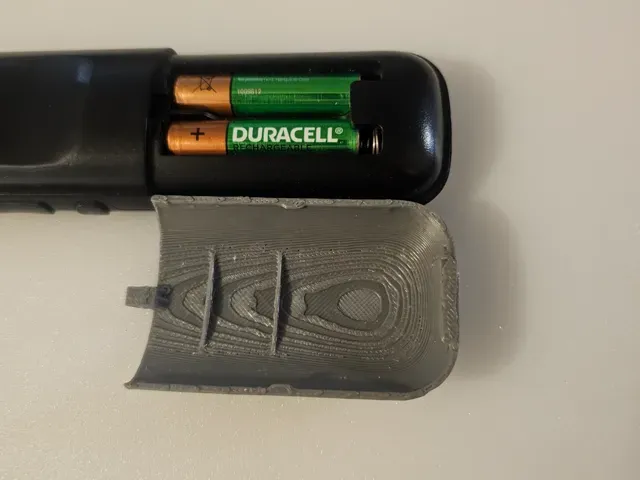
Крышка батарейного отсека Nintendo GameBoy
Cults3D
This collection gathers STL files for battery compartment covers, lids and terminal caps across handheld consoles, remotes, tools and battery packs. It helps you find a starting point when an original cover is missing or damaged. Use the subtopics and tags to narrow the list before opening a model page. Polyzon does not confirm whether models are free, their price, license, official status, affiliation, safety or fitness. Check the current terms at the source.
 A Polyzon collection · 48 models from 6 platforms
Polyzon assembles this collection from search results on the connected platforms. Repeats and models without a preview are removed, weak matches go to the end, and the rest keeps the search order. Models belong to their authors — check the terms on each model's page.
Selection rules: the Polyzon editorial team · Text updated 2026-10-10




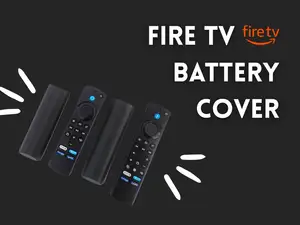
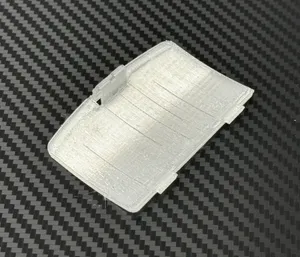
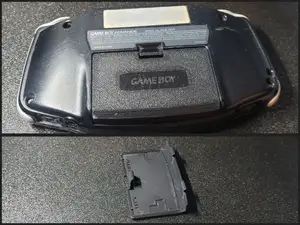


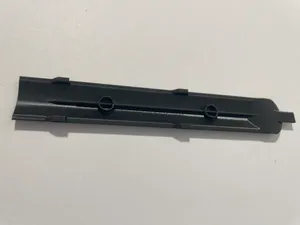
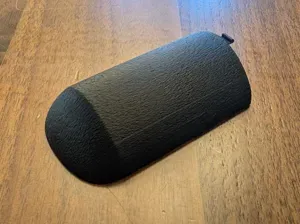
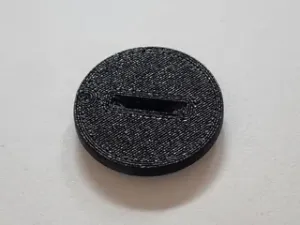
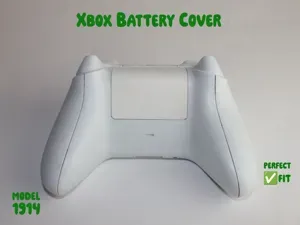

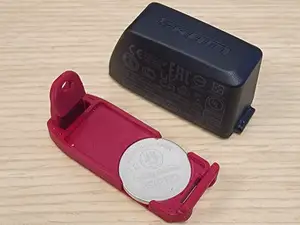
%2Fhttps%3A%2F%2Ffbi.cults3d.com%2Fuploaders%2F13436207%2Fillustration-file%2Fde40b7d2-bd8b-4421-92c4-4b17423e2308%2FBattery%2520Cover%2520for%2520Shure%2520beta%252058A%2520-%2520PGX2_C3D.jpg&w=300)

%2Fhttps%3A%2F%2Ffbi.cults3d.com%2Fuploaders%2F13709210%2Fillustration-file%2Fdc23e5f9-f9b9-4da9-a94c-645bc4663eb7%2FDSC_0263_display_large_display_large.jpg&w=300)
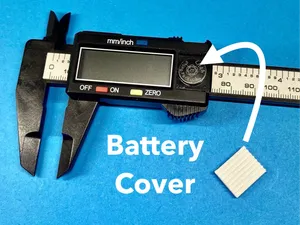
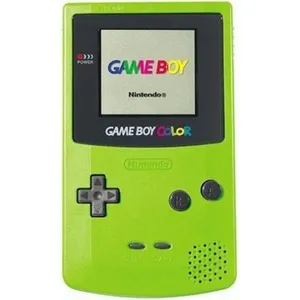
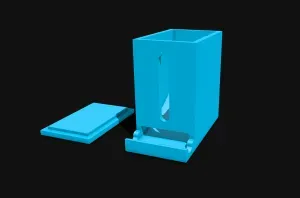

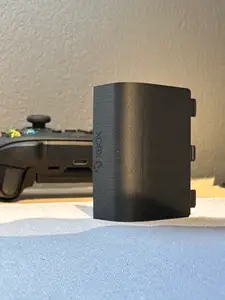
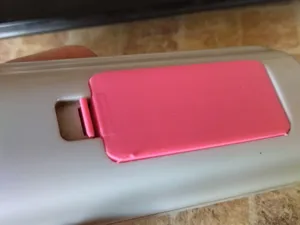

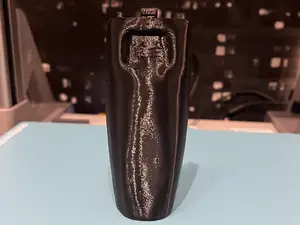


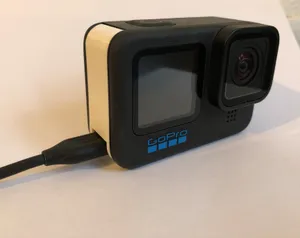
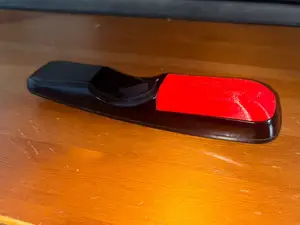


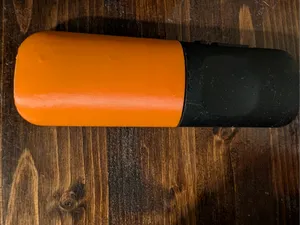
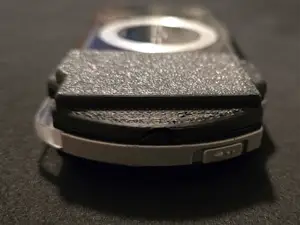


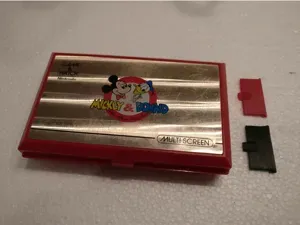


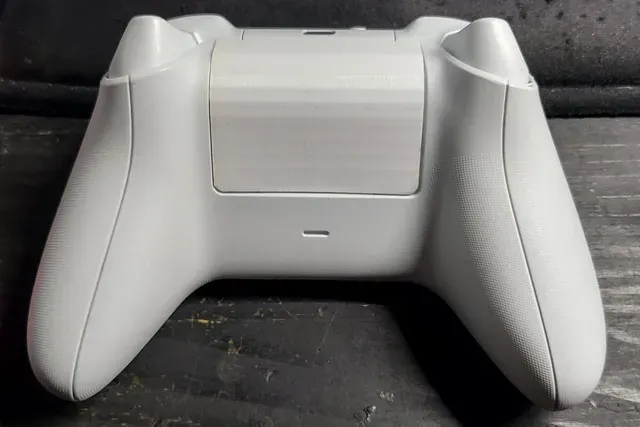
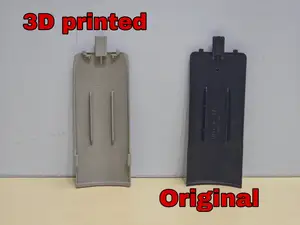
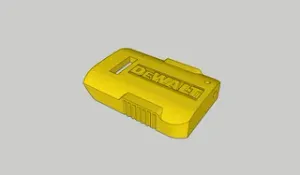
The models range from small sliding lids for handheld consoles to screw-on caps for battery terminals and larger panels for tools or scanners. Some are simple flat covers, while others include clips, tabs or recessed areas for cells. Terminal caps often have openings for wires or connectors, so they differ from full compartment doors.
Before printing, compare the model dimensions with the device opening and the battery type you plan to use. Check the number of parts, whether the author shows the cover installed, and which material and settings are listed. Look at photos of real prints to judge wall thickness, fit around latches and how the cover sits after assembly.
To refine the search, try synonyms such as battery door, battery lid, battery hatch, terminal cap or compartment panel. Add the device type or battery format to the query, for example handheld console, remote, power tool or 9V cell. Related topics include battery holders, dummy cells, contact covers and enclosure parts.




The full catalog of topics — from home & household to CNC, searchable across the connected sources.