
Free 
Improved flat xLCD cover for Prusa MK4(S)/MK3.9(S)/MK3.5(S)/XL/Core One(+/L)
Printables
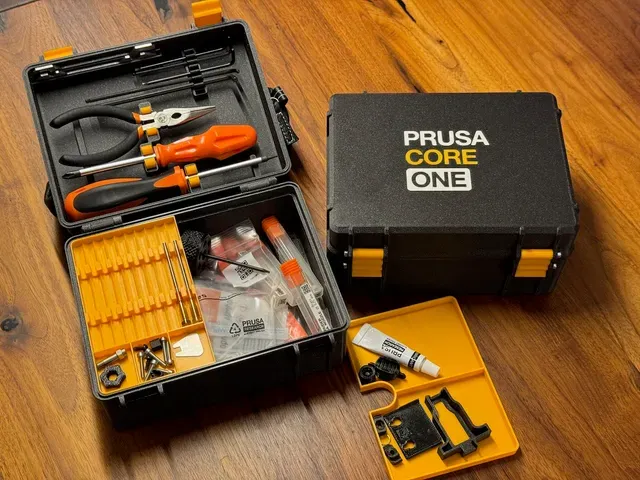

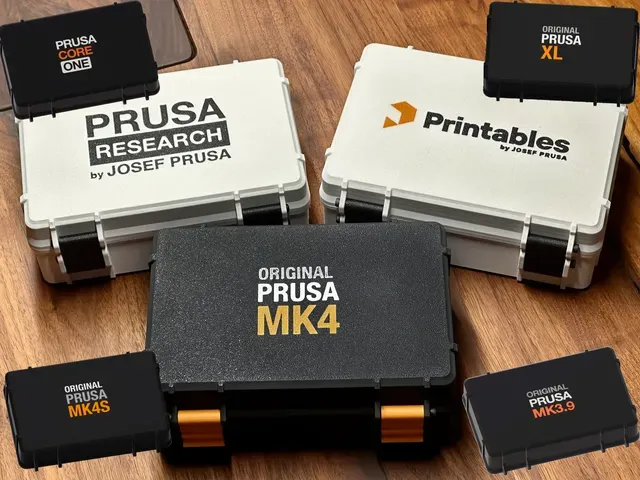


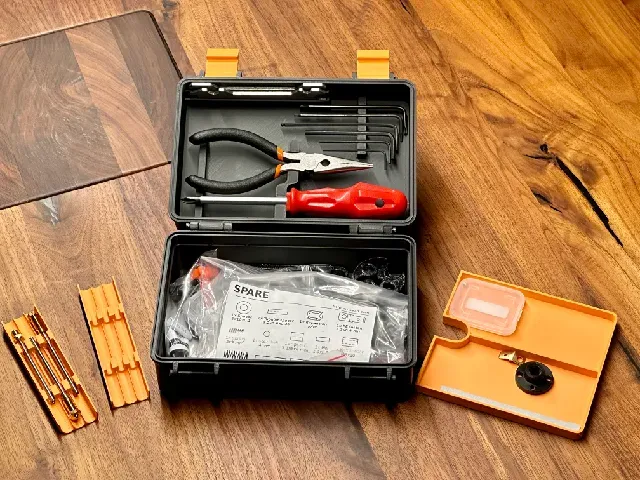
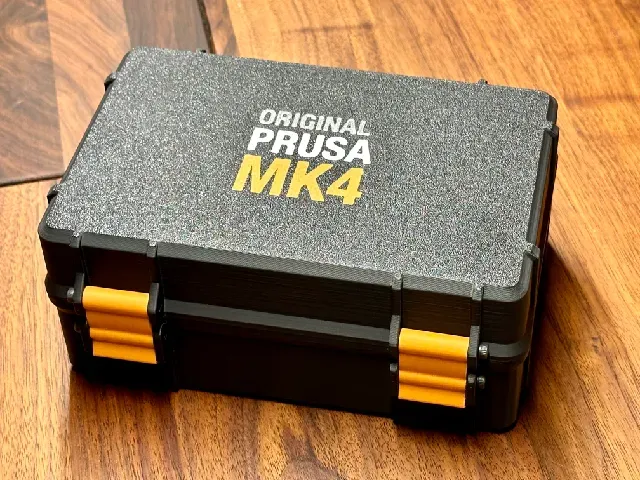
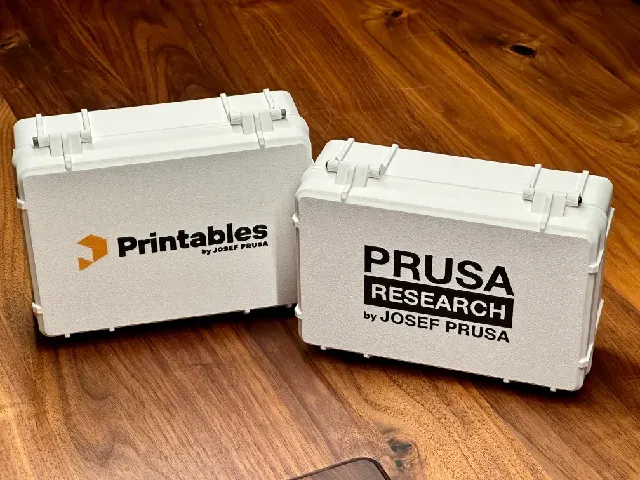
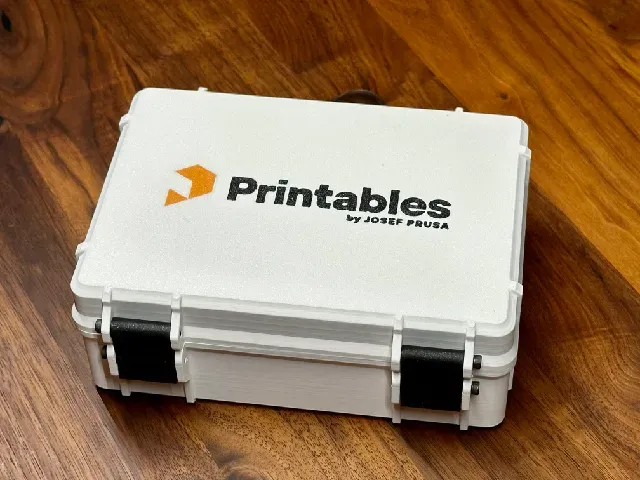
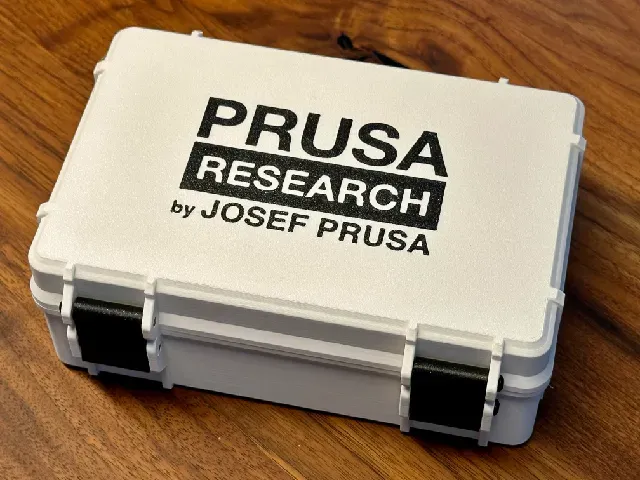
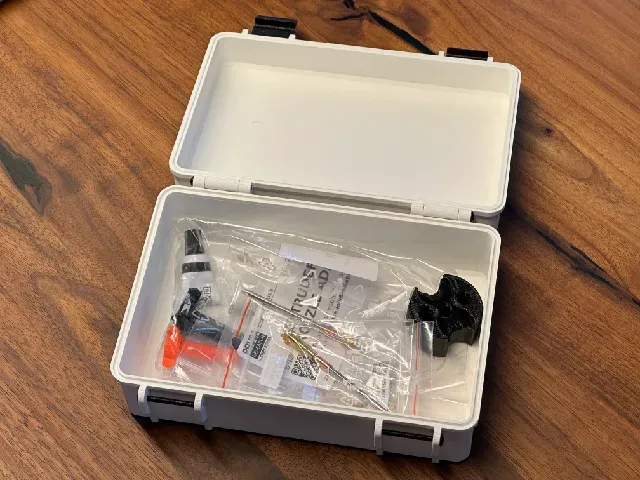
V2 for Prusa CORE ONE L, CORE ONE +, XL and MK4S now available!
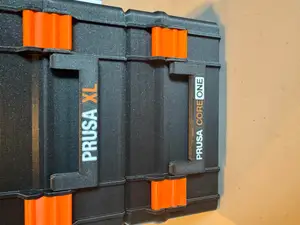
This is a remix of the Rugged Box from Whity with six different Prusa versions
Changelog for V2 - available for Core ONE, Prusa XL and MK4S
- Updated size of the box
- Updated all tool holders - spring loaded now and replaceable if worn out
- Increased from two to three layers for for the logo to prevent color bleeding
- Added holder for the Torx screwdriver
- Holder for Allen Keys can be taken out of the box as a set
- Easy multicolor print without MMU - print profile for Core ONE included - manual filament swap. Acknowledge the wrong Filament notification with OK when the print starts.
- Swap order: black, white, orange, black, white, black, orange, black
- Cut the tips of the unloaded filament if it looks ugly
Prusa Logo Version & Tools for:
Tools Version - all delivered tools and spare parts fit in it, including six Nextruder Nozzles (based on MK4 delivery)
- Prusa CORE ONE
- Prusa CORE ONE+
- Prusa CORE ONE L
- Prusa XL
- Prusa MK4S
- Prusa MK4
- Prusa MK3.9
- Prusa MK3.5
- Prusa MK3S
- Prusa MINI+
- Prusa MINI
Prusa Logo only version for:
- Prusa MK4
- Prusa XL
- Prusa MINI
- Prusa MK3S
- Prusa Research
- Printables
You can mix the Boxes and the Lids of the different versions. Use a logo-only version and use the tools box version. Or use the tools lid version with the normal box.
You can print this with a single extruder with manual filament changes, or MMU (or Bambu AMS). I included a Prusa Slicer Project file for the MK4 with InputShaper with manual filament change. You can easily adapt this to any other printer.
Colour change order for manual swaps of the Prusa_Prusa MK4 Tools Box Lid.3mf:
1. Background first (Black) 2. Prusa (White) 3. Original (grey) 4. MK4(S) (Orange).
Then it repeats for the second layer in the same order, but you don't need to do orange since it will do that first on the second layer.
5. Background (Black) 6. Prusa (White) 7. Original (Grey) 8. Rest of the lid (Black)
You can also check the colour order in the slicer preview.
My STLs/3MF box measures:
- Box size: 105x165mm





Names are used only to indicate the source of a result. Polyzon is not affiliated with the listed sites.